
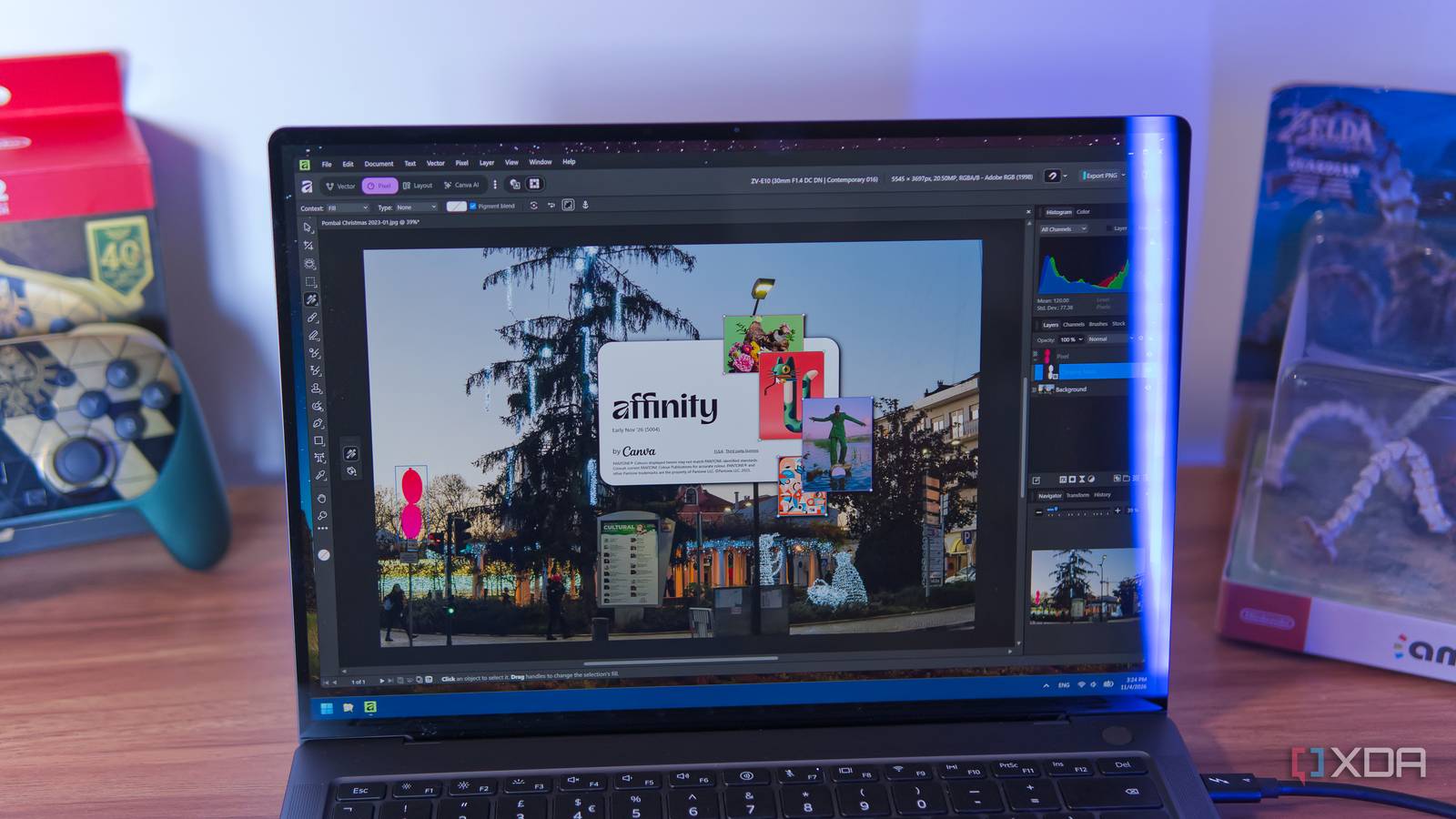
Published Nov 4, 2026, 4:00 PM EST João has been covering the tech world for over 7 years, with a heavy focus on laptops and the Windows ecosystem. I also love all things tech and videogames, especially Nintendo, which he's always happy to talk about. Prior to joining XDA in 2021, he worked at Neowin: https://www.neowin.net/news/poster/jo%C3%A3o-carrasqueira/ Adobe's Photoshop has long dominated the graphics editor market, to the point where any signs of artificial edits in photos are called out as being "photoshopped". It wasn't until a few years that a company called Serif entered the market with its Affinity suite, presenting a rival to Photoshop that offered a one-time payment model instead of an expensive subscription, a lot of features, and a user-friendly UI. But a year ago, everything changed. Affinity went mostly free to use following an acquisition by Canva, and whereas it might have been harder to recommend before, it's now the Photoshop replacement I'd recommend to everyone on Windows or macOS (and soon enough, even Linux). Free, with some caveats AI is the selling point Affinity's big advantage over Photoshop has always been its pricing structure. Prior to adopting its current "freemium" model, Affinity was sold as three separate apps — Photo, Designer, and Publisher — which could be bought individually or as a bundle that would cost around $165 for a lifetime license (outside of sales). At the time, the cheapest Photoshop plan cost $10 per month, so it would only take under a year and a half for Affinity to become the cheaper option. Still, it was a big upfront cost. Now, Affinity is a unified app and the vast majority of existing features are free to use. Instead, Canva Pro subscribers can get access to a range of AI-powered features from Canva, including things like motion blur reduction, depth estimation, and more. Notably, the basic segmentation model that allows for automated object selection still works with the free version. Canva does require you to sign in with a free Canva account to use Affinity, but that's a much lower barrier to entry for most people, myself included. And that alone makes it easy to recommend over Photoshop. It does everything Including developing RAW photos I may refer to Affinity as a Photoshop replacement, but in reality, this unified app can do a bit more than simply raster-based image editing. For one thing, it supports vector graphics editing, too, and while I don't often use this to its fullest extent, but it is nice to be able to open an SVG file and rasterize it at whatever resolution I want easily. More importantly to me, Affinity also includes the ability to load up and develop RAW photos, with almost all of the controls I expect coming from Adobe Lightroom. I can change exposure, brightness, black levels, saturation, and more, along with applying lens corrections with built-in profiles, fixing chromatic aberration, and defringing object edges. It's true that Lightroom usually does a better job out of the box, and it took me some time to really get the hang of Affinity's controls by hand. But what's great about it is that it lets me create presets, so once I nailed the right look for my photos, I could save those settings and automatically apply them to every photo going forward. A recent update to Affinity also makes it possible to load your last-used settings when opening a RAW file, which makes things even easier. It's great to be able to do all this in a single, free app, because normally, these features require multiple apps. Photoshop does handle RAW files through the included Camera Raw plugin (though I still use Lightroom), but when it comes to other free apps, you're often stuck with tools that aren't really made to play into each other. I'd have to use GIMP for the layer-based editing and Darktable for developing RAW photos, which is just not the best workflow. Affinity makes things much easier. A user-friendly UI It's actually easy to understand and use Perhaps the biggest advantage of Affinity over the many free alternatives to Photoshop, though, is that it's actually usable. I may be exaggerating for comedic purposes there, but I've tried launching GIMP many times in the past, even the version 3.0 that supposedly made things much more user-friendly, and I've simply never been able to get along with its UI. Especially if you're coming from Photoshop, the interface in GIMP just doesn't quite click. Tools aren't where you'd expect them to be, and icons don't always make it obvious what each one does. One top of that, they may not always behave the way you'd want them to. Affinity's UI isn't a direct clone of Photoshop, but it definitely feels much more familiar the second you launch it. All the tools are laid out vertically in a side bar, and a small arrow in the corner shows additional options for each one, replicating almost all of there features of Photoshop. The only time I ever really struggled with Affinity was understanding how to use clipping masks, which seem to work differently from Photoshop, but otherwise, things have been smooth sailing. Tools like GIMP also rely heavily on plugins for features you might expect to be built in, which is where the object selection tool comes in. A lot of the work I do in Affinity or Photoshop is selecting an object from an image and copying it onto a different background, or simply removing the background entirely. Doing this feels impossible in GIMP, and I've heard it can be made much easier with a dedicated plugin, but I simply don't want to have to do that kind of research. In Affinity, all I have to do is open the app's settings, install the segmentation model, and it can automatically detect the main subject in most images. Refining the selection is much easier, too, because the selection brush continues to detect colors and edges as you use it, snapping to the edges of objects. It's not as good as Photoshop, it's true, but it's leaps and bounds ahead of any free alternative. And yes, I am familiar with the ArtCraft suite, but I will be discounting vibe-coded clones of proprietary software until it's proven that companies like Adobe don't have legal grounds to take these projects down entirely. It's not perfect yet But it's getting there Affinity is easily the best free Photoshop alternative, but that's not to say it's perfect at everything it does, and in particular, I wish its RAW development tools improved. For one thing, I'd still like to see automatic adjustments as an option, even though saving my last-used presets does make things much easier already. I also prefer how Lightroom offers separate controls for shadows and blacks, as well as highlights and whites. It may sound similar, but it provides a little more granularity that makes it easier to get the perfect result. More importantly, though, I wish Affinity would provide a dedicated UI that handles RAW photos more smoothly. Right now, it acts more similarly to Photoshop, where any file you open is its own project, and loading up the RAW files as separate projects is just kind slow. I have to limit myself to opening six or so images at a time so it doesn't freeze to the point of crashing on my Mac Mini. With Lightroom, I can browse my files directly and edit them one-by-one without taking so load to load all of them in full-size at once. I can also export multiple JPG files in one go, making it that much easier to edit photos in bulk. It's the main drawback with Affinity for me, but not enough for me to prefer any free alternative over it. The best Photoshop alternative Affinity is easily the best replacement for Photoshop, and considering it's free to use, there's no question that it's the way to go. And seeing as it may be getting a proper Linux release soon, it's that much easier to love. If you need an advanced image editing program and don't want to spend money, this is it. Even if you do have money to spend, I would consider exploring this before springing for Photoshop. Affinity OS Windows, macOS Developer Serif (Canva) Cost Free (optional paid subscription)
Affinity has been free for a year now, and it's the Photoshop replacement I'd recommend to anyone
Full Article
Original Source
Read the full article at Xda-developers →KhanList aggregates and links to publicly available news content. We do not host full articles from third-party sources. Always verify important information with original sources.