
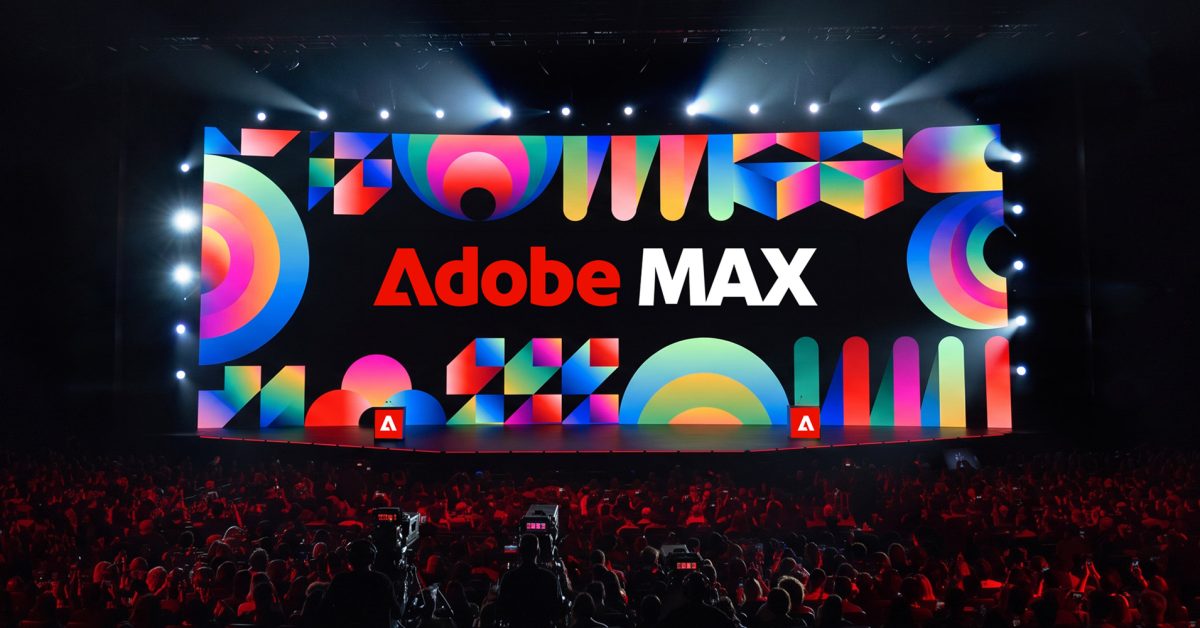
Adobe today announced a sweeping set of updates at its annual Adobe MAX conference, focused on giving users more ways to automate complex workflows, edit content, and work across its creative apps. Here are the details. At the Adobe MAX event today, the company unveiled a series of features, many of them AI-powered or AI-assisted, that will begin rolling out across its suite of creative platforms as early as today. Photoshop In Photoshop, the new Relight tool offers a way to non-destructively and dynamically add, reposition, and resize light sources in the composition, while Generative Restylelets users** prompt the platform to generate variations of an image’s style and fine-tune the results using adjustable sliders. Photoshop is also adding a Quick Compare slider to make it easier to track before-and-after results, and is getting several features in the beta app, including, per Adobe: Mockups to quickly and intuitively composite an image or design onto an object or surface with realistic results. Camera Angles (beta) to explore new viewpoints of an entire image through direct, on-canvas interactions. Generative Recompose to reposition an image and its related elements into a new aspect ratio while maintaining the structural composition without manual editing. Convert to Text Layers to extract text from a flattened image and turn it into a fully editable type layer. Timelapse to capture and share your entire creative process. Remove Ambient Effect Only to remove distracting atmospheric effects like lens flare, haze, or stray shadows or reflections, without removing any objects. Following its acquisition of Topaz Labs, Adobe is also introducing two new AI image enhancement models: Wonder 4, which combines upscaling, denoising, deblurring, and sharpening into a single operation, and Image HDR, which converts standard images into HDR with improved brightness and detail. Premiere and Lightroom Adobe Premiere is also getting generative tools that make it easier to prepare raw files for a project, including Enhance Audio, Separate Crosstalk, and Separate Sound Source. Adobe is also adding a Generative Remove tool to Premiere in beta, “bringing you the power to remove unwanted objects, like boom mics and logos or background distractions, directly on your timeline,” says the company. Premiere is also getting Color Mode, a new color-grading tool starting today, which “supports everything from quick corrections to more advanced grades while keeping your video as the focus.” Another interesting tool making its way into Premiere is Generative Media Tool. Here’s Adobe: The Generative Media Tool brings Generate Video, Generate Sound Effects, Generate Soundscape and Generate Music directly into your timeline in Premiere. You can generate missing b-roll, background music or sound for a scene using context from your edit, then keep refining the result in your timeline. You can also choose from Adobe Firefly and models from partners including Google, Kling, Runway and Luma based on the creative needs of your project. As for iPhone users who rely on Premiere Mobile, Adobe announced that its newly established partnerships with UMG and WMG will bring hundreds of thousands of licensed music tracks to the app (for non-commercial use) starting today, with users able to explore trending songs, discover featured artists, and create videos using artist-inspired templates. Here’s Adobe: Starting today, creators can: Find a song that fits the moment: Explore hundreds of thousands of licensed tracks, including music from artists like Olivia Dean, Noah Kahan and more. Tap into what’s trending: Discover popular tracks, browse featured artists and explore the music people are listening to now. Get inspired by the music: Start with artist-inspired templates tied to the songs, artists and cultural moments you love. Premiere mobile is also getting agentic tools soon, including Quick Cuts, which generates a first cut based on the user’s prompt and the materials they add, and an AI Assistant, which helps users find the right editing tools and execute tasks based on natural language instructions. In Lightroom, the company is adding multiple new tools that make it easier to edit or more quickly fix small imperfections. That includes Glow, which “adds soft, cinematic light to your photos,” Blemish Removal for quick skin fine-tuning, Open Eyes in beta, and an improved and expanded Camera Tethering on Desktop and the iPad, with support for more cameras and advanced shooting controls, plus the ability to connect cameras directly to an iPad for live previews and photo editing. Illustrator and InDesign Adobe is adding new brushes, gradients, patterns, and graphic styles to Illustrator, alongside new Blend controls, which “make it easier to develop and refine designs with a persistent control panel and live preview,” per the company. As for InDesign, a new Co-editing feature, available in beta, streamlines collaborative work, while the new Flex Layout tool dynamically adjusts content based on the canvas size and artwork. InDesign is also getting Check Document and Rewrite that more quickly “help identify common editorial and accessibility issues while you’re still working.” MCP integration While it will not launch until 2027, this feature will enable users to connect Photoshop, Illustrator, Premiere, and After Effects to the AI tools and agents they already use. In practice, this will mean connecting Photoshop to ChatGPT and having them work in tandem to adapt an entire campaign based on new artwork you develop and attach to your prompt. This integration will also account for other connected tools, so the user can ask ChatGPT to make edits, add new files to a Google Drive folder, update the team on Slack, and so on. Here’s Adobe on the upcoming MCP integration: Because it runs locally on your computer, your agent works directly in your native project files, and your layers, vectors, bins and sequences stay editable. The company notes that MCP integrations will enter private beta in early 2027, and users can sign up here to learn more. Adobe Firefly According to Adobe, Firefly is getting even better at helping users organize and edit their raw material for tasks such as turning travel clips into a vlog, creating social media campaigns, or assembling videos from storyboards. The new Firefly Video lets users organize scenes, assemble clips, add captions, and generate transitions and B-roll, while Firefly Design brings illustration, image editing, animation, and 3D tools into a single canvas. Adobe is also adding Quick Actions for common editing tasks, Firefly Graph for creating reusable workflows, and Firefly Builder (in private beta) for prototyping websites and apps using natural language. Firefly’s AI Assistant is also getting new capabilities, including Plan Mode, which lets users review and approve an agent’s proposed actions, and Model Selector, which lets them choose which AI model to use. Adobe is also previewing Always-on agents, which can handle recurring tasks such as organizing assets, checking quality, and preparing content for different platforms in the background, even when users step away. Adobe Creative Agent Adobe is also expanding its Creative Agent across Creative Cloud, with AI Assistants now available in beta in Illustrator, Premiere, InDesign, After Effects, and Frame.io, as well as the Photoshop beta app. These assistants allow users to execute complex, multi-step tasks using natural language prompts. In Premiere, for example, users can ask the assistant to apply effects to an entire sequence, track subjects across frames, or adjust color and exposure across multiple clips. To learn more about these and other features announced at Adobe MAX today, stay tuned to the company’s blog. Worth checking out on Amazon Apple HomeView Apple TV 4K (2026) | Siri Remote (2026) Apple Watch Series 12 | Ultra 4 AirPods Pro 3 | AirPods 5 AirTag (2nd Generation) – 4 Pack MacBook Neo Logitech MX Master 4 FTC: We use income earning auto affiliate links. More.
Adobe unveils new AI tools for Photoshop, Premiere, and more, with MCP support coming in 2027
Full Article
Original Source
Read the full article at 9to5mac →KhanList aggregates and links to publicly available news content. We do not host full articles from third-party sources. Always verify important information with original sources.