
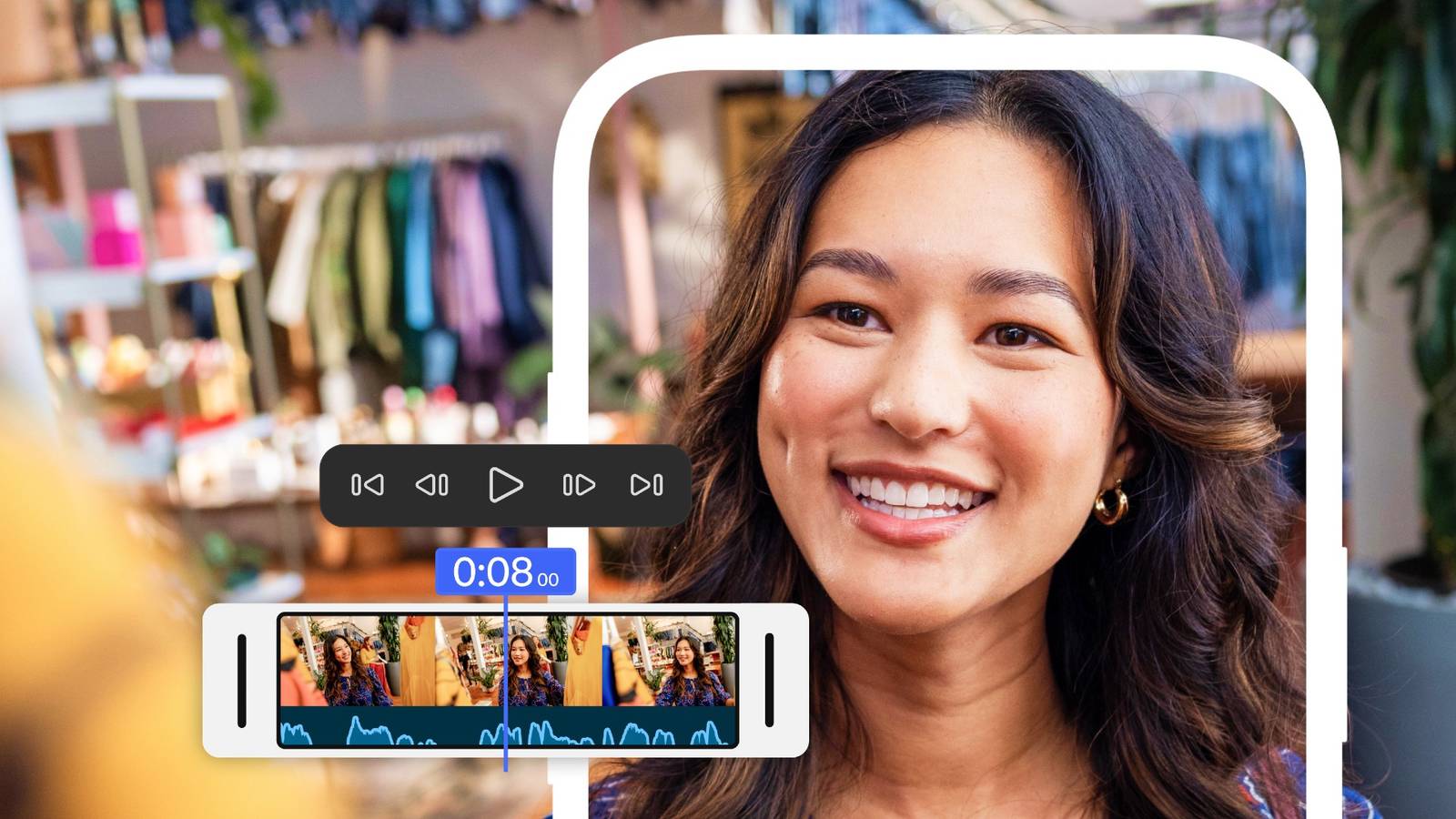
Credit: Adobe Published Sep 22, 2026, 10:58 AM EDT Jon is a seasoned journalist who has written definitive coverage of consumer tech at publications like Engadget, Android Authority, and BetaKit. He's an expert on making tech accessible ranging from mobile and PCs to emerging platforms like wearables. When he's not writing, he's going on adventures with ihis family and is an avid photographer. Sign in to your How-To Geek account You no longer have to get an iPhone to use Adobe's flagship video editor on your smartphone. Almost a year later, Adobe has released Premiere for Android as a free editor for anyone serious about mobile video production, albeit with limits. Like its iOS counterpart, the Android version offers multi-track, per-frame video editing, automatic captioning, a slew of free assets (including imagery and music), and "studio quality" dialogue through a single-tap Enhance Audio feature. You can use Firefly generative AI to turn pictures into video, fill gaps, and produce sound effects. However, requires an Adobe account and either a Creative Cloud subscription or an $8 per month ($70 per year) generative AI plan. Keyframing, cropping, "enhanced" captions and Adobe Fonts are coming in the future, the company says. Adobe pitches the app as ideal for sending videos to social networks like Instagram and TikTok, and a team-up with YouTube lets you publish clips directly to Shorts. This is a rival to TikTok's sibling app CapCut, Instagram Edits, and other quick mobile editors. Its centerpiece for some creators might be its upcoming sync with the desktop-only Premiere Pro. You can edit a rough cut on your Android phone and finish on your computer, or make a last-minute edit on the road without carrying a laptop. You'll again need a Creative Cloud subscription to take advantage of this feature. The launch will also mark a transition on Android. Adobe is sunsetting Premiere Rush on September 30, a year after pulling it from mobile app stores. Should I use Adobe Premere on Android? It's not for everyone As powerful as Premerie's multi-track editing is on Android, it's not a full-fledged replacement for Premiere Pro. You won't have color grading, masking, custom motion graphics, and the other features needed for movie-level production. That's also true for the iPhone app and many other video editors, but worth remembering. This is, however, a strong option if you wnat more than the basic editing that's typically included with your Android phone or available from third-party apps. There are already alternatives like LumaFusion that sometimes have more features, but Adobe is clearly counting on a familiar experience — particularly if you already use Premiere Pro. This also gives Android fans a technically superior equivalent to iMovie, Apple's own editor on iPhones and iPads. While that app is also free, it revolves around a simpler magnetic editing timeline instead of a multi-track workflow. You now have an easy way to upgrade your video production on both platforms using one of the best-known tools on any system.
Adobe Premiere finally comes to Android—here's what it can do
Full Article
Original Source
Read the full article at Howtogeek →KhanList aggregates and links to publicly available news content. We do not host full articles from third-party sources. Always verify important information with original sources.