
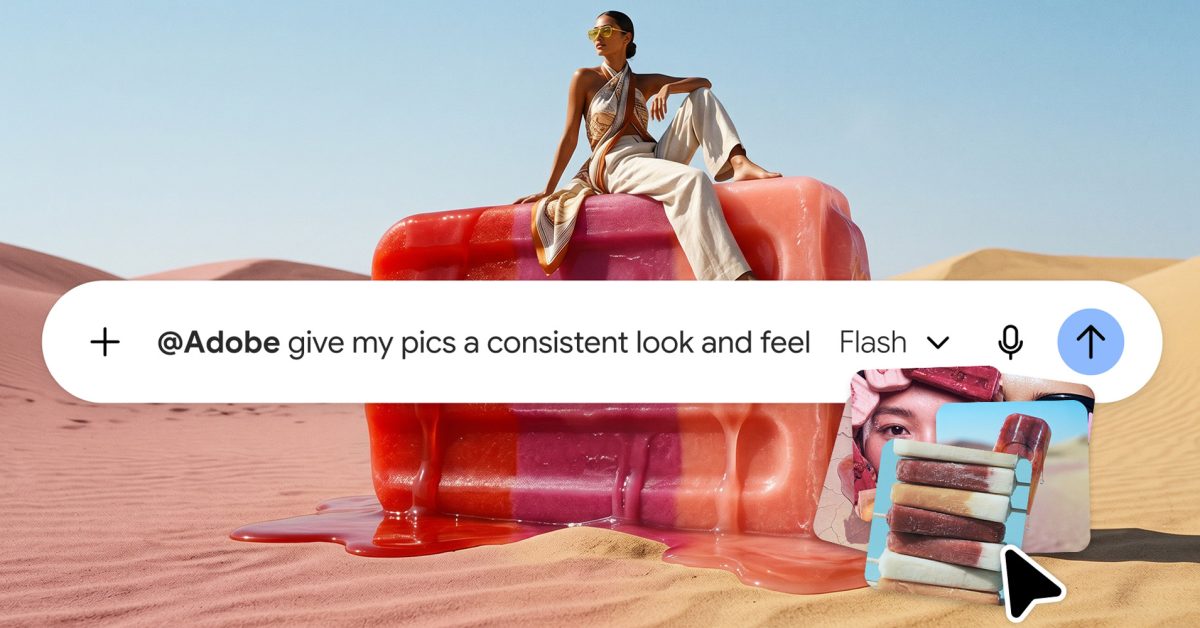
Adobe today announced two major expansions to its AI chatbot integrations, bringing its creative tools to Google Gemini while adding Acrobat tools to Claude. Here are the details. For the past year or so, Adobe has been working to bring its creative tools to AI chatbots and other productivity tools, such as ChatGPT, Slack, and Copilot. Today, the company is announcing two expansions to that effort. First, Adobe is expanding its integration with Claude. The company already offered access to creative tools from Photoshop, Illustrator, Premiere, Lightroom, InDesign, Adobe Express, Adobe Stock, and more. Today, it is also adding Acrobat tools to the same plugin across Claude and Claude Code on desktop, the web, and mobile. Adobe says users can get started as a guest, or sign in with their Adobe account “to unlock the full plugin experience, including higher usage limits, additional tools and continuity across sessions.” Here’s how Adobe describes some of the new capabilities: Work with Acrobat tools in Claude: The Adobe plugin now includes popular Acrobat tools for working with PDFs. Organize PDFs by deleting, combining or splitting pages; redact sensitive information; and convert or export PDFs to other file formats. Edit and analyze PDFs directly: When you want more hands-on control, open your PDF in the new interactive editor to reorder pages, edit text or mark up the document with comments and highlights. You can also invoke the new Document Review skill and ask Claude to analyze your document and add recommendations and notations directly in the editor. Refine designs with Express: Building on the conversational editing already available in Claude, you can now go further with a layer-based interactive editor for Express designs, giving you hands-on control over individual elements of the design. Select and customize images, copy, colors and fonts independently, so you can refine exactly what you want without needing to regenerate the entire design-all within your Claude workflow. The second piece of news today comes for Google Gemini users across all plans. Starting today, Adobe is bringing tools from Photoshop, Lightroom, Adobe Express, and Firefly directly into Gemini. This means that users can ask Gemini to enhance photos, create marketing assets, and customize designs using Adobe’s tools without leaving the conversation. To get started, navigate to Personal Intelligence, select Adobe under Connected Apps, and sign in with your Adobe account or create one for free if you don’t already have one. Adobe adds that users only need to describe what they want, and Adobe “orchestrates the right tools and steps to get you there.” Some of the things Adobe says users can now do in Google Gemini include: Create consistent, polished product photos: Upload your product photos and describe the look you’re after. Adobe can help optimize lighting and color, crop images consistently and prepare a polished collection that’s ready for your storefront, website or marketing materials. Turn one design into content for your social channels: Ask Adobe to create social-ready versions while preserving your branding and messaging, making it easier to adapt and publish content wherever your audience spends time. Customize professionally designed templates for your marketing needs: Describe your campaign, target audience and the style you’re looking for, and Adobe will surface Express designs that best match your needs. From there, you can ask Adobe to personalize the text, imagery and colors to quickly create polished marketing materials. Have you been using creativity and productivity tools in your AI chatbots? Let us know in the comments. Worth checking out on Amazon Apple Watch Series 12 Apple Watch Ultra 4 AirPods Pro 3 AirPods 5 AirTag (2nd Generation) – 4 Pack MacBook Neo Logitech MX Master 4 FTC: We use income earning auto affiliate links. More.
Adobe expands creative tool access to Google Gemini, brings Acrobat to Claude
Full Article
Original Source
Read the full article at 9to5mac →KhanList aggregates and links to publicly available news content. We do not host full articles from third-party sources. Always verify important information with original sources.