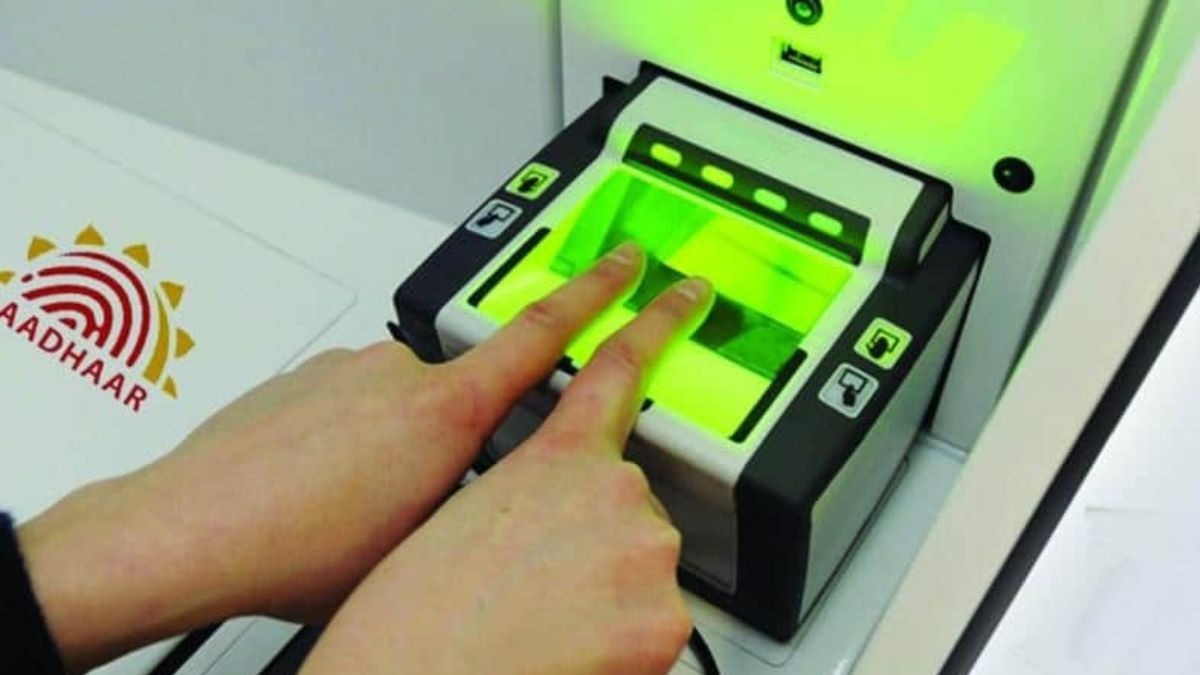
The Aadhaar App's biometric lock feature has been used over 1.91 crore times as more users look to protect their personal data. Here's how you can lock and unlock your biometrics in just a few taps.The biometric lock feature has been used over 1.91 crore times in Aadhaar App.More Aadhaar holders are locking down their biometric data than before. In a recent press release by the Ministry of Electronics and Information Technology (MeitY) dated July 18 revealed that the Aadhaar App has crossed four crore downloads, and its Biometric Lock and Unlock feature has been used more than 1.91 crore times so far.Biometric Lock is a security feature that lets Aadhaar holders lock their fingerprint, iris, and facial authentication linked to their Aadhaar number. Now, why lock a biometric? Privacy could be a big reason. Once you lock your biometric, it cannot be used to complete Aadhaar authentication until you unlock it again. That means in simple terms, no individual or organisation can use your fingerprint, iris, or face for authentication while the lock is active, adding a meaningful layer of protection against misuse.Notably, the feature is only available to Aadhaar holders whose mobile number is registered with their Aadhaar. If someone attempts biometric authentication using your Aadhaar number while your biometrics are locked, the request fails and returns an error code "330," indicating that the biometrics are currently locked.How to lock or unlock biometrics using the Aadhaar AppThere are two ways to enable or disable biometric locking directly through the Aadhaar App. The first method is straightforward. Open the Aadhaar App and log in using your 6-digit PIN. On the home screen, tap the "Biometric Lock/Unlock" option displayed just below your Aadhaar card, and confirm your choice to lock your biometrics. To unlock them later, tap the same option again and confirm.Alternatively, you can access the same feature through the app's Security section. Open the Aadhaar App and sign in, then tap the Security tab on the home screen. Select Biometric Lock/Unlock and confirm to lock your biometrics. When you need biometric authentication for a service, simply revisit the same option to unlock it.MeitY said in its release: "This feature empowers Aadhaar number holders with greater control over their personal information by allowing them to instantly lock or unlock their biometrics whenever required, adding an extra layer of security with just a few taps." Since biometric authentication is widely used to verify identity for Aadhaar-enabled services, locking your biometrics when they are not in use is a simple way to reduce the risk of unauthorised access.- EndsPublished On: Jul 20, 2026 14:17 IST
Aadhaar biometrics explained: How to lock and unlock your fingerprint, iris using Aadhaar app
Full Article
Original Source
Read the full article at Indiatoday →KhanList aggregates and links to publicly available news content. We do not host full articles from third-party sources. Always verify important information with original sources.