
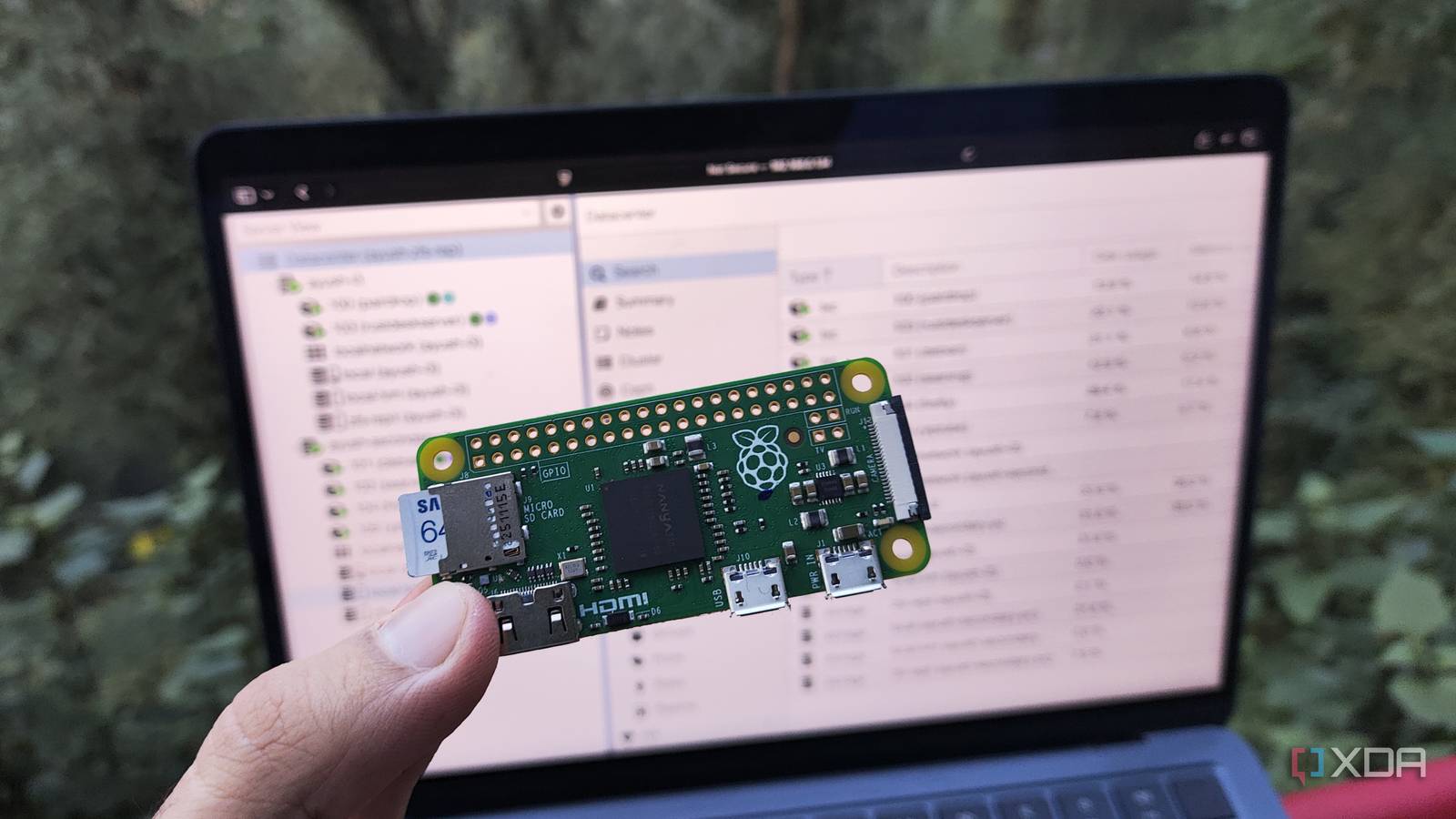
Published Nov 12, 2026, 5:00 PM EST Ayush Pande is a PC hardware and gaming writer. When he's not working on a new article, you can find him with his head stuck inside a PC or tinkering with a server operating system. Besides computing, his interests include spending hours in long RPGs, yelling at his friends in co-op games, and practicing guitar. Unlike its expensive siblings, the first-gen Raspberry Pi Zero is a rather underpowered device. In fact, when I tried self-hosting FOSS services on this cheap single-board computer a few weeks ago, its 512 MB of RAM wasn’t the only issue that made my pint-sized companion terrible for server tasks. Rather, the outdated ARMv6 processor powering this tiny system turned out to be a huge bottleneck for running pretty much anything besides simple networking tools, as none of my typical productivity apps had images for this dinosaur architecture. With that in mind, you’d think the original Raspberry Pi Zero doesn’t have a lot of utility in home labs. But thanks to a certain package, a mere $15 RPi Zero became the most important companion for my Proxmox cluster – one that ensures my high-availability pipeline and migration tasks remain operational when my full-sized ATX workstation goes offline. On its own, my 2-node Proxmox cluster isn’t enough to maintain high-availability Even with ZFS replication, the surviving node locks up when the other system goes down Building a virtualization cluster can get pretty expensive, especially considering the outlandish RAM prices plaguing the PC market. Combine that with the fact that cluster configurations built around Ceph-based nodes need at least three systems with fast network provisions and dedicated storage disks, and the upfront cost of a high-availability cluster goes up even more. However, ZFS replication serves as a middle ground by letting budget-friendly Proxmox nodes harness high-availability provisions. Besides letting me use a simple 2.5G connection for my nodes, ZFS replication can also work with as few as two nodes, provided I tackle the freezing problem caused by the split brain scenario when either system goes offline. You see, Proxmox’s high-availability provisions require the cluster to remain in a quorate state, meaning at least more than 50% of the nodes have to remain active. In a typical 3-node cluster, a single workstation going down doesn’t render the entire setup unusable, as the remaining nodes can meet the quorum requirement by providing 2/3 votes. But in a 2-node cluster such as mine, the Corosync service would only get 50% of the votes if a single system crashes, thereby causing the entire cluster to become frozen. Heck, I won’t even be able to access the Proxmox node that’s still in working order or the virtual guests it’s housing, let alone rely on the HA provisions to migrate the high-priority LXCs and VMs from the other system. And that’s where a Raspberry Pi comes into the equation. My Raspberry Pi Zero aids my PVE home lab by serving as the tie-breaker Turning this SBC into a reliable arbitrator was a breeze Since ZFS replication pushes incremental snapshot deltas from the primary node to the secondary machine, I can still get the HA provisions working if I add a third system that convinces the underlying Proxmox cluster services that I’ve got more than 50% of the nodes active. That’s precisely what a QDevice does, but it doesn’t require a ZFS replication pool. Or even a Proxmox installation, for that matter. As long as the underlying system can run Linux, I can configure the QDevice packages and hook it up to my Proxmox cluster as the tie-breaking third node. A Raspberry Pi Zero meets these requirements, and I really wanted to see if the first-gen model could serve as the QDevice for my cluster. After arming it with DietPi, I tried installing the QDevice package by running sudo apt install corosync-qnetd. To my surprise, the outdated SBC didn’t throw any compatibility errors and, within a few seconds, the corosync-qnetd package was installed on my tiny tinkering companion. So, I headed back to the Proxmox cluster and ran the apt install corosync-qdevice command within the Shell tab of both my PVE systems. Then, I tried connecting the Raspberry Pi to my 2-node cluster by running the pvecm qdevice setup command on one of the nodes. But since the default SSH service on DietPi doesn’t have the right SFTP packages for my QDevice experiment, the command gave an error. Fortunately, fixing this error was as simple as switching to the OpenSSH server, and after re-running the pvecm qdevice setup command, my RPi Zero was added as the QDevice node for my cluster. Just to be sure, I decided to shut down one of the nodes. Within a few seconds, the PVE cluster services began moving the virtual guests I’d marked in the HA resources section to the other system. Even a first-gen Raspberry Pi Zero has its own utility in my tinkering cave With the QDevice-powered setup, I can rest well knowing that my essential services will continue to run even if my experiments bring down the primary cluster node. But for folks who don’t care too much about Proxmox clusters, the outdated Raspberry Pi Zero can still serve as a cheap ad-blocker, Tailscale exit node, or MQTT server.
A “weak” Raspberry Pi Zero solved the biggest problem plaguing my Proxmox setup
Full Article
Original Source
Read the full article at Xda-developers →KhanList aggregates and links to publicly available news content. We do not host full articles from third-party sources. Always verify important information with original sources.