
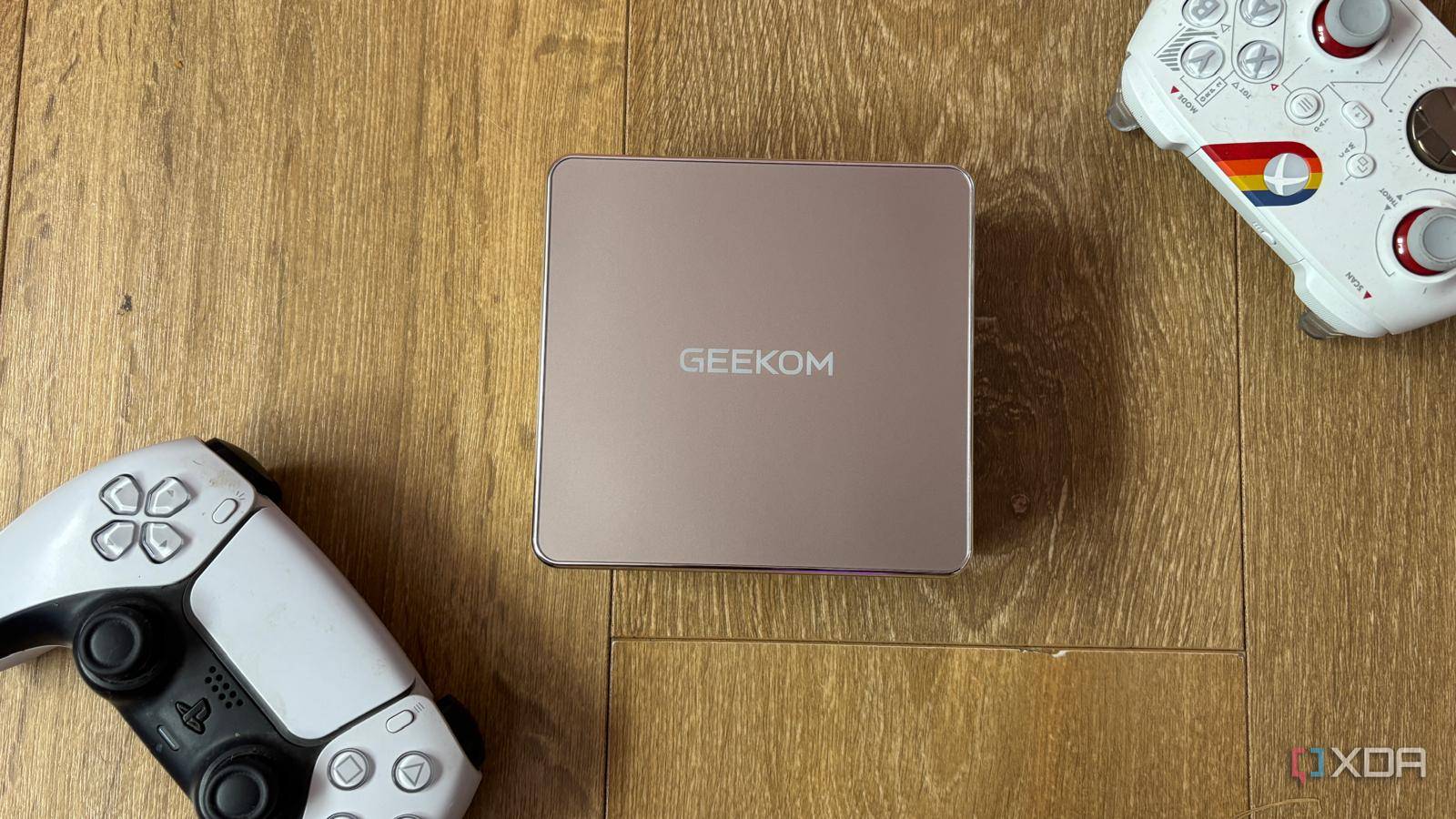
Published Sep 18, 2026, 2:30 PM EDT Jasmine is Software and PC Hardware Author at XDA with years of tech reporting experience ranging from AI chatbots right down to gaming hardware, she's covered just about everything. Whether it's breaking news about the latest AMD NPUs or creating video tutorials on social media platforms, Jasmine has contributed to the world of AI and tech in a variety of ways including interviewing the CEO of Razer, AMD's Director of Product Marketing and the VP of Lenovo. Passionate about gaming and PC technology, she has built countless computers, keyboards and other peripherals - knowing them inside and out. When setting up my home server, I wanted a reliable, always-on core to manage my smart home and media library. When looking at prebuilt 4-bay NAS enclosures or dedicated automation servers, the price tags were around $800 before you even consider hard drives. So, instead of buying a locked-down appliance or building a bulky, power-hungry desktop tower, I looked at mini PCs instead and found the GEEKOM A5 2027. For a fraction of the cost, this tiny 11 x 11 cm chassis hid quietly behind my TV and pulled barely 10 to 25W at idle. Realistically, you don't need an expensive enterprise-grade rack-mount server or a bloated prebuilt NAS to run a robust home lab. By repurposing a value-packed, energy-efficient mini PC, you can build a lightning-fast media center and smart home hub without having to fork out over $1,000. The specs are important Don't pick up the cheapest machine; it might not be powerful enough When it comes to self-hosting and home automation, the hardware specs of the machine you pick are pretty much fundamental. The reason I opted for the GEEKOM A5 2027 edition is that it's powered by the AMD Ryzen 5 7430U. It has 6 cores, 12 threads, and runs up to 4.3GHz. That means it can easily handle multi-container Docker deployments, Plex 4K hardware transcoding, and Home Assistant automation engines without worrying about thermal throttling, which matters a lot on small devices. Unlike high-TDP gaming mini PCs that can scream and whine under load, a smaller, more compact 15W to 25W mobile silicon architecture means that you get near-silent operation as well as smaller electrical bills (even when you're running the device 24 hours a day, 7 days a week, 365 days a year). You might overlook this when you're looking for hardware, but having a PC you can hear over the movie you're playing can be frustrating. While budget mini PCs often solder components down, the GEEKOM A5 features dual upgradable DDR4 SO-DIMM slots supporting up to 64GB, as well as native M.2 NVMe storage expandability. This means you can grow your container volumes and scratch disks whenever you like. What can you use your mini PC for? It can replace multiple home lab devices Realistically, with the right hardware, a single mini PC can replace three or four separate dedicated home lab devices. You can set it up as a media core to run Plex, Jellyfin, or an ARR stack. By using AMD Radeon Vega graphics for hardware-accelerated video decoding, you can run Plex or Jellyfin alongside automated media-acquisition containers and smoothly stream 4K content to multiple local devices. You can also use it as the brain behind your smart home, as running Home Assistant natively or via Proxmox virtualization means you can tie in local Zigbee/Z-Wave USB coordinators to manage lights, climate, and security with zero cloud latency. It essentially becomes the powerhouse behind all of your home automation. You also have access to an internal vault. You can host self-hosted password managers, local file sync, and ad blocking, plus reverse-proxy routing behind a single static local IP. How to set up your mini PC Getting started isn't as simple as switching it on Unfortunately, setting up your mini PC as your home media center and smart home hub isn't as simple as switching it on and being ready to go. You'll need to make a few adjustments during setup. Begin by wiping the device clean and choosing your hypervisor. Strip out or bypass default Windows 11 Pro and install Proxmox VE as a bare-metal hypervisor, or you can flash Home Assistant OS directly if you're dedicating the device entirely to automation. You might also want to provision your storage mounts. A challenge with mini PCs is they don't have internal room for 3.5-inch hard drives, but you can fix this by pairing the GEEKOM A5 with a multi-bay USB 3.2 Gen 2 enclosure or direct-attached storage. Attach your external media storage pool, configure ZFS or EXT4 formatting, and map persistent storage volumes. This isn't fundamental. It just depends on how much storage capacity your mini PC already has, and if you want to expand it, you can always do that later, so you don't have to fork out so much money to begin with. Lastly, it's time to deploy the containerized services. You can spin up Portainer or Docker Compose stacks for your media server, download clients, and monitoring tools as well. And with that, you're ready to go. Geekom A5 2027 If you're looking for a high quality Mini PC that doubles as a smart home hub and a media centre then the Geekom A5 2027 is a great option thanks to its amazing specifications and budget friendly price point. You don't always need a dedicated device Sometimes a mini PC is the better option You don't need an expensive enterprise-grade budget to build a powerful, responsive home cloud. By leveraging the efficient compute of a modern office mini PC like the GEEKOM A5 2027, you get enterprise-level automation and media capabilities for a fraction of the cost. Stop overpaying for bloated, locked-down commercial smart hubs and NAS appliances. Instead, you can pick up a versatile mini PC and take full control of your digital home without buying multiple devices.
A tiny 11x11cm mini PC runs my entire media center and smart home for less than one prebuilt NAS
Full Article
Original Source
Read the full article at Xda-developers →KhanList aggregates and links to publicly available news content. We do not host full articles from third-party sources. Always verify important information with original sources.