
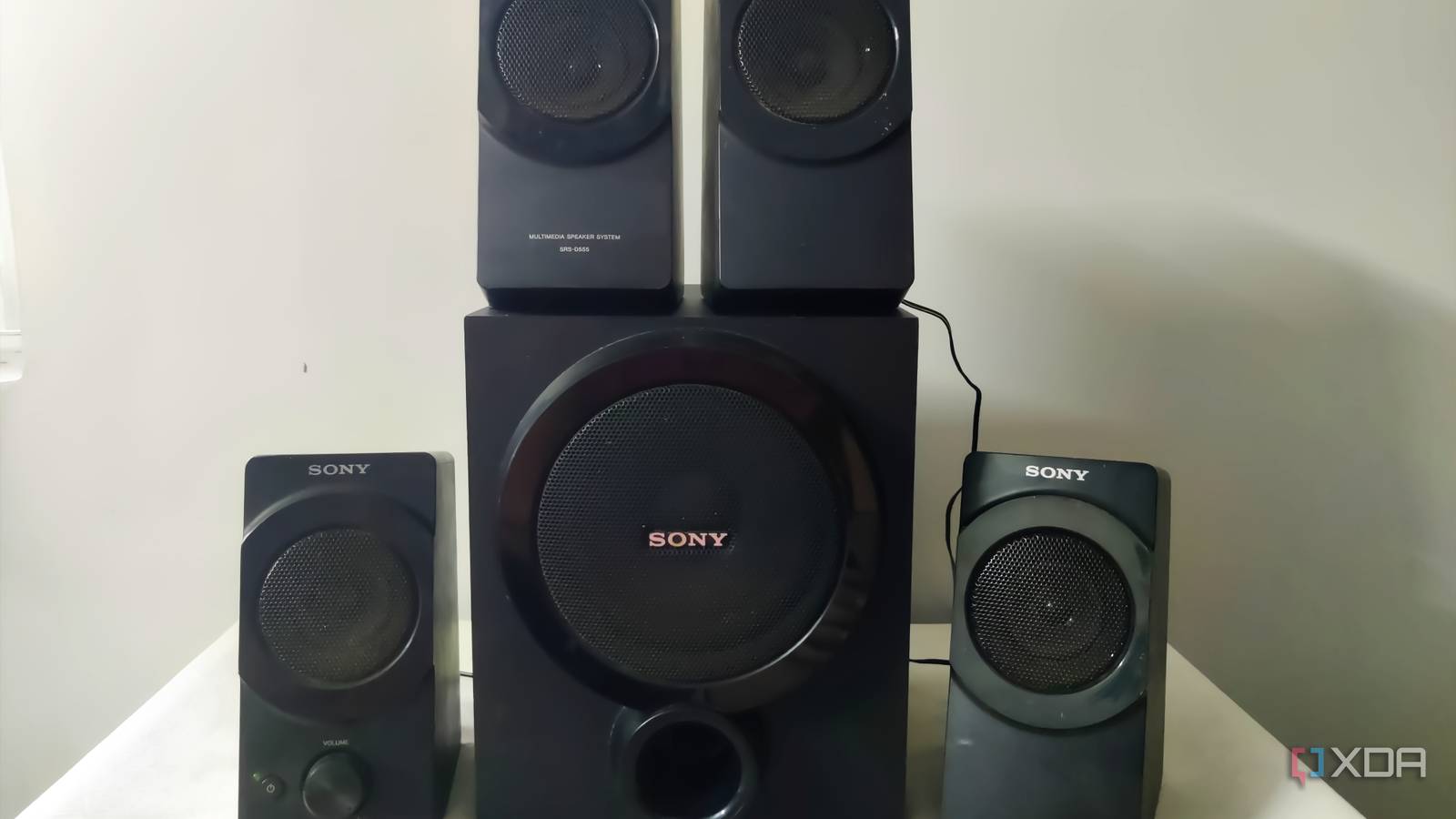
Published Sep 27, 2026, 11:00 AM EDT Abhishek is an author at XDA who covers computing. He has loved computers since he got the Lenovo G570 in 2012. Abhishek holds a master's degree in computer applications and began his writing career in 2018. He loves writing how-to articles, listicles, and informational posts on popular operating systems and web services. He closely follows the Windows Insider program and tests new Insider builds to discover upcoming experimental features and upgrades. His past work includes long-term collaborations with reputed publications like Tom's Hardware, and Windows Latest. When not writing anything, he is busy watching new episodes of One Piece or searching for something binge-worthy. As technology evolves, the gadgets you once used daily become a less useful affair. What used to be a stellar piece of technology is now obsolete due to technical advancements. Old Hi-Fi speakers are a great example of one such technology that ruled households for decades. But the lack of wireless playback and a tedious setup process made them less appealing when soundbars with additional subwoofers became popular. The setup was cleaner; you had to deal with fewer wires, and it supported a lot more connectivity options. I have soundbars and Bluetooth speakers with designated roles for TV, computer, and outdoor playback. But I couldn't live with the idea of wasting a perfectly good yet old speaker set that lacked modern connectivity options. With that in mind, I decided to use my Raspberry Pi Zero 2 W to make it the best-sounding thing in my kitchen. Old speakers lack wireless playback support Manually adding anything is a chore My Sony speakers are perfectly fine, but I replaced them with a JBL soundbar setup after purchasing a new TV. It uses an HDMI cable for audio connection and also has Bluetooth and optical cable as alternative connection options. I used the old speakers with an aux cable for a while, but there was a big gap in the overall experience. All the other speakers in my home supported Bluetooth, and that meant I could play songs via Spotify or podcasts via YouTube without a problem. But the old speakers didn't have Bluetooth, and the auxiliary (aux) cable was my only option. It kept my phone anchored to the speaker and made it difficult to change tracks, switch to other videos or audio if it was slightly far away, or work on something. I also lack experience in electronic repair and modifications. I couldn't take apart the whole thing and then add the component manually. However, a Raspberry Pi Zero 2 W could add this missing feature to my speakers, requiring no physical changes. But how to add it to the speaker system? The Raspberry Pi Zero 2 W doesn't have an audio port But there's a workaround Not all Raspberry Pi models have an audio port. Even the latest model, the Raspberry Pi 5, ships without one. If you want to connect to an audio device, you'll have to use Bluetooth. But for my project, the speaker doesn't have a built-in Bluetooth adapter. So, the only choice is to create an aux cable connection from the Raspberry Pi Zero 2 W to the speaker. I used a spare USB Type-C DAC for this task, which made a physical connection possible between the SBC and the speaker. The Raspberry Pi Zero 2 W accepts audio signals via Bluetooth and redirects them to the aux speaker output. But what about the software side of things? You won't find such settings available out of the box, so you must pick a dedicated Raspberry Pi operating system for the task. There are several audio-focused operating systems available for the Raspberry Pi, and I used MoOde Audio OS for the project. You can also use Volumio or another OS, but I was familiar with this one. Setting up MoOde Audio OS for the SBC A quick install and setup Raspberry Pi Imager is my favorite tool for downloading and flashing Raspberry Pi OS to the SD card. All you need to do is launch the tool, pick the correct OS from the list, and then do a few other quick settings. I like the idea of setting up user accounts, enabling SSH, and wireless connections. Doing all these things makes the SBC ready for plug-and-play. It'll automatically connect to the Wi-Fi network on the first boot and make the web portal of the OS available. Before booting the MoOde Audio OS, I ensured that all the physical connections were in place. The portal is mapped to the SBC IP address, so you need to find it via your router's admin page and then paste it in the browser’s URL bar. At first glance, the web UI looks rather basic, but we're not after that. I simply clicked on the MoOde Audio and accessed the settings page. The first thing that I needed to sort out was the audio output settings. MoOde Audio OS defaults to an HDMI output, but doing a quick scan revealed the USB DAC in the available device list. I selected it and then moved on to the next part. Now, our Pi would consider the Sony speaker system as the default audio device. But it still needs to create a Bluetooth network and pair it with other devices. It’s not as complicated as it sounds because MoOde Audio OS lets you enable Bluetooth pairing and can even create a hotspot. I was not interested in the latter and visited the Renderers section. I enabled the controller, restarted it, and then paired my phone with it. In some cases, you might need to download and set up the Bluetooth packages manually via SSH, but I didn’t face that problem. I tested Spotify, YouTube, and even individual MP3 files, and they sounded nice on the old speakers. The music sets the mood whenever I want to cook something, and even my mum plays old songs on it. Since it only needs a Bluetooth pairing once, she doesn’t find it difficult to play the audio via this Raspberry Pi setup. Old speakers have a new role My kitchen has a dedicated speaker setup with the help of a Raspberry Pi Zero 2 W and a USB DAC. MoOde Audio OS also acts as a streaming server where you can add your personal music collection. You can add the tracks to the SD card or use a USB drive. I skipped it because the Bluetooth connection makes it possible to play songs from any app and doesn’t crowd the USB ports. You can copy the collection to your phone and play it using a free media player like VLC. If you have one such Raspberry Pi Zero lying around and don’t know soldering or electronics tinkering, MoOde Audio OS can add Bluetooth capabilities to old audio systems. Raspberry Pi Zero 2 W The Raspberry Pi Zero 2 W is a small SBC with Wi-Fi and Bluetooth connectivity.
A Raspberry Pi Zero 2 W turned my old speakers into the best kitchen audio setup
Full Article
Original Source
Read the full article at Xda-developers →KhanList aggregates and links to publicly available news content. We do not host full articles from third-party sources. Always verify important information with original sources.