
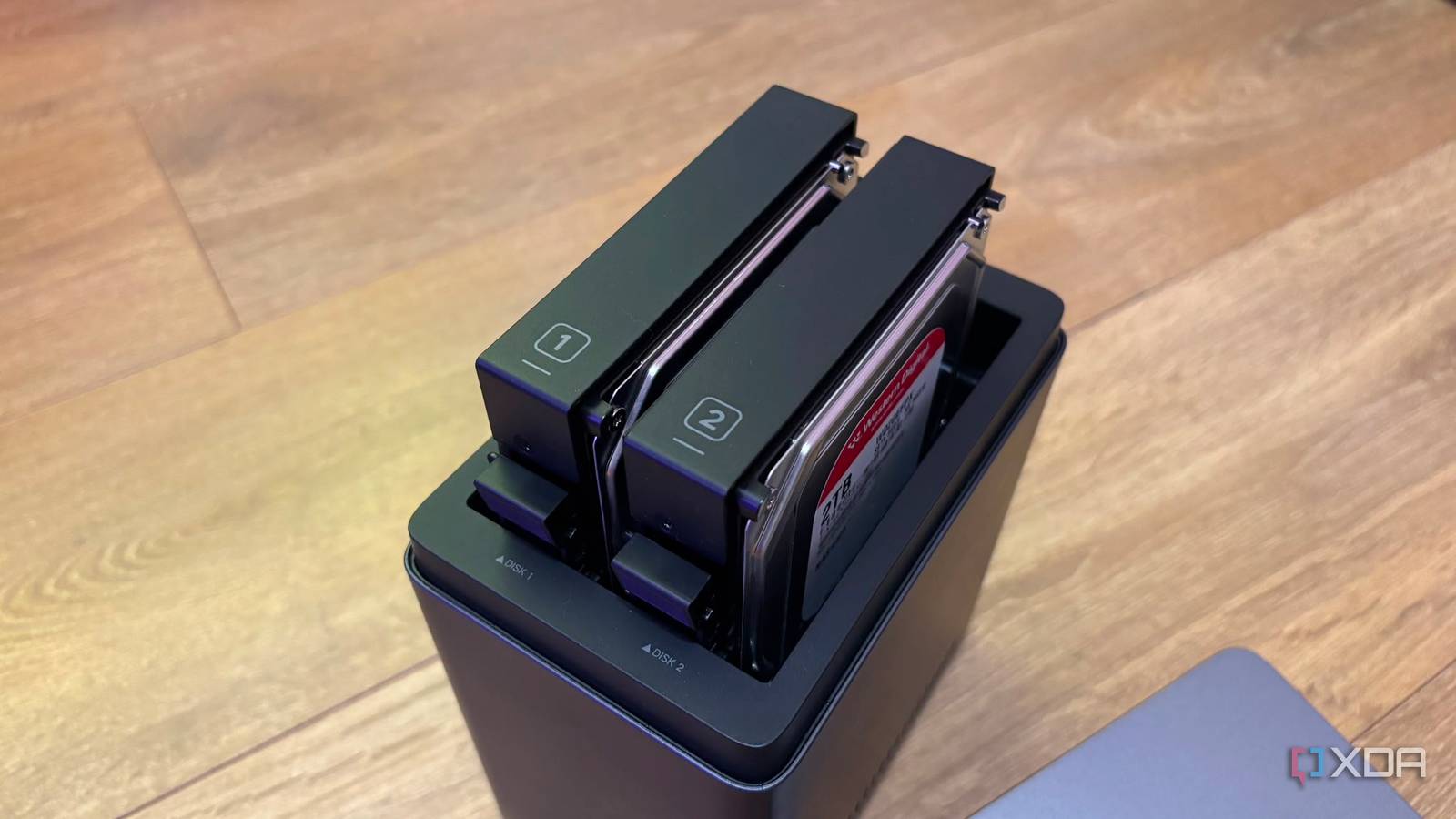
Published Nov 26, 2026, 8:00 AM EST Jasmine is Software and PC Hardware Author at XDA with years of tech reporting experience ranging from AI chatbots right down to gaming hardware, she's covered just about everything. Whether it's breaking news about the latest AMD NPUs or creating video tutorials on social media platforms, Jasmine has contributed to the world of AI and tech in a variety of ways including interviewing the CEO of Razer, AMD's Director of Product Marketing and the VP of Lenovo. Passionate about gaming and PC technology, she has built countless computers, keyboards and other peripherals - knowing them inside and out. Upgrading a NAS with 10-gigabit Ethernet requires matching hardware across the entire data path, from switches, network cards or adapters, cabling or transceivers, and client endpoints, which quickly drives up cost and power draw. In practical home workloads such as media streaming, routine backups, container hosting, and multi-drive hard disk drive arrays, mechanical drive speeds, protocol overhead, encryption, or client interfaces frequently cap throughput well below 10Gbps even when a 10GbE link is present. For most home setups where a 1GbE or 2.5GbE link is already in place, putting that budget into storage capacity/flash caching, memory and compute headroom, and resilient backup architecture typically gives you more noticeable day-to-day improvements rather than chasing peak link speed. More drives are a great addition Whether it's to expand storage or increase speeds Drives are likely throttling your network first, so investing in an SSD could be a better upgrade for you. A typical smaller spinning hard drive array used for bulk home storage likely cannot sustain sequential read/write rates anywhere near 10Gbps, which roughly caps out at 1,250MB/s at a theoretical max before considering any overhead, let alone random I/O for small files or virtual machine images. As a result, a 10GbE connection often sits idle waiting on platters. A flash pool could make a major difference to your setup. Adding an M.2 NVMe solid-state drive as a read-write cache or dedicated flash pool can accelerate media metadata lookups, small file transfers, container databases, and bursty writes. Of course, your real-world gains will depend on your workload patterns and whether the NAS has enough PCIe lanes and CPU headroom to feed the drives. If you're hoping to increase your raw capacity, then picking up more HDDs can be a solid investment. Whether that's buying larger-capacity drives or moving from a single-drive setup (such as a non-RAID personal storage appliance) to a redundant multi-drive array, it addresses practical storage limits and drive failure tolerance immediately, whereas 10GbE does nothing when you run out of terabytes. Upgrading a workstation and NAS to 10GbE, factoring in a multi-port switch or SFP+ transceiver, network interface cards or Thunderbolt adapters, and Cat6a/fiber runs, can easily cost you several hundred dollars: money that can go directly towards extra terabytes of storage or NVMe drives. Higher compute is a great investment Invest in your specifications The specifications of your NAS system itself are also likely a better investment when compared to 10GbE. Compute and RAM matter before link speed does. Home NAS boxes increasingly run Docker containers, media transcoding, file checksums, compression, snapshots, and encryption alongside file sharing. Low-power CPUs or tight RAM capacities on your NAS can bottleneck throughput, background maintenance tasks, and multi-service responsiveness long before a 2.5GbE link saturates. Investing in extra RAM can improve your day-to-day performance because additional memory gives the operating system more room for file system caches and background services (reducing that disk thrashing during concurrent reads, writes, or scrub/indexing jobs, especially on systems that are running ZFS or heavy container stacks). Backup protection Whether it's a second backup site or cloud storage Backup redundancy is something to always consider. RAID is not a backup. A redundant drive array protects uptime if a single drive fails, but it does not protect against accidental deletion, file corruption, ransomware, bad software updates, or physical damage to the NAS chassis. Instead of investing in a 10GbE link, spending that money on a dedicated local backup target or offsite/cloud backup plan can directly reduce data loss risk. Another level of protection you might want to invest in is an uninterruptible power supply. Sudden power flickers or outages during writes, RAID rebuilds, or file system metadata updates can cause file system errors or drive issues. A basic line-interactive UPS is one of the highest-value reliability investments for an always-on home server or NAS. While you might want to invest in these higher link speeds for your backup, for many home users, backing up critical folders to an external drive, a secondary local machine, or a scheduled cloud/offsite bucket over 1GbE or 2.5GbE finishes well within overnight or background windows without needing 10GbE speeds. Upgrading your link might still serve you Just don't push all the way to 10GbE If you're still looking at upgrading your NAS link, then 2.5GbE might be a better upgrade for you over the full 10GbE. Upgrading to 2.5GbE, which can give you just north of 300 MB/s theoretical before overhead, can often deliver a clear bump over 1GbE for multi-gigabit internet, Wi-Fi 6/6E/7 access point uplinks, and larger backups (while generally tolerating existing Cat5e cabling, running cooler, and costing substantially less than 10GbE). There are some exceptions where 10GbE does make sense, such as editing high-bitrate video directly from fast network storage or if you're repeatedly moving large virtual machine images or datasets between an all-flash NAS and a capable workstation. However, for most home NAS users, 10GbE is a high-cost infrastructure jump that can solve a problem you might not actually hit, whereas extra storage capacity or NVMe flash, more RAM/CPU headroom, paired with practical 2.5GbE and stronger backups plus UPS protection, can improve everyday reliability and usability right away.
A home NAS doesn't need 10GbE, these are the 3 things I'd spend that money on first
Full Article
Original Source
Read the full article at Xda-developers →KhanList aggregates and links to publicly available news content. We do not host full articles from third-party sources. Always verify important information with original sources.