
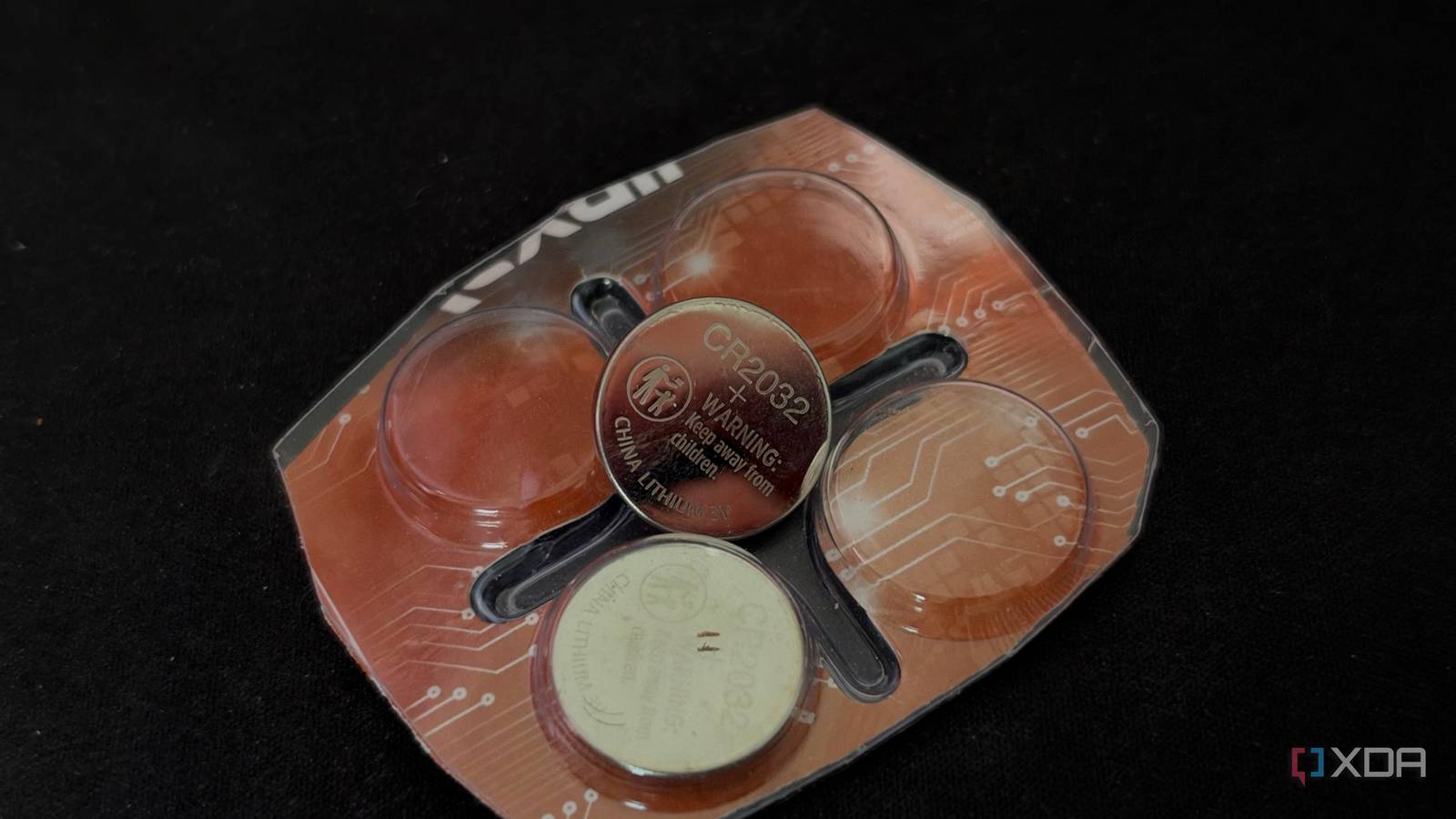
Published Oct 23, 2026, 7:00 AM EDT His love of PCs and their components was born out of trying to squeeze every ounce of performance out of the family computer. Tinkering with his own build at age 10 turned into building PCs for friends and family, fostering a passion that would ultimately take shape as a career path. Besides being the first call for tech support for those close to him, Ty is a computer science student, with his focus being cloud computing and networking. He also competed in semi-pro Counter-Strike for 8 years, making him intimately familiar with everything to do with peripherals. For the better part of a month, my home server acted like it was possessed by a ghost. After a power outage, it didn't come back on its own like it usually does, and it happened while I was away from home, resulting in a lot of painful hours working without tools I usually rely on. When I pressed the power button myself, it stalled before Proxmox ever loaded. It sat on a firmware screen waiting for a keypress that a headless machine in the corner was never going to get. When I finally got it running, settings I’d configured a long time ago in the BIOS were completely reset, and when it happened again upon AC power loss, I knew exactly what the issue was. A dying CMOS battery is pretty rare among PCs built within the last 5 years, since the small watch batteries that are used for this can last for much longer than that. The PC my home lab runs on is over a decade old at this point, so changing the CMOS battery ended up fixing all of the issues I had been experiencing. A dead CMOS battery can be hard to diagnose It doesn't look like a hardware problem on the surface The CMOS battery is one of those coin cells you'd usually find in a watch, something like a CR2032, and it's found on nearly every desktop motherboard. It keeps the real-time clock ticking when the machine has no power, and on many boards, it also keeps your BIOS settings from being wiped. When it dies, the next total power loss sends the firmware back to its defaults. That's the behavior I was experiencing on my ASUS board. The clock reset, the boot order was out of wack, and all of the other settings were completely wiped. XMP profiles, Restore on AC Power Loss, VT-d, and even my fan curves, which was a real pain to fix. Speaking of pain is another behavior that's specific to some boards, including mine: the board would stop during post, waiting for someone to press F1, which is a huge drag if you're not currently home to do so. This happened to my server, but this can happen on a desktop and cause a whole host of different issues. A reset clock, for instance, can make HTTPS sites throw certificate errors, because your browser checks certificates against your system time. If your board ships with CPU virtualization disabled, WSL2, Docker Desktop, Android emulators, and anti-cheat systems that require virtualization can suddenly stop working. Why it took me so long to connect the dots Standby masks any issues with CMOS What made this so hard to pin down is that a dead CMOS battery really only matters in a couple of situations. As long as your PSU is plugged in and switched on, it feeds a 5V standby rail to the motherboard, and even when the PC is off that standby power keeps the CMOS powered and alive. This is what made the failures feel random. My Proxmox host was also crashing during the same stretch, and I recovered from those crashes with hard resets. None of them wiped a single setting, because the PSU never lost standby power. Only the power outages did, and that machine isn’t on a UPS. I never thought about the battery because I've never actually had one die on me before. The first PC I had ever built had a missing CMOS battery, so I'm familiar with the mechanism, but for as long as I've built PCs, the battery itself has been an afterthought. Why it could've been something else entirely Replacing the battery was the fix, but sometimes that's not applicable for BIOS settings Many modern UEFI boards store BIOS settings in flash memory rather than battery-backed RAM, and if you have a CMOS battery die on those boards, usually the worst thing that can happen is a reset clock. Settings can also revert because of failed memory training or an accidental bump of the clear-CMOS jumper, which is rare, but plausible. I've had similar BIOS resets take place because of failed auto-overclocking settings as well, but those are also rare. How to tell a dying battery from something else The easiest way to tell if a dead CMOS battery is causing issues with your system is to simply replace it. How settings are stored varies by board and generation, and many UEFI boards are still designed to lose their settings when the battery dies. A UPS helps too, and I still need to buy one. It won’t fix a dead battery, but it cuts down on the power losses that expose one. Looking back, the most frustrating part is how easy the fix was, and how long I spent trying to nail it down. Flashing new BIOS versions and digging through the manual only to find that the battery was at fault felt like such a time sink, but I'm glad my home server isn't acting possessed any longer.
A dead CMOS battery made my PC act haunted for a week before I worked out what was wrong
Full Article
Original Source
Read the full article at Xda-developers →KhanList aggregates and links to publicly available news content. We do not host full articles from third-party sources. Always verify important information with original sources.