
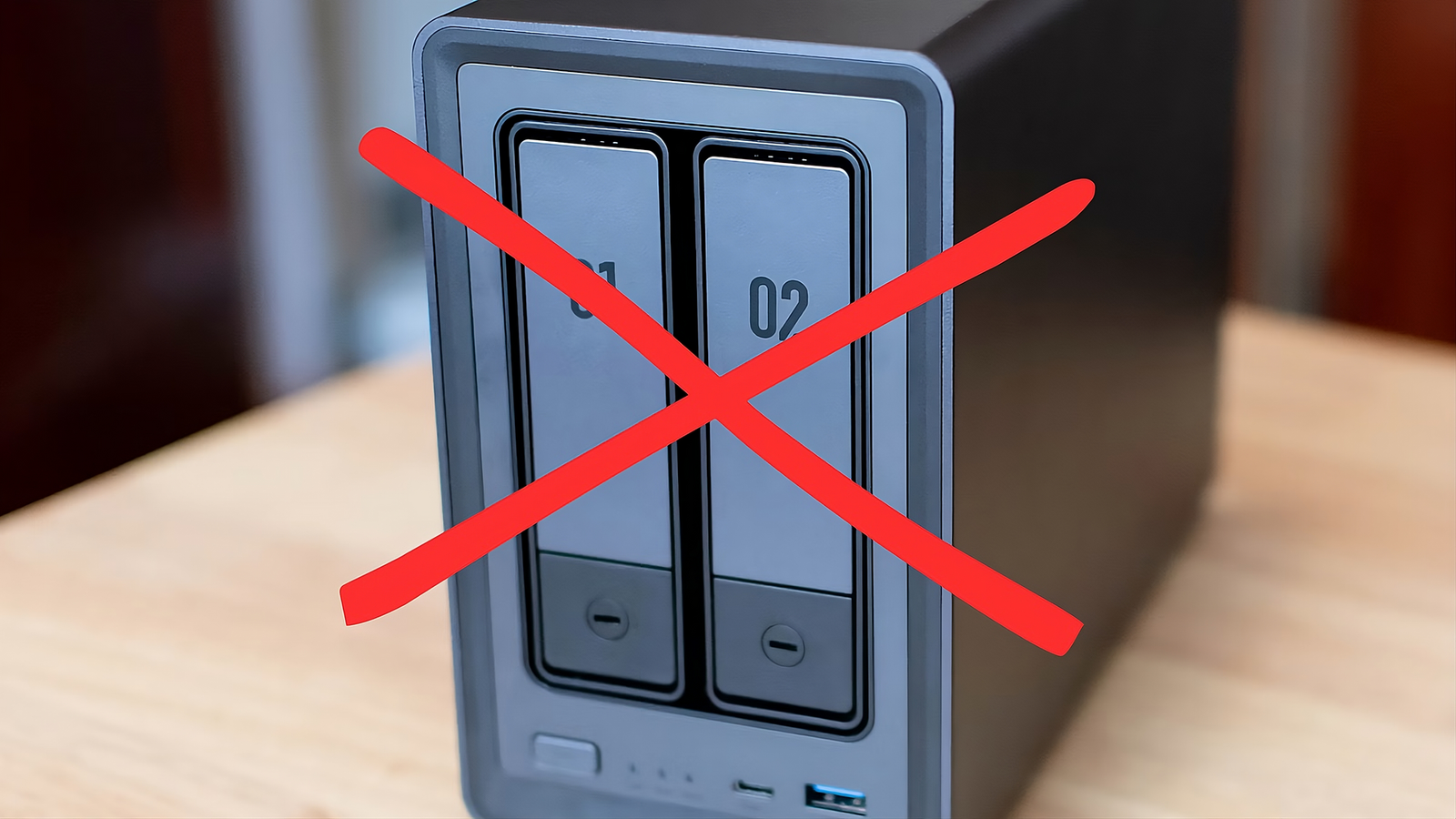
Published Aug 4, 2026, 10:45 AM EDT Umair Khurshid is a technology writer and developer with a strong focus on Linux, FreeBSD, cloud infrastructure, and automation. Before focusing on writing, Umair worked as a developer and DevOps engineer building and automating cloud-native systems. For years, the default storage recommendation has been to buy a NAS. Run out of space? Buy a NAS. Want better backups? Buy a NAS. Thinking about organizing your photos? Buy a NAS! Somewhere along the way, the idea that everyone needs a miniature storage server became accepted wisdom. I don’t think that’s true anymore. In my experience, a lot of people end up buying a NAS because it’s the “next step” rather than because they actually need one. They spend hundreds of dollars on a dedicated NAS, populate it with drives, learn a new operating system, and then use it for little more than storing files that could have lived on a fast external SSD enclosure connected directly to their computer. You’re probably solving the wrong problem Most people need storage not another server Credit: Jerome Thomas / How-To GeekCredit: Patrick Campanale / How-To Geek The biggest advantage of a NAS is right there in its name, that it is storage available over the network. That makes perfect sense for offices, creative teams, and households where several people need to access the same files throughout the day. Most people don’t work that way. Your laptop already stores your active projects and most likely your desktop might have your games, documents, and applications. Even if you own multiple devices, you are usually using one of them at any given moment. The convenience of opening the same folder on every device sounds appealing until you realize you rarely do it. A NAS also isn’t just a box that holds drives. It’s another computer sitting on your network. It has its own operating system, security updates, storage pools, monitoring tools, and maintenance schedule. None of those things are particularly difficult, but every one of them demands a little attention, which adds up over time. A DAS skips all of that, you plug it into your computer, format the drives, and start working. Fast external storage has changed everything USB4 and Thunderbolt removed the old bottlenecks Credit: Jerome Thomas / How-To Geek The biggest argument against external storage used to be speed. USB hard drives felt painfully slow, especially if you edited photos, compiled software, or worked with large video projects. That criticism was completely justified ten years ago. Today’s external storage is a different story. USB4 and Thunderbolt provide enough bandwidth that a good SSD enclosure feels remarkably close to internal storage during everyday work. Copying hundreds of gigabytes no longer requires planning your afternoon around a progress bar. Large photo libraries load quickly, software projects build without noticeable delays, and virtual machines feel responsive enough that you forget they’re running from external storage. TerraMaster D2-320 RAID Enclosure $111 $130 Save $19 Speed Up to 10Gbps Portable No The TERRAMASTER D2-320 supports up to 44TB of storage and provides 10GBps data transmission. Unlike some other DAS enclosures, this unit has several built-in RAID settings. That’s before considering NVMe SSDs, which continue getting faster and are relatively cheaper than NAS drives. Pair a quality multi-bay enclosure with several SSDs, and the performance gap between internal and external storage becomes surprisingly small for most desktop workloads. Meanwhile, many entry-level NAS still rely on relatively modest processors and network connections that become the limiting factor long before the SSDs do. You’re paying for features you may never use Much of a NAS budget doesn’t buy storage Credit: Patrick Campanale / How-To Geek One of the least discussed aspects of buying a NAS is where your money actually goes. Part of your budget buys the enclosure, but a significant portion pays for the processor, memory, motherboard, cooling, networking hardware, operating system, software ecosystem, and years of ongoing development from the manufacturer. Those components are essential because a NAS is designed to function as an independent server. If your goal is simply storing files as quickly as possible, none of that directly increases your storage capacity. Spend the same amount on a DAS, and far more of your budget can go toward larger SSDs or higher-quality drives instead of hardware that mostly exists to manage the storage itself. SSDs make everyday computing noticeably better Low latency matters more than maximum capacity Credit: Patrick Campanale / How-To Geek Hard drives still offer the lowest price per terabyte, which explains why they’re common inside NAS systems. They remain a sensible choice for massive archives that aren’t accessed very often, but for everyday computing, SSDs feel completely different. Opening thousands of photos, indexing code repositories, browsing media libraries, launching virtual machines, and searching through large folders all benefit far more from low latency than raw sequential throughput. Those improvements affect nearly every interaction you have with your files. The experience also becomes quieter. SSDs produce no seek noise, generate less heat, and consume less power than mechanical drives. If your storage sits on the same desk where you work, those small quality-of-life improvements become surprisingly noticeable after a few weeks. RAID still isn’t a backup Your backup strategy matters more than your enclosure Credit: Patrick Campanale / How-To Geek One reason many people justify buying a NAS is the promise of RAID. While RAID is undeniably valuable, it’s often misunderstood. Redundancy protects you from hardware failure. It does not protect you from accidentally deleting important files, malware encrypting your documents, corrupted data, theft, fire, or every other unpleasant surprise life occasionally delivers. Whether your files live inside a NAS or a DAS, they still deserve proper backups. I’d rather see someone buy a fast SSD DAS and spend the remaining budget on an excellent backup solution than purchase a NAS simply because they believe RAID alone keeps their data safe. The second approach usually provides a comforting illusion rather than meaningful protection. Buy a NAS when you actually need one There are plenty of situations where I would happily recommend a NAS without hesitation. Shared family storage, continuous media streaming, automated backups from several computers, remote access, virtualization, and small business collaboration all benefit enormously from centralized network storage. Those use cases are real, and NAS systems remain perfect at solving them. The problem is assuming everyone has those requirements. That’s why I think a DAS deserves to be the default recommendation for most people today.
A DAS with fast SSDs is better than a NAS for most people
Full Article
Original Source
Read the full article at Howtogeek →KhanList aggregates and links to publicly available news content. We do not host full articles from third-party sources. Always verify important information with original sources.