
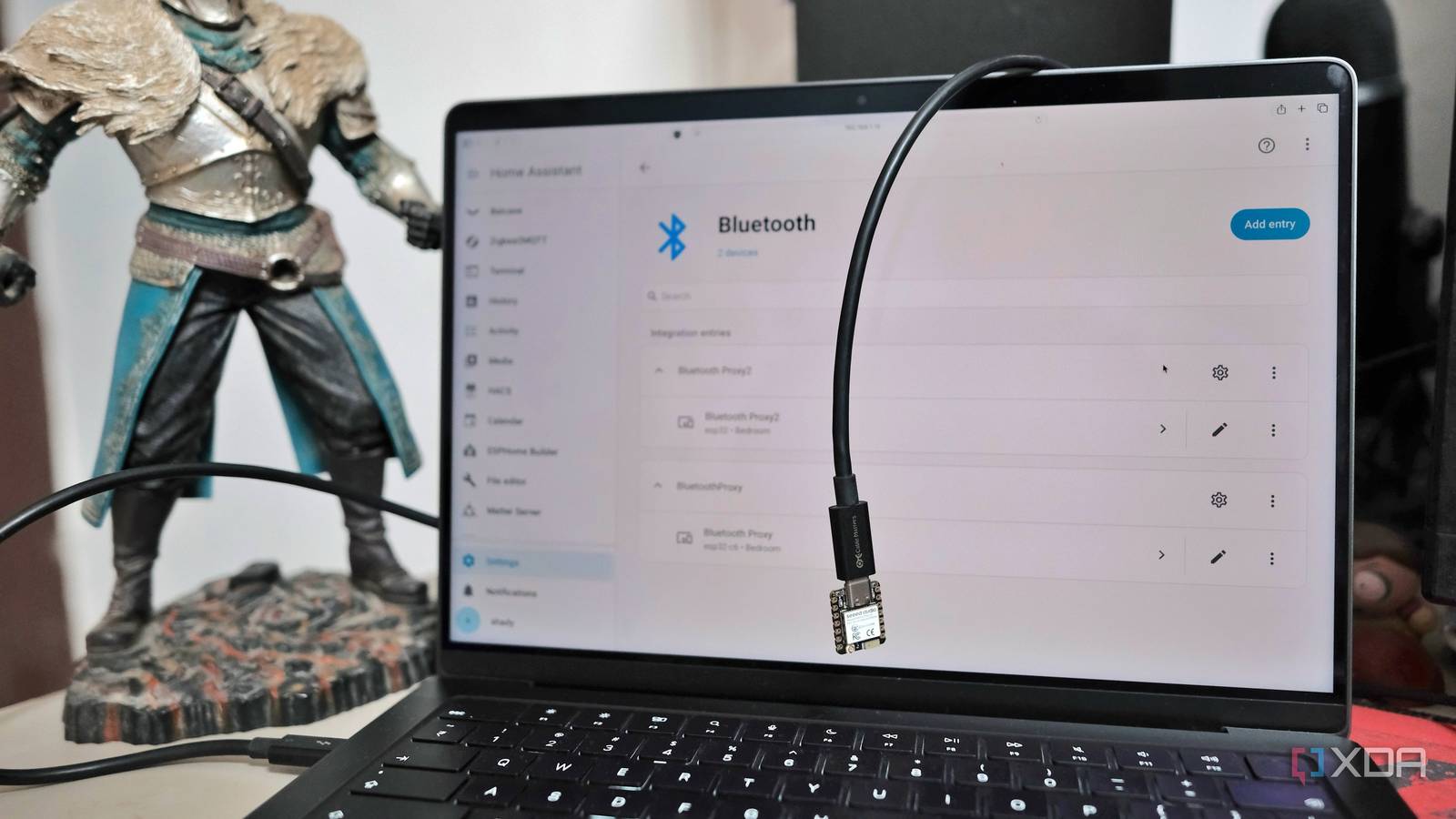
Published Oct 7, 2026, 3:30 PM EDT Samir Makwana is a technology journalist and editor from India since past 18 years and his work appears on MakeUseOf, HowToGeek, GSMArena, BGR, GuidingTech, The Inquisitr, TechInAsia, TechWiser, and others. He has written news, features, and gadget reviews for national technology media publications. His passion is to help people with their technology problems and gadget purchases. For that, he has worked for some of the biggest international technology publications, covering news, explainers, how-to guides, listicles, and product-buying guides. He has worked as an editor and managed teams since 2015. His expertise broadly covers computers, smartphones, game consoles, headphones, smart home products, browsers, and apps. My living room temperature sensor kept showing as unavailable in Home Assistant. It didn’t happen every time, but often enough to break my smart fan automation. On checking, I learned that the sensor and its batteries were fine. The real problem was that my Home Assistant server sits in my bedroom, and the Bluetooth adapter doesn’t reach that far. I fixed it with an ESP32 DevKit V1 board that cost me $5. If you want the steps to flashing steps, a Bluetooth proxy guide covers them, and you can then adjust the settings in the newer ESPHome interface. Running a single board made me realize one wasn’t enough, and I needed another proxy elsewhere in the house. To place that, you need to know where to place a proxy and when to add another one. Range problems show up before devices drop Home Assistant’s advertisement monitor shows where coverage ends Before placing any proxy, I opened the Bluetooth advertisement monitor which comes with the Bluetooth integration in Home Assistant. You can find it at /config/bluetooth/advertisement-monitor on your Home Assistant address and check what each device reported. Devices at the edge of coverage don’t go dark all at once. Their signal strength creeps down, and the dropouts follow. My LG C2 read -86 dBm through the server’s adapter, and the Govee Table Lamp 2 read -85 dBm. Those were the two devices that kept dropping, while the ones near the server read about -67 to -77 dBm and never gave me trouble. Values closer to zero mean a stronger signal, so -67 dBm is much stronger than -86 dBm. That’s how I got numbers to monitor rather than vaguely chasing Bluetooth stability in my house. A proxy between the server and the weak spot Placing it away from the router keeps the signal clean To address the dead zone, I wanted to place a proxy between my router and the weak spot so it could reach most devices. So I plugged the ESP32 DevKit V1 in near the other bedroom’s door, close to the dead zone. After that, I got better readings for the BLE devices sitting far away, the ones that’d just drop off and disappear. I also set its bluetooth_proxy value to active so it works as a two-way relay that lets Home Assistant send commands. I placed another proxy in the same bedroom as Home Assistant instance running on a server, but a little farther from the router. I followed the warning in ESPHome’s documentation to keep the node away from my router and avoid degrading Bluetooth reception. Bluetooth and Wi-Fi also share the 2.4Ghz band, so a proxy placed next to the router competes with its own Wi-Fi link. I moved the second proxy node between the router and the first node in the other bedroom. That sounds like a boring fix, but it settled the placement. The proxy gets a decent Wi-Fi signal and a clear path to the devices it covers. It doesn’t need to sit near the server. Recheck the advertisements monitor after each move, since even a small change in position can shift the readings. Board choice changes range less than the placement does ESP32 DevKit V1 and NodeMCU-32S gave nearly similar readings I own an ESP32 DevKit V1 and a NodeMCU-32S development board. I tested both of them in the same spot with the same firmware. Both gave me similar readings, between -84 and -88 dBm, which was proof enough for me to pick one. I also took the ESP32-C6 for a spin as a Bluetooth proxy since it carries a newer chip with Wi-Fi 6 and Bluetooth 5.3 support. I couldn’t find anything showing that the newer chip reaches farther over Bluetooth. After all, range depends on the antenna and your home environment. I stuck with the DevKit V1 because it costs $5 and runs the stock ESPHome proxy firmware without extra work. Distant rooms need their own proxy Wi-Fi coverage and overlap decide where each board goes My porch was a tough spot, and since it was far away from the Home Assistant instance, it never had a chance. Moving the first proxy closer fixed one dead zone but created another. So a second board in the problem area worked better than pushing one to its limits. To place it, I needed a strong Wi-Fi signal and a USB charger nearby to power it. A proxy dropping off Wi-Fi is useless no matter how good the Bluetooth is, so I checked Wi-Fi strength at the spot before mounting the node. I now run two proxies and don’t aim to space them evenly. I placed them with enough overlap that a BLE device can reach either. Two boards in the same room would’ve cost the same and fixed nothing. Home Assistant pools every proxy and routes each device through one. So an extra proxy helps if it can reach devices the other proxy can’t. A cheap board fixed a placement problem The ESP32 DevKit V1 costs just $5 and runs stock ESPHome firmware for a Bluetooth proxy. Placement fixed the dead zone, not the board. The temperature sensor that kept disappearing from Home Assistant is reachable now thanks to the Bluetooth proxy. Every BLE device on the other side of my bedroom is reachable, and their advertisements are stable now. If your Bluetooth devices keep dropping, check the signal readings and the proxy’s position before you blame the sensor or buy a more expensive board. Home Assistant OS Windows, macOS, Linux iOS compatible Yes Android compatible Yes
A $5 ESP32 fixed every Bluetooth range problem in my Home Assistant setup
Full Article
Original Source
Read the full article at Xda-developers →KhanList aggregates and links to publicly available news content. We do not host full articles from third-party sources. Always verify important information with original sources.