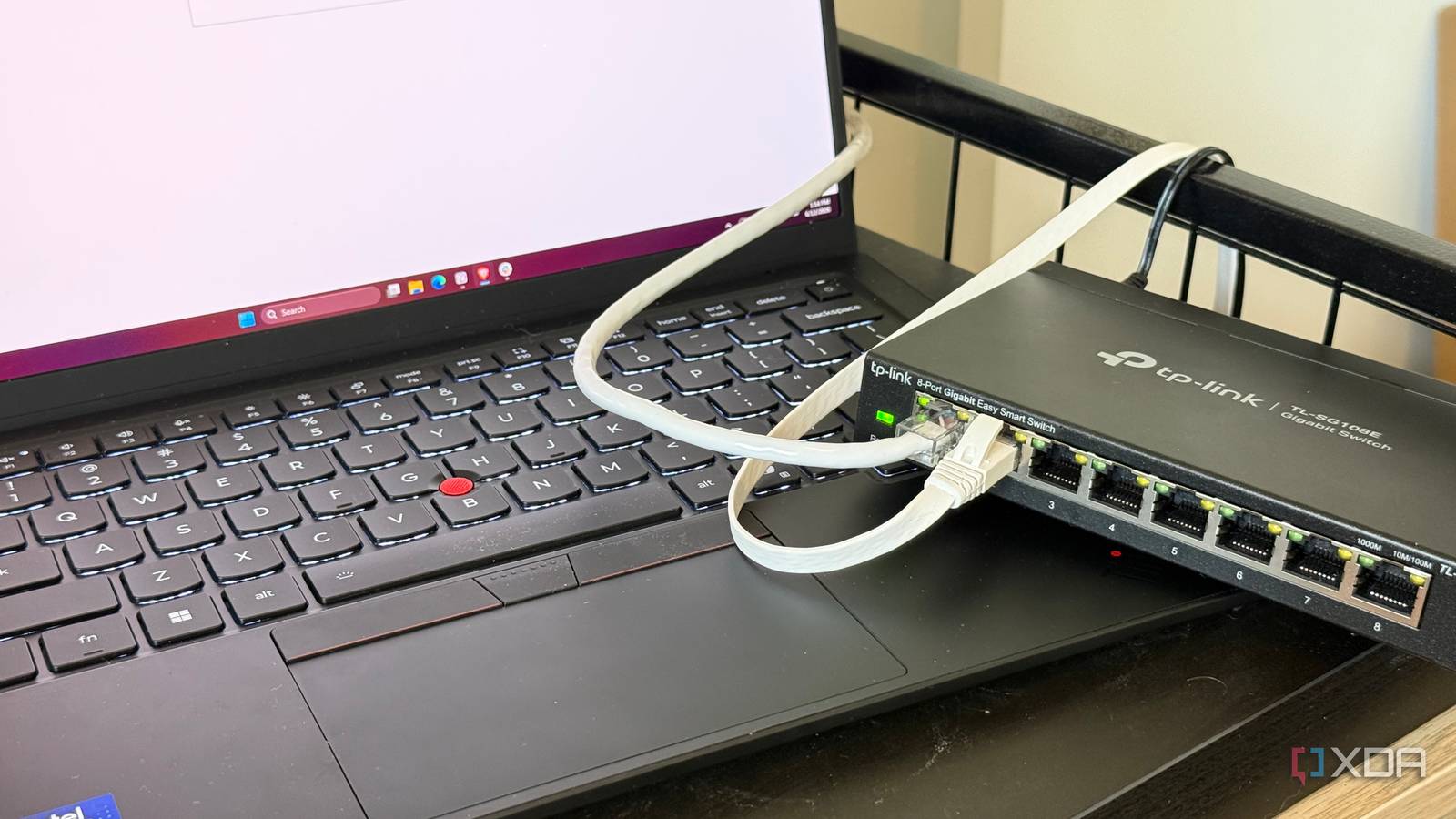
Published Aug 18, 2026, 8:00 AM EDT His love of PCs and their components was born out of trying to squeeze every ounce of performance out of the family computer. Tinkering with his own build at age 10 turned into building PCs for friends and family, fostering a passion that would ultimately take shape as a career path. Besides being the first call for tech support for those close to him, Ty is a computer science student, with his focus being cloud computing and networking. He also competed in semi-pro Counter-Strike for 8 years, making him intimately familiar with everything to do with peripherals. Wi-Fi is the most natural fit for most connections in a home, especially when you're trying to work around the restrictions of a rental unit or have great distance between devices. When these connections feel slow or interrupted in a certain area, the impulse is to buy more coverage in the form of a range extender or, better yet, a mesh node. More coverage, better signal, and more of the thing you already have. When I had done this in my own home, however, I found that this didn't actually solve the bandwidth problem, but it did inspire a solution that would. A cheap network switch gave me the connectivity I needed, but more importantly, it also freed up my Wi-Fi, and everything in the house got faster as a result. Local links are best when they're wired Anything that relies heavily on bandwidth should have a direct line A very large portion of traffic on your home network is local, especially if you have a NAS or home lab. This is your desktop pulling files off of your NAS, a media client streaming locally, a phone dumping its camera roll to Immich, or an overnight backup job for your workstation, and none of that touches your ISP. When any two of the devices involved in any of those processes are connected to the same switch, the communication is handled at the switch at layer 2. Frames move from one port to another based on the MAC addresses, and your router never sees any of that traffic. Each port has a full, dedicated duplex link. Wireless connections are built the opposite way: Wi-Fi itself is a shared half-duplex medium, and devices coordinate by listening for a clear channel, waiting for a backoff period, and then transmitting. That's why a client reporting a decent link rate can still deliver poor sustained throughput, and it gets worse as more devices are competing for airtime. Modern Wi-Fi can provide pretty impressive numbers in bursts, and on a quiet channel, a 6GHz link will keep up with a wired connection in some scenarios, but it struggles to hold that level of performance for a sustained period. Wiring these devices directly on a router isn't a foregone conclusion either. Most routers come with only a handful of ports, so this is exactly where a dedicated switch comes in handy. When I installed mine, it granted me more ports in addition to the clear benefit to my network performance. Every device you take off of Wi-Fi is airtime you get back Wireless network capacity is finite Besides the clear benefit that the devices you choose to wire directly get, there's another benefit that often gets forgotten. Wireless networks have a finite amount of capacity to handle devices, and the devices that consume them at the highest volume tend to be the ones that never move, and therefore can be wired in directly with a switch. If you take the heaviest talkers off of the wireless network, that frees up a ton of bandwidth for the other devices that are stuck connecting wirelessly. Your phone and laptop, for example, no longer have to compete directly with your workstation for bandwidth during a nightly backup, and that large download you have going on your game console isn't clogging the airwaves either. If you were to add another mesh node to address it instead of a switch, it doesn't actually solve this problem. While it does help the client get a faster link speed, it just adds another transmitter to the spectrum you were already sharing. If you were to opt to plug in directly to the mesh node, this also doesn't solve anything, as it just moves the point of connection further down the chain. A mesh node is the only solution sometimes You can't get around terrible signal if wireless is the only option This might sound obvious, but a switch can provide wired coverage of devices that can be wired, but it does absolutely nothing for an existing wireless connection that's poor due to signal quality or coverage. If your complaint is that your phone or laptop gets really poor signal from a part of your home, a switch doesn't help you unless you're plugging into it. There's also the price asterisk: the $20 switch is only $20 if you already have cabling and the run doesn't require modifications to your home. If it does, a mesh node might look a little more reasonable on price, especially if you're just purchasing a single additional unit. The two devices fix different problems, but the cheapest option might be the most viable Adding a switch to your network isn't some kind of clever hack, but it's an often overlooked way to solve what might seem like a wireless network problem. An additional mesh node can be the right fix if the issue lies with signal quality, but if it's purely a bandwidth issue, taking the heavy hitters off of the airwaves can help decongest your network better than any access point ever will. TP-Link TL-SG1005P 5 Port Gigabit PoE Switch
A $20 network switch solved my Wi-Fi problem better than a mesh node ever could
Full Article
Original Source
Read the full article at Xda-developers →KhanList aggregates and links to publicly available news content. We do not host full articles from third-party sources. Always verify important information with original sources.