
Published Sep 9, 2026, 1:00 PM EDT Umair Khurshid is a technology writer and developer with a strong focus on Linux, FreeBSD, cloud infrastructure, and automation. Before focusing on writing, Umair worked as a developer and DevOps engineer building and automating cloud-native systems. Proxmox is remarkably forgiving when you use it the way it was designed to be used. With it, you can have a functioning homelab in an afternoon, but that ease and simplicity can also encourage a lot of mistakes. The safest way to operate a Proxmox host is to understand which parts of the system Proxmox owns and which parts belong to the underlying storage, networking, and operating system. The following 8 mistakes all come from crossing those boundaries without understanding what is happening underneath. Never treat /etc/pve like a normal directory Proxmox uses its own filesystem for cluster configuration Admins accustomed to Linux config files can easily make the wrong assumption about /etc/pve. It looks like an ordinary directory under /etc, but Proxmox uses the Proxmox Cluster File System, or pmxcfs, to provide this config filesystem. This is where Proxmox keeps important information for virtual machines, containers, cluster config, access control, certificates, and other parts of the management environment. On a cluster, pmxcfs also provides the mechanism for making configuration available across cluster nodes. That means ordinary filesystem operations deserve considerably more caution here. Removing files because they appear obsolete, replacing configuration files with copies from another system, or attempting to restructure the directory manually can cause problems that are much larger than a typical broken Linux configuration. Use the Proxmox management tools when changing Proxmox resources. When direct configuration changes are genuinely necessary, understand how pmxcfs handles the file you are modifying and what effect the change has across the cluster. Never delete VM disks directly from storage Proxmox needs to know what happened to a virtual disk A virtual disk has a representation inside Proxmox as well as an object on the underlying storage. Depending on your configuration, that object might be a file, an LVM-thin volume, a ZFS volume, or a Ceph RBD image. Manually removing the underlying object can therefore leave the VM configuration referring to something that no longer exists. You may not notice immediately if the affected VM is powered off, which makes manual storage cleanup particularly tempting. The problem usually becomes apparent when you start the VM, modify its hardware configuration, restore a snapshot, or perform another operation involving the missing disk. The same problem applies to disks that appear to belong to deleted VMs. Before removing anything manually, check the Proxmox configuration and storage inventory and confirm that the volume is genuinely orphaned. For ordinary VM disk removal, use the Proxmox GUI or qm so that the virtualization configuration and storage operation remain coordinated. Never run zpool destroy without verifying dependencies ZFS will faithfully perform destructive operations ZFS gives Proxmox admins powerful storage capabilities, but those capabilities come with consequences when destructive commands are used without checking the environment first. zpool destroy is an especially serious example because destroying a pool removes the storage foundation underneath every dataset and zvol contained within it. If that pool provides Proxmox storage, the consequences can extend directly into your virtual machines and containers. Before destroying a pool, inspect the pool itself with ZFS tools and then examine how Proxmox uses it. Check the storage configuration, VM disks, container root filesystems, datasets, zvols, snapshots, replication arrangements, and backup locations. A pool that appears unnecessary from a ZFS perspective may still be part of the virtualization environment. Never destroy LVM-thin volumes manually LVM sees volumes that Proxmox manages as virtual disks LVM-thin storage presents another opportunity for accidental damage because its logical volumes are easy to inspect from the command line. Commands such as lvs and lvdisplay show you the underlying storage objects, but they do not provide the complete picture of how Proxmox is using them. A thin volume may represent a virtual disk belonging to a VM. Removing it directly with LVM can leave Proxmox with a VM configuration that references a missing storage volume. The reverse situation can also cause confusion when old storage objects remain after resources have been removed. For normal VM lifecycle operations, let Proxmox handle the storage operation. The GUI and qm understand that the virtual disk is part of a larger VM configuration and can update the relevant state accordingly. Never redesign Corosync networking casually Cluster communication deserves deliberate network planning Corosync is responsible for communication between Proxmox cluster nodes, including the information required for cluster membership and quorum. That makes its network path considerably more important than an ordinary service connection. A cluster can appear completely healthy while its Corosync network is operating under favorable conditions, but problems can emerge in no time after a switch replacement, interface change, routing modification, VLAN reconfiguration. An unreliable Corosync path can cause nodes to disappear from the cluster, affect quorum, interrupt migrations, and prevent management operations from behaving as expected. These can look like separate Proxmox problems even though they originate from the communication layer underneath the cluster. Plan Corosync networking as infrastructure and account for latency and failure scenarios before changing it. Never run a two-node cluster without understanding quorum Two nodes create an awkward failure scenario Two-node clusters are attractive in homelabs because buying and powering three physical servers is considerably less convenient than running two. The difficulty is that a distributed system needs a reliable way to determine which members constitute the current cluster when communication fails. Imagine two Proxmox nodes that can no longer communicate. One might have crashed, while the other remains healthy. Alternatively, both machines could be operating normally while a switch or network link between them has failed. From the perspective of each isolated node, those situations can look very similar. Quorum exists to prevent both sides from independently behaving as though they have control of the cluster. This is why a surviving node can become restricted after losing contact with another node. A QDevice can provide an additional vote in appropriate two-node designs, giving the cluster another mechanism for establishing majority. Never install Docker and random infra software on the hypervisor The Proxmox host should remain focused on infrastructure There is always a tempting reason to install another service directly on the Proxmox host, whether it is a monitoring agent, a quick Docker container, or a small web service. Over time, however, the host can accumulate software that changes networking, firewall rules, storage behavior, system services, package dependencies, or kernel components. Every additional workload increases the number of things that can interfere with the platform responsible for running your actual workloads. Docker is a particularly common example in homelabs because admins already know how convenient it is. Running application containers inside an appropriate VM or container keeps those workloads separated from the hypervisor’s own responsibilities and makes the overall system easier to maintain. Never change Proxmox networking remotely without out-of-band access A networking mistake can remove the only path you have to fix it Proxmox provides considerable flexibility for networking. Linux bridges, VLAN-aware bridges, multiple physical interfaces, and other advanced configurations make it possible to build sophisticated virtual networks without requiring dedicated hardware for every function. A wrong bridge configuration, interface name, VLAN setting, gateway, address, or bond configuration can make the Proxmox host unreachable immediately after the networking service reloads. When you are physically beside the machine, this is usually recoverable but when the server is somewhere else and your only access method is SSH or the web interface, recovery becomes considerably more difficult. Before making significant networking changes remotely, make sure another management path exists. IPMI, a serial console, a physical console, or another form of out-of-band access can provide the route back into the machine when the network configuration goes wrong. The safest Proxmox mindset is to respect the layers Most serious Proxmox mistakes do not require an exotic command or an obscure bug. They usually begin with an operation that seems reasonable because the administrator is looking at only one layer of the system. Proxmox gives you a powerful set of tools for managing that complexity. The best results come from using those tools with an understanding of the systems underneath them, rather than bypassing them whenever the underlying Linux command appears easier.
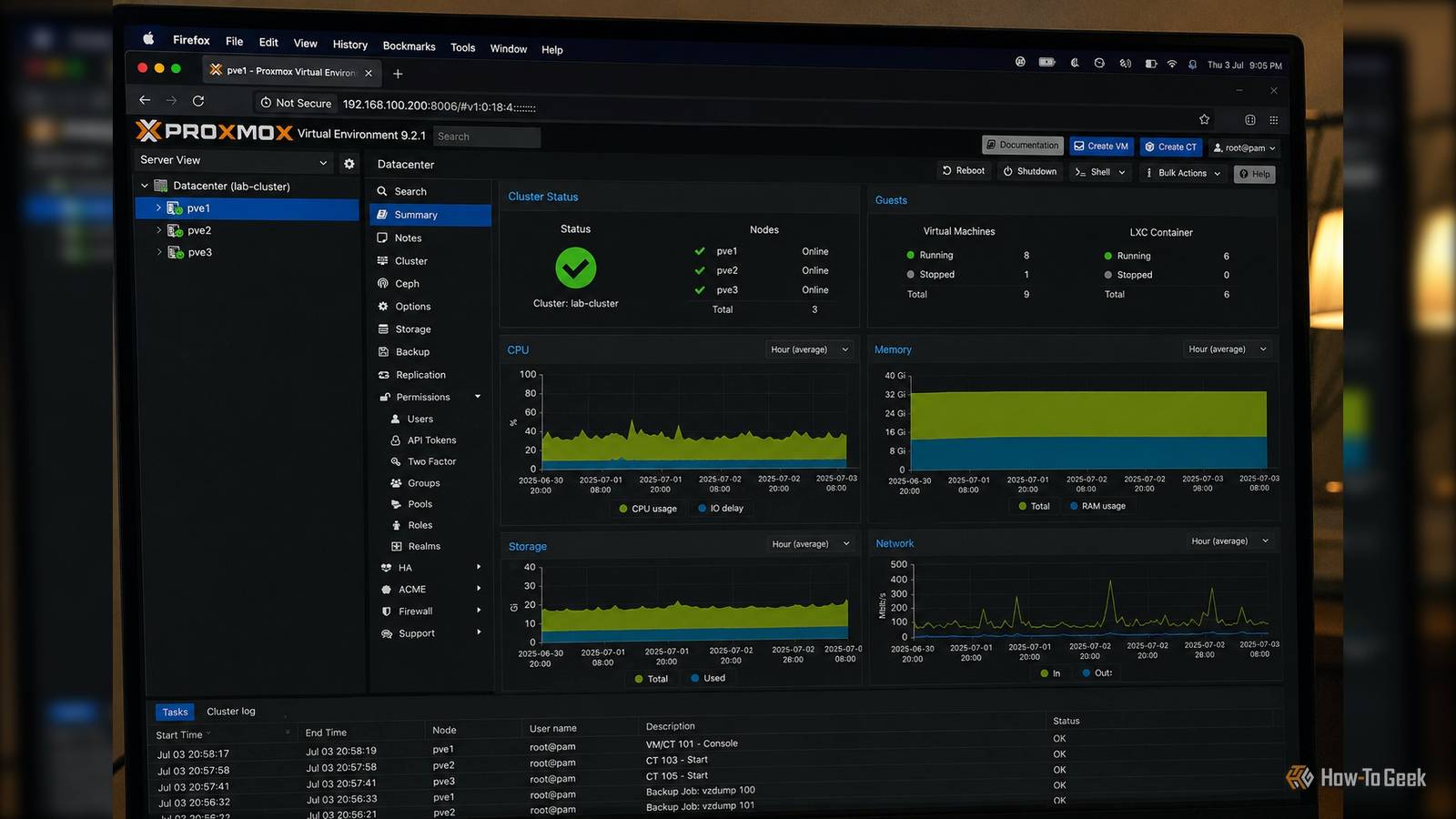
8 things you should never do in Proxmox (unless you want your homelab to crash)
Full Article
Original Source
Read the full article at Howtogeek →KhanList aggregates and links to publicly available news content. We do not host full articles from third-party sources. Always verify important information with original sources.