
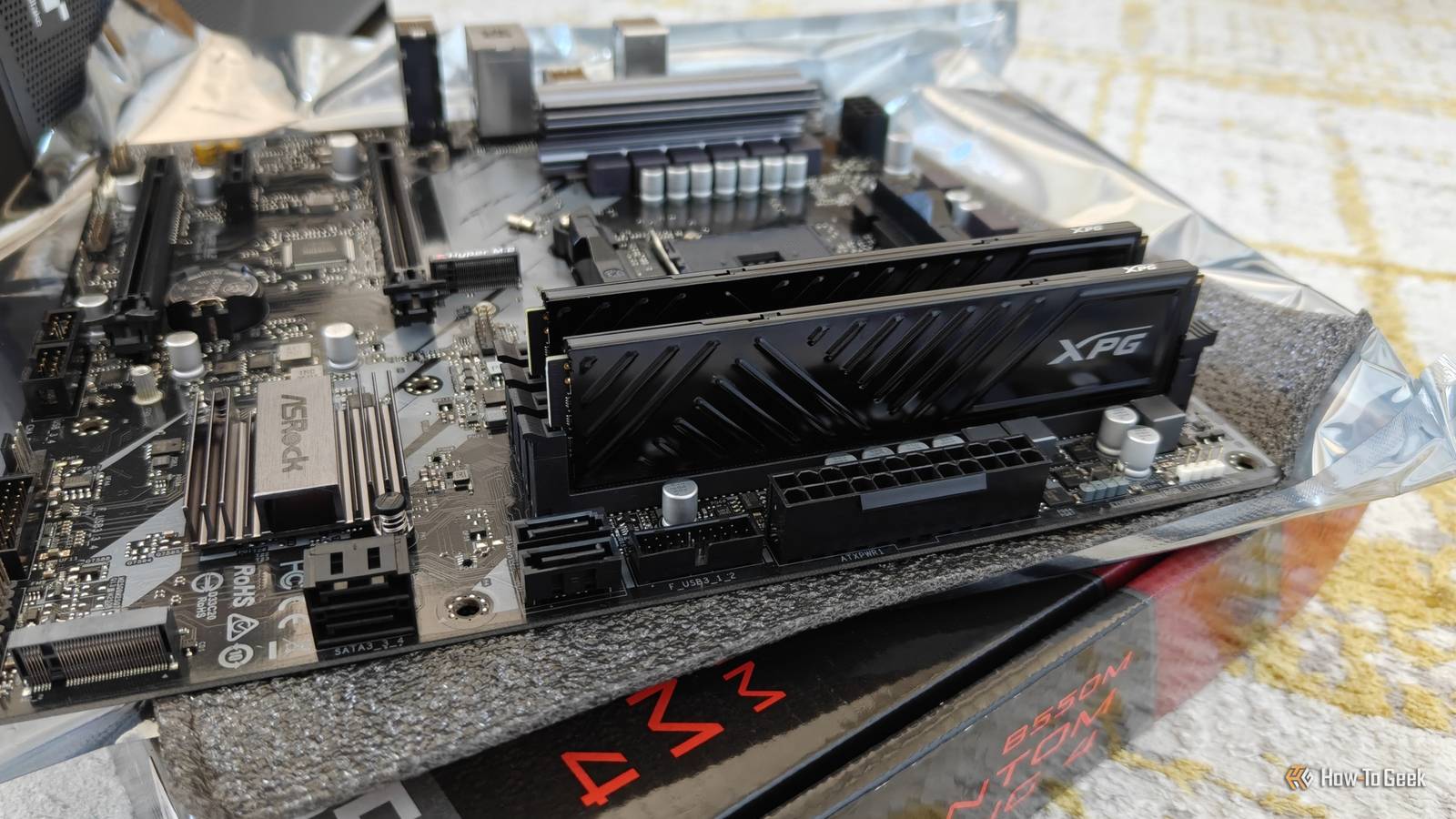
Published Oct 24, 2026, 7:31 AM EDT Monica J. White is a journalist with over a decade of experience in covering technology. She built her first PC nearly 20 years ago, and she has since built and tested dozens of PCs. PC hardware is her main beat, and graphics cards and the GPU market at large are her main area of interest, but she has written thousands of articles covering everything related to PCs, laptops, handhelds, and peripherals. From GPUs and CPUs to headsets and software, Monica's always willing to geek out over all things related to computing. Outside of her work with How-To Geek, Monica contributes to TechRadar, PC Gamer, Tom's Guide, Laptop Mag, SlashGear, Whop, and Digital Trends, among others. Her ultimate goal is to make PC gaming and computing approachable and fun to any audience. Monica spends a lot of time elbow-deep in her PC case, as she's always making upgrades, testing something, or plotting out her next build. She's the go-to tech support person in her immediate circle, so she's never out of things to do. Whenever she has spare time, you'll find her gaming until the early hours and hanging out with her dog. I've been pretty transparent about the fact that the best PC upgrade is one that costs exactly zero dollars. But aside from that? The next-best thing is using stuff you might already have lying around to give your PC a bit of a boost. If you keep most of your old hardware, chances are you'll have one (or some) of these in a drawer somewhere, and they could come in handy when you least expect it. That forgotten RAM stick could make a noticeable difference To your wallet, if nothing else I know that in the midst of the ongoing RAM-pocalypse, most of us probably don't have any spare RAM lying around. But if you happen to have some, you might as well put it to good use. Obviously, if you have any free slots in your PC, it can go there. Mismatched RAM is not ideal and it may limit your system's performance, but it can be worth a try. Just check for stability issues and don't be afraid to let it go if things go south. However, since RAM is through-the-roof expensive right now, a better bet might be just to sell it. You'll probably get enough money out of it to get yourself a better upgrade for the price. An old SSD can give your PC some breathing room More storage without spending a penny Even a tiny SSD can find some use in most homes. Whether you have a SATA drive or a proper NVMe, don't let it just collect dust (especially because unpowered SSDs can be a ticking time bomb). Your PC may or may not have free slots, but if it doesn't, you can just get a cheap enclosure, stick that SSD in there, and have a nice portable drive for backups, games, or anything else you might need. Much like RAM, SSDs are overpriced right now, so selling it is also an option. Anything's better than just forgetting it exists. That spare case fan could help your whole PC run cooler I won't lie to you and say that a single case fan is going to drop your PC's temps by entire degrees, but it can help you improve overall airflow. Adding the right number of fans (basically as many as you can fit) combined with a proper airflow path can seriously drop some temperatures. If you have spare room, or your fans are underperforming, dig for spares. Keeping your PC nice and cool may indeed improve performance through a lack of thermal throttling. The right USB-C cable might unlock faster transfers The cable you've forgotten could be the fastest one you own USB-C cables are a complete and confusing mess ... and that gives you all the more reason to go through the ones you already own. At a glance, they all look exactly the same. But if you actually test them and look closely, you might find that some cables are better than others, offering faster data transfers or extra-great power delivery capabilities. Those good cables, once located, should be put to equally good use. For instance, if you're using an SSD and connecting it via USB-C, a proper cable that can keep up with the drive should make a huge difference in file transfers. That old Ethernet cable could outperform your Wi-Fi Sometimes, the best upgrade is literally a piece of wire I've been singing Ethernet's praises the whole time I've worked here at How-To Geek, and I'm not about to stop today. If you're using Wi-Fi on devices that are largely stationary, open up those drawers and dig out an Ethernet cable, I beg. You may not be able to add Ethernet to every room in your house, but you probably don't need that. If you just use it with your PC, TV, console, or even laptop on occasion, you'll see a massive improvement in the stability of your connection. Speeds may be better or worse depending on a lot of factors, but a fast connection that's stable is better than a faster one that's not. A forgotten PCIe card can add features to your desktop Old expansion cards still have some life left PCIe expansion cards are one of those things that are easy to forget about once you've upgraded your PC, but they can still be useful. Dig through your old hardware and you might find a USB expansion card that adds some much-needed ports, a Wi-Fi adapter, or even a 2.5GbE network card that could give your wired network a nice speed boost. Your old Android phone could replace your terrible webcam That retired smartphone still has a decent camera If you've got an old Android phone somewhere, don't let it just collect dust forever. It can make a perfectly good webcam. Even older smartphones usually have better cameras than some of the cheap webcams out there, and Windows makes it easy to put them to work thanks to Phone Link. That abandoned USB flash drive could save your entire PC Get yourself a rescue drive USB flash drives are among the most forgotten things in any tech drawer. You probably have a bunch of them that you'd be hard-pressed to locate. But if you can find a reasonably-sized one, turn it into a rescue drive you can use if anything ever goes south. On mine, I've put Windows, a Linux distro, driver installers, and useful tools that I turn to if there's ever a PC in need of some serious troubleshooting. The best PC upgrade may already be yours Let's not beat around the bush: the PC hardware market is in absolute shambles right now. If you can pause upgrades, you should, but if you already own them, why not use them? Now's a great time to go digging through old stuff and see if it can be repurposed or sold.
8 free PC upgrades hiding in your junk drawer
Full Article
Original Source
Read the full article at Howtogeek →KhanList aggregates and links to publicly available news content. We do not host full articles from third-party sources. Always verify important information with original sources.