
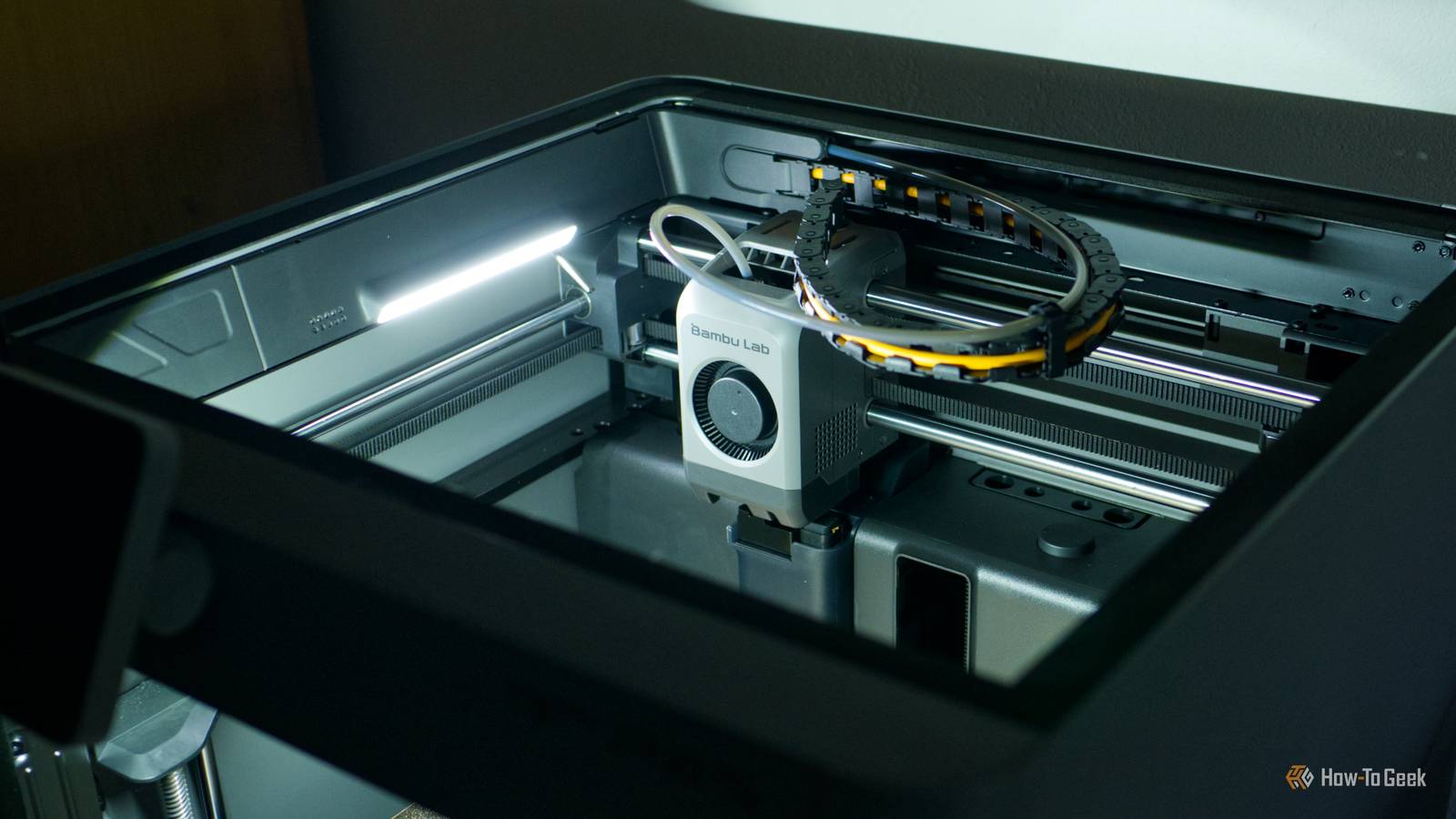
Published Aug 25, 2026, 7:00 AM EDT Tim has been covering technology for almost 20 years, in that time spanning a broad range of topics from security to product reviews. He is especially focused on the Apple ecosystem, productivity, and consumer advice. Over the years Tim has written thousands of articles, reviews, and round-ups in addition to producing video content and original photography. A graduate of journalism, he found his footing as a freelancer with a laptop and loves how he is able to work from practically anywhere. Now a Senior Editor for iPhone, Mac, and Smart Home at How-To Geek, Tim still loves to write. He can also be found crafting round-ups and productivity posts for the Zapier blog. Earlier in his career Tim spent nearly a decade as a writer and eventually Apple section editor for MakeUseOf. Tim currently lives in Brisbane, Australia. Outside of work he loves to hike and work out, play video games, and spend quality time with his wonderful partner and two cats Inka and Roger. Not every 3D printing problem ends in a failed print or a mess of spaghetti. In order to catch problems early, you should keep an eye out for warning signs that things are wrong. Doing so can prevent greater problems down the line, and even result in better quality prints. Increased vertical fine artifacts Or VFAs for short Credit: KYZ Design / MakerWorld Vertical fine artifacts (VFAs) are ripples that appear along the vertical axis of a print. Rather than a flat and smooth surface, you end up with a rough, wiggly line that shouldn’t happen on a properly tuned printer. Horizontal lines are to be expected due to the way filament is deposited, but vertical “ridges” indicate that there’s a problem somewhere. You can even print test models (like this one) to try and expose these issues for tuning. This will spoil print quality for any prints that you want to look their absolute best, and affect tolerances for parts that are designed to fit together snugly. Your 3D printer’s stepper motors and the belts they’re connected to are the most likely culprits when it comes to VFAs. The easiest “fix” is to simply slow the print down. Faster print speeds can make VFAs more pronounced, so if you want something to look its best, slow it down. This is generally good advice for improving the look of any 3D printed object. But if VFAs are new and occurring even on slower presets, you might need to adjust the belt tensioning so that it’s within range of your printer manufacturer’s settings. How you go about doing this depends entirely on which printer you have, but most manufacturers will have instructions for specific printer models and families. For example, Bambu Lab has a P2S belt tensioning guide complete with a video. Stringing and surface anomalies These are hard to miss Credit: Bambu Lab Stringing is the appearance of small strings of filament that look a lot like spider webs on your print. This occurs largely due to moisture in your filament, and though it can be removed in post, it’s still a sign you shouldn’t ignore. Dry your filament out and then store it properly to keep stringing to a minimum (don’t worry, even perfectly dried filament will occasionally leave you with a string or two). Beyond this, excessive stringing can point to issues with your print settings. If your hotend temperature is too high, your printer can leak filament when it’s not actively extruding. If your retraction settings aren’t aggressive enough, the same thing can happen. Surface anomalies are any other instances where your prints don’t look quite right. This could be a large blemish; it could be inconsistent layer lines, it could be filament that has refused to adhere properly. Narrowing down the cause can be trickier than spotting the problem, but there are a few things you can check. Inconsistent extrusion can point to a partial clog in your nozzle. This could be a tiny bit of detritus that’s narrowed your nozzle slightly, or you could be 10g of filament away from a total blockage. To check, unload any filament and heat your hotend up to printing temperature, then put a metal cleaning needle into the nozzle. Alternatively, you might want to perform a cold pull where you melt some filament, cool it to the point where it’s soft but still pliable, and then pull it out in order to remove anything that shouldn’t be in there. Slipping, clicking and grinding Listen up Credit: Patrick Campanale / How-To Geek New sounds are generally a bad sign with any piece of mechanical equipment, whether it’s your car or your coffee grinder. The same is true of your 3D printer, and any new noises should be treated with immediate suspicion. Finding the cause can prove a little difficult. If you hear a clicking noise, this likely means that the extruder motor isn’t able to push the filament through the hotend so that it can be extruded properly. The filament will slip and nothing will come out of the nozzle. The main causes here are temperature (where the hotend isn’t hot enough to melt your desired filament), friction (something is preventing the spool from moving), and even a blockage that is so bad that nothing can make its way through the nozzle. The problem may appear gradually, so keep an eye out for it. Another related problem is a grinding sound, which results in the extruder gear taking a chunk out of your filament and nothing coming out of the hotend. This generally points to a clog (even a partial one), temperature mismatch, or tensioning issues on the extruder arm. Always check the spool first whenever you encounter these problems, since tangled spools are more common than you probably think given the number of posts I’ve seen on r/3DPrinting. Wear on the PTFE tube It’ll stop you from printing Many printers are built with an inherent flaw that manufacturers aren't bothering to fix. In order to move material from the spool on the outside of the printer to the hotend where it is melted and extruded, most printers use a Bowden tube. This is made from PTFE, a material that is prized for its lack of friction. In the case of enclosed printers, these tubes often rub against the very top of the enclosure while your print head rapidly moves back and forth. Over time, this will absolutely wear out your Bowden tube. When this happens depends on how often you print, but it doesn’t hurt to keep an eye on the state of the tube. To keep the show going, you can buy a spare part ahead of time so you can replace it when the time comes. You can also print a “riser” for your particular printer model, so that the top panel is no longer touching the Bowden tube during printing. Maintenance notices Your printer knows best Credit: Tim Brookes / How-To Geek Modern printers come with responsive touch displays that let you pick models, change settings, and even control accessories. Many of them also have a notification system, which lets you know when prints succeed, fail, and also when it’s time to conduct routine maintenance. Right now, my Bambu Lab P2S is screaming at me to lubricate my linear rods. Though I’ll admit to putting it off for a week or two, I’m going to take my own advice this weekend and give the machine the TLC it deserves. Unpleasant smells while printing Not all filament types pass the sniff test Credit: Tim Brookes / How-To Geek You probably already know that different filament types produce different aromas. As a very general rule of thumb: the worse the smell, the more important it is to properly ventilate your print space. Filaments like ABS and ASA produce some very nasty and acrid gases that you do not want to be breathing in. PLA and PETG mostly just smell like burning plastic, which is unpleasant, and long-term exposure should ideally be avoided. If you’re getting physical symptoms like a burning throat or eyes or a headache, it’s time to put your 3D printer somewhere else. In addition to these warning signs, make sure you’re aware of all the ways your 3D printer can hurt you too.
6 warning signs every 3D printer owner should look out for
Full Article
Original Source
Read the full article at Howtogeek →KhanList aggregates and links to publicly available news content. We do not host full articles from third-party sources. Always verify important information with original sources.