
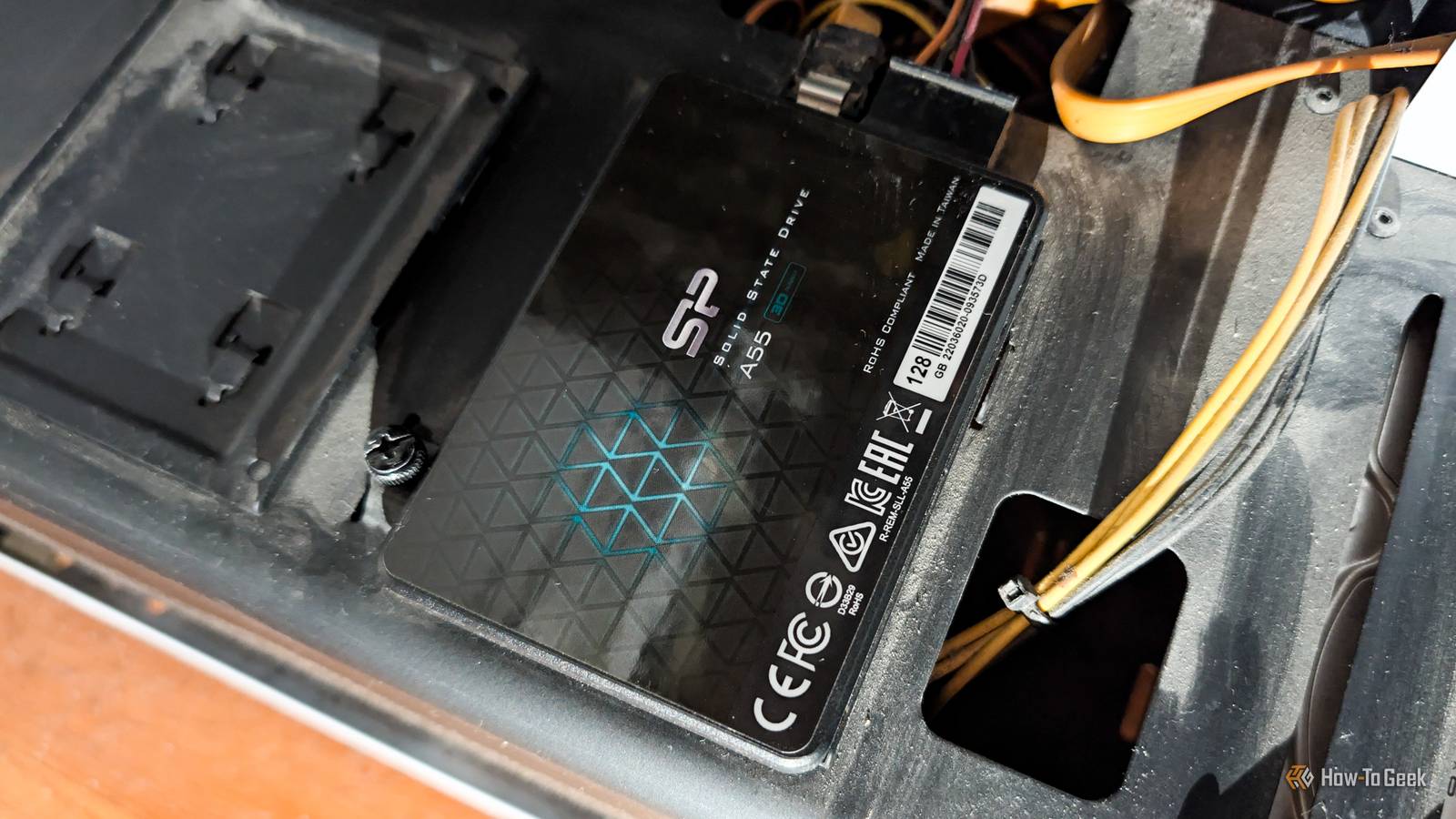
Published Nov 19, 2026, 5:30 PM EST Monica J. White is a journalist with over a decade of experience in covering technology. She built her first PC nearly 20 years ago, and she has since built and tested dozens of PCs. PC hardware is her main beat, and graphics cards and the GPU market at large are her main area of interest, but she has written thousands of articles covering everything related to PCs, laptops, handhelds, and peripherals. From GPUs and CPUs to headsets and software, Monica's always willing to geek out over all things related to computing. Outside of her work with How-To Geek, Monica contributes to TechRadar, PC Gamer, Tom's Guide, Laptop Mag, SlashGear, Whop, and Digital Trends, among others. Her ultimate goal is to make PC gaming and computing approachable and fun to any audience. Monica spends a lot of time elbow-deep in her PC case, as she's always making upgrades, testing something, or plotting out her next build. She's the go-to tech support person in her immediate circle, so she's never out of things to do. Whenever she has spare time, you'll find her gaming until the early hours and hanging out with her dog. DRAM-less SSDs get a bad rap, and not without reason. They don't have a dedicated DRAM cache, which can come back to bite them (and you) at the worst possible time. But their reputation doesn't tell the full story, and modern NVMe drives find their way around the lack of DRAM. So, what can you do with one of these inexpensive SSDs? Let's find out. Give an aging desktop or laptop a second life Even a DRAM-less SATA SSD can feel like a major upgrade If you've got an old PC, and by old I mean bordering on ancient, then you can give it a major boost with your DRAM-less SSD. It's not a great pick for a proper, modern PC, but trust me, your old computer couldn't care less about the lack of DRAM, and even a cheap DRAM-less SATA drive will do the trick. I'm a big fan of giving old PCs a second life, and replacing an aging hard drive (or an even slower SSD). Of course, if your computer actually supports NVMe storage, a modern DRAM-less NVMe SSD is an even better option. Many of these support Host Memory Buffer (HMB), which lets them borrow a small amount of system RAM to help manage the data-mapping tasks that a dedicated DRAM cache would otherwise handle. Build yourself a massive Steam game library Game loading is much more forgiving than you might expect If there's one thing you can use a DRAM-less SSD for without much concern, it's storing games. Sure, you might miss that dedicated DRAM cache when you're installing a massive game, but most of the time, when you're installing stuff, you won't mind an extra minute or two. Once everything's installed, the story changes quite a bit. Gaming is largely a read-heavy workload, and even a cheap DRAM-less SSD can deliver perfectly respectable loading times. In fact, the difference between budget and premium SSDs is often surprisingly small in actual gaming. Upgrade the storage in your Steam Deck Your handheld doesn't need a premium desktop SSD You don't need to stick that DRAM-less SSD into an actual PC; your Steam Deck will be pleased as punch with the upgrade, too. Valve's handheld isn't exactly built to take advantage of the fastest storage on the market. Its internal SSD interface is limited to PCIe 3.0 speeds, so even if you install a fancy PCIe 4.0 drive, you won't get the full performance it's capable of. What you will get is more space for your games, which is arguably way more important. Just make sure the SSD is the right form-factor: it needs to be a compatible, single-sided M.2 2230 SSD rather than a 2280. Turn it into an inexpensive portable SSD An enclosure can give an old drive a whole new purpose A portable SSD atop a desktop PC. Any old SSD + an enclosure = yay, free storage (kind of). Portable SSDs are great, because you get to store your files in a fast, semi-reliable space and transfer them easily without relying on the cloud and something as finicky as internet speeds. This is super cheap, and for the purpose of basic file transfer/storage jobs, any old SSD will do. Keep in mind that your old SSD may be even slower if you don't watch out for some common bottlenecks, so make sure everything is up to speed. Watching a movie doesn't exactly require PCIe 5.0 speeds If you've got a Plex or Jellyfin server running at home, a DRAM-less SSD can be a perfectly good place to store your media library. After all, streaming movies and TV shows is mostly a read-heavy workload, and even high-bitrate 4K videos don't require anywhere near the full speeds a modern SSD can serve up. You can also use that cheap, unimpressive SSD to store your media server's metadata, thumbnails, and other app files, which can make browsing your library feel snappier. Of course, if you've got terabytes upon terabytes of movies, a good old HDD is way more economical anyway. Give your mini PC or homelab a lightweight boot drive Not every home server needs expensive storage GEEKOM IT13 2026 mini PC If you're into homelabbing, a spare DRAM-less SSD can be a surprisingly meaningful addition to your setup. Not every little server needs a high-end drive with a dedicated DRAM cache, especially if all it's doing is booting Linux, running Pi-hole, hosting a few lightweight Docker containers, or handling other basic services. A cheap SSD can do all of that stuff without batting an eye, and it's a great way to give an old mini PC a new purpose without spending more money on storage. Of course, a bargain-bin DRAM-less drive isn't great for write-heavy databases, but a lightweight homelab boot drive? Sure. DRAM-less doesn't equal useless While it might seem like DRAM-less SSDs have nothing but limitations, that's not the case. You don't have to avoid them; just use them in ways that work for them, which may not always overlap with what you wish you could use them for. In any case, an SSD with a job is better than one that's left to collect dust.
6 jobs a cheap DRAM-less SSD can still handle without breaking a sweat
Full Article
Original Source
Read the full article at Howtogeek →KhanList aggregates and links to publicly available news content. We do not host full articles from third-party sources. Always verify important information with original sources.