
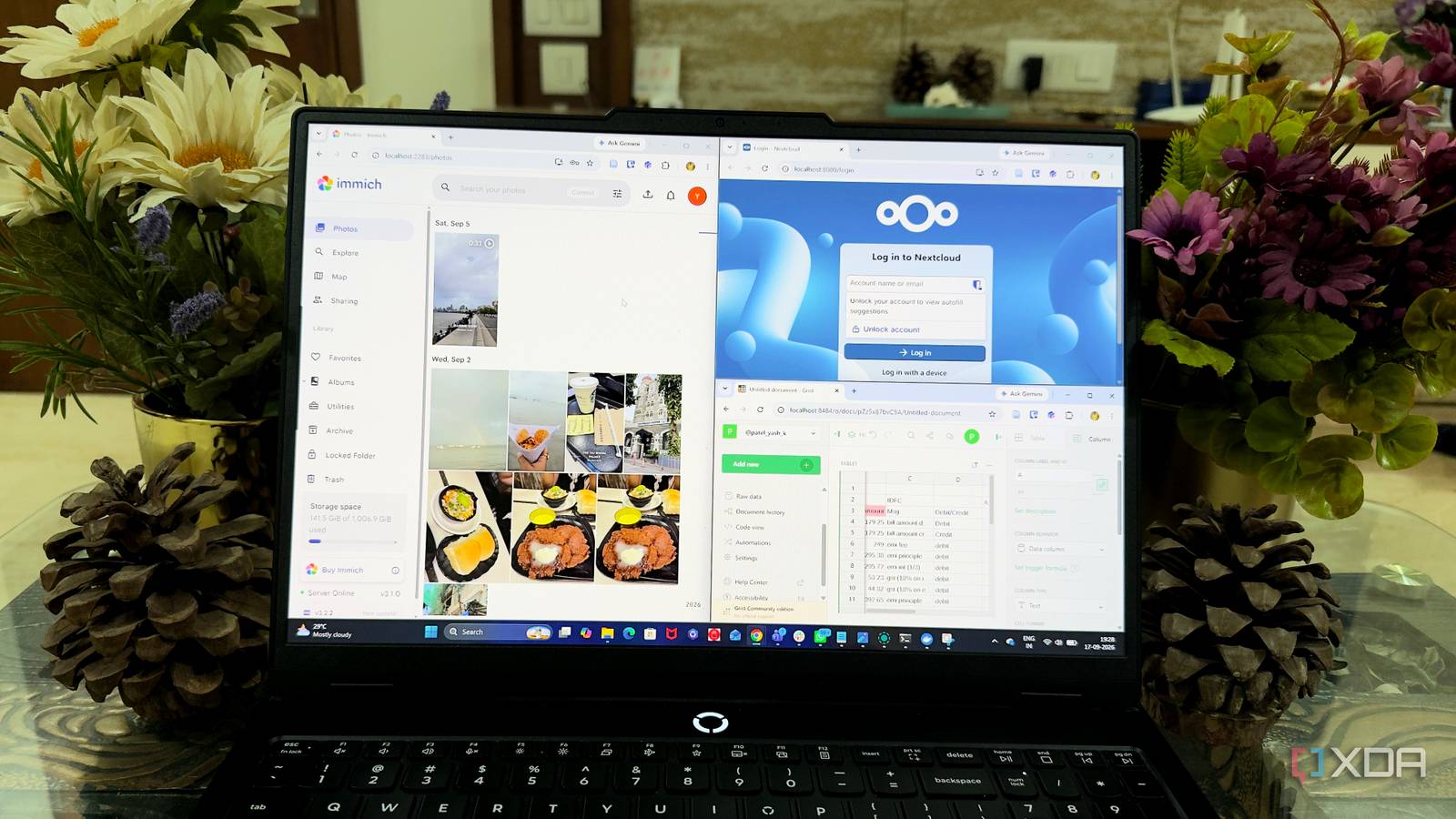
Published Sep 18, 2026, 12:30 PM EDT Beginning his professional journey in the tech industry in 2018, Yash spent over three years as a Software Engineer. After that, he shifted his focus to empowering readers through informative and engaging content on his tech blog – DiGiTAL BiRYANi. He has also published tech articles for MakeTechEasier. He loves to explore new tech gadgets and platforms. When he is not writing, you’ll find him exploring food. He is known as Digital Chef Yash among his readers because of his love for Technology and Food. Google has become the default for almost everything online. I used to open a Google service without thinking about it, whether I needed to store something, check a schedule, or manage everyday information. Over time, though, I started wondering how much of my digital life actually needed to depend on one ecosystem. Since I already run Docker on my own hardware, I began looking for practical self-hosted alternatives. I wasn't looking for complicated projects or perfect replacements. I wanted tools that could handle specific jobs well and fit into my existing workflow. These are six Docker containers that helped me gradually build a more independent setup. Immich A Google Photos alternative I actually use Immich was one of the first containers I tried when I wanted to move more of my personal data away from Google. I use it as my own photo library, and the experience feels surprisingly close to what I was used to with Google Photos. What I like most is how quickly I can find older pictures. My photos are organized into a timeline, and Immich gives me useful search and organization features without making the interface feel complicated. The mobile app also makes it easy to back up new photos automatically, so I don't have to remember to transfer them manually. It has become the place I check when I want to browse old memories or find a particular photo. For me, that's enough to make it a practical alternative to Google Photos. Immich Key highlights Self-hosted iOS compatible Yes Android compatible Yes Immich is a self-hosted photo and video backup solution. Nextcloud A private cloud that actually feels simple Nextcloud is the container I use when I want a proper home for my files without depending on Google Drive. I installed it on my own server and started moving the files I regularly access between my devices. The desktop sync client is what makes it fit naturally into my workflow. I can work with files from a familiar folder on my PC, while Nextcloud keeps everything synchronized in the background. I can also access the same files through its web interface when I'm using another device. I like having control over how I organize and share my files. I can create folders, share individual files, and decide who gets access without moving everything into another cloud account. It doesn't completely replace the convenience of Google's infrastructure, but it gives me a reliable personal file cloud that I control. Nextcloud OS Windows, macOS, Linux Key highlights Self-hosted, open source iOS compatible Yes Android compatible Yes Nextcloud is a local cloud storage tool with all the features that you need and an equally powerful plugin store. Radicale My calendar doesn't need Google's servers Radicale is the container I use when I want to keep my calendars outside Google Calendar. I like that it takes a much simpler approach than a full productivity platform. It gives me a place to manage my schedules while keeping the underlying calendar data on my own server. I connect it to the calendar apps I already use through standard CalDAV support, so I don't have to change how I check my schedule. Creating events, updating appointments, and viewing different calendars still feels familiar. The biggest change for me is where the data lives. Instead of relying on Google's servers to store my calendar information, I host it myself and decide how it's accessed. Radicale doesn't try to recreate every feature of Google Calendar, and that's actually part of its appeal. It stays lightweight and focused, which makes it a practical option for reducing my reliance on Google's calendar service. Radicale Radicale is a lightweight, self-hosted server used to store and sync your calendars, to-do lists, and contacts across different devices. Grist I built a smarter spreadsheet for myself Grist became my go-to container for the spreadsheets I don't want sitting in Google Sheets. I mostly use it for tracking information that needs more structure than a basic spreadsheet can offer. It still looks familiar enough that I didn't have to relearn everything from scratch. What I enjoy is the way Grist lets me connect related information instead of keeping everything inside one huge table. I can create columns, use formulas, and build different views depending on what I'm working with. It feels closer to a lightweight database while keeping the simplicity of a spreadsheet. Grist A modern, open-source, self-hostable spreadsheet app that also functions as a database and app builder. Vaultwarden My password vault, without Google's cloud Vaultwarden helped me move an important part of my digital life away from Google. I use it to store passwords and login details on my own server instead of relying on Google Password Manager. It keeps things simple. I can organize my credentials, generate strong passwords, and quickly find the login I need. Since it works with Bitwarden-compatible clients, I can also use browser extensions and mobile apps without changing my usual workflow. What I like most is knowing where my password vault is stored and having control over it. I do have to handle backups, updates, and security myself, but that's a trade-off I'm comfortable with. It gives me another practical way to reduce my dependence on Google's services. Vaultwarden Key highlights Self-hosted Bitwarden alternative Vaultwarden is a self-hosted solution for storing paswords and credentials managed with Bitwarden. Reitti A private home for my location history Credit: I use Reitti to keep a record of the places I've visited without relying on Google Timeline. I like having my location history available, but I wasn't comfortable keeping years of movement data tied to my Google account. With Reitti, I can maintain my own location history and look back at past trips and places I've visited. The interface keeps things simple, which is all I really need from a location-tracking tool. What matters most to me is where that data lives. Location history can reveal a lot about my routines, so keeping it on the infrastructure I manage feels more comfortable. Reitti gives me a practical way to keep this part of my digital life outside Google's ecosystem. Reitti Reitti is an open-source, self-hosted Google Timeline alternative that turns your location history into a clean, visual timeline you fully control. I’m not leaving Google; I’m just using less of it I don't think self-hosting means abandoning every Google service overnight. For me, it’s about having alternatives when I want more control over my digital life. Docker makes that transition much easier because I can try one service at a time without changing everything at once. The more of these tools I use, the more I realize I don't need to put all my digital eggs in one basket.
6 Docker containers helped me reduce dependency on Google eco-system
Full Article
Original Source
Read the full article at Xda-developers →KhanList aggregates and links to publicly available news content. We do not host full articles from third-party sources. Always verify important information with original sources.