
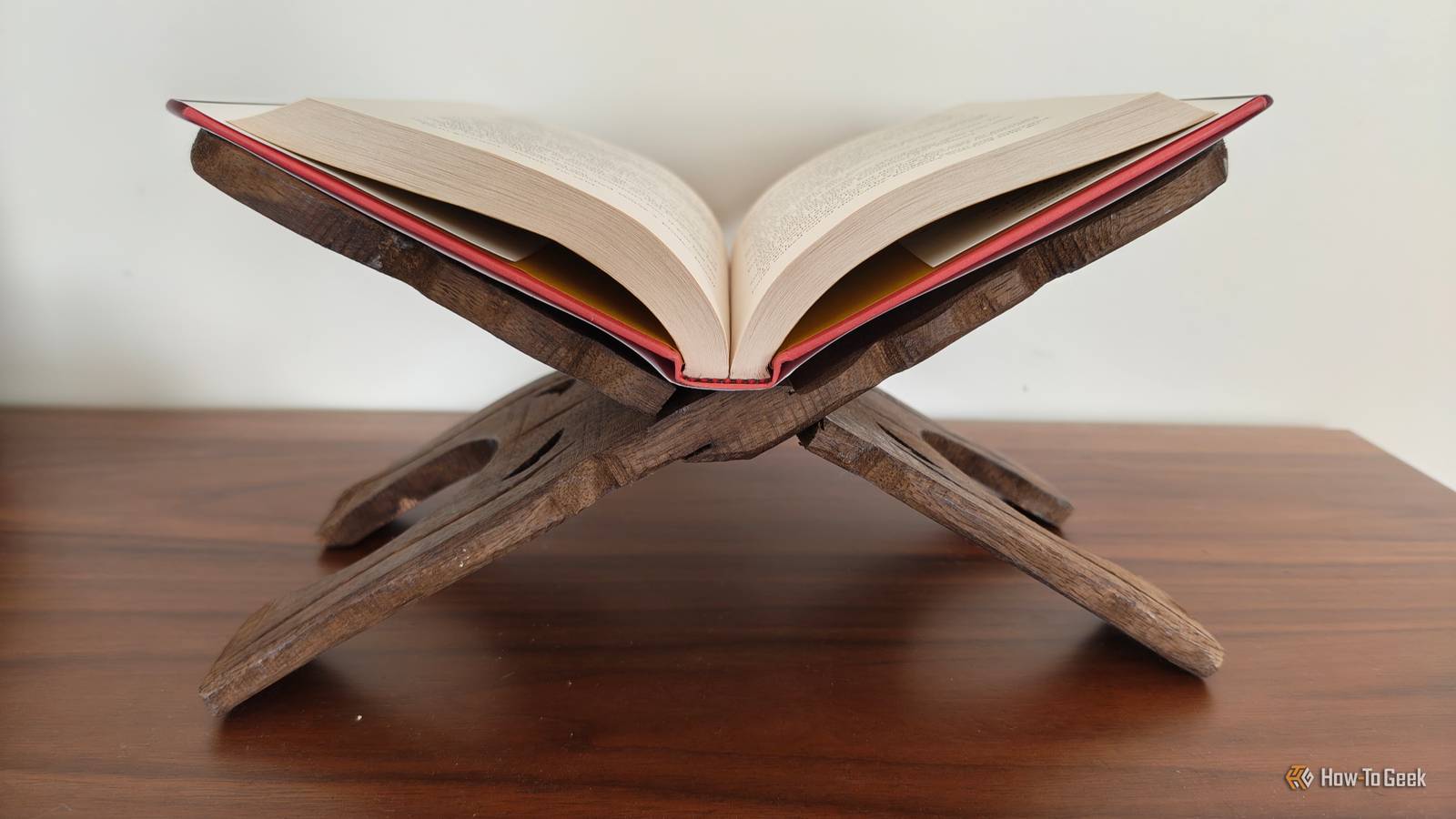
Published Nov 25, 2026, 3:30 PM EST Bertel is a lifelong tech enthusiast with over a decade of experience writing thousands of articles about Android devices, Linux, and more. Before joining the How-To Geek team, Bertel wrote for the likes of MakeUseOf, MakeTechEasier, and Android Police—at the latter he wrote over 3,500 articles. He delights in helping others decide which tech to bring into their lives... and which tech to do without. Bertel graduated from the College of William and Mary in 2012 with degrees in History and Government. He has spent his entire career as a tech journalist covering Android, Linux, wearables, smart home devices, and more. I enjoy games and TV, but I spend as much time, if not more, reading books. This wasn’t the case for me growing up, but as an adult, I’ve adopted practices that have made reading my default form of leisure. I read more books now, and I’ve done so without speeding up how fast I read. My phone is my primary eReader Reading has replaced doomscrolling I used to be put off by the idea of reading books on my phone — until I discovered foldables. While many don’t see a reason to own a book-style foldable phone, for me, the reason is right in the name. These phones are the perfect size for reading. I currently carry a Motorola Razr Fold. When unfolded, the screen is larger than many Kindles and is not that far from your average paperback. I also like having the option to split text into two columns and enjoy the screen’s crease as a natural break between the two digital pages. It's fun to read on a phone that's actually shaped like a book. To make sure I actually use my phone for reading, I've uninstalled the kinds of apps I want to avoid. I don't browse social media on my phone, and I no longer use it to play games. Instead, my ebook app is pinned on my home screen. When I pull out my phone, I instinctively open a book instead of scrolling through feeds. I use a single app for most of my reading Moon+ Reader is a hard app to beat Amazon, Barnes & Noble, and Kobo also want us to buy books from their stores and read them exclusively in their apps. Personally, I find the idea of juggling multiple apps with different interfaces to read my library a non-starter. This is how I settled on Moon+ Reader, the best all-around eBook reader for Android I know. Moon+ Reader isn’t limited to EPUB and MOBI files — it can also read PDFs, letting me use a single app for books, comics, and magazines alike. Not having to remember which app to open or how each one works removes a major layer of friction. Whenever I open Moon+ Reader, my recently read books are all in one place, along with my highlights and notes. Moon+ Reader can only read DRM-free books, which is why I purchase the majority of my ebooks and comics from DRM-free sources. For other books, well, it isn’t that hard to remove DRM. I’ve fallen in love with a Bluetooth page turner I’ve made a complete 180 on how I feel about this accessory When I saw my first Bluetooth page turner, I was incredibly skeptical. I already read ebooks partly because tapping a screen is much easier than turning the pages of a physical book. Do I really need to hold a phone to make it easier? No, I don’t, but having a Bluetooth page turner has undeniably sped up reading, and it's such an unexpectedly useful device to connect to a phone. I can prop my phone up on a stand while I’m eating and click through pages instead of having to reach over my plate. This makes reading an activity that can more easily compete with watching YouTube or Netflix over lunch. I find the page turner to also be great in bed, where I can prop my phone up and read without having to pull my arms out from under the blanket. The coziness is real. I have a lightweight eReader for when a screen is too much I’ve been blown away by how thin eReaders have become While I primarily read ebooks on my phone, I do have a separate one I pull out when I want a break from my OLED. It’s the BOOX Go 10.3 (Gen 2). This device is a mere 4.8 mm thick, virtually as thin as my phone is when unfolded. Mine is a review sample, so I didn’t have to pay out of pocket to buy one, and I don’t know if I would, since my phone does the job so well. Yet I have read more as a result of having it around. I’ve bought a book stand for my physical books Yes, my house is still filled with physical books It may sound like I’ve gone digital-only, but I haven't. We have several floor-to-ceiling bookshelves loaded with books, and thanks to Little Free Libraries and library book sales, it’s hard not to keep adding more. I don’t read physical books as quickly as I do digital ones, but I’ve stumbled across an accessory that has helped — a book stand. A book stand helps take the load off reading large books and heavy hardbacks. Like with a phone stand, I can focus on the words and only touch the book when it’s time to turn the page. Book stands are hardly new technology, but they weren’t something I knew to seek out. Now, I do. I’m not big on tracking my reading, but some data is helpful There are any number of apps and services that can track your library and log what you’re currently reading, like Goodreads. I’m not that invested, but I do like that Moon+ Reader tells me how long it takes me to read each book. This helps me put the hobby in perspective. It took me over 21 hours to read Adrian Tchaikovsky’s The Scarab Path spread out over a month. We, readers, might have an idea how long a book takes us to read, but having the hard numbers makes it easier to plan out how to go about reading the next one.
5 tricks I used to read more books than ever in 2026
Full Article
Original Source
Read the full article at Howtogeek →KhanList aggregates and links to publicly available news content. We do not host full articles from third-party sources. Always verify important information with original sources.