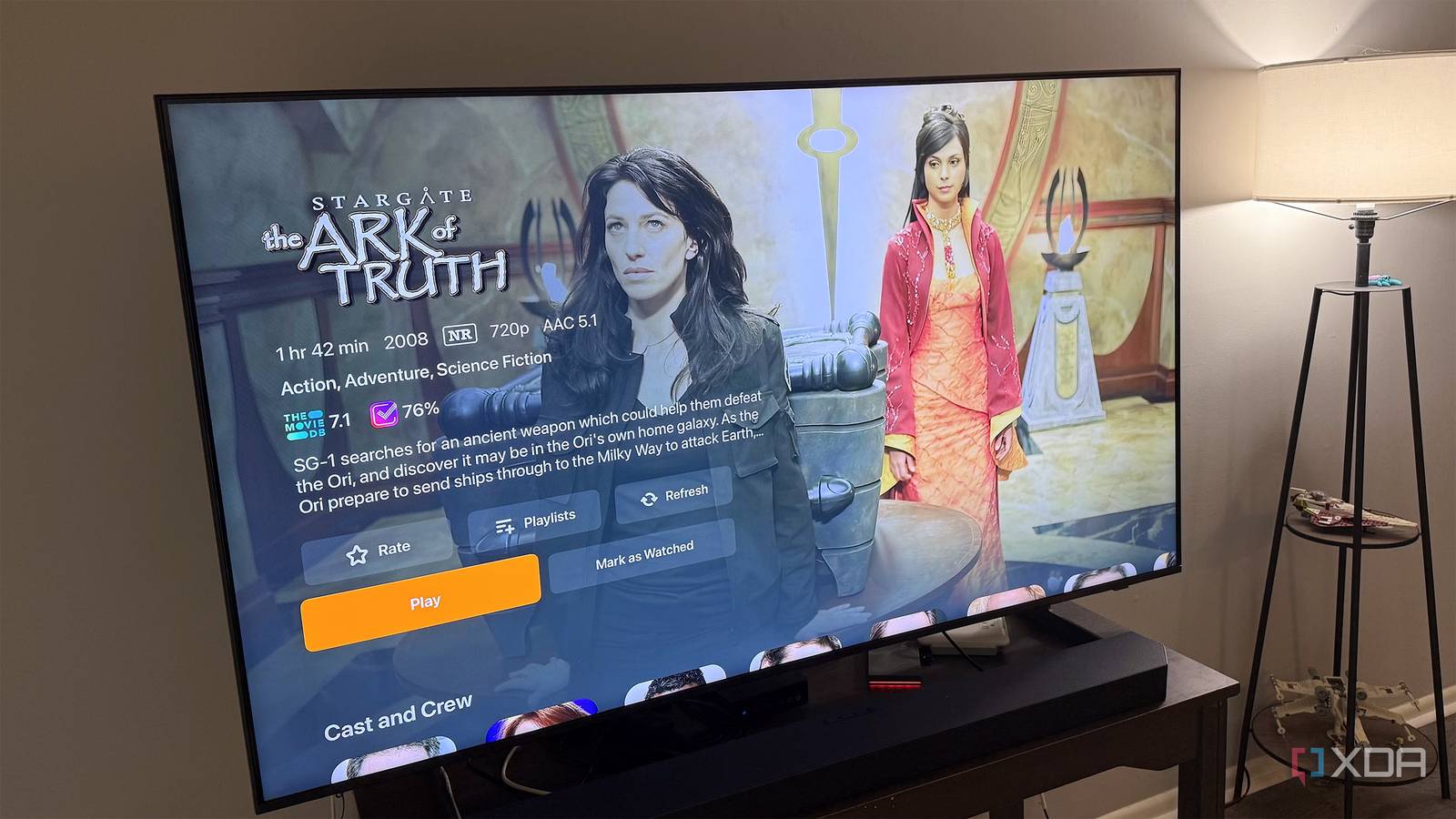
My living room media setup started with a simple goal. I wanted my movies and television shows on hardware I controlled, with one clean interface instead of a pile of streaming apps that each remembered different watch histories. Jellyfin solved the playback side almost immediately, but I quickly learned that playback was only one part of the job. Requests, naming, subtitles, organization, and the simple question of what to watch next still kept landing back in my lap. That’s where the rest of the stack started to matter. Each tool handles a specific annoyance that would otherwise become another manual chore, another badly named folder, or another text asking whether I had a certain movie. Sonarr and Radarr are often discussed in the same breath as piracy, but the applications themselves are library management tools, and I’m only talking about using them with media you own or are authorized to access. Put together, these five services cover most of what happens between adding something to my server and finally watching it from the couch. Jellyfin brings everything to the television It remains the center of the whole setup Jellyfin is the part everyone in the living room actually sees. It scans my media folders, pulls in artwork and descriptions, groups shows into seasons, and presents the whole library in a way that works with a remote. That sounds obvious, but it’s a huge improvement over browsing a NAS share and trying to remember whether a file named something like S02E07-final is actually the episode I want. I get watch progress, episode summaries, user profiles, and a proper home screen instead of a folder tree. The biggest advantage for me is control. The media stays on my own storage, I decide who can access which libraries, and I’m not tying the collection to another paid account. Separate users also matter more than I expected, especially when I want different libraries hidden from different people or don’t want someone else’s viewing habits mixed into mine. Once those permissions are set up correctly, the storage underneath mostly disappears from view. Jellyfin still needs attention from time to time. A badly named file can confuse the scanner, incorrect metadata sometimes slips through, and client behavior can vary once transcoding is involved. Remote streaming also takes more setup than the polished interface initially suggests. Inside the house, though, it’s settled into the role I wanted from the start: the front door to everything else in the system. Jellyfin iOS compatible Yes Android compatible Yes Desktop compatible Yes Jellyfin is the central hub of my self-hosted media center. Requests stop arriving through scattered text messages Seerr, formerly known as Jellyseerr, gives everyone a single place to search for movies and television shows and submit requests. That alone is better than getting a message with half a title, no year, and a vague description of who starred in it. It also checks whether something is already available before a request goes through. I’ve had enough moments when someone asked for a movie already in the library to appreciate that feature more than I probably should. The approval system gives me a useful pause before anything moves forward. I can review a request, decide whether it belongs in the library, and prevent storage growth from becoming automatic. User quotas and request limits help with that too, especially when browsing turns into a run of “maybe this one” clicks. It keeps the service convenient without giving every user an unlimited claim on the server. Seerr also handles discovery better than Jellyfin does on its own. People can browse upcoming releases, recommendations, and related titles even when those items aren’t already in the library. That makes the setup feel more complete from the user side, because they don’t have to leave the system just to figure out what they want. I still make the final decision, but I’m no longer acting as the search box, recommendation engine, and request tracker all at once. Seerr Seerr is an open-source request management and media discovery tool that works with Jellyfin, Plex, or Emby server. Automation helps without deciding where files come from Sonarr and Radarr handle television and movie libraries, respectively. The most useful part of both, at least in this setup, is how they enforce consistent naming and folder structures before Jellyfin sees anything. They can identify episodes, track seasons, rename files, and move authorized media into the correct library folders. That means Jellyfin starts with files that already look the way it expects. Sonarr, Radarr, and Seerr don’t provide media themselves. They organize requests and files from sources you configure, so you’re still responsible for making sure anything added to your server was obtained legally and that you have the right to store it. I didn’t fully appreciate that until I had to fix the same naming problems more than once. One badly labeled episode is easy enough to repair, but a season full of them gets old fast. Incorrect names can lead to the wrong metadata, misplaced episodes, or files that Jellyfin simply ignores. Sonarr and Radarr turn that cleanup into a routine process instead of something I have to remember after the library already looks wrong. Neither application changes the legal status of the media passing through it. They can be used with personal disc backups where permitted, public domain material, authorized downloads, or other files you have the right to store. The valuable part is the organization and tracking, not any particular download method. Framing them that way also makes their role in a home media setup much easier to explain. Bazarr keeps subtitles ready before playback Movie night no longer stops for subtitle hunting Subtitles used to be something I remembered only after the movie had already started. Then I’d pause, dig through whatever subtitle options the client exposed, and hope one matched the exact version of the file. Bazarr moves that work to the server instead. It connects with Sonarr and Radarr, checks the media they manage, and looks for subtitles based on the languages and preferences I set. Matching matters more than it seems. Two subtitle files can share the same title and still be out of sync because one release has a longer opening, a different cut, or slightly different timing. Even a few-second mismatch becomes hard to ignore once you notice it. Bazarr improves the odds of getting the right file before anyone sits down to watch. It also lets me treat subtitles as part of the library rather than a last-minute fix. I can choose preferred languages, define acceptable providers, and decide whether existing subtitles should be replaced by better matches. That helps with foreign-language scenes, quiet dialogue, and late-night viewing when I don’t want to keep turning the volume up and down. Once it’s configured properly, it mostly stays out of the way, which is exactly where I want it. Bazarr Bazarr is a companion app to Sonarr and Radarr that handles and downloads subtitles according to your preferences. ErsatzTV turns files into channels Sometimes I want television without choosing anything A large personal library creates a problem I didn’t expect. I can spend several minutes scrolling through Jellyfin, open a few show pages, back out of them all, and still end up watching nothing. ErsatzTV takes a different approach, turning stored media into scheduled channels. Instead of picking an individual episode, I can open a channel and watch whatever happens to be playing. Those channels can be organized by genre, franchise, series, or any other grouping that makes sense. I can build one around sitcoms, another around older movies, and another around a specific collection. Scheduling rules keep the results from feeling completely random. The lineup still has enough structure to feel intentional, even when I didn’t choose the exact episode. ErsatzTV doesn’t replace Jellyfin, and I wouldn’t want it to. I still use direct browsing when I already know what I want to watch. Its value shows up on nights when I don’t want another decision and would rather drop into something already in progress. That has made the library feel more usable, not just larger. ErsatzTV ErsatzTV turns your TV shows and movies into channels, complete with a guide and scheduled runtimes you set. The supporting tools make Jellyfin feel complete Jellyfin remains the focal point of my living room, but the services behind it are what make the whole setup feel finished. Seerr handles requests, Sonarr and Radarr keep authorized media organized, Bazarr manages subtitles, and ErsatzTV gives me a way to watch without first spending twenty minutes browsing. Each service adds another container and another thing I may occasionally need to troubleshoot. Even so, the combined result is far more useful than a folder full of files and a media server left to handle everything alone.
5 tools that turned my self-hosted media server into something better than any streaming service
Full Article
Original Source
Read the full article at Xda-developers →KhanList aggregates and links to publicly available news content. We do not host full articles from third-party sources. Always verify important information with original sources.