
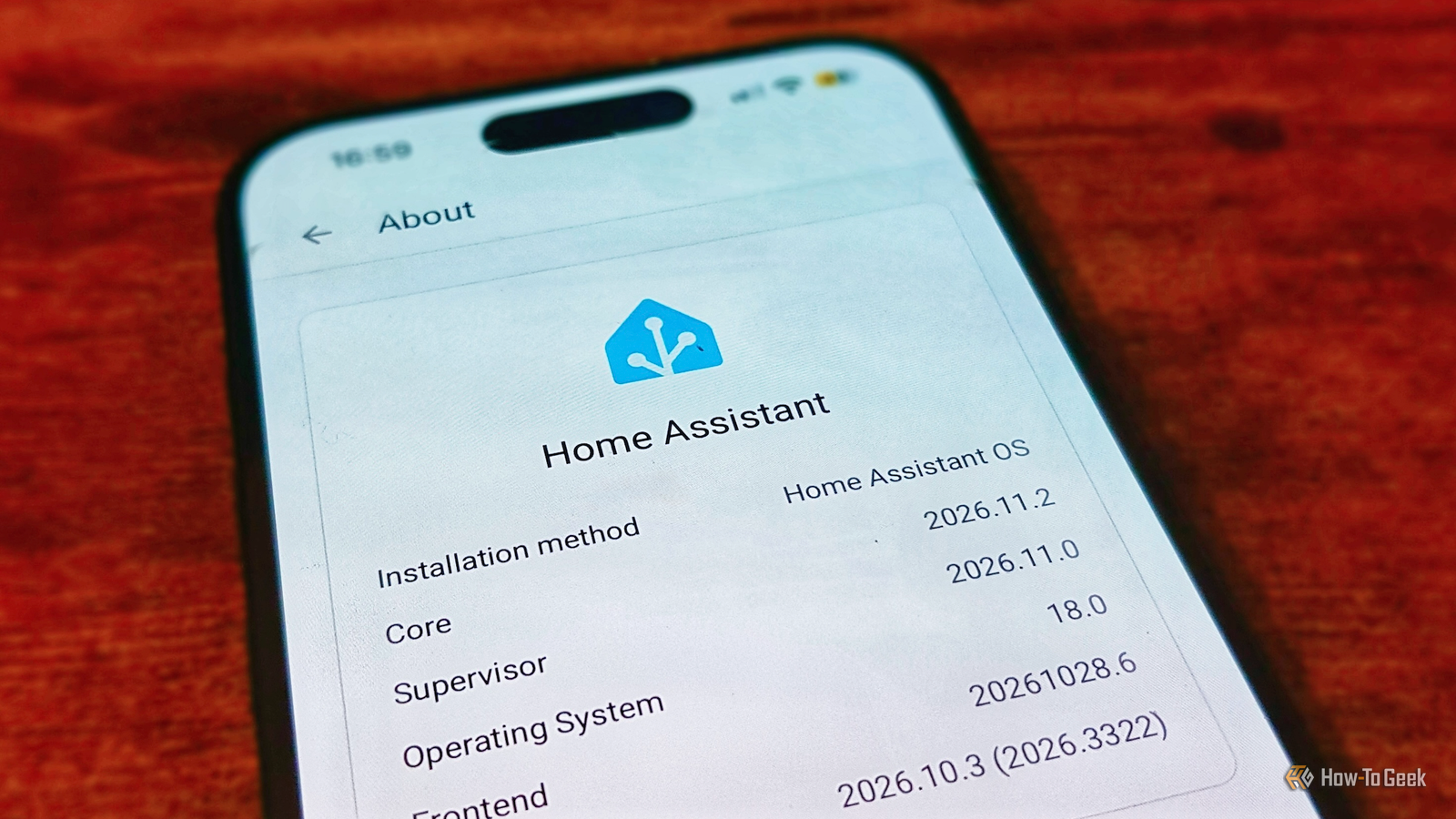
Published Nov 23, 2026, 3:30 PM EST Adam has a degree in Engineering and has a life-long interest in technology. He has been writing for over a decade for various print and online publications, with a focus on consumer tech. He joined How-To Geek in 2024 while working at Pocket-lint. As well as being a long-term fan of Apple products, he also has a strong interest in smart home tech, running a Home Assistant server at home to automate all his smart home devices. He believes that the ideal smart home should work with minimal interaction from the user, with automations running as if by magic rather than requiring you to push buttons on a control panel. You can find more of his work on Muck Rack. Home Assistant 2026.11 is the biggest release in Home Assistant's history. It's packed with new features and changes to existing ones, with 38 new integrations and thousands of merged pull requests from hundreds of contributors. With so much in one release, it can be hard to keep track of everything that's new. Here are some of the things you can do in Home Assistant 2026.11 that you couldn't do before. The new Marketplace means there's no need for HACS This is one of the biggest changes in 2026.11. It brings one of the most popular custom integrations in Home Assistant into the core software. The Home Assistant Community Store (HACS) is an integration that provides a one-stop shop for browsing and installing community-created integrations, dashboard cards, and more. If Home Assistant didn't have a native integration for what you needed to do, you could usually find and install one via HACS. I've been using HACS for as long as I can remember. Home Assistant 2026.11 adds a new feature called Marketplace, which is effectively HACS by a new name. Instead of having to install HACS in Home Assistant, Marketplace is part of the core software, found under Settings > Marketplace. You can use Marketplace to install custom integrations and cards just like you could with HACS; when you first upgrade, your existing HACS installs are migrated to Marketplace. Exclude devices from a target Pick everything except one device This is a simple change, but one that can be incredibly useful. Before this update, you could target a group of lights, such as all the lights in the living room. If there was one light you wanted to omit, however, you'd have to select all the lights you did want manually. There's now an Exclude target button in the automation editor that allows you to exclude targets from triggers, actions, and conditions. The best part is that if you add more lights to the living room at any point, they will automatically be included in your automations unless you choose to exclude them. Before this feature was added, you'd have to go back in and manually add them to your selection of lights. Dashboard sections that fill themselves Add a section that chooses its own cards When you build dashboards in Home Assistant, you can use sections, with each section able to hold a grid of dashboard cards. Before this update, you needed to fill out each section by hand, so if you added new devices to your smart home, you'd have to go back into your section and add a card for that new device. In Home Assistant 2026.11, you can now use automatic sections. With an automatic section, you don't manually add any cards at all; you choose what the section is for, and Home Assistant decides which cards belong in it. Common controls shows things you used most often based on your activity, Device shows all the controls and sensors for a specific device, and Entities allows you to specify entity types, areas, floors, devices, or labels. The section gets filled with the appropriate cards. The real benefit is when things change. If you add a new light to your living room, for example, and you have an automatic section for living room light entities, your new light will automatically be added to the section without you having to edit your dashboard yourself. You can still convert a section to a manual section if you prefer and choose the cards yourself. Naming entities Rename a device and the entities follow This is one of the most controversial changes in Home Assistant 2026.11, because it has the potential to change how entities can appear on your dashboards. Some Home Assistant users have had to make significant edits to their device names to fix the problems. For example, entities that don't already start with the device name included now have the device name appended to the front of them. This can make the entity names much longer, causing them to be truncated on dashboards and thus harder to read. It is possible to customize what appears on your dashboard, but this can involve changing a large number of names. However, there are some significant benefits to the changes. A lamp in the Living Room area page can appear as just "Lamp" but appear as "Living Room Lamp" from a global standpoint. When you rename a device, its entities follow the new name you use. Multi-part devices also benefit; a power strip with multiple sockets, for example, shows as one parent device with four child devices, so each socket can appear as its own device. You could name one socket "Coffee Machine," for example, and give that device its own area. Child devices currently work with Z-Wave, MQTT, ESPHome, and some Tuya devices, with Matter and ZHA support still to come. Find out what triggered an action See action history and perform actions again If a light comes on when you're not expecting it, a common option was to dig through your automations and look through the traces to see which automation caused the light to turn on, and why. If multiple automations can control the same light, this can take a fair bit of hunting. There's now a new Action history tab under Settings > Tools which lists the actions that have happened recently, as well as the targets for those actions, and what caused those actions to be performed. Not only can you quickly see exactly what caused an action to happen, but you can also repeat that action by clicking the Perform again button. It makes it far easier to find out why things are happening unexpectedly. Home Assistant 2026.11 is packed with features This update is packed with useful new features, but it can cause things to break, so ensure that you take a full backup before you perform the update. This version isn't supported by some older browsers; you need at least Chrome 67, Safari 15.4, or Firefox 98. You may find that older tablets no longer load your dashboards.
5 things you can do with the latest Home Assistant update that you couldn’t do before
Full Article
Original Source
Read the full article at Howtogeek →KhanList aggregates and links to publicly available news content. We do not host full articles from third-party sources. Always verify important information with original sources.