
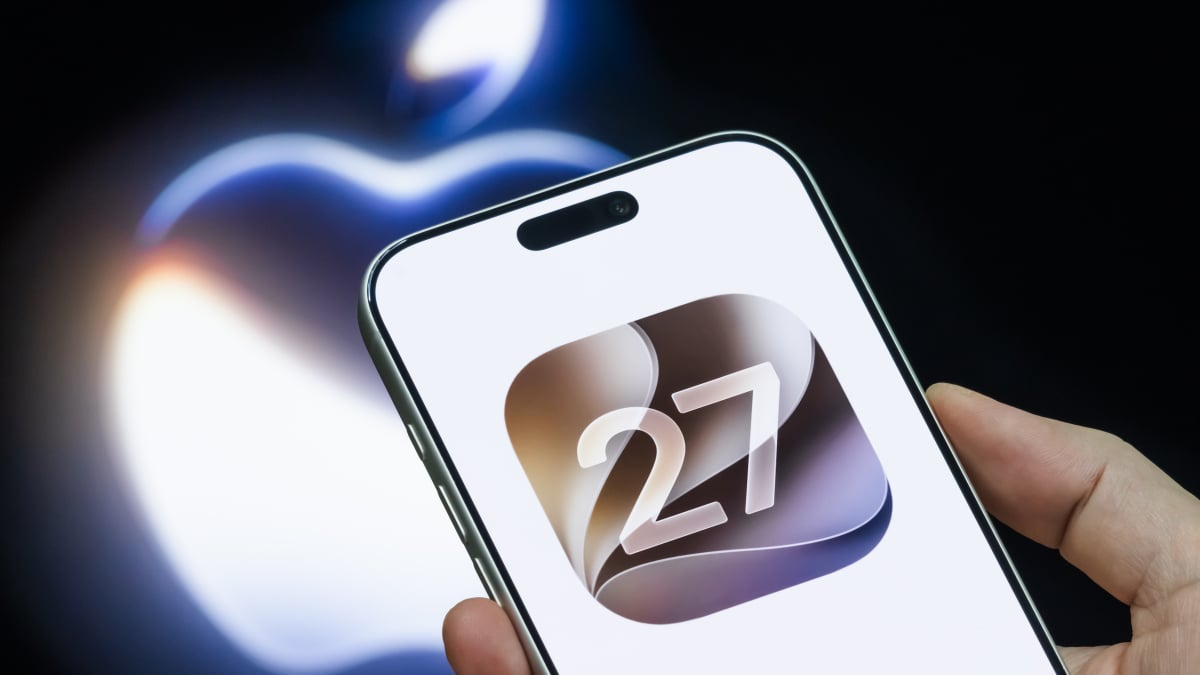
We are just days away from Apple's big September iPhone event. That means that along with new iPhones, the official launch of iOS 27 is just around the corner.Even if you're not planning to upgrade to the iPhone 18 Pro or Apple's first foldable device, the new iOS 27 is packed with new features that will make your current smartphone feel brand new, including the long-awaited debut of Siri AI.If you've installed the iOS 27 beta, then you might already have these features on your iPhone. But, if you're waiting for the official release, here are some of the top iOS 27 features you should be looking forward to. Siri AIThis is the big one. Apple announced plans for a completely rebuilt Siri assistant years ago. Now, they're finally going to launch Siri AI, powered by Apple Intelligence, with iOS 27.For the first time, Siri now has its own app where users can type or speak to interact with the AI assistant. Users can still interact with Siri AI from anywhere on the device by just saying "Hey Siri," holding the iPhone's side button, or swiping down on the Dynamic Island. However, Siri AI will now live within its app too, where users can pull up past interactions and conversations with Siri.Once a user accesses Siri AI, they can ask well beyond just general questions like how the weather is outside. They can even dive deeper than asking for real-time updates from online sources. Siri can now pull contextual information from the user themself to answer questions. Siri can pull answers from a user's emails, calendars, documents, notes, photos, and more.There are even new tools within Siri AI as well, such as Write with Siri, in which a user can speak to Siri AI, and the assistant will generate text based on what the user asked for. Visual IntelligenceSpeaking of Siri AI tools, this one deserves a callout of its own.Visual Intelligence is a new iOS 27 feature that gives Siri AI the ability to answer questions based on what's right in front of the user. Simply point your iPhone camera at a movie on TV or a meal on the table, and Siri AI will be able to answer whatever questions you may have about it.Users can also use Visual Intelligence to ask questions about photos, videos, or whatever else is on their iPhone screen as well. Mashable Light Speed Three new major AI photo editing tools (finally)Apple Photos is getting a big upgrade with three new editing tools that will honestly make it feel like you've just upgraded to a new camera.The biggest of the new features is Spatial Reframing. Using AI and the spatial data captured when snapping a photo, you can now change the angle and perspective of a picture after you've already taken it.Extend is another new photo editing feature that uses AI to basically zoom out on a photo and generate more of the surroundings than what was captured in the original picture.Finally, Clean Up is an improvement on a similar functionality that was already available on iOS devices. Just circle an object in a photo with your finger and Clean Up will remove the object.Image PlaygroundImage Playground is getting real. Previously, the AI photo generation tool was mostly seen as a toy where users could generate cartoonish images. Now, Image Playground will be able to generate much more realistic photos as well.Users will also be able to combine multiple different image elements and make additional edits via prompts to generate images.New customization optionsiOS 27 will introduce a new Liquid Glass slider, making it easier to adapt the transparency settings to your liking. In addition, if you have a relatively new iPhone, you'll also be able to customize Siri's voice. Credit: Apple / Mashable Photo Composite Shortcuts updateThere are quite a few updates to existing apps and features in iOS 27. If you want to read more about those, you can check them out in Mashable's previous iOS 27 and Siri AI coverage (here and here).However, one upgrade to an existing feature feels like a whole new experience, so we think it deserves a standalone mention.Apple has reimagined Shortcuts, perhaps one of the iPhone's lesser-used features, to make it much more welcoming to the average iPhone user. Shortcuts allow the user to set up a chain of commands or automated actions. It's supposed to make complicated processes easier; however, the initial manual setup is fairly intimidating to non-technical people.With iOS 27, users will now be able to describe exactly what automation they want to setup with Shortcuts, and then Shortcuts will handle the entire setup process.Bonus: Multitasking on the iPhone UltraIf you're planning to get the first-ever Apple foldable, then you'll be able to use your iPhone more like a tablet. The larger inner screen will allow you to run multiple apps side-by-side, enabling new ways to multitask on your phone. While we haven't been able to preview these features in the iOS 27 beta yet, we know they're coming thanks to hints in the code and other leaks. Top Apple Deals we found this week:Apple AirTag 2 (4-Pack) — $79.99 $99 (save $20)Apple AirPods 4 — $99 $129 (save $30)Apple iPad Air 11-inch (M4) — $649 $749 (save $100)Apple iPhone Air (256GB, unlocked) — $849.99 $999.99 (save $150)Apple MacBook Pro, 14-inch (M5, 16GB RAM, 1TB SSD) — $1,849 $1,999 (save $150)Shop all the best Apple Labor Day deals
5 Siri AI and iOS 27 features we’re looking forward to
Full Article
Original Source
Read the full article at Mashable →KhanList aggregates and links to publicly available news content. We do not host full articles from third-party sources. Always verify important information with original sources.