
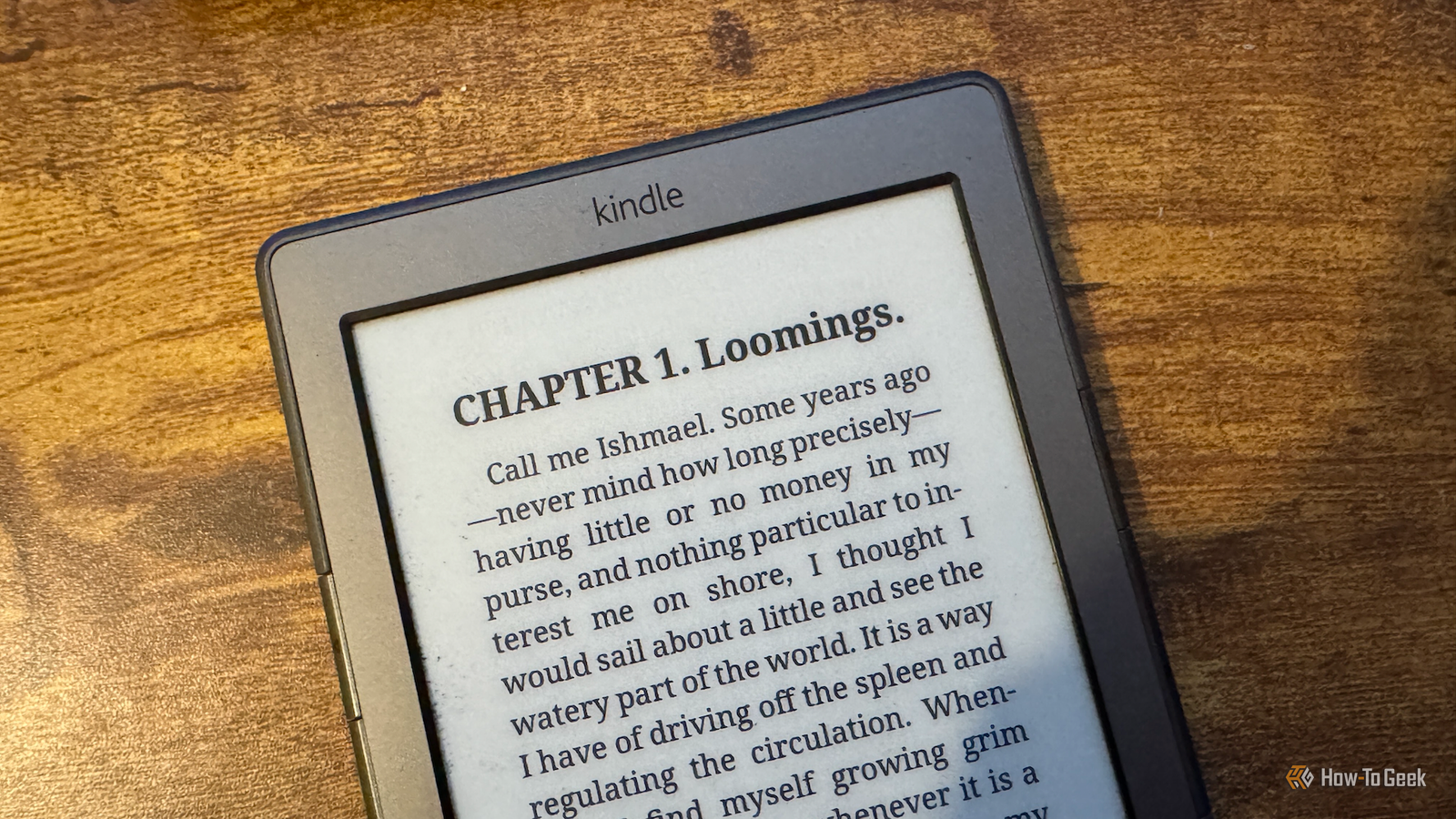
Published Jul 26, 2026, 9:00 AM EDT Adam has a degree in Engineering and has a life-long interest in technology. He has been writing for over a decade for various print and online publications, with a focus on consumer tech. He joined How-To Geek in 2024 while working at Pocket-lint. As well as being a long-term fan of Apple products, he also has a strong interest in smart home tech, running a Home Assistant server at home to automate all his smart home devices. He believes that the ideal smart home should work with minimal interaction from the user, with automations running as if by magic rather than requiring you to push buttons on a control panel. You can find more of his work on Muck Rack. I love my Kindle. I've used it for 15 years, and it's served me well throughout that entire time. The problem isn't the hardware; it's the ecosystem that goes with it. That's why I won't ever buy another Kindle; I don't trust Amazon to give it the long life it deserves. Amazon can remove features at any time My Kindle still works fine but is no longer supported Credit: Tim Brookes / How-To Geek This is one of the biggest reasons why I won't be buying another Kindle. My Kindle 4 is still in perfect working order, and up until recently, I could use it absolutely fine with Amazon's ecosystem. In May 2026, Amazon officially ended support for Kindles released in 2012 or earlier, including my Kindle 4 and the original Kindle Paperwhite. These devices are no longer able to connect to Amazon services. It means that despite owning a fully functional Kindle, I can no longer buy, borrow, or download new books, or use the Send to Kindle option to get books onto my device. If I have to factory reset my Kindle for any reason, I will be unable to reregister the device to my Amazon account. I can still read books already downloaded on my device, but even though I've paid for other books, I can't download them from Amazon to read them. Most of the key features of my Kindle are now dead. Kobo Clara BW Screen 6” E Ink Carta 1300 HD touchscreen Resolution 300PPI The Kobo Clara BW offers an Amazon-free reading experience in an affordable 6-inch package. It features a high-quality E Ink Carta 1300 HD touchscreen and a waterproof design, making it one of the most competent eReaders available at this price. Older Kindles are quickly abandoned New features can stop arriving Credit: Bill Loguidice / How-To Geek If your Kindle is relatively new, you might not feel too concerned, since Amazon only dropped support for devices that were 14 years old or more. Just because you own a newer device doesn't mean you shouldn't be worried. Even newer Kindles lose access to some features surprisingly quickly. In 2025, Kindle software updates added new features including Assistive Reader, which can read supported books aloud, more controls for text spacing, and screen orientation locking. These updates were only for 11th- and 12th-generation models, however. It means if you own a Kindle from as recently as 2019, you may not have access to all the available features. The first-generation Kindle Scribe from 2022 already lacks some features available on the new models, including AI-powered notebook search. I don't own the eBooks I pay for Amazon has previous for revoking access to books Credit: Audible This is one of the biggest reasons to leave Amazon behind. When you buy a book through Kindle, you don't actually own the book outright. You're simply buying a license to be able to read it. If you own something outright, it can't be taken away, but that's not the case with Kindle books. The most well-known example is the 2009 incident in which Amazon remotely deleted copies of George Orwell's Animal Farm and 1984 novels from customers' Kindles. This was after Amazon discovered that the seller did not have the necessary distribution rights. Deleting a book about a dystopian society under mass surveillance could not have been more apt. Many people who bought and paid for these books under the mistaken assumption that they now owned them had the files remotely removed from their devices without their permission. Amazon did eventually provide refunds and promised to change its systems so that it would not remove books "in these circumstances." This leaves the door open for Amazon to remove other books in the future if the circumstances are different. Aggressive DRM locks in my purchases Moving ecosystems is hard Many Kindle books are protected by Amazon's Digital Rights Management (DRM). This restricts the book to being read on Kindle hardware or Kindle apps. If you try to open the file on a different brand of eReader, the DRM will usually prevent it from opening. If you only ever buy Kindles, this isn't an issue; most books you bought on one Kindle will work on another Kindle registered to the same account. The problems only surface if you decide to move to a different brand of eReader. If you have a large Kindle library, you may not be able to read any of it on a different eReader. If you buy a DRM-free EPUB from many publishers or stores, you can use it on almost any device. With a Kindle, you're locked down to the Kindle ecosystem. It is possible to remove DRM from files, although it can be complicated and may be restricted by local law or violate Amazon's terms of service. The user experience continues to get worse I'm constantly pushed toward Amazon services Another reason why I won't be sticking with Kindle is that the entire user experience continues to get worse and worse. When I first got my Kindle, it was a simple UI that let me open the books I wanted to read or access the Kindle Store to buy more. These days, the Kindle home screen is full of promotions for Kindle Unlimited and recommendations for purchases, all of which are pushing me to buy more stuff from Amazon. With ad-supported Kindles, even your lock screen isn't safe, as it's used to display ads when you're not reading. A Kindle no longer feels like an eReader designed for the user. It feels more like an Amazon promotional tool that can also display books. I won't be going back to Kindle I love my Kindle 4 and will continue to use it until it dies. It's way more useful now that I've jailbroken it and escaped from Amazon's clutches. For my next eReader, I want to try something a little different, like the tiny Xteink X3 that's small enough to stick to the back of a phone; it may finally be the solution to my incessant doomscrolling.
5 reasons I don't trust my Amazon Kindle anymore (and you shouldn't either)
Full Article
Original Source
Read the full article at Howtogeek →KhanList aggregates and links to publicly available news content. We do not host full articles from third-party sources. Always verify important information with original sources.