
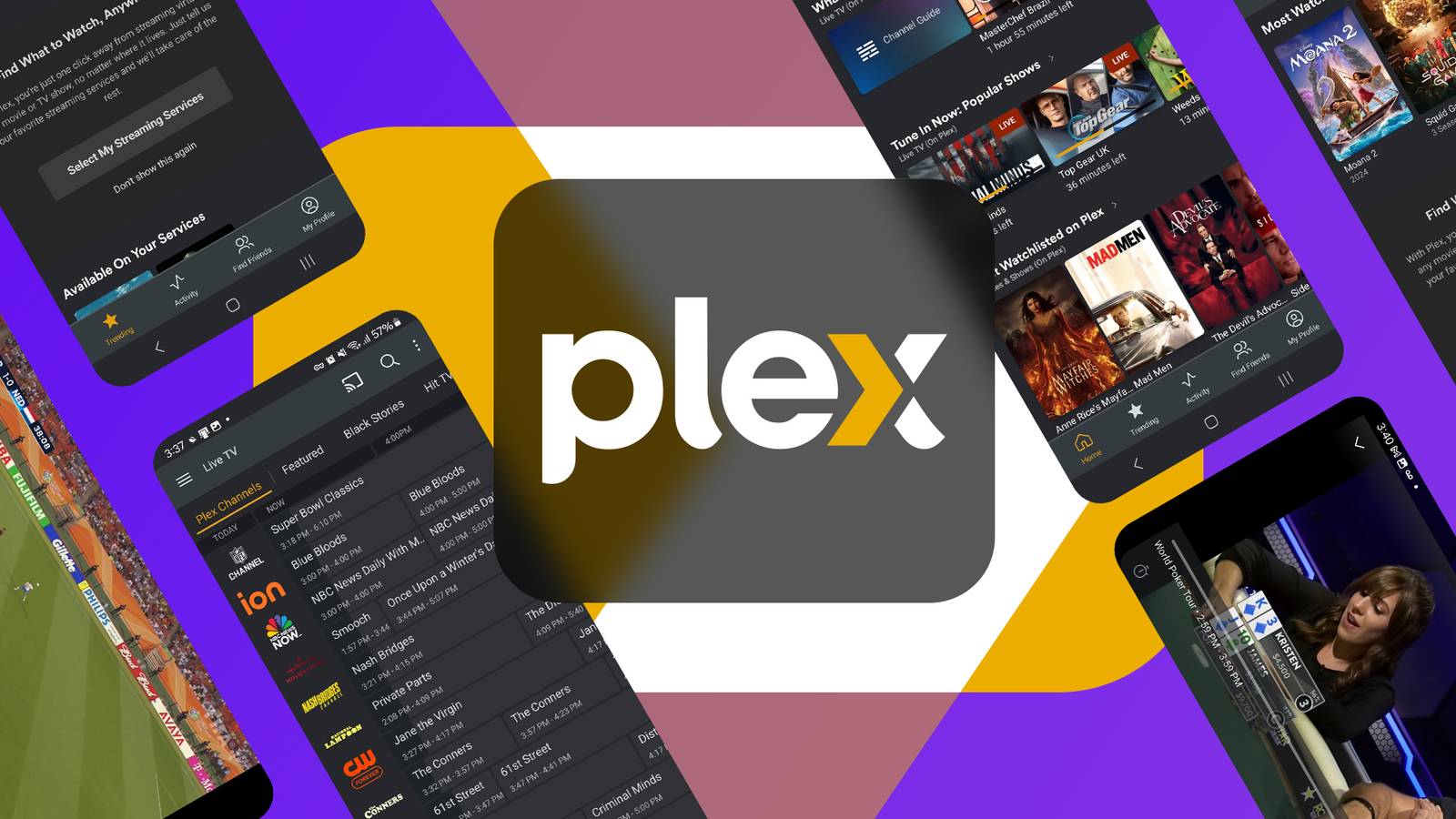
Published Sep 7, 2026, 9:34 AM EDT Sydney Butler is a technology writer with over 20 years of experience as a freelance PC technician and system builder and over a decade as a professional writer. He's worked for more than a decade in user education. On How-To Geek, he writes commerce content, guides, opinions, and specializes in editing hardware and cutting edge technology articles. Sydney started working as a freelance computer technician around the age of 13, before which he was in charge of running the computer center for his school. (He also ran LAN gaming tournaments when the teachers weren't looking!) His interests include VR, PC, Mac, gaming, 3D printing, consumer electronics, the web, and privacy. He holds a Master of Arts degree in Research Psychology with a minor in media and technology studies. His masters dissertation examined the potential for social media to spread misinformation. Outside of How-To Geek, he hosts the Online Tech Tips YouTube Channel, and writes for Online Tech Tips, Switching to Mac, and Helpdesk Geek. Sydney also writes for Expert Reviews UK. He also has bylines at 9to5Mac, 9to5Google, 9to5Toys, Tom's Hardware, MakeTechEasier, and Laptop Mag. Plex is best known as the streaming platform that lets you host your own video content and then stream it to devices on your local network. However, Plex has so much more to it, and chances are there's at least one of these five features you weren't aware of. Universal search Search for content across every service within Plex Credit: Sydney Louw Butler / How-To Geek The state of current streaming services is pretty fragmented. Every platform has its own original content, which is fair enough, but third-party content is split up all over the place. So some movies and their sequels are on different platforms. Some shows may have their seasons split onto different services, and different series in the same overall universe can also suffer this fate. Even worse, if you don't know where a title is streaming, or even whether it's streaming, you have to go through every service one by one, or use a website that keeps record of this information. However, if you open the Plex app and search for a show there, it will show you whether it's streaming and where. This is why the Plex app is my first stop when looking for content on my Apple TV. Best of all, the Plex app can send you straight where you need to go with a click. Live TV Some assemby required It's becoming more common for households to only use streaming, which means that live TV is being replaced by on-demand streaming. And why not? It's the ultimate in convenience. However, there's something to be said for just putting a live channel on your TV and letting it play. Plex actually offers live TV channels, both those you can add yourself, and some that are preloaded with various types of programming. DLNA server compatibility No Plex Pass needed While the fancy, Netflix-like Plex system is awesome, it doesn't always work and not every device has a Plex client. DLNA, however, is a universal media sharing standard that is supported by just about everything that can play video over a network. The DLNA feature of Plex should be on by default, but you can easily find it in the settings if not. One neat thing I realized, is that I can download content to my iPad from my Plex server without Plex Pass, by using the VLC app, which can use DLNA to access the files. Free Plex Home users Separate your watch history and content preferences You may have heard of Plex Home, but you may associate it with the paid Plex Pass service. However, you can have up to 14 "managed" users, which Plex explains like this: The administrator for a Plex Home has the ability to create Managed Users within that home. These are often used by parents to create an account for their children, for instance. Managed Users do not have any email address associated with their account and cannot directly sign in to any app. (The admin or another full account that’s a member of the Plex Home needs to sign in to the app and then the Managed User can be switched to.) Effectively, this lets you create user profiles so that different local users can pick their own profiles and have different progress for shows and movies. You can also PIN-protect each profile, and set content restrictions, so that your children can only watch stuff you deem suitable for them. Offline access Don't let an outage knock you out You might be surprised to know that, by default, Plex doesn't like it when your internet goes out. You'd think that because your locally-hosted content is, well, local, that a lack of connectivity would be a non-issue. However, you actually need to manually activate the ability to play your content offline before the internet goes out, by whitelisting all of your local LAN's IP addresses. You can also fall back on the aforementioned DLNA feature, but this preserves all the niceties that come with Plex. Make the most of Plex Now you know as many as five things about Plex that you might have missed, who knows what you could discover next?
5 overlooked Plex features everybody misses
Full Article
Original Source
Read the full article at Howtogeek →KhanList aggregates and links to publicly available news content. We do not host full articles from third-party sources. Always verify important information with original sources.