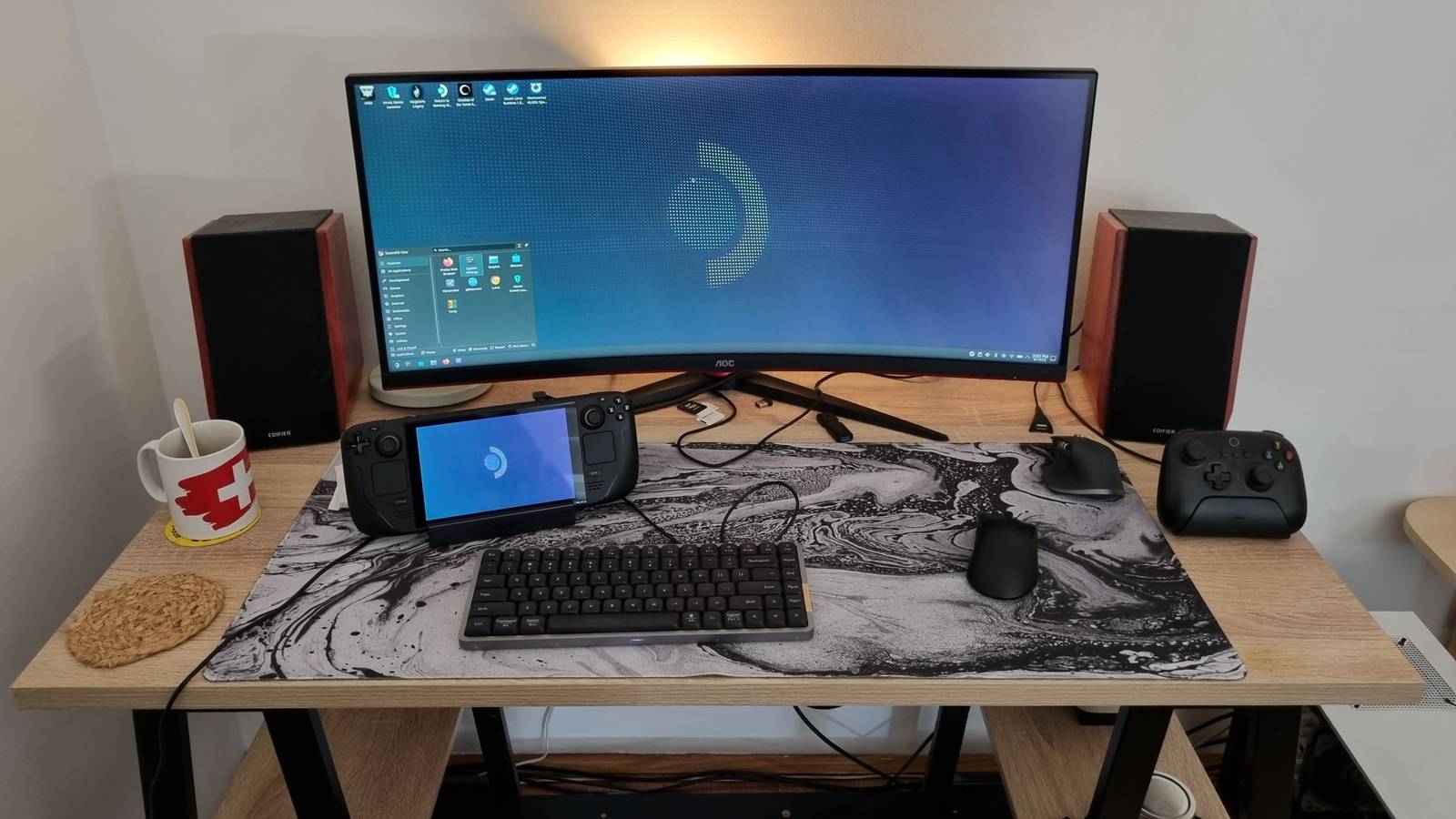
Published Jul 26, 2026, 6:30 AM EDT Nick Lewis is an editor at How-To Geek. He has been using computers for 20 years --- tinkering with everything from the UI to the Windows registry to device firmware. Before How-To Geek, he used Python and C++ as a freelance programmer. In college, Nick made extensive use of Fortran while pursuing a physics degree. Nick's love of tinkering with computers extends beyond work. He has been running video game servers from home for more than 10 years using Windows, Ubuntu, or Raspberry Pi OS. He also uses Proxmox to self-host a variety of services, including a Jellyfin Media Server, an Airsonic music server, a handful of game servers, NextCloud, and two Windows virtual machines. He enjoys DIY projects, especially if they involve technology. He regularly repairs and repurposes old computers and hardware for whatever new project is at hand. He has designed crossovers for homemade speakers all the way from the basic design to the PCB. Nick enjoys the outdoors. When he isn't working on a computer or DIY project, he is most likely to be found camping, backpacking, or canoeing. Free and open source software (FOSS) is the default choice when you're running Linux—it is a huge talking point and a very real part of Linux culture. However, while that is an ideal worth striving for, the reality is that some of the best tools available for a given job don't yet have FOSS alternatives. There are five closed source applications that I always install on my Linux PCs. However, just because they're not FOSS doesn't mean they cost—these options are all free for home use. Steam (and Proton) Proton turned Linux into a viable gaming platform Credit: Jason Fitzpatrick / How-To Geek Steam is the most famous and popular gaming storefront on Windows, but it is even more important on Linux because of Proton. The Proton compatibility layer—built on Wine, DXVK, and VKD3D—translates Windows games so they can run on Linux, often with little to no configuration required from you. If you want to game on Linux without the hassle of dual-booting Windows, Steam is functionally mandatory. The release of the Steam Deck, which runs SteamOS, pushed Proton’s compatibility forward in leaps and bounds. If you check ProtonDB today, the community ratings site, you'll see that most of the catalog now runs as "Playable" or better. That is remarkable considering the state of Linux gaming previously Of course, there are trade-offs. The client and its integration with Proton are closed, you still have DRM concerns, and a handful of titles with kernel-level anti-cheat still won't work correctly. However, for the vast majority of your library, the convenience far outweighs the downsides. DaVinci Resolve Free, professional video editing with almost no open-source equal Blackmagic Design’s DaVinci Resolve is a massive suite that bundles editing, color grading, VFX, and audio into one application. Critically, the free version is actually free—you don't have to deal with watermarks, time limits, or locked core features. There are plenty of other quality free editors available for Linux, including KdenLive, but DaVinci Resolve is a polished tool widely used in the industry. The color-grading tools are especially famous. You may run into a few small issues with codecs and compatibility, but for 95% of my daily editing needs, I've had no problems at all. JetBrains IDEs The tools that make learning a new language easier Credit: Jordan Gloor / How-To Geek JetBrains offers a number of language-specific IDEs—such as IntelliJ IDEA for Java, PyCharm for Python, and WebStorm for JavaScript. They're known for their smart code completion, error detection, and one-click refactoring, which can make development easier. I typically do most of my coding in Vim or VSCodium, but there is one notable exception where I very often reach for a Jetbrains IDE: when I'm learning something new. Their convenience features do a lot of heavy lifting to make getting started easier. When I'm contending with learning a syntax and the idiosyncrasies of a language, that is exactly the kind of handholding that I welcome. Of course, the "flagship" versions of the IDEs aren't free, and there are some restrictions on your use. However, the free-tier (which is approved for non-commercial use) is still pretty great. Discord Discord has become the standard with no replacement Credit: Hannah Stryker / How-To Geek Discord is the proprietary chat, voice, and video platform. It has effectively become the default gathering place for gaming communities, open-source projects, and hobbyists alike, especially following changes to Reddit a few years back. Nitro also extends its usefulness considerably for me, since it allows me to quickly and conveniently send moderately sized files to my contacts. Try as I might, I just can't replace Discord. The combination of the features (which tick every box except end-to-end encryption), reliability, and universal adoption mean I've never found a good alternative. Discord OS Windows, macOS, Linux, Android, iOS Supported Desktop Browsers Chrome, Firefox, Opera, Edge, Safari Price Free Discord is a chat app built for gamers, with the ability to easily use voice chatting and live streaming while hanging out with your friends. Spotify Music on the move Credit: Dibakar Ghosh | How-To Geek I've built a few different self-hosted media servers, including one that runs full-time in my car on a Pi and one that lives on a server in my home. They use open-source software, they're reliable, and they're easy to use. However, try as I might, my own library can't yet match Spotify's ability to randomly shuffle music when I'm working on a project or doing some chores. There, the massive library is just tough to beat unless you're another huge media streaming company. I always wind up begrudgingly installing the Spotify app on my Linux PCs eventually, not because I love it, but because I literally can't completely replace it. Sometimes the closed source apps are too good to replace Open source is the right default for a healthy ecosystem, but the best tool for a specific job sometimes happens to be closed. Leaning on proprietary apps where they're indisputably better doesn't mean FOSS is bad or inferior, it just means practicality has to dictate some decisions. Fortunately, the gap is narrowing, and the open-source options for most apps are getting notably better with time, not worse. Today, there are about 5 proprietary apps I use on Linux. A decade ago, that number was much, much larger. Perhaps in another few years we'll get there.
5 non-FOSS apps I refuse to give up on Linux
Full Article
Original Source
Read the full article at Howtogeek →KhanList aggregates and links to publicly available news content. We do not host full articles from third-party sources. Always verify important information with original sources.