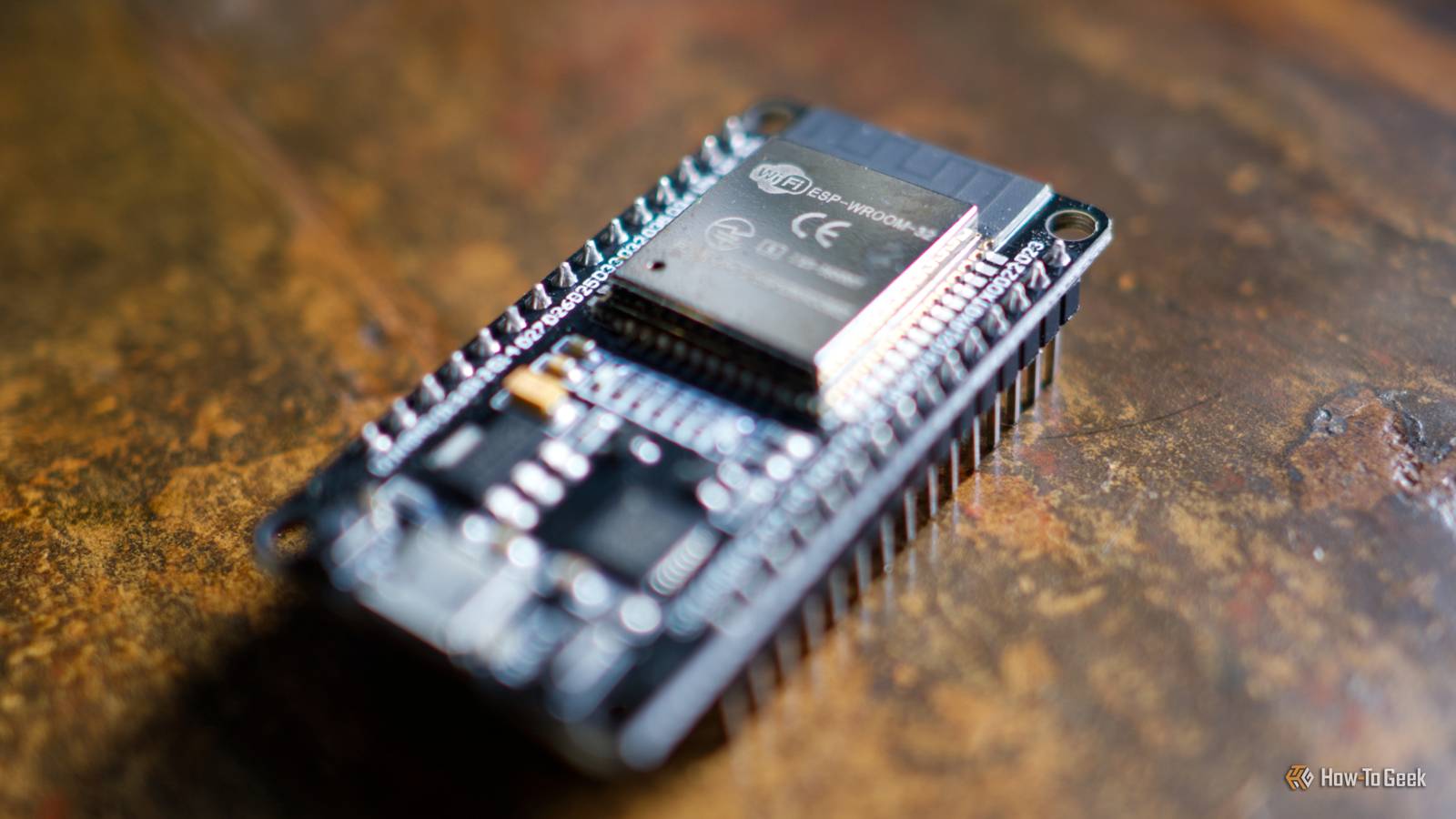
Published Jul 28, 2026, 7:00 AM EDT Adam has a degree in Engineering and has a life-long interest in technology. He has been writing for over a decade for various print and online publications, with a focus on consumer tech. He joined How-To Geek in 2024 while working at Pocket-lint. As well as being a long-term fan of Apple products, he also has a strong interest in smart home tech, running a Home Assistant server at home to automate all his smart home devices. He believes that the ideal smart home should work with minimal interaction from the user, with automations running as if by magic rather than requiring you to push buttons on a control panel. You can find more of his work on Muck Rack. The beauty of ESP32 boards is that you can add additional hardware to them to make them even more versatile. An ESP32 board that includes an NFC reader opens up a whole world of possibilities. You can use one in combination with smart home software such as Home Assistant to replace a wide range of smart home devices, often for a fraction of the price. Keyless entry systems Use NFC to unlock your door Credit: Mark LoProto / How-to Geek Smart locks are very useful smart home devices. You don't need to worry about forgetting to lock your door, since you can do it remotely or even set up an automation to do it for you. When you want to get into your home, you need a way to unlock the door from the outside. Many smart locks offer solutions such as wireless keypads, fingerprint sensors, facial recognition, and NFC tags that you can scan to unlock the door. While some locks include these features, others require additional accessories. When an authorized secure NFC credential is presented, the ESP32 can authenticate it and tell your smart home system to unlock the door. This gives you complete control over which NFC cards will work, and you can add or revoke access whenever you want. Seeed Studio XIAO ESP32C3 The Seeed Studio XIAO ESP32-C3 is the perfect budget-friendly microcontroller for smart home projects. With Wi-Fi and Bluetooth built-in, it also features a super deep sleep mode for low power usage when it isn't doing anything. The compact size makes this ideal for building smart home projects, and ESPHome allows it to easily integrate into Home Assistant. A security alarm keypad Arm and disarm your alarm using NFC Credit: Ring Once you've unlocked your door and entered your home, you may need to disarm your alarm system if you have one. Popular systems often include dedicated keypads where you can enter a PIN or a virtual keypad on a wall-mounted dashboard. Using an ESP32 with an NFC reader, you can trigger arm and disarm actions for your alarm simply by scanning an NFC card or key fob. If you have guests visiting, you can provide them with their own NFC cards and then disable those cards once the guests have left if they forget to leave them behind. Smart buttons A smart button can't tell who pressed it Smart buttons are a simple and effective way to trigger smart home automations. You can use a smart button to control your lights, play music, set different scenes, and more. Many smart buttons offer multiple triggers, but one thing they can't do is perform different actions for different people. With an NFC-enabled ESP32, that's exactly what you can have. If different people have different NFC tags or cards, you can create automations that do different things depending on the IDs that the ESP32 identifies. For example, a kid's NFC card could unlock their game console and start one hour of game time. A parent's card used on the same ESP32 could lock down the console again if necessary. Kids' screen-free audio players Build your own Toniebox Credit: Tonies If you have younger kids, you've probably come across screen-free audio players such as a Toniebox. These are audio players that rely on NFC figures to trigger the playback of specific music or stories. Placing different figures on the Toniebox will play different audio. You can replicate these features using smart home software combined with a suitable speaker and an NFC-enabled ESP32. For example, you could create a set of NFC cards or stickers, each with its own unique ID, and add words or images to the cards to identify them. When each card is scanned, it can trigger a different automation and play specific music, stories, podcasts, and more through the relevant smart speaker. This gives you far more control over the content you can play and allows you to update the content as your children get older. A garage door remote Ensure that only your devices will open the door Credit: Tim Brookes / How-To Geek Garage door openers allow you to open your garage door remotely. You can buy systems that include their own garage door remotes that you can keep in your car or on a key chain. An ESP32 with an NFC reader can do a similar job and has some features that a standard garage door remote can't replicate. Just as with a smart button, a garage door remote doesn't know who pressed it. It will work the same regardless of who uses it. With an ESP32, you can create automations that ensure that the garage only opens when specific NFC cards or key fobs are used. If anyone else presents an NFC card or tag with a different ID, the automation can leave the door firmly shut. You can add further layers of security, such as only having the garage door open if the person is detected as being at home or if their phone is connected to the local Wi-Fi. That way, even if someone gets their hands on the NFC card, they may be prevented from opening the garage door. An ESP32 is a great tool for your smart home ESP32 boards are small, low-power, and cheap, and you can use them for a huge range of things in your smart home. If you're worried about having to mess with breadboards and soldering irons, there are plenty of ESP32 projects that don't require any soldering at all.
5 expensive smart home devices you can build with an NFC-enabled ESP32 instead
Full Article
Original Source
Read the full article at Howtogeek →KhanList aggregates and links to publicly available news content. We do not host full articles from third-party sources. Always verify important information with original sources.