
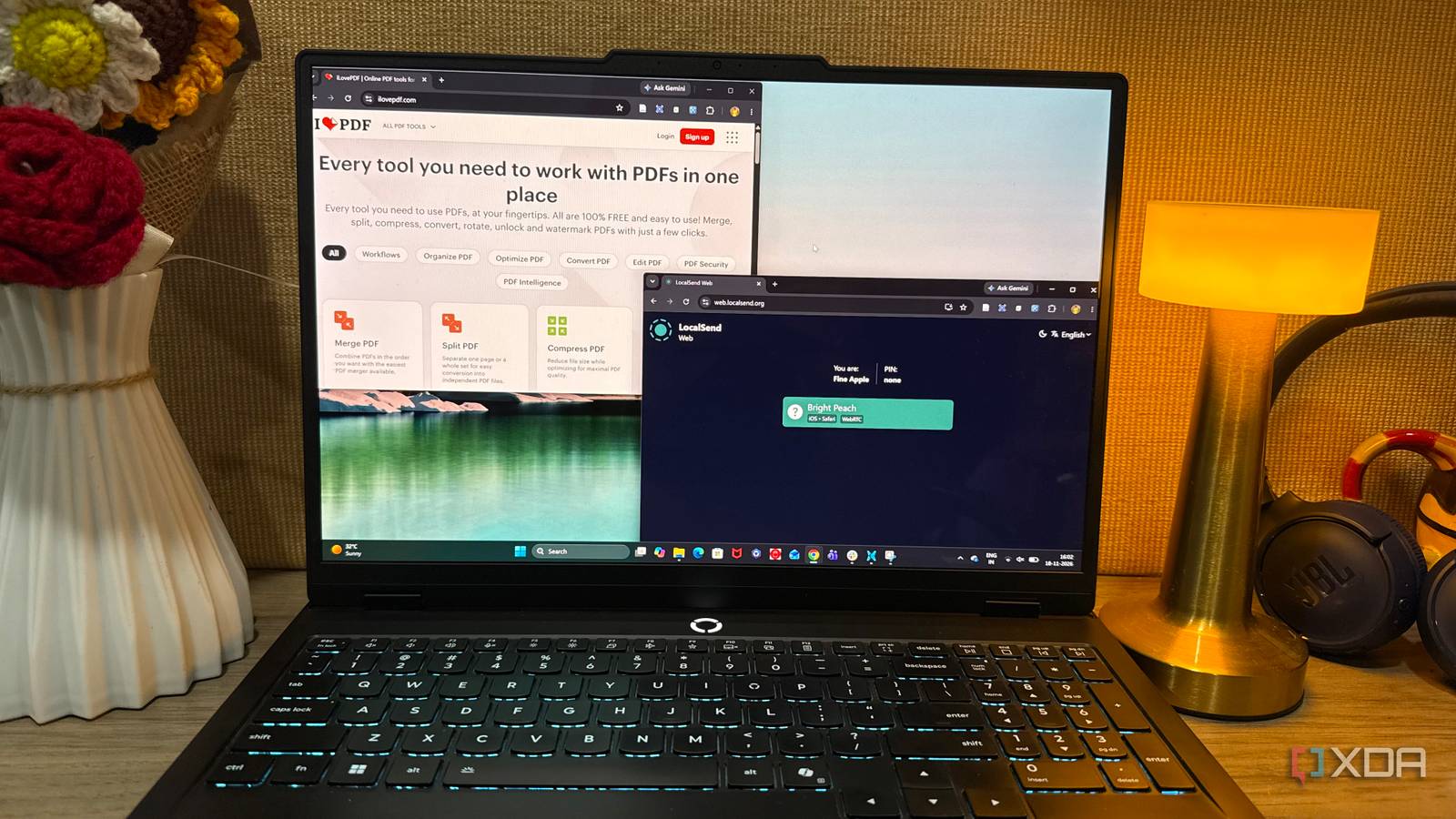
Published Nov 25, 2026, 7:01 PM EST Beginning his professional journey in the tech industry in 2018, Yash spent over three years as a Software Engineer. After that, he shifted his focus to empowering readers through informative and engaging content on his tech blog – DiGiTAL BiRYANi. He has also published tech articles for MakeTechEasier. He loves to explore new tech gadgets and platforms. When he is not writing, you’ll find him exploring food. He is known as Digital Chef Yash among his readers because of his love for Technology and Food. Most of us install software for tasks that come up only once in a while. Over time, those downloads pile up, even when we barely use them. I started looking at browser-based options for some of these everyday needs and found a few that are surprisingly capable. They offer useful features without adding another program to my setup. Here are five online tools that have earned a place in my regular workflow. PDF editing I no longer need a desktop app to handle my PDF tasks Merging documents, removing unwanted pages, and compressing PDFs are some of the most common document-related tasks I encounter. Yet, handling these simple operations often means installing a dedicated application that takes up space and rarely gets used for anything else. For most of these tasks, iLovePDF has everything I need in one browser tab. Its collection includes tools for merging and splitting documents, compressing files, rotating pages, adding page numbers, and converting PDFs into other formats. You can also add signatures and password protection when working with documents that need an extra layer of security. It has become my go-to option for combining documents or removing unnecessary pages. All these operations take just a couple of clicks, without navigating through complicated menus. Unless you regularly work with advanced PDF editing features, iLovePDF covers most of the requirements that come up during everyday work. iLovePDF iLovePDF is a popular online platform that provides free and paid tools to merge, split, compress, convert, edit, and sign PDF files. File conversion One website replaced my collection of file converters With support for hundreds of file formats, CloudConvert covers almost every conversion requirement I encounter. It handles documents, images, audio, videos, spreadsheets, presentations, and even archive files. The process is straightforward: upload a file, select the output format, adjust the available settings, and start the conversion. CloudConvert also gives you greater control over individual conversions. Depending on the file type, you can adjust parameters such as resolution, quality, and other output settings. Cloud storage integrations are another useful addition, particularly when working with files stored online. It's useful when I receive an unfamiliar file format or need to prepare documents and media files for different platforms. Instead of searching for another utility, I can handle the conversion from the same interface. CloudConvert CloudConvert is an online, browser-based file conversion and utility platform that allows users to convert, merge, or optimize files across over 200 different formats without installing local software. Image editing Photopea handles more than just basic image edits Working on articles often involves making small changes to screenshots, resizing images, or adjusting thumbnails before publishing them. Not every task calls for Photoshop, but I still want more control than basic image-editing websites offer. The editing interface in Photopea feels surprisingly familiar, especially if you've previously worked with Photoshop. It includes layers, masks, selection tools, blending options, and filters, along with support for formats such as PSD, PNG, and JPG. You can access these features directly through your browser rather than installing a full-fledged image editor. Its PSD support is useful when I need to revisit an existing design. You can open an existing project, modify individual layers, adjust selections, and export the finished image without needing Photoshop installed. It also goes well beyond basic cropping and resizing, making it suitable for more involved editing tasks. I wouldn't replace a professional desktop editor for demanding projects, but that's not where Photopea needs to compete. Whether I'm preparing article thumbnails, adjusting screenshots, or revisiting an existing design, Photopea has most of the editing tools I need. Photopea Photopea is a free online photo and graphics editor that's designed to mimic the Photoshop experience for those who want a free alternative. File sharing File sharing without the cloud Moving files between my desktop and smartphone shouldn't require cloud storage or email. For occasional transfers, I wanted a simpler option that works directly from a browser. LocalSend Web makes the process straightforward. Open its web interface on the participating devices, select the receiving device, and send your files. You don't need to install its desktop or mobile application to use the browser version. I find it handy for transferring screenshots, documents, and videos between devices. There's no account registration, subscription, or need to create temporary sharing links. LocalSend Web uses WebRTC for peer-to-peer communication, while a signaling server helps establish the connection. It's a convenient way to move files without relying on cloud-sharing services. LocalSend LocalSend is an AirDrop alternative that works across all platforms. Flowcharts and technical diagrams This browser-based whiteboard makes visualizing ideas effortless When mapping out a process or planning how different tasks connect, I often find a quick sketch more useful than writing everything down. A visual representation makes it easier to spot connections, rearrange ideas, and explain complicated workflows. Excalidraw gives me a simple space to do exactly that. The open-source, browser-based whiteboard lets you combine shapes, arrows, connectors, and text to create flowcharts, wireframes, mind maps, and technical diagrams. Its minimal interface makes it easy to start sketching without learning a complicated diagramming application. Unlike conventional diagramming applications that often produce rigid-looking layouts, Excalidraw makes your drawings resemble something you'd sketch on a physical whiteboard. You can export your creations as images and share them with others, making it useful beyond individual brainstorming sessions. Excalidraw Excalidraw is a minimalist, open-source whiteboard for creating hand-drawn style diagrams, sketches, and ideas collaboratively in real time. It's about finding the right tool, not installing more of them I've realized that a good workflow isn't about having a separate application for every possible task. It's about knowing which tools are worth keeping around and which ones you can do without. These browser-based tools have proven useful in situations where I once looked for dedicated software. I'll still install desktop programs when a task demands more, but I no longer assume that every job needs one.
5 everyday tasks I now do in a browser instead of installing software
Full Article
Original Source
Read the full article at Xda-developers →KhanList aggregates and links to publicly available news content. We do not host full articles from third-party sources. Always verify important information with original sources.