Published Jul 30, 2026, 8:30 AM EDT Beginning his professional journey in the tech industry in 2018, Yash spent over three years as a Software Engineer. After that, he shifted his focus to empowering readers through informative and engaging content on his tech blog – DiGiTAL BiRYANi. He has also published tech articles for MakeTechEasier. He loves to explore new tech gadgets and platforms. When he is not writing, you’ll find him exploring food. He is known as Digital Chef Yash among his readers because of his love for Technology and Food. Over the years, I've experimented with all kinds of Docker containers on my home server. Some were genuinely useful, while others were fun to try but didn't become part of my daily workflow. That got me thinking: if my server failed today and I had to rebuild everything from scratch, which containers would I install first? The answer isn't based on popularity or flashy features. It's based on the tools I depend on the most and wouldn't want to live without. These are the Docker containers that would earn a spot on my server before anything else. Uptime Kuma My 24/7 watchdog for self-hosted services Uptime Kuma would be one of the first containers I'd install because I don't want to discover something is broken only when I need it. It continuously checks whether my self-hosted services are online and notifies me if one goes down. Instead of manually opening apps every few days, I can see their status from a single dashboard. I also use it to monitor SSL certificates, so I get a warning before they expire instead of dealing with unexpected browser errors. It's lightweight, easy to set up, and takes very little effort to maintain. Most importantly, it gives me confidence that my server is working as expected even when I'm not actively using it. That peace of mind makes it one of the most valuable containers I run. Portainer The Docker control panel I don't want to lose Portainer makes managing Docker containers much easier. I still use Docker Compose for deployments, but Portainer gives me a clean dashboard to view running containers, check logs, monitor resource usage, and restart services whenever needed. Instead of jumping between multiple terminal commands, I can handle most routine tasks from a browser. That becomes especially useful when I'm rebuilding a server and installing several containers in one go. I can quickly confirm that everything is running properly without spending extra time troubleshooting. It also makes updating stacks and managing volumes much less intimidating than doing everything through the command line. Even after years of using Docker, I appreciate having a visual management interface. It's one of those tools that saves small amounts of time every day, and those savings add up quickly. Paperless-ngx The digital filing cabinet I can't live without Paperless-ngx has become the place where I store almost every important document, so it would definitely make my first-install list. It is my digital cabinet. I scan invoices, warranty cards, bank statements, tax documents, and user manuals, then let the app organize everything automatically. Its built-in OCR makes every document searchable, so I can find a file in seconds by searching for a word or date instead of digging through folders. I also like using tags and custom document types to keep everything neatly organized as my collection grows. Since all my documents live in one place, I no longer worry about forgetting where I saved a PDF or losing track of important paperwork. Rebuilding my server without Paperless-ngx would feel incomplete because it's one of the few self-hosted apps that has genuinely changed how I manage documents every day. Immich Where every memory automatically finds a home Immich would be another must-have because it's where all my photos and videos automatically end up. Every picture I take on my phone is backed up to my home server, so I don't have to depend entirely on cloud storage. The app feels polished and familiar, with features like facial recognition, location search, albums, and an easy-to-browse timeline. I can quickly find old photos without scrolling endlessly through thousands of images. I also like that my entire photo library stays under my control instead of being tied to a subscription service. Since I access it almost every day, reinstalling Immich would be one of my top priorities after setting up the basics. It has become much more than a backup solution for me; it's the primary way I organize, browse, and revisit years of memories, all while keeping everything on hardware I own. Home Assistant The brain behind my smart home Home Assistant would also make my first-install list because it has become the control center for my smart home. It connects my lights, switches, sensors, and other smart devices into a single interface, even if they're from different brands. Instead of relying on multiple apps, I can manage everything from one dashboard and create automations that actually fit my routine. I have lights turned on automatically in the evening and receive notifications when certain sensors are triggered. Since everything runs locally, most automations continue working even if my internet connection goes down. That's something I appreciate more than I expected. Rebuilding my server without Home Assistant would mean losing the convenience I've gotten used to every day. Once you've experienced a well-configured smart home, it's surprisingly difficult to go back to managing each device separately. The foundation before everything else Running my home server for years taught me one thing very clearly: I don't need dozens of Docker containers to make it useful. I need a handful that I can rely on every single day. These are the apps that help me stay organized, protect my data, and make managing my server much easier. Everything else is optional and can come later. Once this foundation is in place, adding new services becomes much less stressful. If I ever have to rebuild from scratch again, I already know exactly where I'll start.
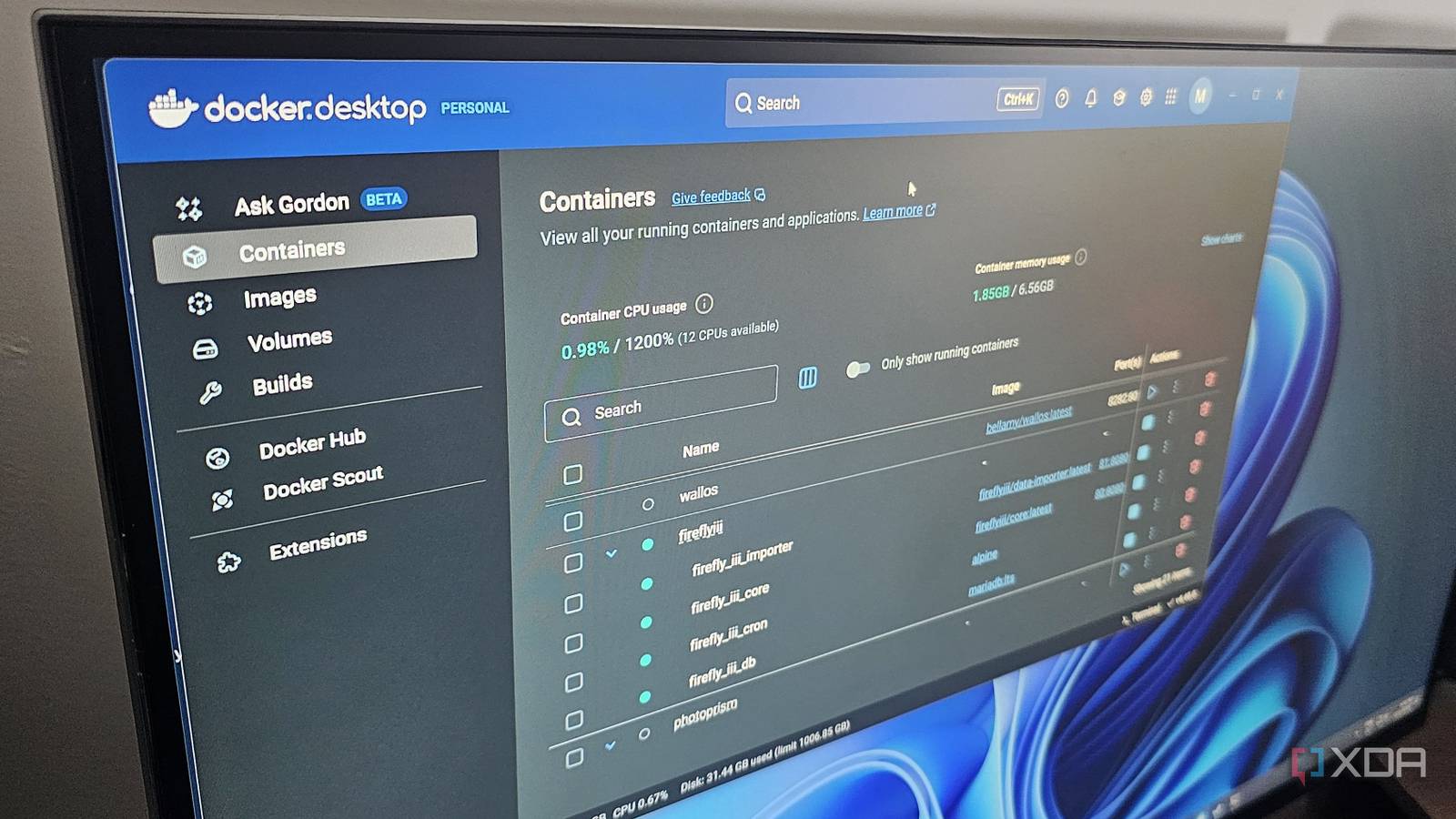
5 Docker containers I'd install first if my home server crashed today
Full Article
Original Source
Read the full article at Xda-developers →KhanList aggregates and links to publicly available news content. We do not host full articles from third-party sources. Always verify important information with original sources.