
Published Sep 26, 2026, 10:30 AM EDT Parth, a seasoned tech writer, wields the keyboard (or pen) with finesse to unravel the intricacies of both Windows and Mac operating systems. He has covered evergreen content on mobile devices and computers for multiple publications over the last six years. You can find his work on AndroidPolice, GuidingTech and TechWiser. Whether it’s demystifying system updates, deciphering error codes, or exploring hidden features, Parth’s prose guides readers through the binary maze. When not immersed in tech jargon, you’ll find him sipping chai, pondering the next software review, and occasionally indulging in a friendly debate about mechanical keyboards. I never expected Docker to become such an important part of how I run my small freelancing business. It started as a weekend experiment and quickly became a stack I depend on every day. Instead of paying for a separate app for every little job, I use self-hosted containers to handle everything from documents to automation and file management. The setup is not completely maintenance-free, but the trade-off has been worth it. I get more control over my data, fewer recurring subscriptions, and a workflow I can shape around the way I actually work. OpenCloud Keeping my business files under control As a freelance writer, I deal with a ridiculous number of files every week. There are screenshots, research PDFs, article images, invoices, contracts, reference documents, and drafts that I may need months later. OpenCloud has become my central place for keeping all of that organized. Instead of keeping business files across different cloud storage and local drives, I can keep them on infrastructure I control while still accessing them from my laptop, phone, or browser. OpenCloud supports file sync, sharing permissions, password-protected links, team Spaces, and even document collaboration through Collabora Online. For my writing business, I can create separate folders for clients, publications, and ongoing projects. If I need to send a large batch of images or documents to someone, I can create a share link instead of attaching everything to an email. The user interface is also neat. It doesn’t look outdated and doesn't confuse new users. YouTrack It turned my assignments into a system YouTrack is one of the best self-hosting Trello alternatives out there. I found it useful for managing a writing business. Every article and client I am handling can become a task, complete with their deadline, publication, status, notes, and other relevant details. I can then use a Kanban board to move an article through stages such as Idea, Assigned, Writing, Editing, and Published. YouTrack also supports dashboards, time tracking, reports, a knowledge base, and several different project-management views. YouTrack does offer several paid plans. But their free tier supports up to 10 users, which is more than enough for my current needs. I can also use its Knowledge Base for writing guidelines, recurring instructions, research notes, or client-specific information. Activepieces It handles boring repetitive work There are plenty of small repetitive tasks in my freelance workflow that aren’t difficult, but they still eat into my day. Activepieces lets me connect different services and create flows where one event automatically triggers several actions. The platform currently supports hundreds of integrations, alongside traditional workflows and AI-powered steps. For example, I can create an automation that takes information from a form, adds it to my tracking system, creates a folder for the project, and sends me a notification. You can check my dedicated post on Activepieces to learn more about the interface, features, and why I prefer it over the likes of Zapier and n8n. Invoice Ninja Makes freelancing feel professional Sending invoices used to feel like one of those jobs I would keep putting off. Invoice Ninja turned it into a proper system. I can maintain client profiles, create invoices and quotes, record payments, track expenses, and see outstanding balances without maintaining another complicated spreadsheet. Recurring invoices are useful for freelance work. If I have a regular monthly arrangement with a client, I can create a recurring invoice once and let Invoice Ninja generate new invoices on the schedule I specify. I can also record recurring business expenses such as hosting, software subscriptions, or other services. It gives me a much cleaner picture of the financial side of my writing business. Paperless-ngx My searchable filing cabinet Paperless-ngx solves a different problem: all the boring paperwork that quietly accumulates when running a business. I use it as a digital filing cabinet for receipts, invoices, bills, contracts, statements, and more. Instead of creating complicated folder structures, I can import documents into Paperless-ngx and organize them using tags, document types, and other metadata. The feature that really makes it useful is OCR. Paperless-ngx can extract searchable text from scanned documents, so finding an old receipt doesn’t require remembering where I saved it or what I named the PDF. It can also automatically match documents with tags, types, and storage paths based on rules I configure. My lean Docker stack for work Docker has changed how I run a small freelance business. I no longer see self-hosting as something reserved for homelab enthusiasts or IT teams. With the right containers, I can build a setup that feels polished without subscribing to another service. Mind you, there is some initial configuration involved, and I still need to keep everything updated, but that extra effort gives me a setup I can customize around the way I work.
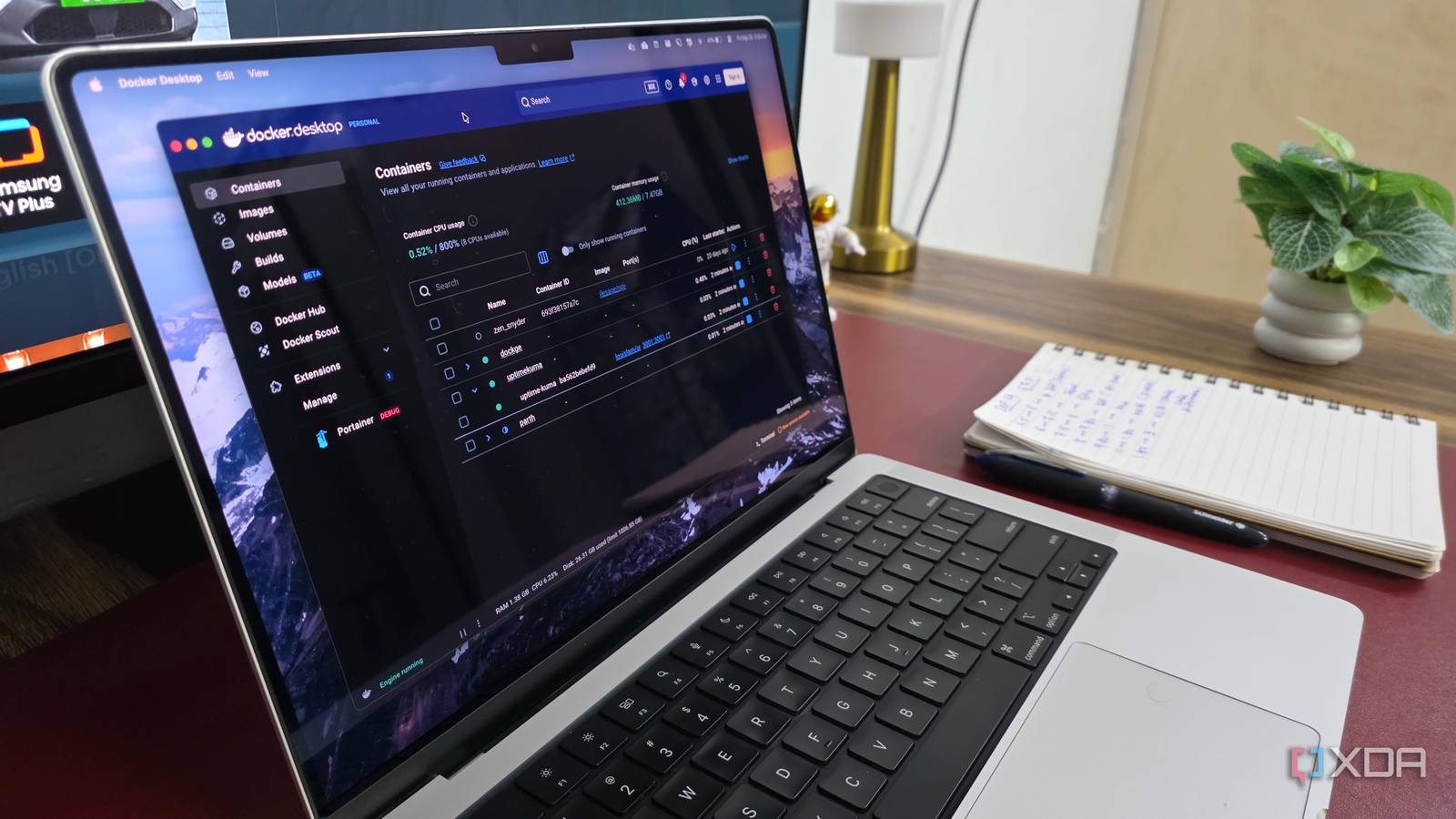
5 Docker containers I use to manage my small business like a pro
Full Article
Original Source
Read the full article at Xda-developers →KhanList aggregates and links to publicly available news content. We do not host full articles from third-party sources. Always verify important information with original sources.