
Published Aug 16, 2026, 10:30 AM EDT Beginning his professional journey in the tech industry in 2018, Yash spent over three years as a Software Engineer. After that, he shifted his focus to empowering readers through informative and engaging content on his tech blog – DiGiTAL BiRYANi. He has also published tech articles for MakeTechEasier. He loves to explore new tech gadgets and platforms. When he is not writing, you’ll find him exploring food. He is known as Digital Chef Yash among his readers because of his love for Technology and Food. I spend a lot of time around code, but writing code is only one part of my workflow. Over time, I've noticed that some of the tools I rely on most have nothing to do with generating code. They help me work through ideas, solve small problems, manage my setup, and make projects easier to handle. That's why I wanted to highlight the tools that have earned a permanent spot in my workflow. They aren't flashy AI coding assistants, and they won't build an app for me. But they make my day-to-day work easier in ways I don't always notice until they're gone. RustDesk My remote doorway to other machines I often need to access another computer without physically sitting in front of it, and RustDesk has become my go-to tool for that. I use it to connect to my other machines, check something quickly, or troubleshoot an issue without interrupting what I'm doing. What I like most is that RustDesk keeps the process simple. I can connect to a remote desktop, work with files and applications, and get things done without setting up a complicated remote-access workflow. Since it's open source and can also be self-hosted, it fits nicely with the other tools I use on my home server. It saves me time around my development work. Sometimes, simply reaching the right machine is all I need. RustDesk RustDesk is an open-source remote desktop tool that lets you securely access and control computers remotely, with self-hosting options, file transfer, and cross-platform support for added privacy. Figma Sketch the idea before building the real thing I use Figma whenever I need to plan how an interface should look before I start working on it. Instead of jumping straight into VS Code and figuring things out as I go, I can quickly sketch the layout, move things around, and see how different elements fit together. I find this useful when I'm working on a new page or changing an existing interface. I can experiment with buttons, menus, spacing, and different sections without touching the actual code. It also makes it easier to spot design problems early, when they are still easy to fix. Figma doesn't write any code for me, but it helps me make better decisions before I start coding. For me, a few minutes spent planning the interface in Figma can save much more time later. Figma Figma is a collaborative, web-based design app used for creating design systems, wireframes, and prototyping. VSCode I use VS Code for almost everything around my code It might seem strange to include VS Code in a list of tools that don't write code, but I don't use it just for writing code. VS Code is where I spend most of my time when I'm actually working on a project. I use it to open files, inspect existing code, edit configuration files, manage project folders, and keep track of what's happening across a project. What I like about VS Code is that it doesn't force me into a complicated setup. I can open a project, install the extensions I need, and get straight to work. The built-in terminal, file explorer, Git integration, and extensions also mean I don't have to keep switching between different tools. VSCode Visual Studio Code is a lightweight, powerful code editor with extensions, debugging, Git integration, and customization, making it suitable for developers working across languages, frameworks, and projects. Mermaid Mermaid turns ideas into simple diagrams I use Mermaid when I need to understand how different parts of a project fit together. Instead of trying to remember every step, I can turn the process into a simple diagram and see it in front of me. I use it to plan things like app workflows, system structures, and how different parts of a project connect. It is also useful when I'm trying to explain an idea to someone else. A simple diagram can often make something much easier to understand than a long explanation. The best part is that I don't have to create these diagrams manually. I can describe what I want using simple text, and Mermaid turns it into a diagram. It doesn't write my code, but it helps me think through what I need to build before I start. Mermaid Mermaid is a JavaScript-based diagramming and charting tool that uses Markdown-inspired text definitions and a renderer to create and modify complex diagrams. Docker Keeping my development setup clean Docker has become a simple way for me to run apps and services without installing everything directly on my computer. It keeps each service in its own container, making my setup easier to manage and keeping different projects from getting in each other's way. I find it useful when I'm testing self-hosted apps or working on projects that need several services running together. Docker Compose makes this even easier because I can define everything in one file and start the whole setup when I need it. The biggest benefit for me is that I can try something without making permanent changes to my system. If I no longer need a service, I can stop or remove its container and move on. Docker doesn't write code for me, but it removes a lot of the setup work that comes with development. That alone makes it worth keeping around. Docker Docker Desktop simplifies container management on Mac, Linux, or Windows with a GUI, handling setups like port mappings and file systems The best developer tools don't always touch the code I've realized that my developer workflow depends on much more than an editor or coding assistant. The tools I keep coming back to remove small frustrations and make the whole process feel smoother. They help me think, plan, connect, test, and keep things moving without getting in the way. That's also why I don't think a useful developer tool needs to be built around AI or code generation. Sometimes, the best tools quietly make everything around the actual coding easier.
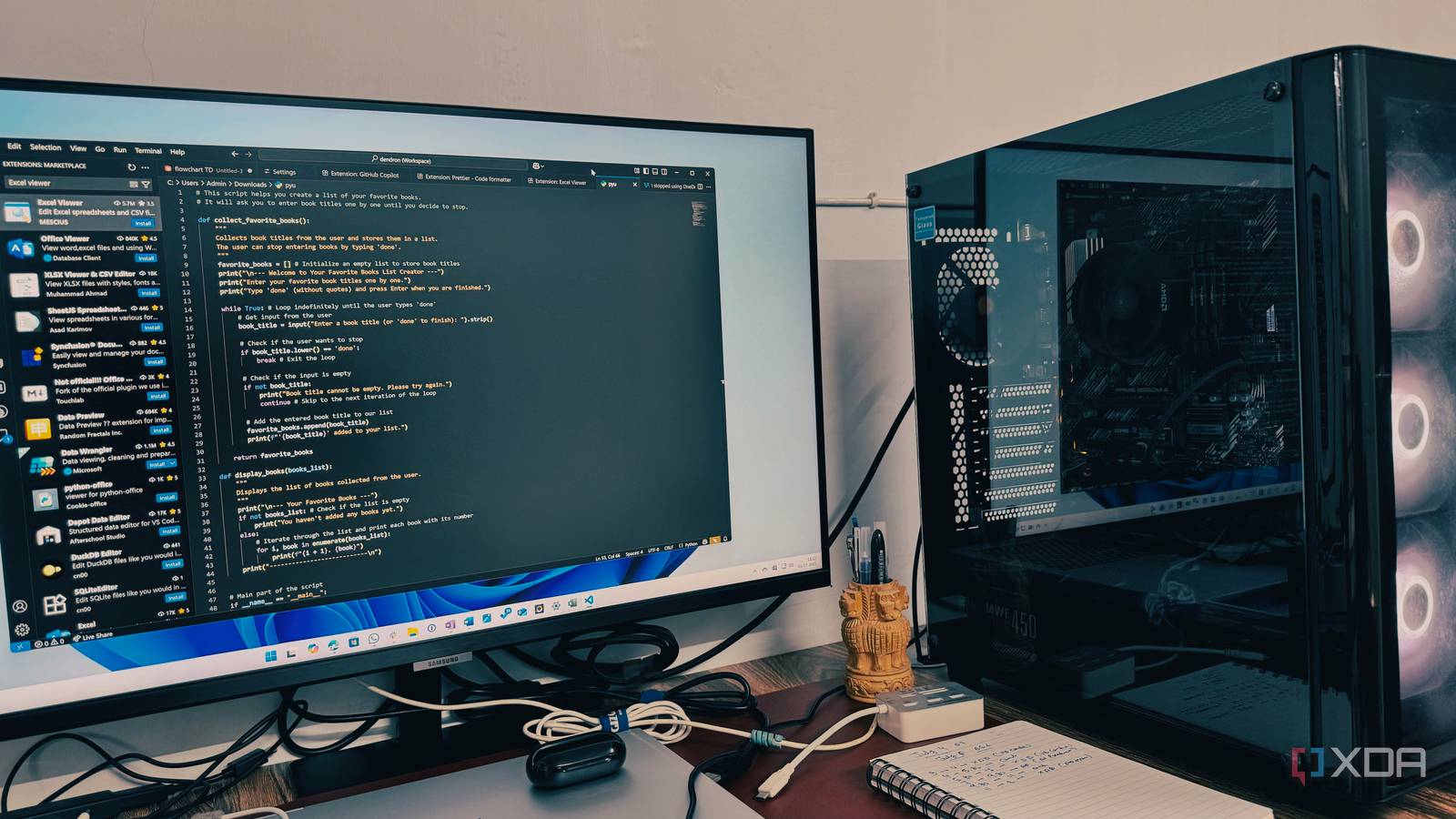
5 developer tools I use every day, and none of them write code
Full Article
Original Source
Read the full article at Xda-developers →KhanList aggregates and links to publicly available news content. We do not host full articles from third-party sources. Always verify important information with original sources.