
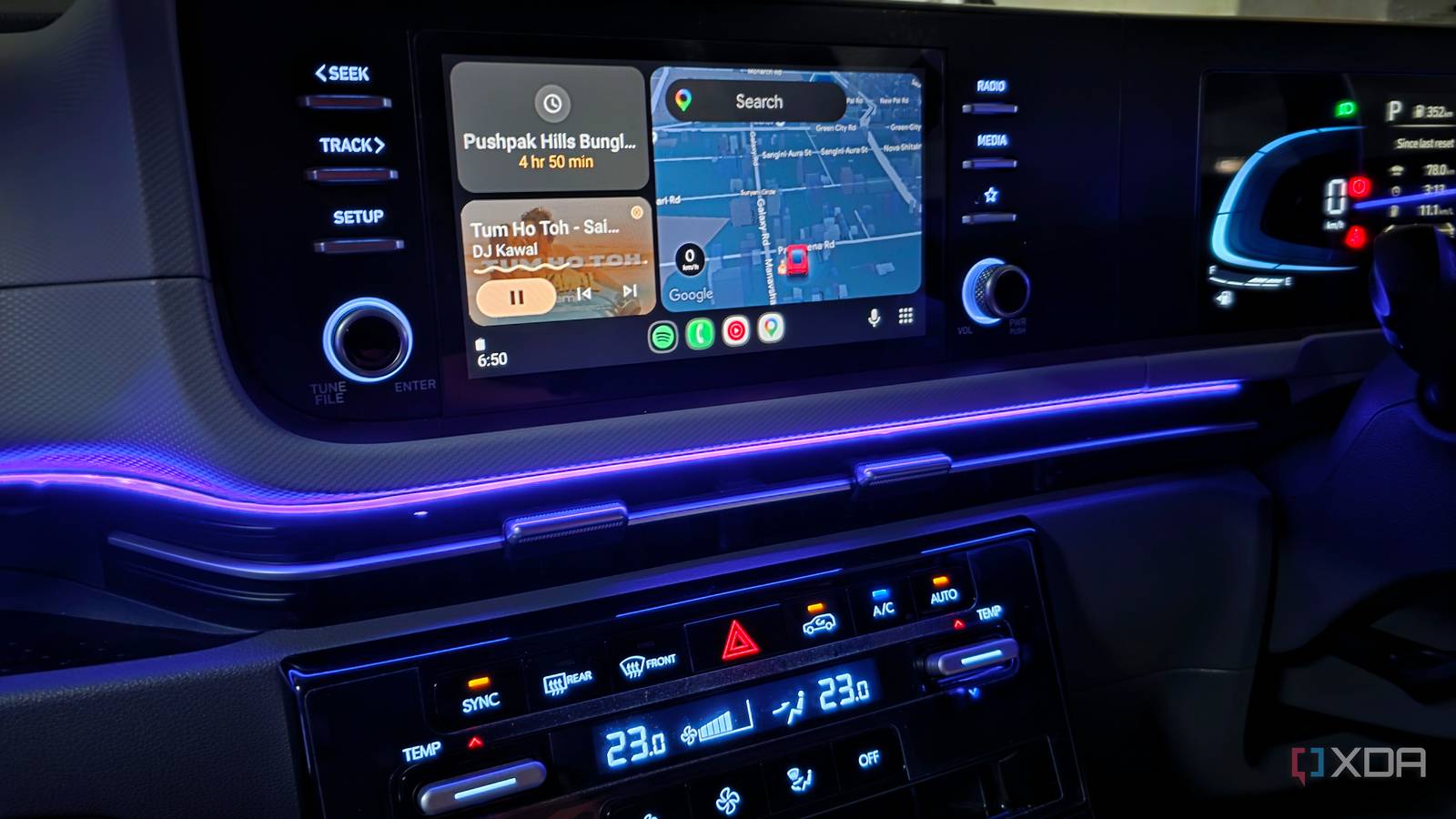
Published Oct 4, 2026, 12:30 PM EDT Parth, a seasoned tech writer, wields the keyboard (or pen) with finesse to unravel the intricacies of both Windows and Mac operating systems. He has covered evergreen content on mobile devices and computers for multiple publications over the last six years. You can find his work on AndroidPolice, GuidingTech and TechWiser. Whether it’s demystifying system updates, deciphering error codes, or exploring hidden features, Parth’s prose guides readers through the binary maze. When not immersed in tech jargon, you’ll find him sipping chai, pondering the next software review, and occasionally indulging in a friendly debate about mechanical keyboards. Google Maps and YouTube Music are probably the first two apps most people think of when they hear Android Auto, and for good reason. But after using Android Auto almost every day, I have realized that some of the most useful apps on my dashboard come from different categories. Some are obvious additions, while others are easy to miss unless you actively go looking for them. If you want to get more out of Android Auto, start with these apps. Waze A smarter way around traffic Google Maps is still my default navigation app for longer trips, but Waze has earned a permanent spot on my Android Auto launcher. I like using it for shorter drives around the city, where traffic conditions can change quickly. Waze relies heavily on community reports, so I can see upcoming crashes, construction, road hazards, speed cameras, police reports, and other incidents without constantly wondering what is causing the slowdown ahead. The Android Auto interface is a joy to use. I find Waze’s UI less cluttered when I simply want directions and traffic information. Features such as lane guidance, speed-limit information, toll avoidance, and live ETA updates make it more than just another Google Maps alternative. For everyday driving, I often find Waze more proactive about telling me what is happening on the road. Poweramp Office music done properly Credit: Streaming isn’t always ideal in my car. Mobile reception can disappear on highways, and I already keep a sizable collection of music locally on my phone. That’s where Poweramp fits perfectly into my Android Auto setup. Poweramp shines with audio customization. It comes with a powerful multi-band and parametric equalizer, dedicated bass and treble controls, AutoEQ presets, replay gain, crossfade, gapless playback, and support for high-resolution audio. It can also organize music through folders, its own library, playlists, and a dynamic queue. I don’t need to fiddle with all those controls while driving, either. I can configure the sound beforehand and then use the simplified Android Auto interface for playback. Fuelio Track every fill-up with ease Fuelio is completely different from the usual navigation and entertainment apps I install on Android Auto. Instead of helping me reach a destination, it helps me understand what driving there actually costs. I can use it to log fill-ups, mileage, fuel consumption, servicing expenses, and other costs associated with my car. It can then calculate fuel economy and provide statistics and charts based on the information I have entered. I like Fuelio for longer trips. It includes GPS trip tracking, can save routes automatically, and can calculate the real cost of journeys. It also supports multiple vehicles, maintenance reminders, different fuel types, and expense categories such as servicing, insurance, parking, and car washes. Pocket Casts My go-to app for podcasts Music isn’t always what I want during a long drive. Sometimes I would rather catch up on podcasts, and Pocket Casts is easily one of my favorite ways to do that on Android Auto. Its dashboard interface is simple. I can browse the podcasts I follow, jump into playlists such as New Releases and In Progress, and open individual shows to see available episodes. Once something starts playing, Android Auto gives me large controls for play/pause, skipping forward or backward, and even changing playback speed. That makes Pocket Casts especially useful on road trips. I can prepare my queues beforehand and spend the drive listening without constantly reaching for my phone. Samsung SmartThings Control my home from dashboard Being a Galaxy S25 Ultra user, SmartThings is probably the most unusual app on this list. Samsung lets me access SmartThings directly from Android Auto and select up to six compatible items that I want available inside the car. That opens up some useful possibilities. If I am heading home, I can use my car’s display to control supported smart-home devices before I arrive. For example, I can turn on the AC so that the office room is already cool before I sit at the desk. Samsung gives examples such as turning on kitchen lights, starting a robot vacuum, or even starting a load of laundry, depending on the devices connected to SmartThings. I can also create SmartThings routines that control multiple devices together instead of managing each one separately. Give your Android Auto more purpose Android Auto gets a lot more interesting once you stop treating Google Maps and YouTube Music as the entire experience. Waze gives me another option for navigation, Pocket Casts handles my podcasts, Poweramp is perfect for my local music library, Fuelio helps me keep an eye on fuel and running costs, and SmartThings lets me control parts of my home from the car. If your Android Auto setup still feels a little basic, give a few of these apps a try and see which ones earn a permanent spot on your launcher.
5 best Android Auto apps that aren't Google Maps or YouTube Music
Full Article
Original Source
Read the full article at Xda-developers →KhanList aggregates and links to publicly available news content. We do not host full articles from third-party sources. Always verify important information with original sources.