
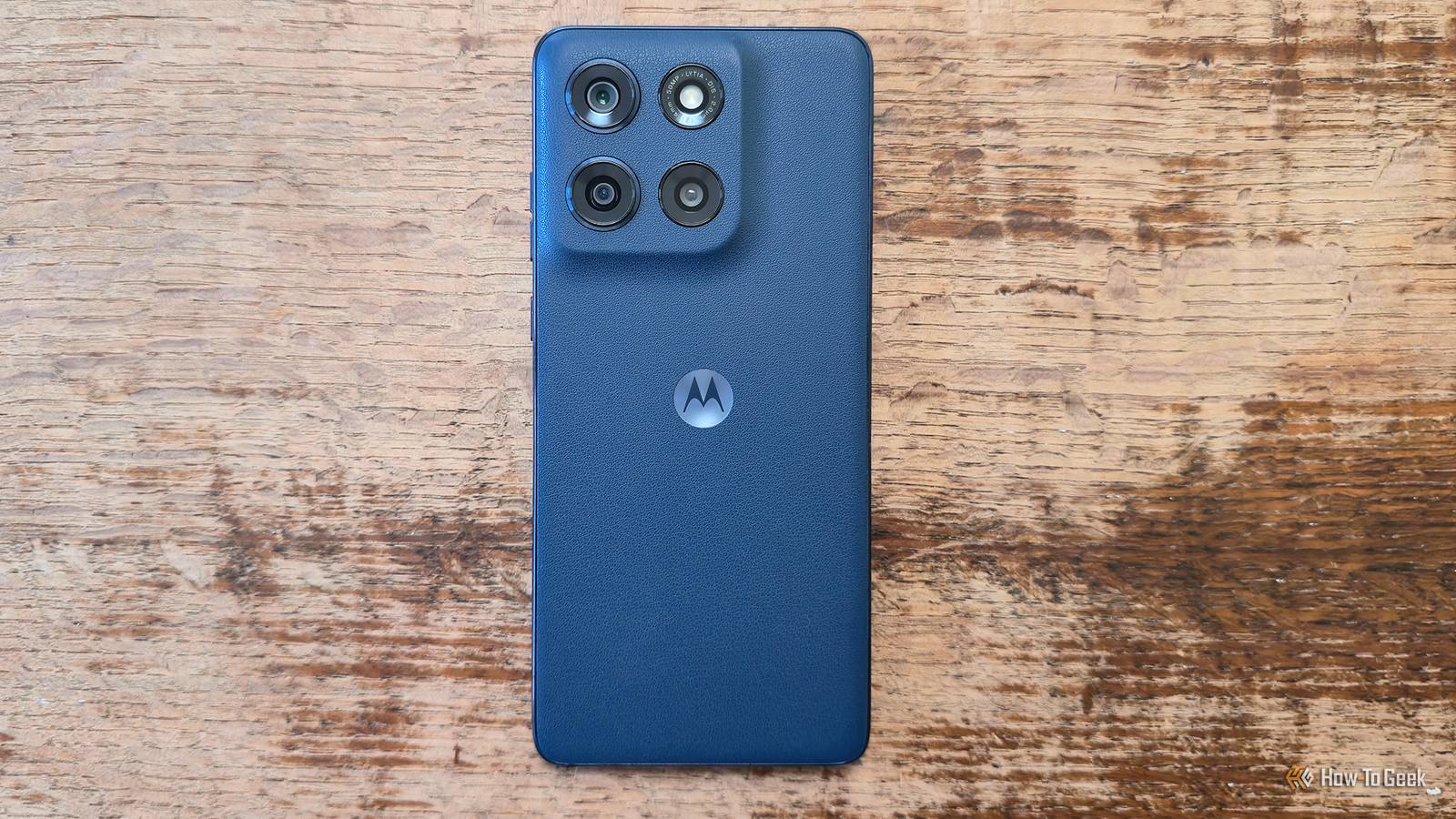
Published Sep 13, 2026, 7:30 PM EDT Bertel is a lifelong tech enthusiast with over a decade of experience writing thousands of articles about Android devices, Linux, and more. Before joining the How-To Geek team, Bertel wrote for the likes of MakeUseOf, MakeTechEasier, and Android Police—at the latter he wrote over 3,500 articles. He delights in helping others decide which tech to bring into their lives... and which tech to do without. Bertel graduated from the College of William and Mary in 2012 with degrees in History and Government. He has spent his entire career as a tech journalist covering Android, Linux, wearables, smart home devices, and more. My current phone is the most expensive one Motorola sells — the Razr Fold. But I've fallen in love with many more adorable Moto phones over the years: a Moto E, a Moto G, a Moto G Stylus, and a Moto Edge. Some of these were very cheap, but they punched above their weight, and it's possible to jazz them up even further still. Start by removing the bloatware When it comes to apps, more isn't better Cheap Motorola phones come with far more apps pre-installed than the company's more expensive ones, which is how Motorola subsidizes the low cost. Companies are willing to pay to have their apps placed on the millions of budget phones that Motorola sells. This phenomenon is hardly unique to phones. It's the reason that TVs have gotten cheaper despite getting bigger. The real money is to be made selling other companies access to your eyeballs. Nothing screams cheap phone like an app drawer with a casino-style games app or an obscure news aggregator. Then there's Moto's tendency to "recommend" apps you already know about, like Temu. Take the time to hold down on each of these icons, select "App Info" (the icon may be a circle with an exclamation point), and either uninstall or disable them. Or you can remove even the most stubborn bloatware by installing Canta. Give your plastic phone a carbon fiber skin It's not about how a phone looks, but how it feels There was a time when you could tell how much a phone cost by the size of its screen. Now cheaper phones are every bit as big as the premium ones. But if you want higher-quality build materials, those will still cost more money. Premium phones tend to be made of metal and glass. Cheaper phones are made of plastic. The cheaper the phone, the more plasticky they feel. This is an issue if you put your phone in a case. But if you, like me, prefer to use your phone naked, you can improve the feel of your phone by adding a thin skin to the back. While most skins feel like little more than high-quality stickers, some give you the choice of nicer materials and textures. The most popular option, dbrand, currently doesn't make skins for Motorola phones, but sites like Gadget Shieldz, Capes, and SkinIt do, including the choice of carbon fiber. Guess what the back of the black Razr Fold feels like? Take advantage of your microSD card slot Your phone can have as much storage as higher-tier iPhones Credit: Patrick Campanale / How-To Geek Your more affordable Motorola phone likely comes with an advantage that nearly every high-end phone in the US lacks, and that's the microSD card slot. Regardless of whether your phone came with 256GB, 128GB, or a mere 64GB of storage, you can greatly expand how many files you're able to carry by turning to expandable memory. My Razr Fold has 512GB of storage, and that's the size I tend to buy for any new phone. I find less than that to be too constricting, while more than that costs too much money (yes, even those of us who buy book-style foldables are still trying to save money while we do). Purchasing a large microSD card gives you storage expansion not only today, but for your future phones as well. This longevity makes it easier to stomach the cost of a one terabyte card, even at today's inflated prices. It's not going to go away when you trade in your phone. And no matter how your phone looks or how much it costs, you'll still be carrying around more data than nearly everyone else. Buy a faster charger Your phone may be able to charge faster than it seems Credit: Hannah Stryker / How-To Geek Except for high-end Motorola phones, phones in the U.S. don't charge all that fast. Samsung only recently increased the charging speed of the Galaxy Z Fold series above 25 watts. I used to carry around a Galaxy Z Fold 6, a phone whose 25W charging speed is less than that of Motorola's current budget lineup. If you have a 30W charger on hand, your Moto phone can charge faster. To take advantage of that, it's worth investing in faster charging bricks. This isn't expensive either. Just make sure you're buying a good one. If you're feeling adventurous, consider installing a custom ROM I've purchased so many Motorola phones over the years, in part because the company continued to allow custom ROMs to be flashed long after companies like Samsung and HTC stopped. My Moto Edge+ 2023 still feels every bit as fast and fluid as any flagship phone on the market today. While not every Moto phone is capable of running LineageOS, for those that can, this is a way to get around Motorola's Achilles' heel — its relatively short software support.
4 ways to make an aging Motorola phone feel much more expensive
Full Article
Original Source
Read the full article at Howtogeek →KhanList aggregates and links to publicly available news content. We do not host full articles from third-party sources. Always verify important information with original sources.