
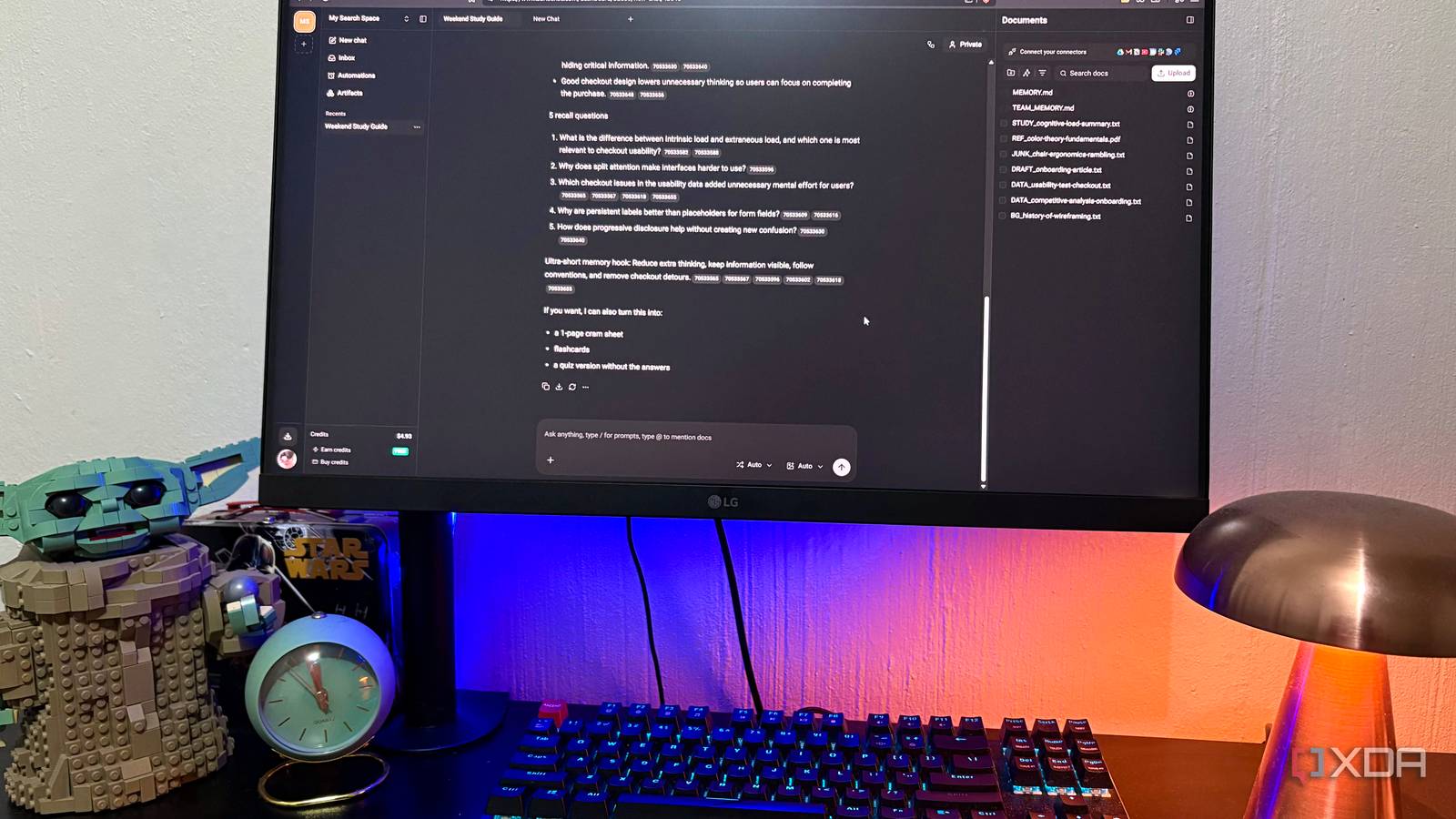
Published Nov 20, 2026, 2:00 PM EST Nolen began their writing career in 2019, with three years dedicated to editing the Creative section at MakeUseOf. Their expertise lies at the crossroads of technology and creativity, covering areas like photography, video editing, and graphic design. Outside of work, you'll often find Nolen diving into a good book, writing their own stories, or playing video games. Subscriptions have a habit of piling up when you stop paying attention for just a moment. Most of them start with one tool you needed, or "needed", for one specific project, and we justify it to ourselves because it's just $10 a month here and there, right? Fast forward one year and you're paying hundreds a month for every tool you justified subscribing to. Self-hosting made that list much shorter for me. Plenty of the apps people pay for monthly have open-source versions now, but moreover, they can run on your own computer, so in addition to dodging the subscription, you're also keeping your data private. Some of them need nothing more than Docker and a single command to get going, while others might ask for a little more patience, but they're worth it. Adobe Acrobat was the first to go One browser tab covers everything I need Adobe Acrobat Pro was the easiest one to let go of. It runs at $20 a month on the annual plan, or $30 if you'd rather not commit to the full year. This is pretty hefty for someone who does pretty light PDF work. OmniTools handles it for free. It's an open-source toolkit that runs in your browser, and your files get processed on your own device, so nothing gets uploaded anywhere. The PDF editor handles annotations and signatures, so you can mark up a document and sign it in the same window before downloading the finished file. There's also a form builder where you drag fields onto a page to make your own fillable PDFs. The rotate tool can fix only the pages that came in sideways and leave the rest alone, and compress shrinks a file down to fit a site's upload limit. You can also lock a file behind a password, or convert a PDF into PNG images or an EPUB for reading on an e-reader. Self-hosting this tool is just one Docker command, and for someone who tends to fight with self-hosted setups, this one is probably one of the easiest ones I've used. OmniTools ChatGPT Plus made way for LibreChat All my AI models in one window ChatGPT Plus is $20 a month, and that's what you pay whether you open it ten times a day or once a month. LibreChat is a free, open-source chat app that actually looks a lot like ChatGPT, but it isn't tied to any one company. You connect it to OpenAI, Anthropic, Google, and plenty of others using API keys, which are basically pay-as-you-go accounts with each provider. Or you can hook it up to your own local models through Ollama, which doesn't cost anything. Switching models partway through a conversation is probably the feature I like the most, so a thread can start on Opus, then move to my local Qwen if the topic starts to involve personal information or documents. Presets are another favorite here; they save a model along with its settings, so I don't have to re-tune anything every time I model-hop. My chat history also stays on my own machine, even when the model answering me is in the cloud. Docker Compose will get it up and running after a few commands, but adding a provider means editing a config file and restarting the container - this is something I'd like to see move into the settings menu because it will make self-hosting it more accessible. LibreChat Perplexity Pro lost to SurfSense Cited answers without handing my research to someone else's servers Perplexity Pro costs $20 a month, and what that buys is room to use it properly. Free accounts only get a few Pro searches a day, while Pro raises those limits and adds Deep Research, which digs through far more sources before finalizing a report. Plus it unlocks more frontier models. SurfSense is an open-source research assistant that covers most of that on your own terms - it's primarily marketed as a NotebookLM alternative, but it has web-search and web-crawl plugins, so it can also be used like Perplexity. You can use a local model that SurfSense runs on your computer, connect Ollama, or use a hosted model through an API, so local use costs nothing while API use is billed by the provider (which usually works out cheaper for lighter use). You get your answers with inline citations, and a research session can also be turned into a written report or even a short podcast-style audio overview. So it's not lacking in terms of output formats or workspace features. It reaches past the web too, letting you add documents and folders from your computer straight into your workspace. And of course, doing this with a local model means none of my docs leave my PC, which is important for research around more sensitive topics like health. Installing it is a breeze. It's a regular desktop app now, so you just download the installer for Windows, Mac, or Linux, and updates install from inside the app. The part that might be a little more frustrating is choosing and connecting a model, but you only need to do it once. SurfSense Plasmic is the free pick for anyone eyeing Webflow or Framer A visual site builder that doesn't bill you per site Webflow and Framer both charge per published site, with Webflow's CMS plan starting at $25 a month and Framer's entry plan at $10 (both billed yearly). If you're paying for one of those, or have been eyeing them, Plasmic is the free open-source option I recommend checking out. It's a visual builder where you drag pages together on a canvas, which feels quite similar to doing it in Figma, actually, and you end up with a working site that you can publish. The built-in CMS lets you set up structured content like blog posts or portfolio entries and drop it straight into your layouts, so updating a page later simply involves editing an entry and leaving the design alone. The component library and pre-built page sections made the canvas easy to find my way around too. Self-hosting is a different story, though. Plasmic is the hardest of the four to run yourself, in my opinion. You need several developer tools installed and a decent amount of RAM to spare, and the community forum has plenty of threads from people stuck partway through setup. The free hosted plan is where I'd point most people first. It already includes unlimited projects and the CMS, with room for up to three collaborators. Plasmic One Docker command at a time These four tools didn't clear everything. I can't see myself going without my Claude Pro subscription, for example. But they do clear out the need to subscribe to almost everything else. And the one-command installs actually took less time than canceling Adobe did (if you know, you know).
4 subscriptions I canceled first when I started self-hosting, and the free open-source app that replaces each one
Full Article
Original Source
Read the full article at Xda-developers →KhanList aggregates and links to publicly available news content. We do not host full articles from third-party sources. Always verify important information with original sources.