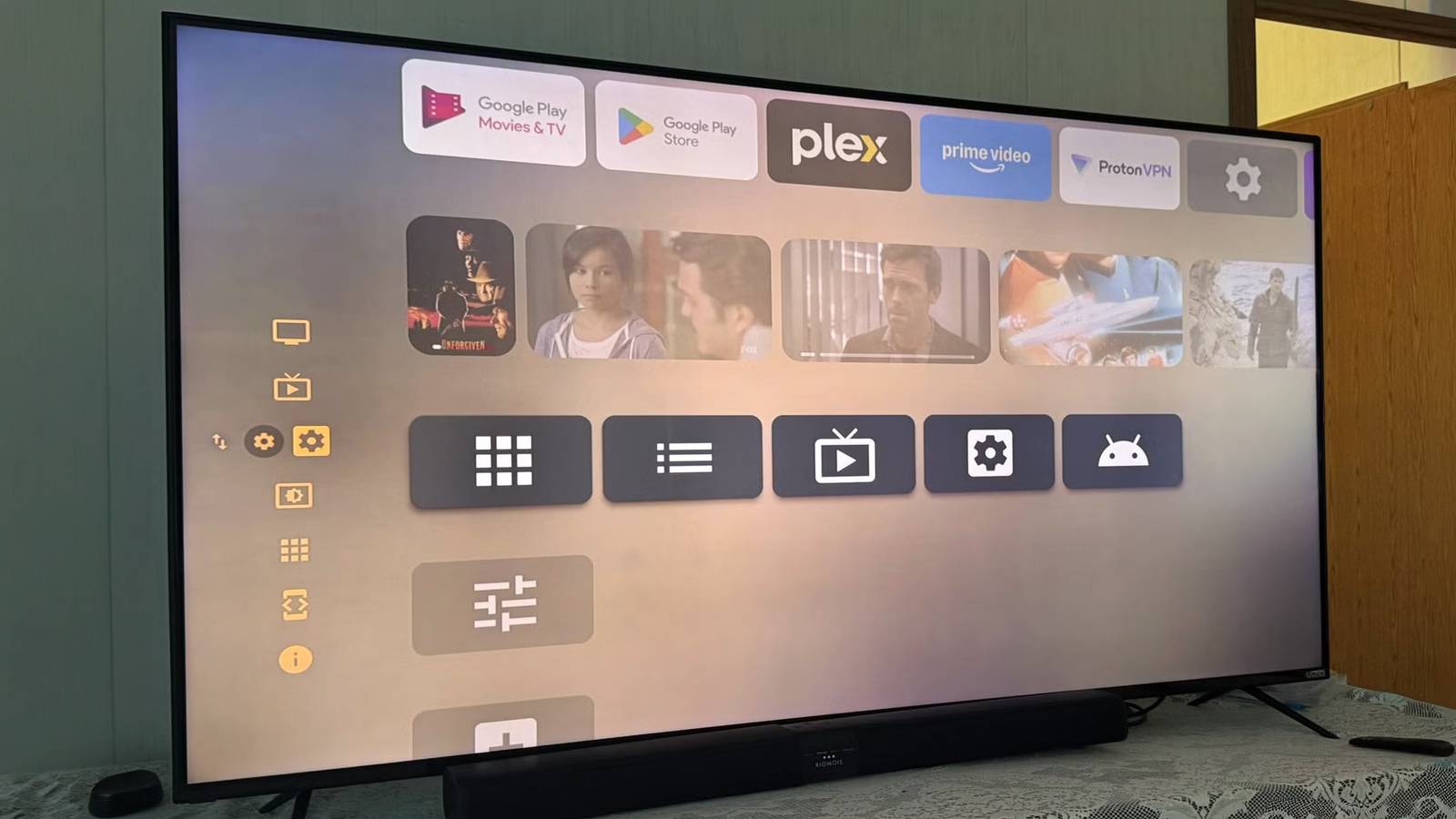
Published Aug 12, 2026, 6:00 PM EDT Based in rural Minnesota, Brian Burgess worked in IT for 10 years before finding his passion for writing about consumer technology. Brian earned his degree in computer and network technology in 2000. He held various IT positions, including help desk support, router installations for IBM, database administration, and other associate network administration roles. He's been a personal technology journalist for 18 years and has written thousands of articles about Microsoft products and services, Android, iOS, streaming, and more. He has written for notable tech sites including XDA, InformationWeek, How-To Geek, Byte, groovyPost, and others. When he is away from the keyboard, you will hear him playing guitar, working outdoors, and watching Star Trek. When someone buys a new smart TV, they immediately install the entertainment apps that aren't already included, like Netflix, Paramount, or YouTube. However, there are some important apps that can improve your TV experience. Whether it is a better screensaver, a new home screen, or improved remote functionality, there is a quality app to consider. You don't need to rely on what the manufacturer installs on the TV. In many cases, you can change how the TV experience feels by using alternative apps like these, which I use. Not all of these work on every smart TV, but this will give you an idea of what to look for on yours. Projectivy Launcher A customizable home screen If you own a TV running Android/Google TV, then one of the top apps you can install is Projectivy Launcher for a customizable, ad-free home screen experience. I like it as an alternative launcher on Google TV since it is minimally invasive, customizable, and responsive. I like the ability to start my TV and have the apps I actually use displayed on the screen instead of clutter. The customizable icons, adjustable layout, and shortcut tools are also a bonus. It's also worth mentioning that while Projectivy is designed for Google/Android TV, it can also be sideloaded onto Fire TVs still running Fire OS — not devices running Vega OS. If you aren't a fan of the mess the Fire TV home screen has become, then you will appreciate being able to use this alternative. However, LG (webOS) and Samsung (Tizen) models, and Roku OS are clamped down and don't allow alternative launchers. Projectivy Launcher Aerial View screensaver Breathe life into your smart TV Many times the default screensavers that come with your smart TV aren't the most stunning that you'd like. For instance, my Google TV was displaying static stock images when I got it. Now, with Aerial TV, I can choose from an array of high-quality 4K HDR images, views, and customizable styles. It provides cinematic screensaver clips — similar to the default screensavers on Apple TV 4K. In fact, I have set it to display Apple, Amazon, Jetson Creative, and other images. It makes my TV experience seem more alive. In addition, I can use personal images or videos from an attached USB drive or via a computer or server on my network. I also like the other included niceties. I can customize overlays like the weather and music playing, adjust fonts and animations. I can also tweak the scaling and cropping of my personal photos. It works well with Google's built-in screen saver options; I can skip through images and videos, select what it plays, and the overlay options. I can also integrate its screen savers with Projectivy. It works on Android/Google TV and Fire TVs — no sideloading necessary; just find it in the app store. An alternative is using the Roku Backdrops app or choosing a better screensaver from the app store. Samsung and LG sets also have equivalents in screensaver settings. VLC The SwissArmy TV app You already know all the things VLC can do on your computer, but it can also do a lot on your TV. I can play video and music files from my Windows SMB shares and network folders. I can also attach a USB drive to my TV and access media files, including photos. Plus, it can play virtually any file type you throw at it. For instance, when I come across rare .ogg or .ape music files, I have VLC ready to play them. Since there are so many streaming apps, many people don't bother installing VLC. However, I have found it to be an excellent fallback option when my internet goes down, and I have no clue when it will get back up, because my ISP's customer service tells me, "within two hours." Also, if I monkey around too much with my self-hosted media server and break it, I can quickly play something over VLC from my computer. It's also nice to stream music or videos anytime from my computer to the big screen so I can experience it on a better sound system. It's also nice to play local media files from a USB drive without using the TV's built-in media player. Luckily, VLC is cross-platform and works on most smart TV OSes. Although Samsung and LG smart TVs vary by region and may not have a fully functional VLC app, a user can fall back on the built-in media player for similar functionality. TVQuickActions Change how the remote works Since I need flexibility with the buttons on my remote for my Google TV, I turn to TVQuickActions to remap buttons and create custom shortcuts. I can assign multiple actions to a single button. For instance, I can assign system functions like Bluetooth, Wi-Fi, app switching, and more. I can also use it to create a menu of different shortcuts that I need to access. It allows me to navigate and control the set much more easily, but if someone comes over, they might have a hard time figuring things out. I usually assign different functions to the Netflix and YouTube-like buttons since I never use them to launch those apps. I use my custom Projectivy Launcher screen for that. Again, this is exclusive to Android/GoogleTV smart TVs. However, for Fire TV sets, you should be able to sideload the APK. Also, a good alternative button mapper is Launcher Manager. However, Samsung, LG, and Roku OS-powered sets don't have a remote button-mapping app. Alternative apps improve your smart TV experience These four apps that I use daily deserve more attention from smart TV manufacturers — or better alternatives. These are helpful apps on Android/Google TV sets. Although results will vary on Samsung, LG, Roku OS, or Fire OS-powered sets. However, for similar functionality, check the set's respective app store or settings menu. Or, you can always hook up a cheap Onn Android TV stick. What are some of your favorite daily-use apps that you install right away on a new set?
4 smart TV apps I use every day that deserve way more attention
Full Article
Original Source
Read the full article at Xda-developers →KhanList aggregates and links to publicly available news content. We do not host full articles from third-party sources. Always verify important information with original sources.