
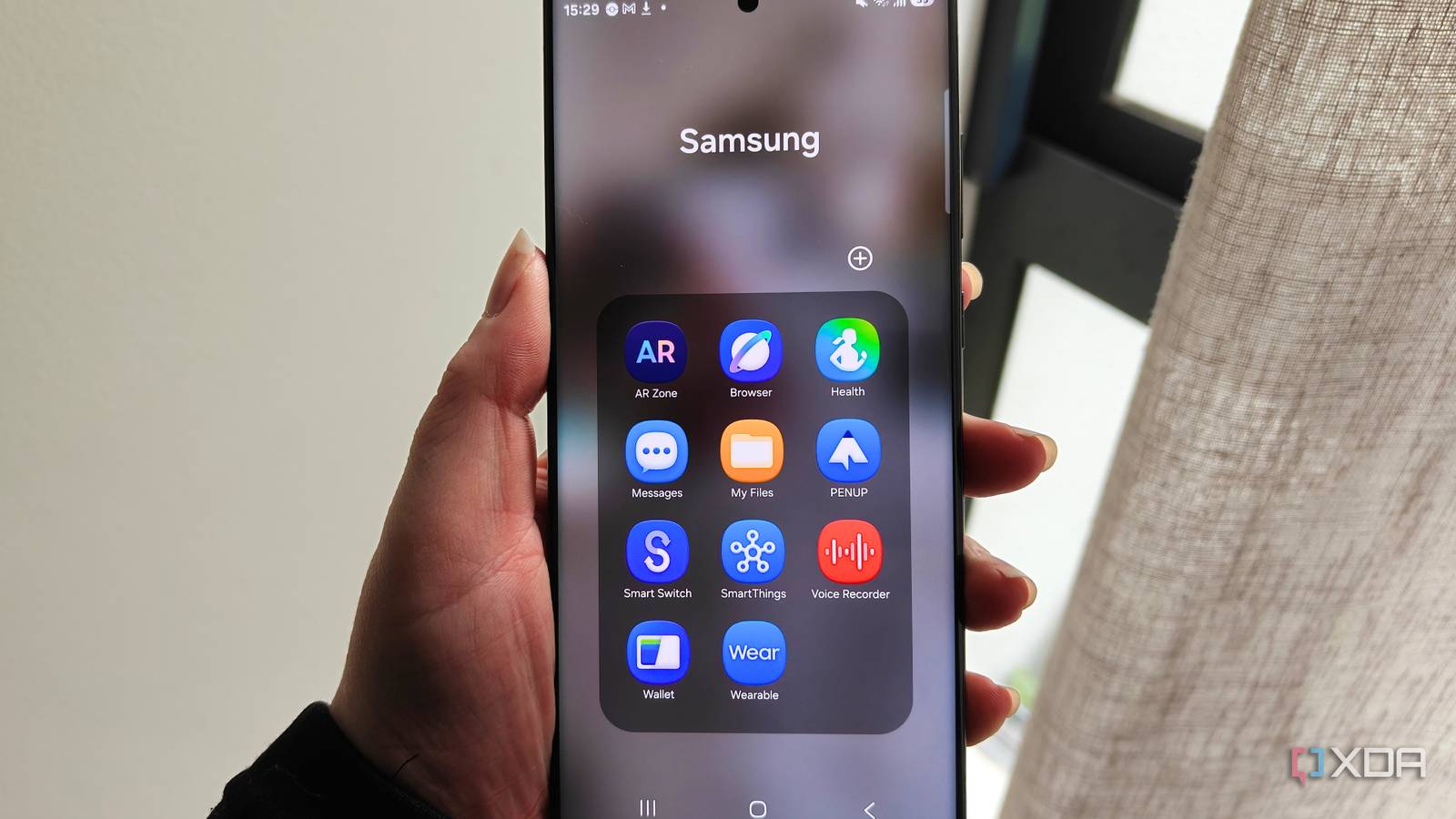
Published Sep 25, 2026, 2:00 PM EDT Megan is a Software Writer at XDA Developers who has been writing about consumer technology since 2016. With a postgraduate degree in New Media journalism, she has always been passionate about diving deep into topics and writing about them in a way that makes them easier to understand for everyday consumers. She runs her own blog called Tech Valkyrie and has contributed to Tom's Guide and Android Authority. She also worked at MakeUseOf as a Lead Editor. In her spare time she plays video games and geeks out about the latest tech. I'm always somewhat wary of pre-installed apps on my smartphones, even when it comes to my Samsung Galaxy devices. However, over the years, I've realized that some apps I initially thought were bloatware turned out to actually be useful. In some cases, the apps were so good that I actually preferred them to third-party alternatives. From productivity boosters to more creative applications, I was surprised by how much these pre-installed Samsung apps actually ended up impressing me. Samsung Notes More than meets the eye Samsung's Notes app seems unassuming at first. It's a simple sticky-note-style app that lets you take notes with your phone's keyboard or an S-Pen if you have a compatible device. However, once you search a little bit beneath the surface, you start to realize just how much it can do. You can upload PDFs to the app, which you can then annotate or fill in using text or drawings. In fact, you can use the app to scan and edit documents that you need to keep on hand. For handwritten notes, you can use AI to convert them into text. These AI features also extend to other notes and documents, allowing you to summarize and translate them. You can also attach voice recordings, images, drawings, and tables. In terms of organization, you can use folders to sort your notes. This adds a bit of order to your scattered notes. When creating new notes, you can choose different styles, including lined pages and planners. While it seems simple at first, Samsung Notes is more versatile than I expected. Samsung Reminder My favorite Samsung app The Reminder app is one of those Samsung apps I wish I'd discovered years ago. One of its most powerful features is how it puts different reminder types front and center, including location- and schedule-based reminders. It also provides a series of suggested templates you can try out. This makes it one of the most user-friendly task and reminder apps I've ever encountered. As much as I love my main to-do list app TickTick, I wish it took more inspiration from Samsung Reminder's design. Currently, I run a series of scheduled reminders in the app, including a monthly reminder to take my migraine medication out of the fridge. I also set up the app on my boyfriend's phone to remind him to take his insulin out of the fridge before he leaves work. If you haven't tried the app and you own a Galaxy device, I can't recommend it enough. It makes setting reminders and tasks intuitive rather than another chore. PENUP A creative outlet The PENUP app was something I tried out of curiosity rather than any immediate need. However, the mobile drawing app became one I genuinely loved using. You can use it on a phone without a stylus, but it works best on phones with an S-Pen. The app lets you create drawings from scratch, trace over an existing image, and color in pages created by others. Even if you're not an artist, it makes for a great creative outlet. You can also share your creations with others or browse the images others have posted. However, I enjoy using it most to practice drawing and creating images I don't share. Samsung Browser A well-rounded alternative to Chrome While I use Brave as my preferred browser, Samsung Browser is a great alternative if you have a smartphone from the Korean giant. If you enjoy AI features, you'll be glad to know the browser includes a range of AI capabilities, including summarizing and translating pages, as well as reading highlights aloud. It also lets you choose your preferred ad blocker for the browser app. One of my favorite features is the ability to force dark mode on web pages without using a flag. You can even adjust how bright you want pages to be in dark mode. Like Firefox, the app lets you install extensions to further customize your experience, which is helpful for power users. Like many other Samsung apps, it also has user-friendliness in its favor. You can adjust the text size on sites on the fly without navigating buried accessibility menus. You can also customize your toolbar so that your most important shortcuts are at the forefront. For example, you can save a button to turn off ad blocking temporarily. Samsung Browser has become so popular that Samsung has even brought the app to Windows PCs. This cross-platform availability, including syncing, is another reason to use the browser over third-party alternatives. Samsung's pre-installed apps are some of my favorites While I definitely uninstall some Samsung apps, the company makes some of my favorite first-party apps of any brand. Many times, if I don't use one of these apps, it's simply because I switch phone brands every few years and prefer to keep cross-platform solutions like Notesnook in my rotation. But if you're deeply invested in the Samsung ecosystem and haven't tried these apps, I recommend checking them out. They may offer far more value than you expect.
4 Samsung apps I thought were bloatware until I actually started using them
Full Article
Original Source
Read the full article at Xda-developers →KhanList aggregates and links to publicly available news content. We do not host full articles from third-party sources. Always verify important information with original sources.