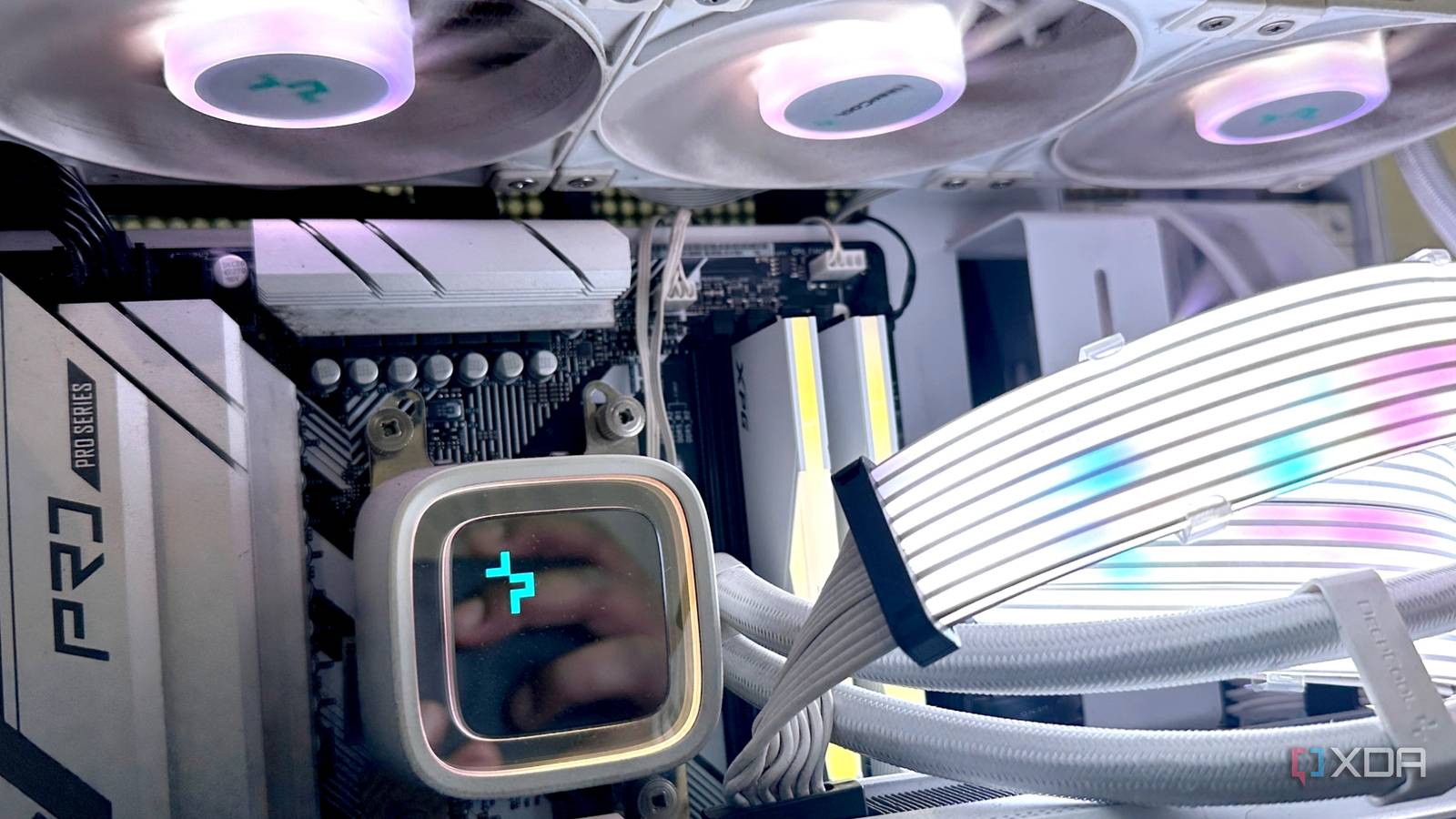
Published Jul 30, 2026, 9:30 AM EDT His love of PCs and their components was born out of trying to squeeze every ounce of performance out of the family computer. Tinkering with his own build at age 10 turned into building PCs for friends and family, fostering a passion that would ultimately take shape as a career path. Besides being the first call for tech support for those close to him, Ty is a computer science student, with his focus being cloud computing and networking. He also competed in semi-pro Counter-Strike for 8 years, making him intimately familiar with everything to do with peripherals. Like with anything that's been around for a long time, PC building has more than its fair share of tall tales and myths that have developed over the years. The hobby has grown considerably, and with it, the building process has changed quite a bit from the early days. These four myths have been passed down through generations of forum posts and word of mouth, and although they're still uttered today, it's time we leave them behind for good. More fans means better cooling Configuration matters more There's more than meets the eye when it comes to airflow in your PC. Conventional wisdom would tell you that more fans means more airflow, which in turn would mean better cooling for your parts. While having a lot of fans does mean more overall airflow, it's a bit of a brute force way to cool your system, and doesn't do it optimally. More fans mean more power, and worst of all, more noise. You can do so much more with less in this scenario. Just a few well-placed fans (so long as ventilation is good in your chassis) can supply enough air to your components while also exhausting the hot air. Adding fans to every slot available in your case is often overkill for many users, but sometimes it is necessary to get fresh air onto a particularly hot component. GPUs used for mining should be avoided The truth is much more nuanced Buying pre-owned GPUs can be a bit of a mixed bag. A lot of listings are just honest people looking to get a little extra cash to put towards their next upgrade, but by no means is the used GPU market completely free from risk. Something we've been told consistently over the years is to be weary of GPUs that have been used for cryptocurrency mining. The truth is, the crypto mining process itself isn't harmful to GPUs whatsoever. Like any computer component, heat does put wear and tear onto the GPU, and if the card was mining in an environment where it was very warm for extended periods of time, or was subject to drastic fluctuations in temperature, then you could be concerned about the condition of the GPU. Many crypto miners will undervolt their cards to keep them cooler during operation. A GPU that I personally bought back in 2022 was used extensively for mining before I got my hands on it, and since the previous owner was careful in his treatment of the card, it's still going strong in another system in my home. Higher GPU power limits always means more performance Undervolting is the secret sauce One of the easiest tweaks one can make to their GPU is increasing the power limit. Doing so will allow the card to draw more power from your PSU, theortically giving it more performance headroom. While this does sometimes increase performance slightly in some workloads, it comes at the cost of higher power draw and higher temperatures. More voltage isn't always better, and recently, doing the opposite of supplying more power has been all the rage. Undervolting is the act of decreasing the voltage your GPU or CPU draws under load. You wouldn't be blamed for thinking less power results in less performance, but in practice, undervolting is done to allow your CPU or GPU to reach the same clock speed with less voltage. This decreases temperatures and, when combined with a power limit, can increase performance significantly over stock. Individually, power limits and undervolting can help move the needle a little, but together, it's much more significant. BIOS updates are risky It has never been safer BIOS updates are serious business. Your BIOS is essentially your motherboard's firmware, and is responsible for setting all the parameters related to your hardware. Updating any kind of firmware can result in a bricked device if there's a loss of power or something goes horribly wrong, but in the modern era of computers, doing a BIOS update really isn't that risky. Many motherboards come with features that prevent your unit from going into a fully bricked state. There are BIOS flashback tools that allow for quick reverts of failed updates, as well as quick flash tools that allow you to press a physical button and load the BIOS from flash without ever having to actually get the thing to boot. There are so many safeguards that it's hard to consider performing a BIOS update risky anymore. Should you exercise caution? For sure, but it's no more risky than any other part of the PC building process. Conventional wisdom isn't always correct The things that are passed down from prior generations of PC builders don't always apply to the current era, especially when it comes to things like overclocking and undervolting. What might have been true (or at least true enough) a decade ago doesn't always hold up against modern designs, thermal standards, or firmware improvements. And yet, these myths continue to persist, often because they’ve been repeated so often that they've become accepted truths.
4 PC building myths that you still believe
Full Article
Original Source
Read the full article at Xda-developers →KhanList aggregates and links to publicly available news content. We do not host full articles from third-party sources. Always verify important information with original sources.