
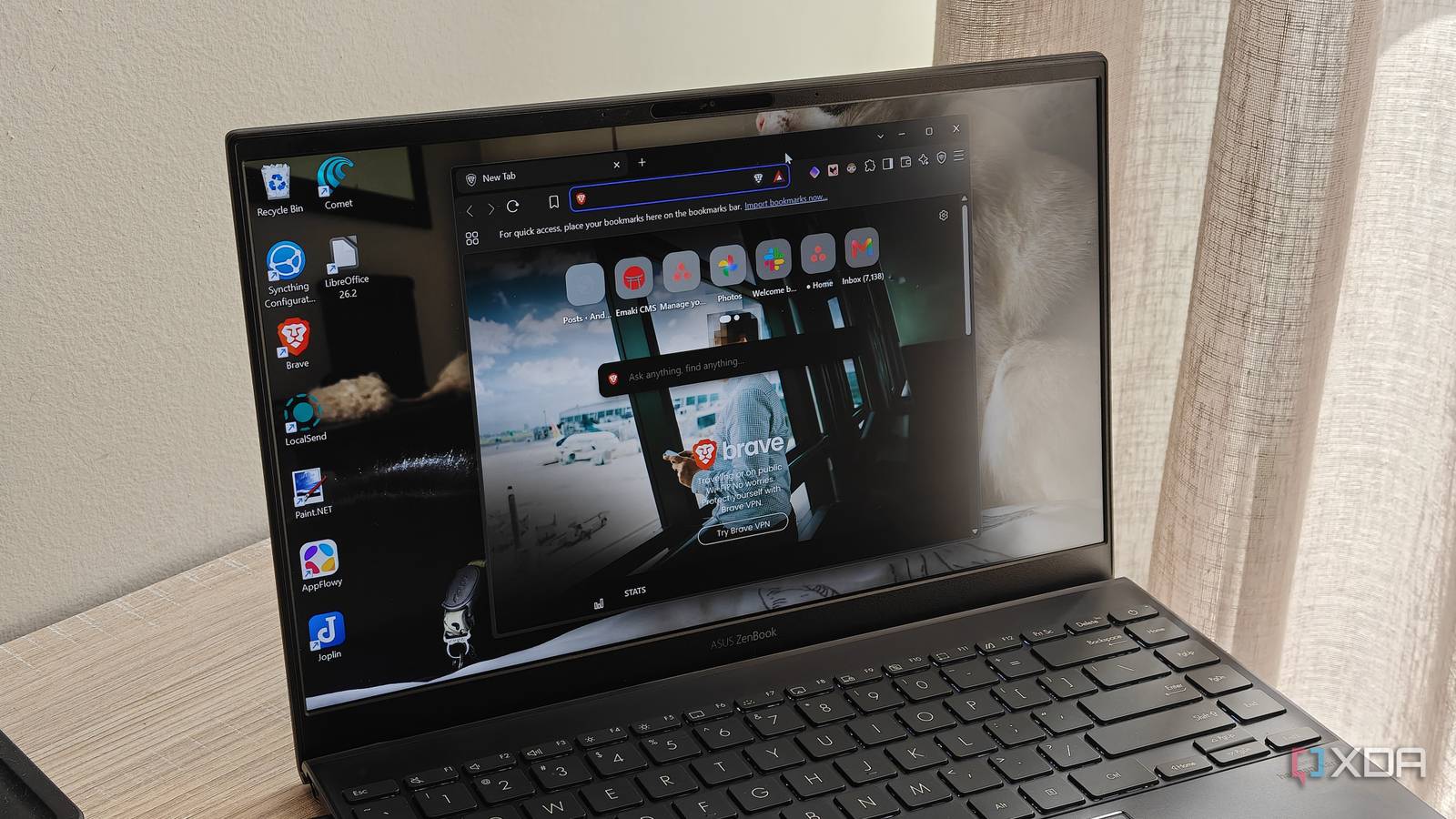
Published Nov 7, 2026, 10:31 AM EST Megan is a Software Writer at XDA Developers who has been writing about consumer technology since 2016. With a postgraduate degree in New Media journalism, she has always been passionate about diving deep into topics and writing about them in a way that makes them easier to understand for everyday consumers. She runs her own blog called Tech Valkyrie and has contributed to Tom's Guide and Android Authority. She also worked at MakeUseOf as a Lead Editor. In her spare time she plays video games and geeks out about the latest tech. I used to say that being stuck in my habits kept me from using better software. For years, I simply used certain solutions because they were what I had always used. But after making a concerted effort to try out more open-source apps, I discovered that I could find free solutions that still met my needs. This freed me from subscriptions, anti-consumer software strategies, and my firm entrenchment in the Google ecosystem. In particular, these specific apps made me switch over from software I was sure I'd never stop using. Brave A privacy-focused Chromium browser The browser space has plenty of open-source options, but Brave was the one that finally got me to switch away from Chrome. Chrome had been my go-to browser for over a decade. However, Brave won me over with its privacy-centric approach, optional AI, and built-in ad-blocker. I first switched on my smartphone because Brave's Android app lets you force dark mode on websites without a flag. Blocking ads without an extension was another point in its favor. After making the switch on my PC too, I couldn't be happier. My online experience is far more private, and I even switched over from Google Search to Brave Search for my default search engine. Firefox is another browser I use for browser compartmentalization, but I mainly use it when watching series and YouTube. It's Brave that has become my dominant browser for work and general browsing. It works with my favorite extensions and was easy to get used to because it is also built with Chromium. OS Android, iOS, Linux, macOS, Windows What's included? VPN, Built-in AL Assistant The Brave browser is made for the more privacy-conscious users, with a built-in VPN and ad blocker. It's also light on resources, making it great for use while gaming and multitasking. LibreOffice Open-source office software When it came time to renew my Microsoft 365 subscription last year, I couldn't bring myself to do it. The only apps I used were Word and Excel, and I didn't feel I was getting real value for the price. At the same time, these had been staples in my software suite for years. The only alternatives I had really invested time into were Google Docs and Sheets. But I eventually decided to give LibreOffice a try, and I was pleasantly surprised that its Word and Excel alternatives — LibreOffice Writer and Calc — did everything I needed them to. In Writer, I can create documents from scratch or use a template. I can apply formatting, insert images, and do most of what I could in Word. Meanwhile, Calc includes important features like formulas, filtering, and data visualization. My only real criticism is that its dark mode doesn't always render correctly for documents. I have to use dark mode since white documents trigger migraines for me. Overall, I'm happy with the software, especially since it's a free suite without AI bloat. LibreOffice Individual pricing Free Platforms Windows, macOS, Linux LibreOffice is one of the most complete Microsoft Office alternatives, and it's entirely free and open-source. It gives you various different tools for various use cases, including Math and Draw tools for advanced users. Proton Pass A great alternative to Google Password Manager I really didn't think I could ditch Google Passwords until I decided to try out Proton Pass. I was wary of trying out a standalone password manager, but the process of switching over went much more smoothly than expected. This is because you can now set third-party apps as your autofill service on Android phones, and Proton Pass works across different browsers thanks to its extension. Other handy features include the ability to store payment info, generate email aliases, and manually save credentials under a custom, searchable app or service name. Proton Pass has a paid plan that unlocks additional features, but I get along fine with the free plan. The only thing I really miss is dark web monitoring, so I have other tools set up for that. Proton Pass Individual pricing $4.99/month Key highlights hide-my-email aliases, open-source Platforms Windows, Linux, macOS, iOS, Android, Chrome, Safari, Firefox Proton is a password manager from the highly popular Proton Team, which also develops Proton Mail and Proton VPN. Notesnook My favorite note-taking app Before Notesnook, I spread my notes between Google Keep and Google Docs. This made my system disorganized and messy, especially when working across different devices. However, when I switched to Notesnook, I found an app that was perfect for both my short notes and more detailed writing. This ranges from quick checklists and notes with tables to more expansive documents with images. The app also has nifty features like locking notes with a PIN, adding formatting, and attaching documents. Best of all, it provides cross-device cloud syncing for free. This versatility is what really made Notesnook stick for me. I use the app so much that I even reprogrammed my phone's AI button to open the note-taking app. It helps me track random ideas throughout the day, as well as keep records of car services and doctor's appointments. If there's one note-taking app I'd recommend to everyone, it's Notesnook. Notesnook Notesnook is a privacy-focused, open-source note-taking app that is also feature-rich. If you're looking for new apps, consider open-source solutions Using open-source apps doesn't mean you have to settle for a worse experience or limited features. While the developers behind open-source solutions often have fewer resources than tech giants, you'll be surprised by how much they can accomplish. I've found that open-source apps often offer privacy benefits, useful niche features, and a consumer-centric approach compared to their proprietary counterparts. And all of the tools I've included here are free to use as well.
4 open-source apps that convinced me to ditch software I thought I'd use forever
Full Article
Original Source
Read the full article at Xda-developers →KhanList aggregates and links to publicly available news content. We do not host full articles from third-party sources. Always verify important information with original sources.