
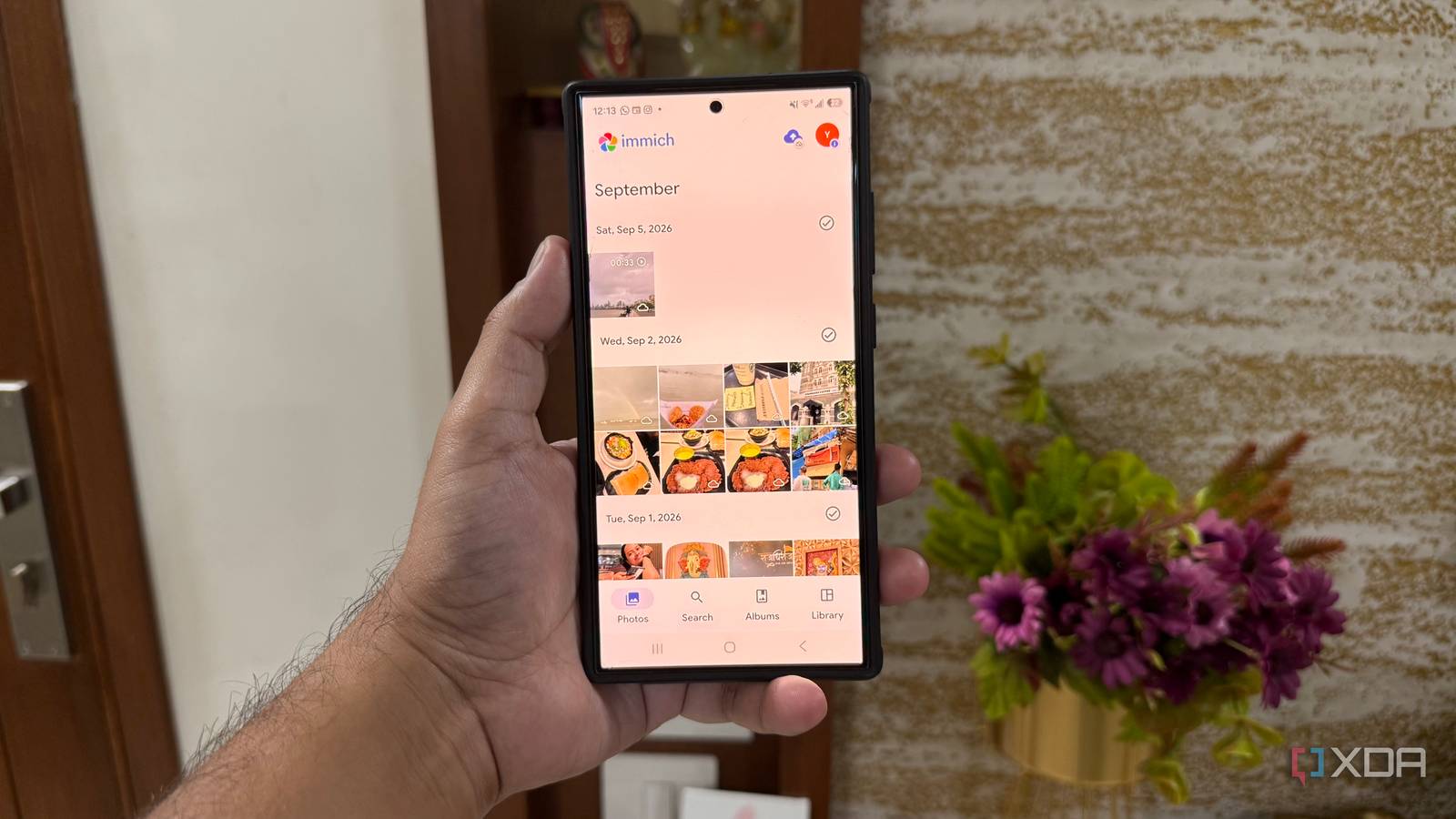
Published Sep 24, 2026, 10:31 AM EDT Beginning his professional journey in the tech industry in 2018, Yash spent over three years as a Software Engineer. After that, he shifted his focus to empowering readers through informative and engaging content on his tech blog – DiGiTAL BiRYANi. He has also published tech articles for MakeTechEasier. He loves to explore new tech gadgets and platforms. When he is not writing, you’ll find him exploring food. He is known as Digital Chef Yash among his readers because of his love for Technology and Food. Samsung phones come with a surprisingly large collection of apps designed to handle almost every part of my daily routine. At first, I appreciated having everything available out of the box. But as my workflow became more demanding, I noticed I was using only a fraction of what these apps offered. Some felt heavier than necessary, while others overlapped with tools I already preferred. Instead of keeping an app just because it came with my phone, I started looking for simpler options that fit how I actually work. A few replacements made a bigger difference than I expected, and they helped me build a cleaner everyday setup. Immich A lighter home for all my photos Samsung Gallery does a perfectly fine job of showing me the photos stored on my phone, but I wanted something that felt more like a dedicated photo library. I started using Immich for that, and it quickly became one of the easiest changes in my setup. Immich keeps the focus on my photos. I can let it automatically upload new pictures from my phone and have them organized in one place without constantly thinking about backups. The timeline makes it easy to scroll through older photos, while search helps me find something when I don't remember exactly when I took it. I can also browse albums, favorite important pictures, and quickly find recently uploaded photos without digging through different folders. Another reason I prefer it is that Immich works well with the way I already manage my data. Since I self-host several services, I can run Immich on my own hardware and keep my photo library there. I don't have to depend on a separate photo-management service just to back up pictures from my phone. For me, Immich feels less like another gallery app and more like a proper home for my growing photo collection. Simple Note My notes didn't need all that Samsung Notes is packed with features, but I realized I rarely use most of them. For my everyday notes, I mostly need a quick place to write something down and come back to it later. That’s why I switched to Simplenote. The biggest difference for me is how lightweight it feels. I can open it, start typing, and move on without dealing with unnecessary options or a complicated interface. It works particularly well for quick ideas, article notes, lists, and things I don't want to forget. I also like that my notes stay clean and easy to browse. There are no distracting extras getting in the way when I just want to find something I wrote earlier. Tags make it easy enough to keep things organized without building an elaborate system. For simple note-taking, Simplenote gives me exactly what I need without making the process feel heavier than it should. Firefox My browser works everywhere I wanted a mobile browser that could do more than just open websites, and Firefox fit nicely into the way I browse. One feature I use regularly is Collections, which lets me group related pages when I'm researching something without keeping dozens of tabs open. I also like being able to install add-ons on Android, especially when I want more control over my browsing experience. Firefox's tab management is useful on my phone too. I can quickly switch between open pages, search through my tabs, and keep important sites organized without feeling overwhelmed. I also appreciate the built-in tracking protection because it blocks many common trackers without requiring me to constantly adjust settings. I also use Firefox Sync to keep bookmarks, browsing history, and open tabs available across my devices. That makes it much easier to start researching something on my PC and continue from my phone. Bitwarden One password vault across all devices Samsung Pass worked well for saving and auto-filling my logins, but I didn't want my password setup to depend on whether my next phone was a Samsung. Bitwarden gave me a more flexible setup that works across the devices I use. When I'm signing in to an app or website on my phone, I can quickly open Bitwarden, find the login I need, or use autofill without digging through my passwords manually. I can also generate strong passwords when creating new accounts. The browser extension is equally useful on my desktop, so I can use the same vault across devices instead of maintaining separate systems. I also like having secure notes alongside my passwords. Samsung Pass keeps things simple, but Bitwarden fits better into my mixed-device workflow. For me, that flexibility was the main reason to make the switch. I didn't need Samsung's version of everything Switching away from Samsung's productivity apps wasn't about replacing every app on my phone. I simply realized that some tools didn't fit the way I actually work. The alternatives I settled on feel lighter, more focused, and easier to carry across my devices. More importantly, I now have a setup that feels intentional, not something I inherited from my phone. Samsung's ecosystem is convenient, but I don't need to use every part of it to get the most from my Galaxy phone.
4 lighter alternatives that made my Samsung phone way productive than Samsung's own apps
Full Article
Original Source
Read the full article at Xda-developers →KhanList aggregates and links to publicly available news content. We do not host full articles from third-party sources. Always verify important information with original sources.