
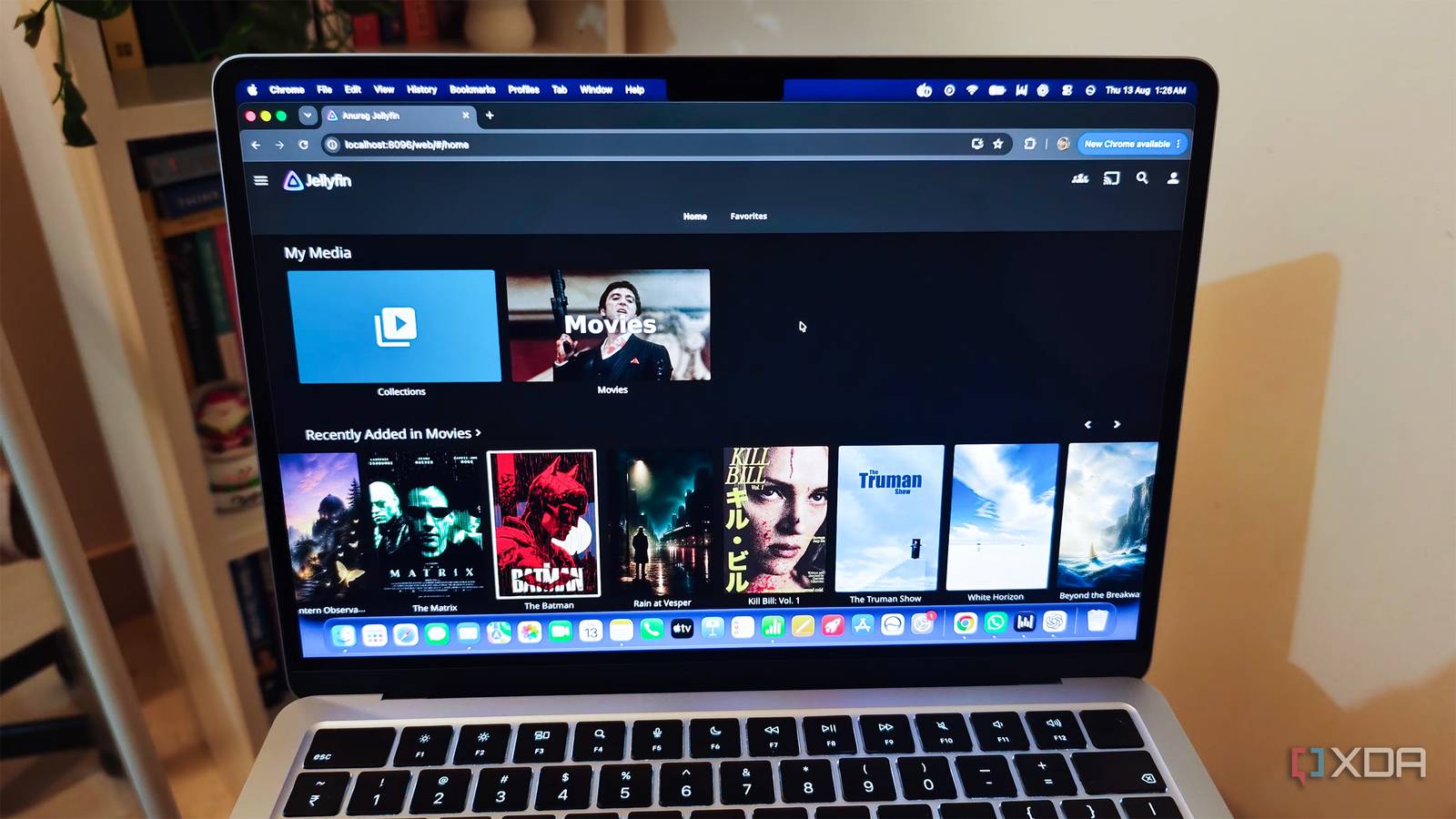
Published Aug 20, 2026, 3:00 PM EDT Anurag is an experienced journalist and author who’s been covering tech for the past 5 years, with a focus on Windows, Android, and Apple. He’s written for sites like Android Police, Neowin, Dexerto, and MakeTechEasier. Anurag’s always pumped about tech and loves getting his hands on the latest gadgets. When he's not procrastinating, you’ll probably find him catching the newest movies in theaters or scrolling through Twitter from his bed. My Jellyfin library is now what I can call a mature library. It has reached a point where I actually have to spend some time finding what to watch. The Jellyfin app that you get out of the box is good enough when your collection is small, but once it grows, you need to add plugins that can make your life easier. I myself can't live without the plugins I have added to Jellyfin. These go beyond the usual names everyone would recommend, including Intro Skipper, Open Subtitles, Trakt, and Playback Reporting. I use these as well, but it’s the lesser-known plugins that make running my self-hosted server easy. Meilisearch It makes Jellyfin search useful Jellyfin’s search is fine if you know the exact title of whatever you want to watch. However, the search functionality is not as useful when you misspell a word or remember only part of the movie title. I have spent more time browsing through my own library because Jellyfin refused to find something I knew was there. The Meilisearch plugin replaces Jellyfin's generic search with a proper search engine. It sends Jellyfin’s search queries to a separate Meilisearch instance, which indexes the library and returns results with fuzzy matching and typo tolerance. You can get the title slightly wrong and still find the movie, series, episode, album, or person you were looking for. It still uses Jellyfin’s existing search interface. You do not need to open another dashboard or change how everyone accesses the server. The index also keeps itself updated. It refreshes when the server starts, when a library scan finishes, or when you run its scheduled indexing task. Keeps my library from growing forever It's very easy to add new media to your server, but maintaining it is not. Media Cleaner does this work through rules. You can ask it to remove movies after everyone has watched them, delete episodes that have remained unwatched for a certain period, or clear media based on when it was added. Since Jellyfin already keeps track of this information, you do not need another app monitoring your library. You can also create different rules for different types of media. I do not want movies and TV shows to have the same retention period, and Media Cleaner lets you treat them separately. You can limit a rule to a specific library, folder, tag, or group of users. If there is something you never want it to delete, you can protect anything marked as a favorite or carrying a particular tag. For TV shows, you can choose whether the plugin removes individual episodes, complete seasons, or the entire series. This is useful for news, reality TV, talk shows, and anything else that you are unlikely to watch again after finishing it. Browse by audio and subtitle language Jellyfin already shows you which audio and subtitle tracks are available for a movie. But if you want to find everything with French audio or English subtitles, you still need to open each title and check its tracks. That is a terrible way to browse a multilingual library. LanguageTags uses the language information Jellyfin has already collected and applies it as regular tags. A movie with a French audio track can receive a language_French tag, while one with English subtitles can receive subtitle_language_English. You can then filter your library using these tags instead of checking every title manually. You can also use the tags to control what appears on different accounts. If someone in your house only watches content with English audio, you can use Jellyfin’s tag-based restrictions to show them titles that include it. The plugin supports movies, collections, and TV shows. You can have it apply languages from individual episodes to the main series entry, which allows you to find the show without filling the tag page with hundreds of episodes. It also scans the library on a schedule, so new content gets tagged automatically. Continue Watching Deduplicator Declutters the Continue Watching row Jellyfin adds every partially watched episode to Continue Watching. If you start four episodes of the same show and leave each one unfinished, all four can occupy separate positions on your home screen. You then have to remember which episode you watched most recently before you can continue. Continue Watching Deduplicator groups these episodes by series and keeps the most recent one. You can keep one episode to have the cleanest home screen, or allow more if several people use the same account and watch different parts of a show. The plugin checks Jellyfin’s last-played date to decide which entries should remain. Your progress on the hidden episodes does not disappear. If you return to one of them later, Jellyfin still remembers where you stopped. You also get the same result across your devices because the plugin processes Continue Watching on the server. Manage your Jellyfin server better Having your own Jellyfin media server doesn't have to be complicated. There are plugins that can help you tidy things up and help you manage the server better. For instance, this one plugin can turn a bare-bones media server almost into something like Netflix. It's also important to choose the right client for Jellyfin because not every client gives you the best experience. Jellyfin iOS compatible Yes Android compatible Yes Desktop compatible Yes
4 lesser-known Jellyfin plugins I couldn't run my self-hosted server without
Full Article
Original Source
Read the full article at Xda-developers →KhanList aggregates and links to publicly available news content. We do not host full articles from third-party sources. Always verify important information with original sources.