
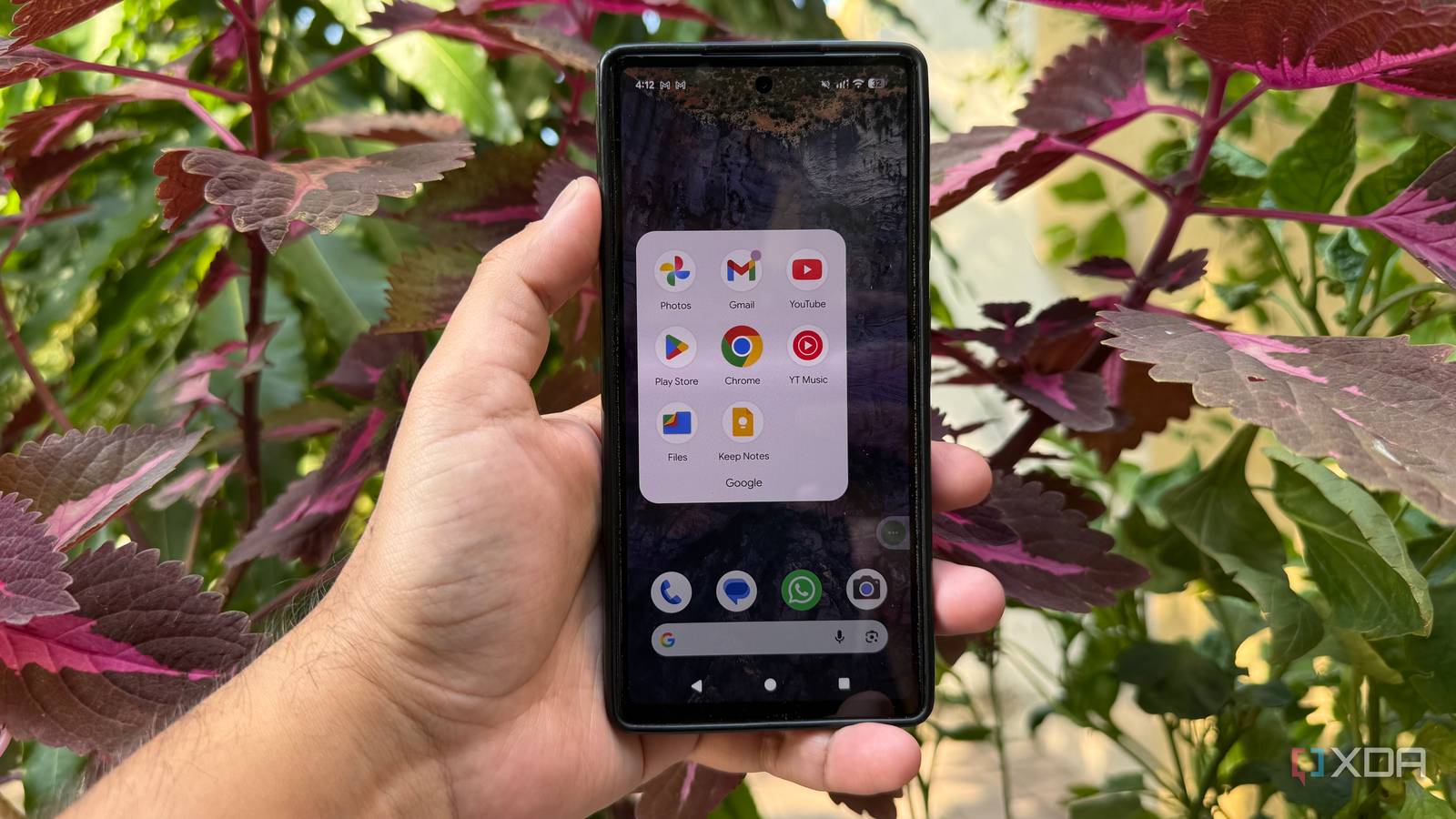
Published Oct 9, 2026, 5:30 PM EDT Beginning his professional journey in the tech industry in 2018, Yash spent over three years as a Software Engineer. After that, he shifted his focus to empowering readers through informative and engaging content on his tech blog – DiGiTAL BiRYANi. He has also published tech articles for MakeTechEasier. He loves to explore new tech gadgets and platforms. When he is not writing, you’ll find him exploring food. He is known as Digital Chef Yash among his readers because of his love for Technology and Food. Getting a new Android phone usually means spending the first hour removing apps I don't want and setting up the ones I actually use. Over time, I stopped treating this as something I had to figure out every time. I now have a small list of replacements that I install almost automatically whenever I switch phones. They cover some of the apps I use most often, and I don't have to pay for any of them. More importantly, I didn't pick these replacements just to be different. Each one solves a specific problem I had with the default experience and fits better into the way I use Android. Google Chrome replaced with Firefox Firefox gives me more control Chrome is usually the first browser I see on a new Android phone, but it is also one of the first apps I replace. I switched to Firefox because I prefer having more control over how I browse, especially on my phone. It gives me a familiar browsing experience without locking me into the default Android setup. What I like most is how Firefox handles customization. I can change the way the browser behaves, organize my frequently visited sites, and use extensions that aren't available in Chrome's Android version. That makes a noticeable difference when I use my phone for more than just casual web browsing. Firefox also fits nicely into my existing workflow because I already use it on my desktop. My browsing experience feels more consistent across devices, rather than requiring two separate setups. I don't claim that Firefox is perfect, and Chrome still has its advantages. But for my everyday browsing, Firefox gives me enough flexibility to make the switch worthwhile. Since it's free, replacing Chrome costs me nothing beyond a few minutes of setup. Google Keep replaced with Joplin Joplin gives my notes more structure I used Google Keep for years because it makes capturing quick thoughts incredibly easy. But as my notes started growing, I wanted something that could handle more than short reminders and random ideas. That’s when I moved to Joplin. What I like about Joplin is that it feels more like a proper note-taking system. I can organize notes into notebooks, use tags, write in Markdown, and keep longer pieces of information without the interface getting in my way. I also find it easier to separate personal notes, research, and things I want to refer to later. The Markdown support is particularly useful for me. I often write notes while researching something, and having proper formatting makes those notes much easier to work with later. Attachments are also handy when I need to keep supporting files with a note. Keep is still perfectly fine for quick lists and reminders, but Joplin fits my workflow better. It is free to use, gives me more control over my notes, and doesn't feel like I’ll outgrow it as quickly. Google Files replaced with Material Files A cleaner way to manage files I replaced Google Files almost immediately. I prefer having a file manager that gives me a clear view of what is stored on my phone without adding too much around it. My replacement is Material Files, a free and open-source file manager that keeps things simple. The interface is one of the main reasons I stick with it. I can quickly browse folders, move or copy files, rename items, and manage different storage locations without digging through layers of menus. It also supports common archive formats, which come in handy when I need to quickly open or create a ZIP file from my phone. I particularly like the dual-pane layout when working with files. It makes moving things between folders much easier than constantly going back and forth between locations. The app also feels responsive, so basic file operations don't become a chore. Google Files does more than I need from a file manager, while Material Files stays focused on the basics. Since it is free and doesn't cost me anything to switch, I install it as part of my usual setup on a new Android phone. Google Photos replaced with Immich My private photo storage I don't want to rely on Google Photos anymore, mainly because I prefer to keep my photo library under my own control. My replacement is Immich, a free, open-source photo management platform that I self-host and use across my devices. The biggest difference is that Immich gives me a Google Photos-like experience without requiring me to keep my entire photo library in Google's cloud. I can automatically back up photos from my phone, browse them through a clean timeline, and organize everything into albums. The mobile app makes the experience feel surprisingly close to what I'm used to. I also like having more control over where my photos are stored and how they're managed. Instead of wondering how much cloud storage I'm using or whether I'll eventually need another subscription, I can keep the library on my own server and expand the storage when needed. Immich isn't as effortless as Google Photos because I have to manage the server myself, but that's a trade-off I'm happy to make. Once it's running, the mobile app handles my daily photo backups without much effort, and I get a private photo library that I control. I don't need the default Android setup anymore A new Android phone no longer feels like a clean slate I have to configure from scratch. I already know which apps fit the way I use my phone, so setting everything up takes much less time. The best part is that I don't have to spend extra money to build this setup either. These replacements are part of my routine, and I install them whenever I switch to a new phone. For me, that's enough reason to skip the defaults.
4 Google apps I replace on every new Android phone, and every replacement is free
Full Article
Original Source
Read the full article at Xda-developers →KhanList aggregates and links to publicly available news content. We do not host full articles from third-party sources. Always verify important information with original sources.