
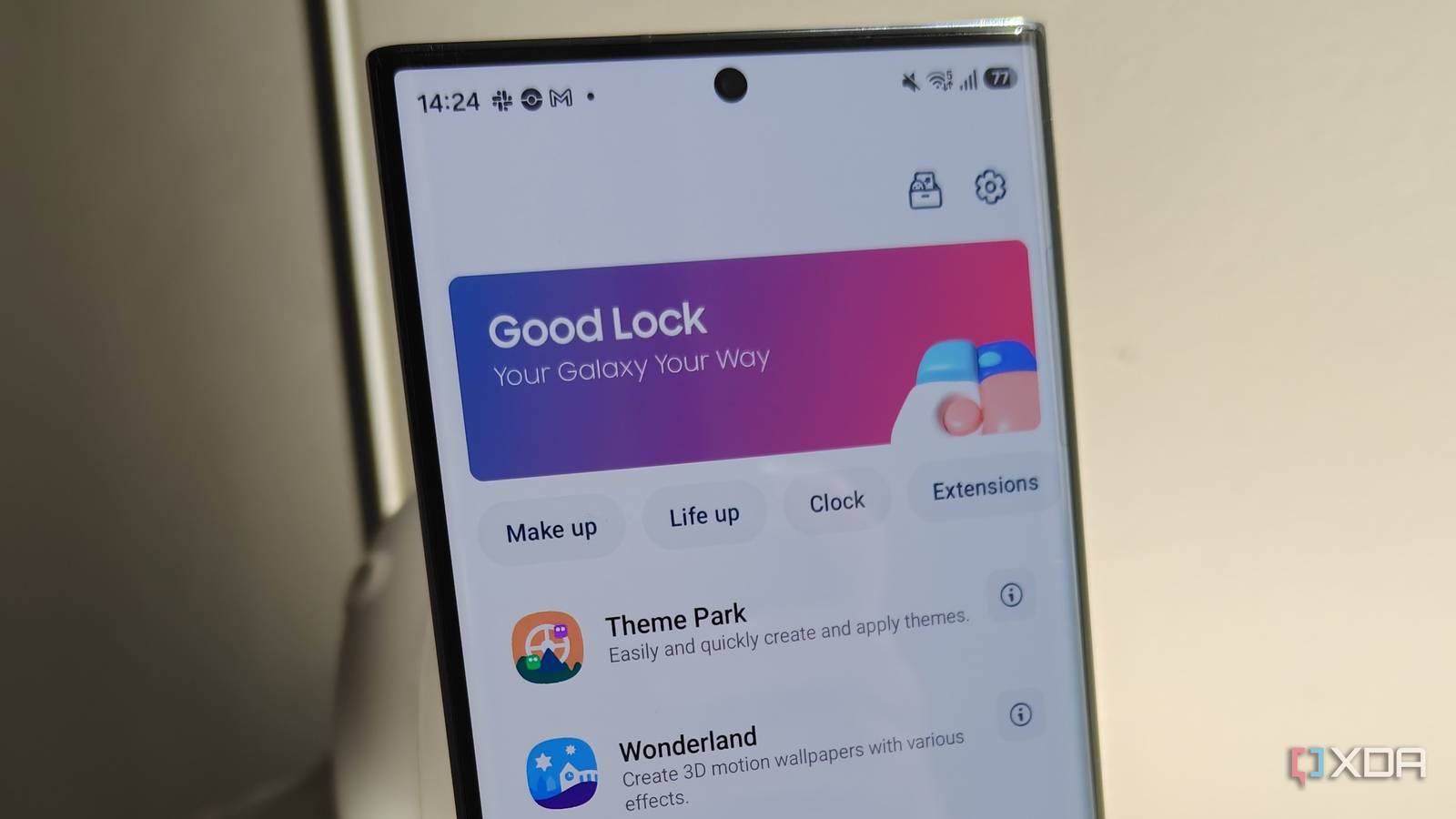
Published Nov 1, 2026, 11:00 AM EST Megan is a Software Writer at XDA Developers who has been writing about consumer technology since 2016. With a postgraduate degree in New Media journalism, she has always been passionate about diving deep into topics and writing about them in a way that makes them easier to understand for everyday consumers. She runs her own blog called Tech Valkyrie and has contributed to Tom's Guide and Android Authority. She also worked at MakeUseOf as a Lead Editor. In her spare time she plays video games and geeks out about the latest tech. There are plenty of Good Lock plugins to explore on your Samsung Galaxy phone, from ones that make existing features more powerful to others that help you customize your device to your own style. Since I started using the Samsung-exclusive app, certain plugins have become indispensable to my setup. So whether I'm setting up a new device or reviewing the latest Samsung phone, these are the Good Luck tools I always make sure to install. Keys Cafe Give your keyboard a personal touch Keys Cafe started out as an experiment while I was trying to see how much I could customize my device. But it ended up becoming an essential Good Lock tool for creating a personal setup. At first, I was concerned that I wouldn't get much use out of it, since my chronic migraines mean that I have to be pretty conservative with my keyboard themes. But because Keys Cafe is so customizable, I was able to create a personalized theme that includes the essential dark colors and low animations I need to avoid triggering migraines. At the same time, I could inject some personality into the theme so that it's not the usual dull template I always have. Keys Cafe has quite a few themes to choose from, but also in-depth customization that makes it great for creating your own theme. This isn't limited to selecting a color for your keys and background. You can also select animations for your typing, the effect for drawing/writing gestures, and personalized stickers. Keys Cafe turned my keyboard into something I used to use because I was too lazy to switch to an alternative to something I actually enjoy seeing. The ability to create custom layouts also gives me the versatility I often find lacking in alternatives. Routines+ Unlock even more routines for your phone Samsung Modes and Routines is the automation app Google Home should be. While the vanilla experience of the app is already pretty comprehensive, you can unlock more capabilities with Routines+. The plugin adds more conditions and actions to your routines. This includes more location-based quick access routines, touch macros, S Pen actions, and even opening a particular website when you use a specific finger to unlock your phone. Just in Routines also create powerful reminders that can integrate with Now Brief. These reminders can be tied to notification card actions too. For example, if you need to buy certain items at regular intervals, you can make the notification card open your shopping app when you select the dropdown arrow. I personally enjoy the ability to set up additional actions for the physical buttons on my phone. In my case, I've set a double press on my lower volume key to open my weather app. I can also set these specific key actions to be location-dependent. This means I can make the same action open my grocery list app when my phone detects that I'm at a certain place or connected to a particular Wi-Fi network. RegiStar Your settings, your way The settings menu on Samsung Galaxy phones can be pretty overwhelming, especially when you switch between different Android brands regularly. RegiStar allows you to customize your settings menu to cater to your own preferences and usage patterns instead. This Good Lock plugin is particularly helpful as the search function in Settings has become more bloated. I've found that searches include too many recommendations and also display irrelevant results that don't determine search intent correctly. With RegiStar, you can completely reorder the Settings home menu, reducing your need to search. You can also completely remove certain items from your Settings home screen. Since I most often access the Display and Battery settings, I put these at the top of my menu. I moved lesser-used options like Galaxy AI and Connected devices much further down. I also customized my search tool so that it allows the creation of shortcuts and hides tag suggestions. This adds a useful feature while also cutting back on the bloat. I also changed the Display policy to be based on accuracy instead of menu order. There's also the option to customize your back tap action and side key press-and-hold action. While I haven't set a new key action yet, it's a feature I plan to explore to enable tools like instant muting, turning on my flashlight, or opening certain apps. Wonderland Create a dazzling home and lock screen Wonderland is another Good Lock module that I started using out of curiosity but which ended up becoming one of my favorites. The plugin allows you to create animated wallpapers and interesting lock-screen-to-AOD transitions that add a bit of life to your phone. At first, I doubted how much of a difference it could make. However, the much-needed dose of creativity has made my phone something that I love looking at. You can choose from existing themes or create your own from scratch. I personally like to use an effect from a template but add my own layers and elements to make it mine. I pair this plugin with others like ClockFace and QuickStar to really make my phone my own. I used to dread customizing my device, but Good Lock modules turned this into something I can't get enough of. Explore Good Lock for your must-have plugins Good Lock has even more plugins you can explore to find your own favorites. With the app, you can customize your gallery, gaming experience, camera, and plenty of other One UI elements. Reading a plugin's description isn't enough to get a full idea of what it does. I recommend trying each one to see what sticks. Good Lock is a Samsung app that allows you to customize your Galaxy smartphone with enhanced UI features and additional plugins.
4 Good Lock modules I install on every Samsung phone before I do anything else
Full Article
Original Source
Read the full article at Xda-developers →KhanList aggregates and links to publicly available news content. We do not host full articles from third-party sources. Always verify important information with original sources.