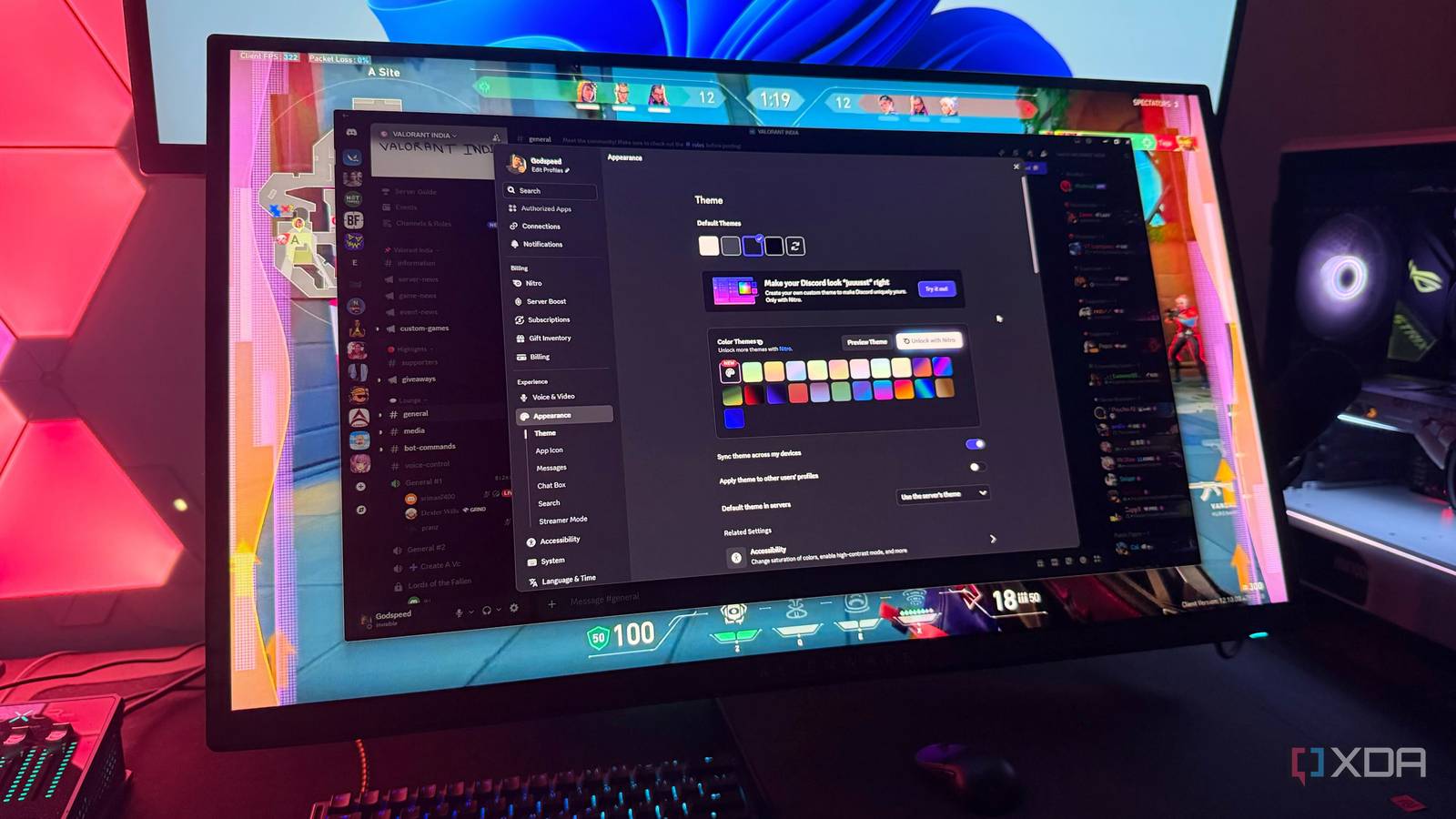
Published Aug 2, 2026, 4:30 PM EDT Hamlin has been in the tech field for over nine years. Since 2017, his work has appeared on MakeUseOf, Android Police, OSXDaily, Beebom, and more. He served as the Senior Editor at Valnet's MakeUseOf for over two years before joining XDA. He uses a high-end gaming rig for desktop use and a MacBook for traveling, but dislikes some of the quirks of macOS. You're more likely to catch him at the gym or on a flight than anywhere else. If you're a gamer, you probably need no introduction to Discord. It's the app most of us use to stay in touch with our online friends or hop into a voice channel before launching an online game. In fact, I use it so often that I automatically start it with Windows, just in case I need to get on a call before joining a ranked match in Valorant. But as much as I'm fine with Discord running in the background, I know it can consume my CPU and GPU resources while I'm gaming. Sure, it's not going to tank my frame rates, especially on my high-end rig, but it's still enough to affect my 1% lows and overall smoothness. And since I use it only for voice chat when I'm on my PC, I've gradually turned off every Discord feature I don't really need. Krisp noise suppression It doesn't make sense when your room is already quiet You might be surprised that I'm suggesting disabling Krisp, even though noise suppression is a feature that almost everybody who uses Discord voice chat benefits from. While I agree that AI-powered noise suppression is excellent, it comes at the cost of additional CPU overhead. When you're playing a CPU-bound title, having Krisp enabled can sometimes affect your 1% and 0.1% lows during voice calls. That's why it's worth disabling from Settings > Voice & Video and setting Noise Suppression to None or Standard. Moreover, I don't see the point in using it when I'm gaming on my PC. My room is pretty quiet, and my headset's built-in mic already does a decent job of filtering out any background noise. So, leaving it on solves a problem I don't really have. I do use it when I'm on my phone, though, because I'm rarely in a quiet environment when I'm away from home. For PC gaming, I think most people would be fine with using the Standard noise suppression setting unless your friends are really complaining about background noise. Hardware acceleration You don't need smoother Discord while gaming Hardware acceleration is one of those features that actually helps Discord run better. I've noticed the UI feels sluggish when it's disabled, and you'll notice this when you're scrolling through channels and switching between servers. Even video playback in the app takes a hit. But if you're just using Discord for voice calls while you're gaming, why does it matter that it isn't as smooth? If anything, it's using your GPU when usage is already pinned at 99% while playing a demanding game. And the last thing I want is another app fighting for resources when I'm gaming. Even Discord suggests disabling it if you're experiencing frame drops or other performance issues. So at least while gaming, you're better off leaving it disabled by going to Settings > System > Enable Hardware Acceleration. In-game overlay Do we really want another overlay? We already have multiple overlays while running a game. There's the Steam Overlay, the Nvidia App overlay, and maybe even MSI Afterburner if you're monitoring your frame rate and hardware usage. Adding a Discord overlay to the mix will only clutter your screen with another interface unless you're trying to distract yourself while gaming. If all you're doing is making voice callouts to your friends, you may as well disable it completely by going to Settings > Game Overlay. You're not going to miss it. I've used the Discord overlay since the good old days, when it was limited to voice chat, and even then I didn't find it useful unless I was playing with complete strangers. The new overlay Discord rolled out last year is more sophisticated and useful in many ways, but I'd argue it's a distraction when you're in-game. Discord says it's less resource-intensive than the legacy overlay, but I'd still rather keep my screen as clean as possible. Nowadays, I just leave Discord open on my second monitor and call it a day. Discord Clips Nvidia already does a better job with Instant Replay Discord Clips sounds like a neat feature for those who enjoy screen sharing with their online friends, but how many of you are actually streaming every time you hop into Discord? Even when I do stream, I'm still using Nvidia's Instant Replay to save the last minute of my gameplay in case I clutch a round or hit a crazy shot. Discord's always-on game clipping feature does the same thing, but I just don't see the point in having two different apps for that. I don't think AMD users would benefit from Discord Clips either, since they already have AMD Software's Instant Replay. Discord's real advantage is the ability to clip while streaming, but streaming on Discord is already resource-intensive, and enabling Clips adds another layer of work on top of that. Unless you're regularly streaming to your friends, I don't think you're getting enough out of it to warrant leaving it enabled. You don't have to worry about this feature if you don't have Discord Nitro, but if you do, you can disable it from Settings > Clips. Gaming is better when Discord stays out of the way At the end of the day, Discord is supposed to be an app you use to talk to your friends while gaming. In my opinion, anything more is a mere distraction when you're trying to focus on the game. And in recent years, it has added features that go far beyond voice chat. I don't want it to double as a clipping app or a streaming platform. Voice chat is all I really need, and I'd rather free up CPU and GPU resources for the game I'm playing than for convenience features I rarely use. Discord Discord is a platform for gamers to communicate with their friends while gaming and also allows them to join or create servers where like-minded people can chat.
4 Discord settings I always change to free up GPU resources while gaming
Full Article
Original Source
Read the full article at Xda-developers →KhanList aggregates and links to publicly available news content. We do not host full articles from third-party sources. Always verify important information with original sources.