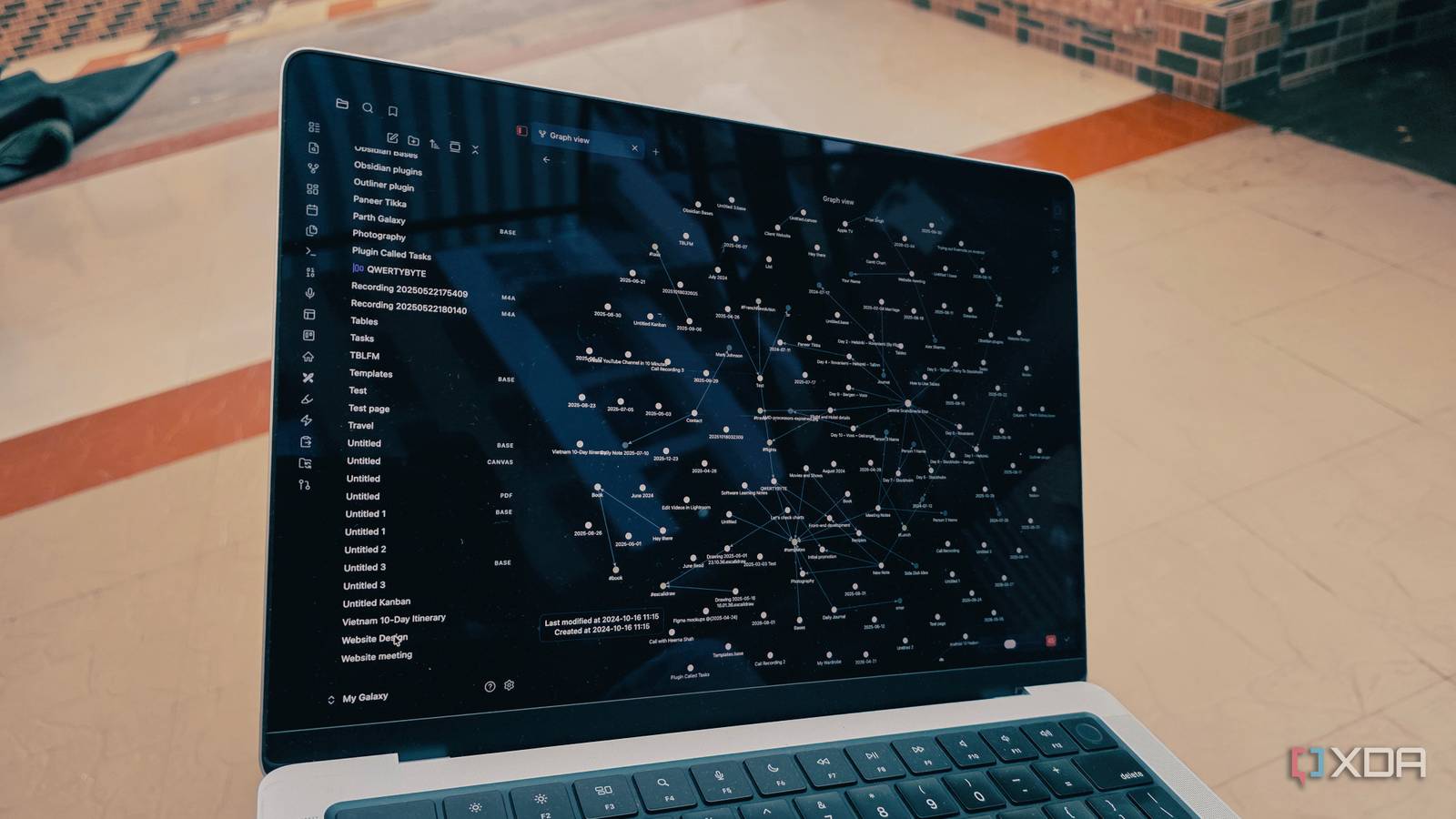
Published Aug 5, 2026, 6:00 AM EDT Parth, a seasoned tech writer, wields the keyboard (or pen) with finesse to unravel the intricacies of both Windows and Mac operating systems. He has covered evergreen content on mobile devices and computers for multiple publications over the last six years. You can find his work on AndroidPolice, GuidingTech and TechWiser. Whether it’s demystifying system updates, deciphering error codes, or exploring hidden features, Parth’s prose guides readers through the binary maze. When not immersed in tech jargon, you’ll find him sipping chai, pondering the next software review, and occasionally indulging in a friendly debate about mechanical keyboards. I have tried enough productivity apps to know how quickly their differences disappear. One may offer better databases, another may have prettier dashboards, but most of them eventually force me into a specific way of organizing my work. Obsidian has never felt like that. It gives me a blank canvas and lets me decide how my notes, ideas, tasks, and projects should connect. It can do things that make conventional productivity tools feel surprisingly restrictive. My Obsidian vault is truly customizable With minute details What makes my Obsidian vault feel genuinely different is how I can shape it around my workflow. With most productivity apps, I have to wait for the developers to add a missing feature, submit a request, or simply accept the platform's limitations. Obsidian takes a different approach. Its community plugin ecosystem lets me add the functionality I need without waiting for an official update. For example, I prefer using Kanban boards to manage smaller projects because they give me a quick visual overview of what is pending, in progress, and complete. Obsidian does not offer a full Kanban system natively, but installing a community plugin added one to my vault within minutes. I did not need to move my project into Trello or another dedicated app. The board remained connected to the rest of my notes, research, and tasks. The customization goes far beyond features, too. With themes, snippets, and custom CSS, I can change almost every visual element in my vault, from accent colors and typography to the spacing of cards, headings, and panels. I can make Obsidian look and behave exactly the way I want. Other productivity tools may offer a few themes or color choices, but very few give me this level of control over both the functionality and appearance of my entire workspace. I can sync notes using my preferred service Whether it’s OneDrive, Google Drive, or even Nextcloud Obsidian also gives me complete freedom over how I sync and back up my vaults. I can use Obsidian sync, iCloud, OneDrive, Syncthing, Git, an external drive, or practically any storage system that works with regular folders. I am not locked into a single cloud provider simply because I chose a particular notes app. I can even keep sensitive vaults entirely offline. For example, if I have private documents, financial information, personal journal entries, or confidential project notes, I can store them in a vault on my computer and manually back them up to an encrypted external drive. Nothing needs to leave my device unless I explicitly decide to sync it. That level of control gives me much more confidence about where my data is stored and who can access it. The experience is very different from most mainstream productivity tools. OneNote heavily depends on OneDrive for syncing; Google Keep stores everything inside Google’s cloud ecosystem, while Evernote and Notion rely on their own servers. They may make syncing convenient, but I have very little control over the underlying storage. With Obsidian, my notes remain ordinary files that I own, and I decide whether they stay offline, sync between devices, or back up to the cloud. Obsidian works without an internet connection With all the core features Obsidian is an offline-first productivity tool, and that makes a bigger difference to my workflow than I initially expected. My vault lives directly on my device, so I can open, edit, search, and organize my notes without relying on an internet connection. Whether I’m traveling, working somewhere with unreliable Wi-Fi, or simply trying to avoid online distractions, the core Obsidian experience remains available. This is not a stripped-down offline mode, either. I can create notes, add properties, build links, browse backlinks, map out my ideas on Canvas, and more. Everything feels just as fast because Obsidian reads ordinary files stored on my device instead of fetching data from a remote server. That reliability makes Obsidian feel like software I own. Apps such as Notion become significantly less useful when the connection is unstable. Another reason Obsidian stands apart is that a single vault does not remain a basic collection of notes. I can shape it into almost any kind of productivity system, depending on what I need. The same vault can function as my knowledge base, project manager, article planner, research library, journal, reading tracker, or content calendar. Where Obsidian leaves rivals behind Obsidian is not the easiest productivity tool to understand, and it requires more setup than apps such as Notion, OneNote, or Evernote. However, that extra effort gives me something those tools rarely offer: genuine control. I can decide how my vault looks, which features to include, where my data is stored, and whether it connects to the internet. I can keep things simple and gradually turn the same vault into a complete system for notes, projects, and research. That is exactly why Obsidian remains irreplaceable for me. Obsidian OS Windows, macOS, Linux, iOS, iPadOS, Android Individual pricing Free normally; $4/month for Obsidian Sync Obsidian is a feature-rich note-taking app that's available on different platforms and offers a neat and clean interface. It's also free-to-use for individuals.
3 things Obsidian can do that no other productivity tool can
Full Article
Original Source
Read the full article at Xda-developers →KhanList aggregates and links to publicly available news content. We do not host full articles from third-party sources. Always verify important information with original sources.