
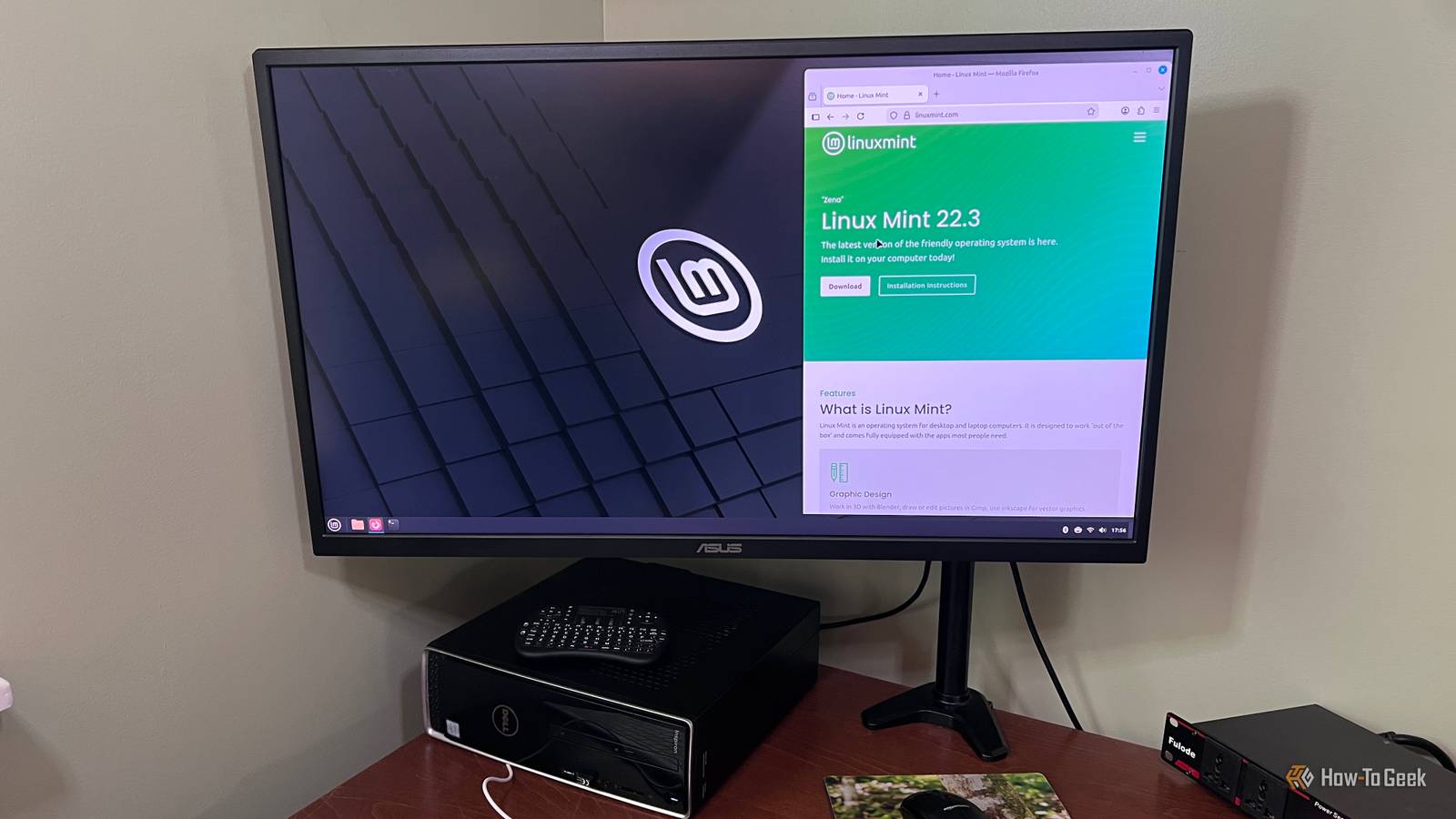
Credit: RIch Hein/HowToGeek Published Aug 22, 2026, 11:15 AM EDT Rich Hein is a veteran technology journalist with more than two decades covering developer, consumer and enterprise topics. Rich's career has been dedicated to service journalism, connecting readers to content that informs and delights. Previously, Rich was vice president and editor-in-chief for Simpler Media Group, director of audience development for IDG and editor/writer for sites like CIO.com, ComputerWorld, CodeGuru and other tech-centric publications. He's received numerous accolades, including the IDG Summit and Azbee awards and has been covered by Medium for his work in audience development. When not at his desk, Rich lives in Daytona Beach with his wife and three dogs. He enjoys playing guitar, surfing and staying abreast of the latest in tech. Sign in to your How-To Geek account Like many Linux users, I came to appreciate Linux through beginner-friendly distros like Linux Mint and Zorin OS. They make the transition from Windows much easier, and in Mint's case, a big part of the appeal is how little it asks of you. It's stable and familiar to Windows users. You can install it and use your PC without spending much time thinking about what's happening underneath. Those are exactly the reasons I still think Linux Mint is one of the easiest distros to recommend. But after you've used Linux for a while, your priorities can change. The things that once made Mint feel comfortable and approachable can eventually start to feel like they’re holding you back a bit. At some point, you may realize you're sticking with it because it's familiar rather than because it's still the best fit for your workflow. You're waiting longer for newer software and Linux features Mint's slower pace can start to get in the way I test a lot of software and different operating systems, so this is one of the first places where Linux Mint starts to feel limiting. Mint is built around stability and predictability, so its underlying package base and major platform changes tend to move more slowly than they do on faster-moving distros. That approach makes sense, but it also means I often find myself looking at newer software and features on other distros while Mint is still catching up. That wasn't something I cared much about when I first started using Linux. Now it is. I want to try new features when they arrive, not months later, and I don't always want to work around older packages to do it. If you find yourself regularly checking what Fedora, Arch, or other faster-moving distros already have, you may be ready to move on. You're ready to explore desktops beyond Cinnamon Mint is built around a very specific desktop experience Credit: Rich Hein/HowToGeek Cinnamon is one of the main reasons Linux Mint feels so approachable. The layout is familiar, the menus are straightforward, and most people coming from Windows can find their way around without much trouble. Mint also puts a lot of effort into making Cinnamon feel like a complete, polished desktop rather than something you have to piece together yourself. After a while, though, I started getting curious about how different Linux could feel. Fedora is a good example. Its GNOME desktop approaches launching apps and moving between workspaces very differently from Cinnamon. You can install other desktops on Mint, but Mint is clearly designed around Cinnamon. If you want to spend more time exploring those other approaches, it often makes more sense to use a distro where they're the main experience. Mint rarely pushes you to learn what's happening underneath That simplicity is great until you want to understand the system itself Mint does a great job of keeping Linux's complexity out of the way. Software Manager handles app installs, and Update Manager handles updates. Most settings are easy to find, right there in the GUI. You don't need to know much about repositories or configuration files to keep the system running. For someone coming from Windows, that makes Linux feel much less intimidating. That was a big part of why Mint worked so well for me early on. I could use Linux every day without having to stop and figure out what was happening behind the interface. Once I got more comfortable, though, I started wanting to understand those parts instead of avoiding them. I wanted to know where packages were coming from and what services were running. I wanted to know what changed when I edited a config file instead of clicking through a settings panel. Mint doesn't stop you from learning any of that. The issue is that it removes so much friction that you don't run into those parts of Linux unless you go looking for them. I learned more once I started spending time with distros that put more of the system in front of me. Sometimes you just need to see what else is out there I still think Linux Mint is one of the best starting points for Linux. If it still does everything you need, there's no reason to leave it just because you've been using it for a few years. Plenty of people could stay on Mint indefinitely and be perfectly happy with it. For me, the value in moving beyond Mint was seeing how differently Linux could work. Fedora gave me a very different desktop experience, and spending time with other distros made me pay more attention to parts of Linux I had mostly ignored. That changed what I wanted from a distro. You don't have to wipe Mint from your PC to find out whether you feel the same way. Try another distro from a live USB or run it in a virtual machine. Spend enough time with it to get past the first-impression stage. If you keep finding yourself more interested in what's happening there than going back to Mint, that probably tells you something.
3 signs you've outgrown Linux Mint
Full Article
Original Source
Read the full article at Howtogeek →KhanList aggregates and links to publicly available news content. We do not host full articles from third-party sources. Always verify important information with original sources.