
Published Aug 20, 2026, 7:30 AM EDT Nick Lewis is an editor at How-To Geek. He has been using computers for 20 years --- tinkering with everything from the UI to the Windows registry to device firmware. Before How-To Geek, he used Python and C++ as a freelance programmer. In college, Nick made extensive use of Fortran while pursuing a physics degree. Nick's love of tinkering with computers extends beyond work. He has been running video game servers from home for more than 10 years using Windows, Ubuntu, or Raspberry Pi OS. He also uses Proxmox to self-host a variety of services, including a Jellyfin Media Server, an Airsonic music server, a handful of game servers, NextCloud, and two Windows virtual machines. He enjoys DIY projects, especially if they involve technology. He regularly repairs and repurposes old computers and hardware for whatever new project is at hand. He has designed crossovers for homemade speakers all the way from the basic design to the PCB. Nick enjoys the outdoors. When he isn't working on a computer or DIY project, he is most likely to be found camping, backpacking, or canoeing. The Claude plans have two different usage limit windows. One is a five-hour session limit and the other is a weekly limit that gets reset once a week. Anything you use below your weekly quota doesn't carry over, so any excess capacity is effectively wasted. That creates specific room in my weekly budget for odd projects that I think are interesting but aren't quite important enough to justify running when I don't know how heavy my regular usage will be that week. These are 3 things I've used my excess quota for. Custom game mods Any mod you want on demand Mods are a great way to extend the playable lifespan of a game, and some of the most popular games of all time—like Skyrim and Minecraft—are famously moddable. Mods are one of my favorite ways to make use of spare capacity. Modding APIs are usually well documented, fairly constrained in scope, and it is easy to verify that they're working correctly. Starter templates, which are fairly common in games with big modding communities, also make AI-assisted modding easier than it would be otherwise. This has allowed me to create mods for plenty of games, including a few Star Wars games, Minecraft, and Skyrim. Minecraft has been especially nice, since I've never been inclined to learn Java well enough to write a mod. Now, I don't have to. I wait until my weekly quota is nearly full, tell a Cowork session what it is I want, iterate a half-dozen times to fix bugs and refine a concept, and within an hour I have a functioning mod sitting on my hard drive. Don't try modding games that use anti-cheat engines or are always online. There is a very real chance what you do could trigger the anti-cheat and get you banned. To start making your own AI mods, pick a game with lots of documentation, get an idea of what a mod needs to include, and then create something small and simple first. Random features for my home voice assistant My AI Discord bot just keeps growing A few months ago, I started creating an AI-powered Discord bot that has feature parity with Alexa or any of the other commercial home AI assistants. I started by creating the core of the program and an extensible framework, but now, I can easily tack on additional functionality. The most recent addition I've been working on is "Cooking mode," which allows me to provide it with a recipe, then I can have a continuous conversation as I'm cooking. I can ask it "How many cups is 6 tablespoons?" or other unit conversion measures, ask it to repeat instructions when I forget what I'm doing, and other cooking-related tasks. However, it can also be easily extended to add new functions via Home Assistant too, so I can quickly add new automations whenever I want them. So far, these have all been pretty small, but it is great to be able to ask for a new feature and have it ready to go in less than 5 minutes. Small programs that use open-weight models Automated image captioning and a personal editor Subscription AI services are smarter than anything you can run at home (unless you happen to have several TB of RAM sitting around somewhere), but you don't really need all that power to do useful things. I've created more scripts and programs that leverage Ollama and some open-weight models to perform some kind of automated function. I have one that monitors an RSS feed and provides quick briefs on things I may find interesting (via my Discord bot or voice assistant); another example I use daily is an automated photo renamer that uses an open-weight vision model to automatically rename screenshots so that the name describes the content of the image. The main limitation is memory. With 24GB of VRAM available on my server, I'm practically limited to models with about 30B parameters, and even then only quantized variants. 32GB of system RAM allows that to stretch a little bit, but that comes with enormous speed losses. If you want to try something like this, I'd recommend something simple that you can interact with quickly. If you have to wait 5 minutes per output, hunting down and fixing bugs is going to take an aggravatingly long time. Over the course of a week, I make a point to write down all of the half-baked, completely useless, fun ideas that occur to me. That way, when the end of my weekly usage cycle comes around, I can quickly queue up everything without wasting time sitting around figuring it out. Most of them wind up discarded, but some of them—like the automated image captioning—now run pretty much 24/7. It turns out that descriptive image names are actually great in general, not just for work.
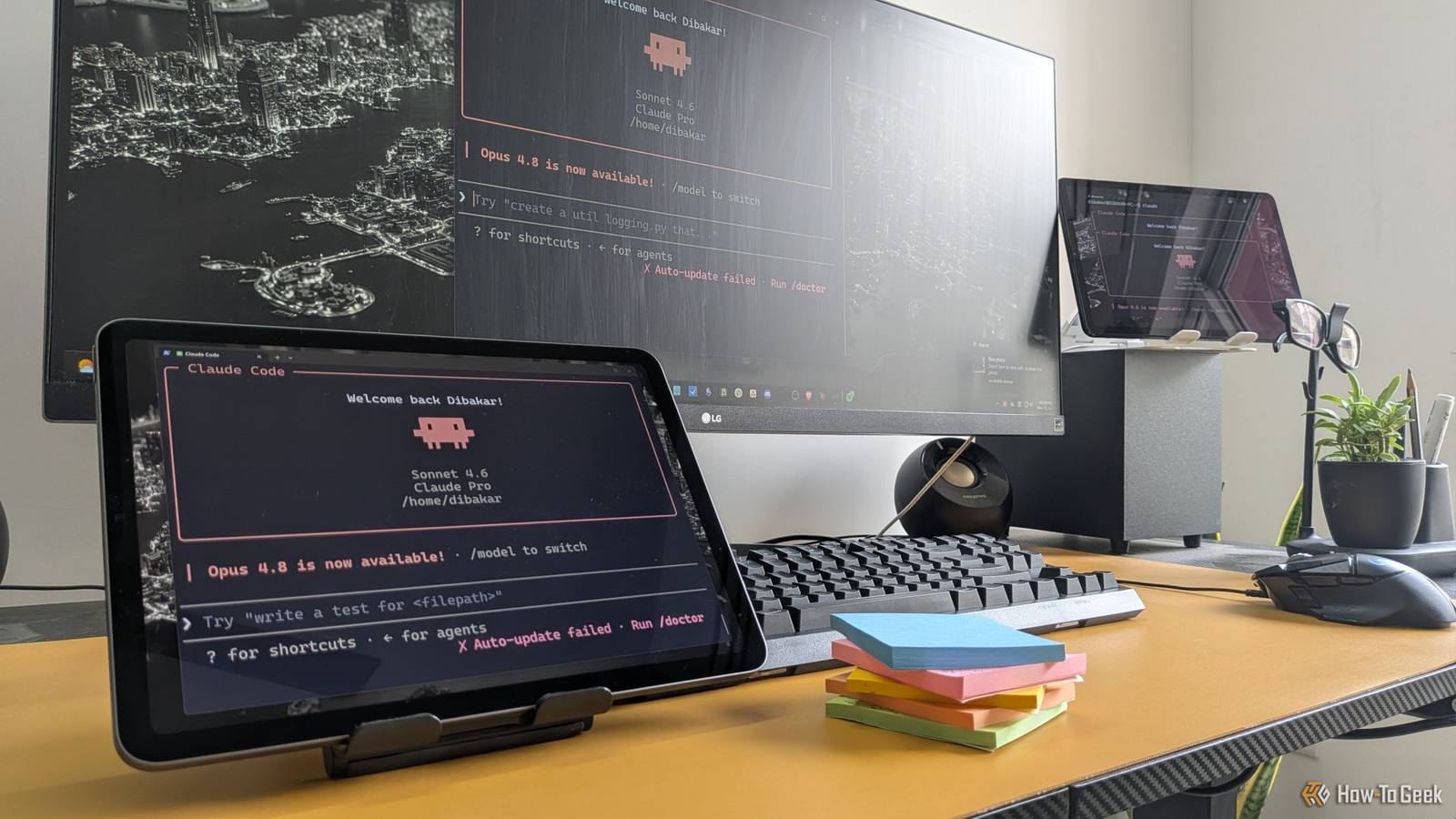
3 side projects I run when I have unused Claude tokens to spare
Full Article
Original Source
Read the full article at Howtogeek →KhanList aggregates and links to publicly available news content. We do not host full articles from third-party sources. Always verify important information with original sources.