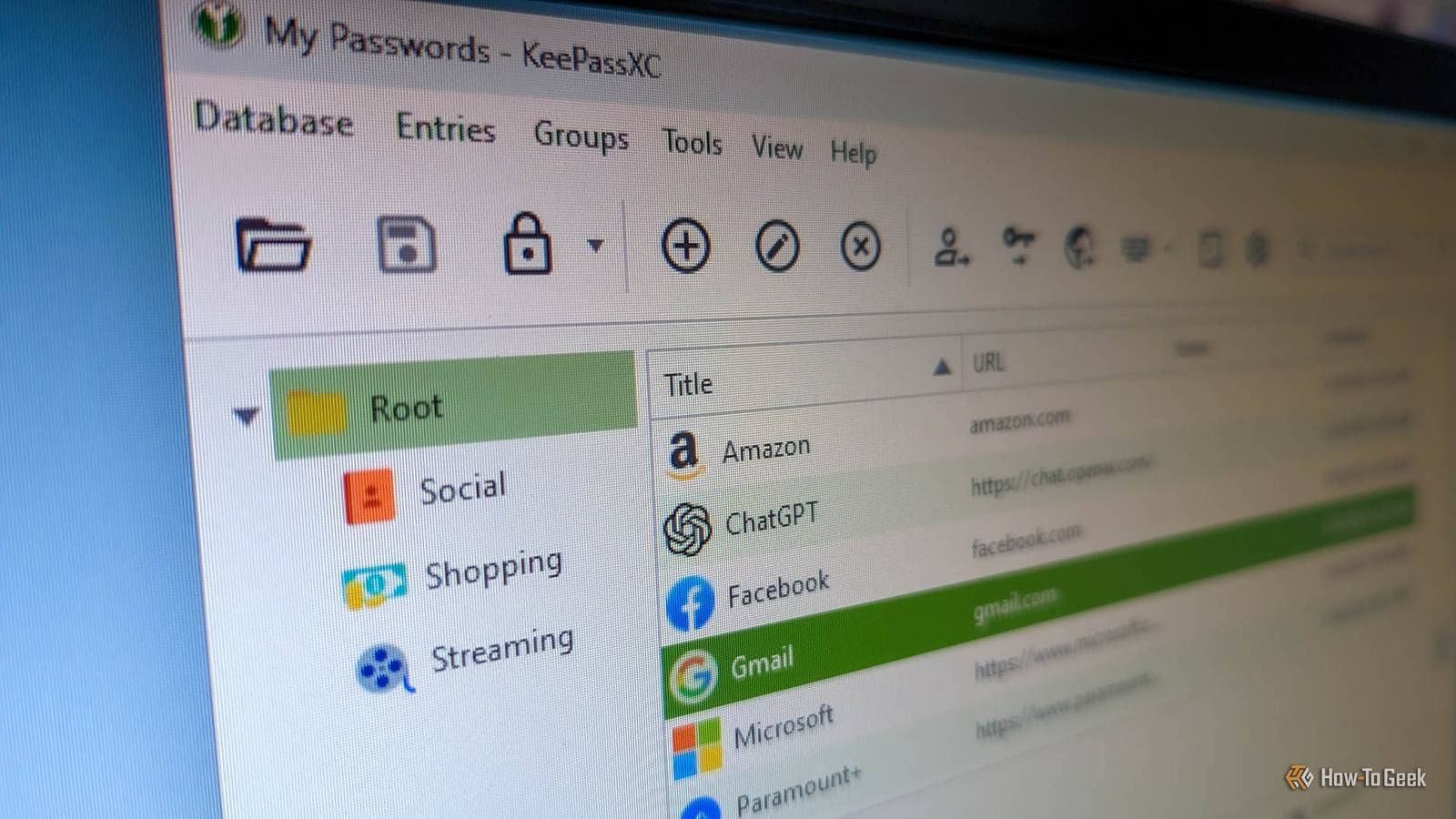
Published Aug 13, 2026, 12:30 PM EDT Ever since he got his first smartphone, the legendary Nokia 6600, back in 2005, Goran became obsessed with technology. This obsession had only gotten worse after he received his first gaming PC a couple of months later. He fell in love with video games in the early '90s, shortly after embarking on his gaming journey with the Sega Master System II and SNES. Since then, he has built dozens of PCs, played thousands of games, and authored hundreds of articles about PC hardware, gaming hardware, and video games. He knows everything there is to know about the PC gaming and PC hardware space, and while his console gaming knowledge isn't as comprehensive, he considers himself a console veteran. Goran has almost a decade of experience writing about tech and video games for numerous web publications including TechSpot, TechPowerUp, and EsportsHeadlines. He has been writing for How-To Geek since December 2022. When he isn't gaming or deciding which component of his PC to upgrade next, you can find him strolling around Novi Sad while listening to music and contemplating what to play next. We're living in a time when personal privacy is slowly becoming a thing of the past, or at least that's what big tech behemoths want you to believe. What's true, no matter how you look at it, is that privacy has become a sought-after commodity, and self-hosting your password manager is one way to preserve it without compromising your security. Below are three self-hosted password manager platforms you should keep an eye on in 2026. Vaultwarden A self-hosted solution for Bitwarden fans If you're already using Bitwarden, which has been my password manager of choice for years now, then Vaultwarden is likely the best route to take if you want to start self-hosting your password manager. You can continue using the official Bitwarden clients with it, you just have to sign in with your Vaultwarden credentials. Vaultwarden is a community-built, fully open-source server that's compatible with the official Bitwarden clients. It retains nearly all the features Bitwarden offers, including many that require a Bitwarden Premium subscription, such as the built-in TOTP (Time-Based One-Time Password) authenticator, an admin panel, support for hardware security keys for two-factor authentication, and vault health reports. Vaultwarden also uses the same AES-256 encryption as Bitwarden, keeping your passwords just as secure as if you were using Bitwarden's official server. Best of all Vaultwarden is extremely light on resources, allowing you to self-host it on a Raspberry Pi without any issues. Considering the breadth of features on offer and its seamless integration with Bitwarden clients, it's no surprise Vaultwarden is hands down the most popular self-hosted password manager around. KeePassXC A KeePass fork that's cross-platform friendly Credit: Justin Duino / How-To Geek KeePassXC, a fully open-source fork of KeePass, is another excellent option if you prefer to keep your password vault under your own control. Unlike KeePass, KeePassXC works great across Windows, macOS, and Linux. You can also use it on iOS and Android by opting for one of several third-party client apps. The KeePassXC developers recommend KeePassDX and KeePass2Android for Android users, and Strongbox and KeePassium for those who prefer iPhones. KeePassXC is an offline password manager, meaning your vault is stored locally on your device, whether that's a Windows or Linux PC, a Mac, or your phone. The good thing about KeePassXC is that you don't have to self-host your own cloud storage service to sync your vault across all your devices if you don't want to; you can simply move your KDBX vault file between them manually. But if you want to, you can host the file on your own cloud storage server, such as a Nextcloud instance running on your home server, or use a peer-to-peer file synchronization service like Syncthing, which lets you easily sync the vault across every device you own. If convenience is your top priority, you can also use something like Google Drive, but that kind of defeats the purpose of using a privacy-focused, offline password manager. AliasVault AliasVault is a relatively new self-hosted password manager that's still in open beta. That shouldn't dissuade you from trying it, though, because it already offers a large selection of features and is in active development, with new versions released at a regular cadence. You can self-host it with Docker, and the creator provides in-depth installation instructions. Aside from storing your passwords and passkeys, AliasVault also includes a built-in 2FA authenticator and true offline access, allowing you to edit your vault locally. Any changes you make sync to your other client apps the moment you go back online. What sets AliasVault apart from most other self-hosted password managers is its built-in email server, along with support for self-hosted custom domains and an alias generator, allowing you to "generate unique email addresses with full alias support including first name, last name, birth date and more," according to the developer. Security-wise, AliasVault covers all the bases. It's end-to-end encrypted, supports multiple biometric authentication methods (fingerprint and face recognition), and lets you store secure files and attachments inside your vault. The platform includes a responsive web app, browser extensions for Chrome, Firefox, Edge, and Safari, along with native iOS and Android apps. In other words, you can use it on just about every platform. Self-hosting your password manager keeps your most sensitive data in your hands As someone who has hundreds of passwords stored in Bitwarden and uses a TOTP authenticator wherever possible, I know the importance of keeping your credentials secure. While I'm perfectly fine with keeping my vault on a cloud server because I fully trust Bitwarden and its security measures, I completely understand why many people prefer keeping their vaults on their own machines. If you already have a home server and self-host various apps, self-hosting your password manager is a great way to keep your vault fully under your control by storing it on your own server.
3 self-hosted password managers every privacy enthusiast should try in 2026
Full Article
Original Source
Read the full article at Howtogeek →KhanList aggregates and links to publicly available news content. We do not host full articles from third-party sources. Always verify important information with original sources.