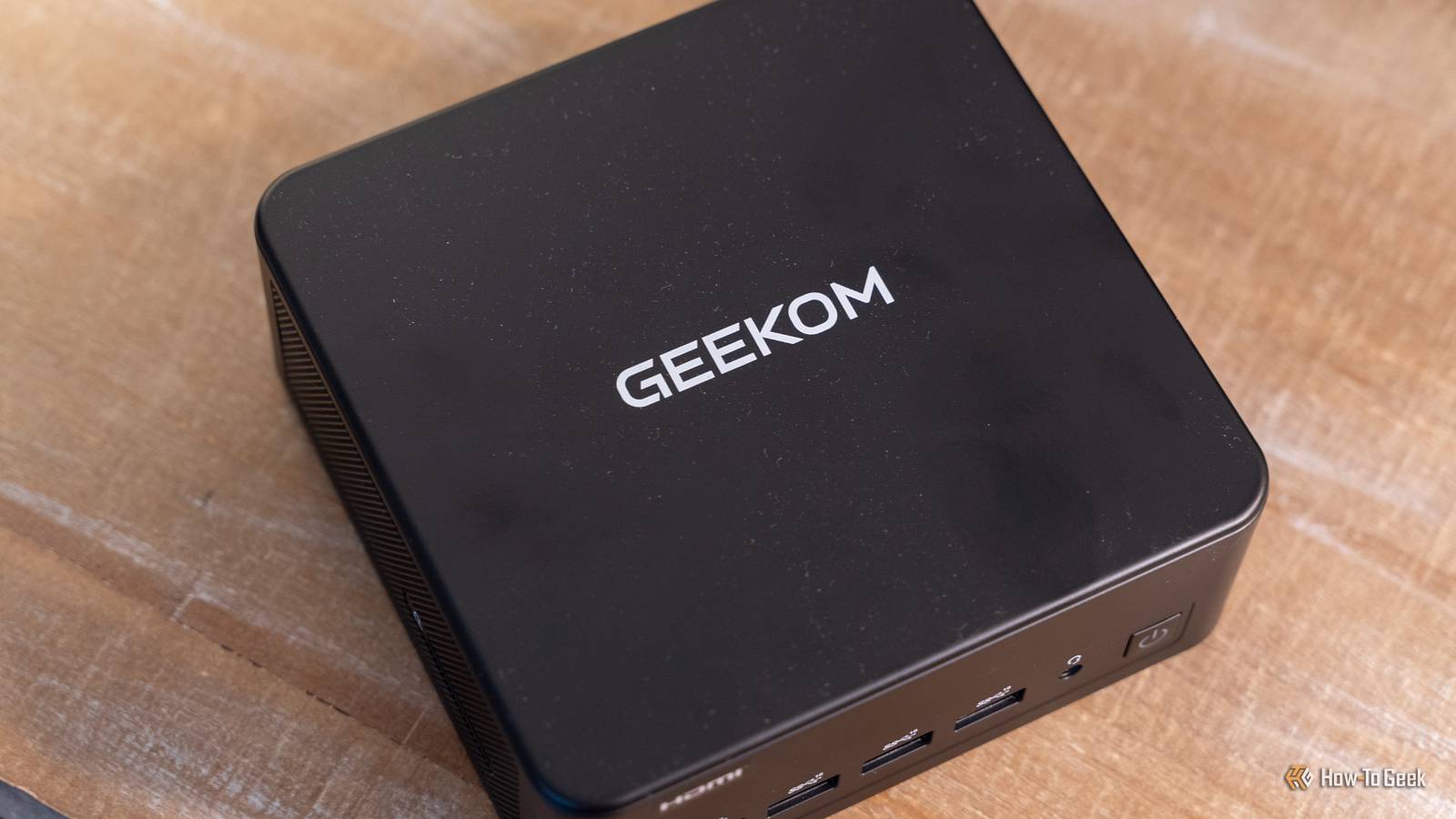
Published Jul 17, 2026, 10:15 AM EDT Patrick Campanale has been in the tech space for well over a decade, specializing in PC/gaming news and reviews, as well as maker-focused products to build small businesses. With a start in technology back in 2010 surrounding the Palm/webOS ecosystem, Patrick spent his formative years developing mobile applications as well as blogging for various publications, eventually leading to starting his own website in 2014. After running a technology blog for a few years, he stepped out of that role and into the world of high-end custom PC manufacturing and building, with a focus on YouTube video production and overclocking. Then, six years ago, Patrick joined the 9to5Toys team as an editor/writer/reviewer with over 14,000 articles being published there there, ranging from deals and roundups to in-depth reviews on the latest technology, video games, 3D printers, and more. In his free time, Patrick loves to create projects from wood using various robots and methods, including leveraging the technologies of CNCs and lasers. If Patrick isn't working on a computer or playing video games, he's likely in his 2-car garage workshop creating something unique. In addition to all this, Patrick is also a youth pastor at his local church where he feels God has called him to serve, and he loves every minute of it. Are you ready for another round of weekend homelab projects to try out? This weekend, I'm showing you a unique note-taking app, how to add third-party cameras to HomeKit, and also how to keep track of your Jellyfin server's stats. Ditch your old-fashioned notes app for Memos Modern notes should have a modern home If you're still using Apple Notes or Google Keep to store your notes, it's time to move to a more modern and private solution. Memos is designed to become your personal wiki through quick capture of your ideas. You open a simple timeline, write down a short note using Markdown, and just move on. Memos is designed to let you capture a thought without having to decide where it goes first. I'll admit, whenever I take down a note, it either goes into my inbox to forever live there, or I just don't write it because I never know which folder to put it into. I know that's not great, but that's how my brain works. With Memos, though, you just jot the note down without making any other decisions. It starts out by going on a timeline, and you can organize it from there. Organization happens through tags typically, but there are also assigned visibility levels that you can use since Memos can be set up for multiple users. So, you can share household information and selectively private posts depending on what you're looking to do. Memos is quick to deploy with Docker and will definitely take your note-taking game to the next level. So, if you've been looking for a new way to capture notes, give Memos a try. Your security camera doesn't have to be HomeKit-native to work in HomeKit All it takes is a little know-how and Scrypted Credit: Scrypted If you're like me and prefer Apple's smart home platform to all others, then you've probably had the joy (or lack thereof) of trying to find HomeKit Secure Video-compatible cameras. They're becoming more readily available these days with the introduction of Matter, but that still doesn't cover all use cases. A while back, I started using Scrypted as a way to bring my non-HomeKit cameras into HomeKit. This functionality of Scrypted is entirely free, and it's definitely worth setting up. Scrypted has plugins for a wide range of cameras, including Wyze, Ring, Arlo, Google, UniFi Protect, Reolink, and many others. One of the most powerful plugins is for ONVIF/RTSP cameras, as a majority of plug-in cameras on the market, including PoE models, support these protocols. You'll want to start by adding the HomeKit plugin to Scrypted, as this is necessary to pair the cameras with HomeKit. From there, you need to decide if you want each camera to pair individually to HomeKit, or if you want Scrypted to basically be a hub inside of HomeKit. Personally, I pair cameras individually with HomeKit as that seems to be more stable for me. From there, just add the plugins you need for your specific cameras, then pair those cameras to Scrypted. Inside each camera, you'll find a HomeKit QR code that you can scan to pair the camera to HomeKit. Once the cameras are inside of HomeKit, you can choose to enable HomeKit Secure Video recording, notifications, and more. Depending on what cameras you have, this can even work to bring doorbells into HomeKit for them to register on Apple TV and pop up when someone is on your porch. Know exactly what your Jellyfin stats are with Jellystat It's like Tautulli, but for Jellyfin Credit: Jellystat If you recently jumped ship from Plex to Jellyfin, then you might be looking for a way to replace Tautulli in your homelab stack—that's where Jellystat comes in. Jellystat is designed to help keep track of all the statistics of your Jellyfin server. What's the most watched movie on your server? What about the most watched TV show? Which user has watched the most content on the server? There are all sorts of stats to track within Jellyfin, and what I just mentioned only scratches the surface. Though I use Plex, I use Tautulli much in the same way Jellystat operates. I use it to track what's watched, what's not watched, and more. So, if you're trying to figure out what content people enjoy on your Jellyfin server, and what nobody touches, give Jellystat a try. It's a fairly simple Docker container deployment, after all. I do want to mention that the Jellystat app is currently being overhauled by its maintainer, though it's still receiving updates. So, if things change over the course of time with it, that's just natural as the maintainer works to modernize the architecture that Jellystat is built on. GEEKOM IT13 Max Mini PC Brand GEEKOM CPU Intel Core Ultra 9 185H Graphics Intel Arc Memory 24GB LPDDR5 Storage 500GB PCIe 4.0 NVMe Operating System Windows 11 GEEKOM's latest IT13 Max mini PC features an Intel Core Ultra 9 185H processor, which is designed for heavier workloads and even AI tasks. It ships with 24GB of LPDDR5 RAM clocked at 5600MT/s, and also has a pre-installed 500GB PCIe 4.0 NVMe SSd. There is a secondary NVMe slot for adding additional storage if needed. With two 2.5Gb/s Ethernet ports, USB-C Power Delivery, and USB4 in tow, this mini PC also packs quite a lot of I/O into its tiny form-factor. Beelink SER3 Mini PC CPU Ryzen 3 3200U Graphics Radeon Vega 3 Memory 16GB DDR4 Storage 500GB SSD The Beelink SER3 mini PC is the perfect entry-level Windows desktop for those on a budget. With a Ryzen 3 3200U processor, this desktop ships with Windows 11 Pro and 16GB of DDR4 RAM. A 500GB SSD is pre-installed (and user-upgradable), and you'll find dual HDMI ports, Ethernet, and four USB-A ports on this compact desktop. Stop putting off simple homelab projects I put off deploying Tautulli in my homelab for far too long, and I am now very happy that I have it running. Not only does Tautulli help me keep track of my Plex server, it also gives me a more advanced look at my media server setup. Jellystat will do the same for you with Jellyfin. It might take a little time to deploy and configure, but it's a simple project that will definitely pay off in the long run.
3 overlooked homelab tools that solve problems you didn't know you had (July 17 - 19)
Full Article
Original Source
Read the full article at Howtogeek →KhanList aggregates and links to publicly available news content. We do not host full articles from third-party sources. Always verify important information with original sources.