
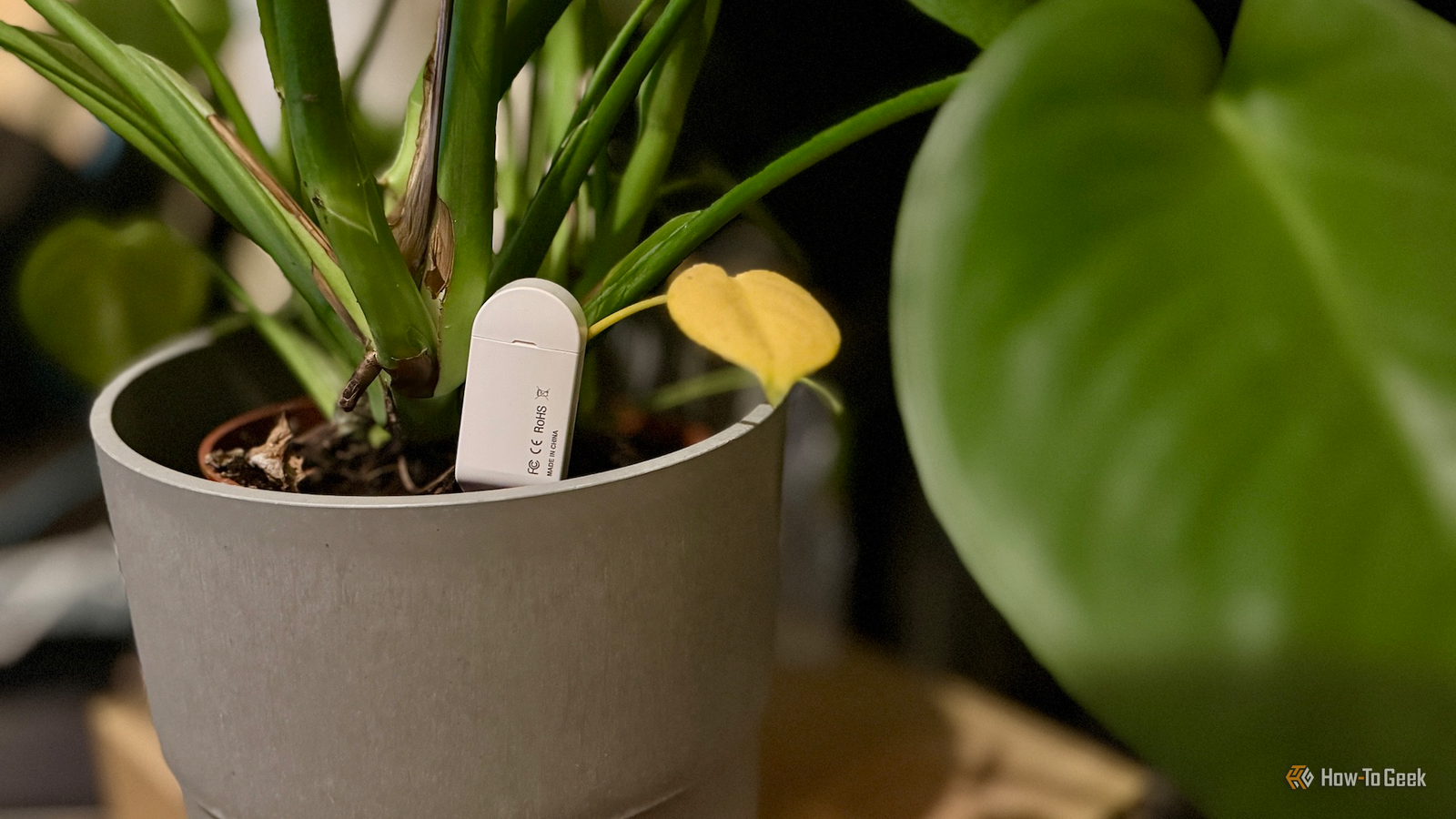
Published Aug 21, 2026, 10:00 AM EDT Adam has a degree in Engineering and has a life-long interest in technology. He has been writing for over a decade for various print and online publications, with a focus on consumer tech. He joined How-To Geek in 2024 while working at Pocket-lint. As well as being a long-term fan of Apple products, he also has a strong interest in smart home tech, running a Home Assistant server at home to automate all his smart home devices. He believes that the ideal smart home should work with minimal interaction from the user, with automations running as if by magic rather than requiring you to push buttons on a control panel. You can find more of his work on Muck Rack. Some smart home projects put your devices in the most obvious places. If you're building your own video doorbell with an ESP32-CAM module, there's really only one place you're going to put it. There are other projects that can put smart home devices in places that you might not expect. Hide a notification light inside a fake plant Get visual notifications without ruining your home's look Credit: Adam Davidson / How-To Geek There are plenty of ways to get notified about events in your smart home. You can send a notification to your phone, generate a spoken announcement that plays through a smart speaker, or have something appear on your wall-mounted dashboard. These are far from the only options. You can use LED strips to shine or flash in different colors or patterns to alert you to specific things in your smart home. The problem is that LED light strips are never the most beautiful looking things to drape around your home, and when the lights are off, the strips can look even more unsightly. One Home Assistant user has come up with an elegant solution. It uses the VÅRDTRÄD plant pot sold by IKEA. The product is a self-watering plant pot; you fill the base with water, and a wick material drapes through holes in the main pot and into this water reservoir. As the soil dries out, the wick draws water up from the reservoir to the roots of the plant, so you don't need to worry about remembering to water your plants. The base of the plant pot is semi-transparent, so that you can see how much water is left in it. Instead of filling it with water, the resourceful Home Assistant user placed an LED strip in the base, with the power lead passed through the small channel that you're supposed to use to top up the water. When the LEDs are turned on, the entire base of the plant pot lights up, so you can use different colors or patterns as smart home alerts. Since you can no longer put water in the base, the user filled the pot with a fake plant that didn't need watering. It's a great way to hide a status light until you need it. Home Assistant Green Dimensions (exterior) 4.41"L x 4.41"W x 1.26"H Weight 12 Ounces Home Assistant Green is a pre-built hub directly from the Home Assistant team. It's a plug-and-play solution that comes with everything you need to set up Home Assistant in your home without needing to install the software yourself. Turn an old air freshener into an air quality sensor Who needs a 3D printer? You can use ESP32 boards to build all manner of devices, from simple options such as Bluetooth proxies to complex multi-sensor devices such as air quality monitors. The problem is that these projects can look fairly untidy, with bare boards hanging off charging cables. If you own a 3D printer, you can print your own housings for your ESP32 projects to keep them protected and make them look less like bare electronics. You don't have to own a 3D printer, however. One resourceful Home Assistant user came up with an ingenious way to house a temperature and pressure sensor built from an ESP32 and a BMP280 module. Instead of using a 3D-printed housing, they ripped out the insides of an automatic air freshener and fitted all the parts inside it. Components are placed into the plastic base of the air freshener, and there is enough room inside to fit the ESP32 and a breadboard. An old phone charger runs under the device to provide power. With everything sealed back up, it looks exactly like an air freshener, and most people wouldn't give it a second glance. This is far from the only object that you could repurpose as a case for your ESP32 projects. If you don't own or have access to a 3D printer, there are plenty of existing objects that can be repurposed to house your mess of wires and sensors. Picture frames, alarm clocks, and even old speakers can all be put to good use. A smart lock that works on a sliding door Put a smart lock where smart locks don't work Credit: Ismar Hrnjicevic / How-To Geek Smart locks can be useful, although they're not always the smart home upgrade you might want them to be. One major limitation with many popular smart locks is that they're designed for hinged doors. If you have sliding doors, most mainstream smart locks aren't going to work. One Home Assistant user has built a prototype of a lock for their sliding door, and while it has some significant safety issues, a lot of the solutions are pure genius. The lock uses a high-torque servo motor to turn the locking mechanism. The motor turns a custom lock pin which was 3D-printed in ABS, along with the enclosure. The servo rotates the lock pin, physically locking and unlocking the door. The really clever part is how the lock is powered, since it's mounted on a sliding door, so running a cable wasn't going to cut it. Instead, it uses magnetic pogo-pin connectors. One is mounted on the door frame and the other on the lock enclosure. When the door is shut, the connectors touch, powering the device. As many of the comments rightly point out, there's no way to manually unlock the door with the device attached, which is a major safety hazard. You don't want to be trying and failing to unlock your door in the event of a fire, so you should not try to recreate this project in its current form. However, this is only a prototype, and adding a physical override would make this a genuinely awesome solution. Getting creative with your smart home All of these projects are highly creative. They use common tools in unusual ways, and once you've seen them, you wonder why you never thought of them yourself. Sometimes, the solution just needs a little ingenuity.
3 Home Assistant projects to put smart home tech in unusual places this weekend (Aug 21-23)
Full Article
Original Source
Read the full article at Howtogeek →KhanList aggregates and links to publicly available news content. We do not host full articles from third-party sources. Always verify important information with original sources.