
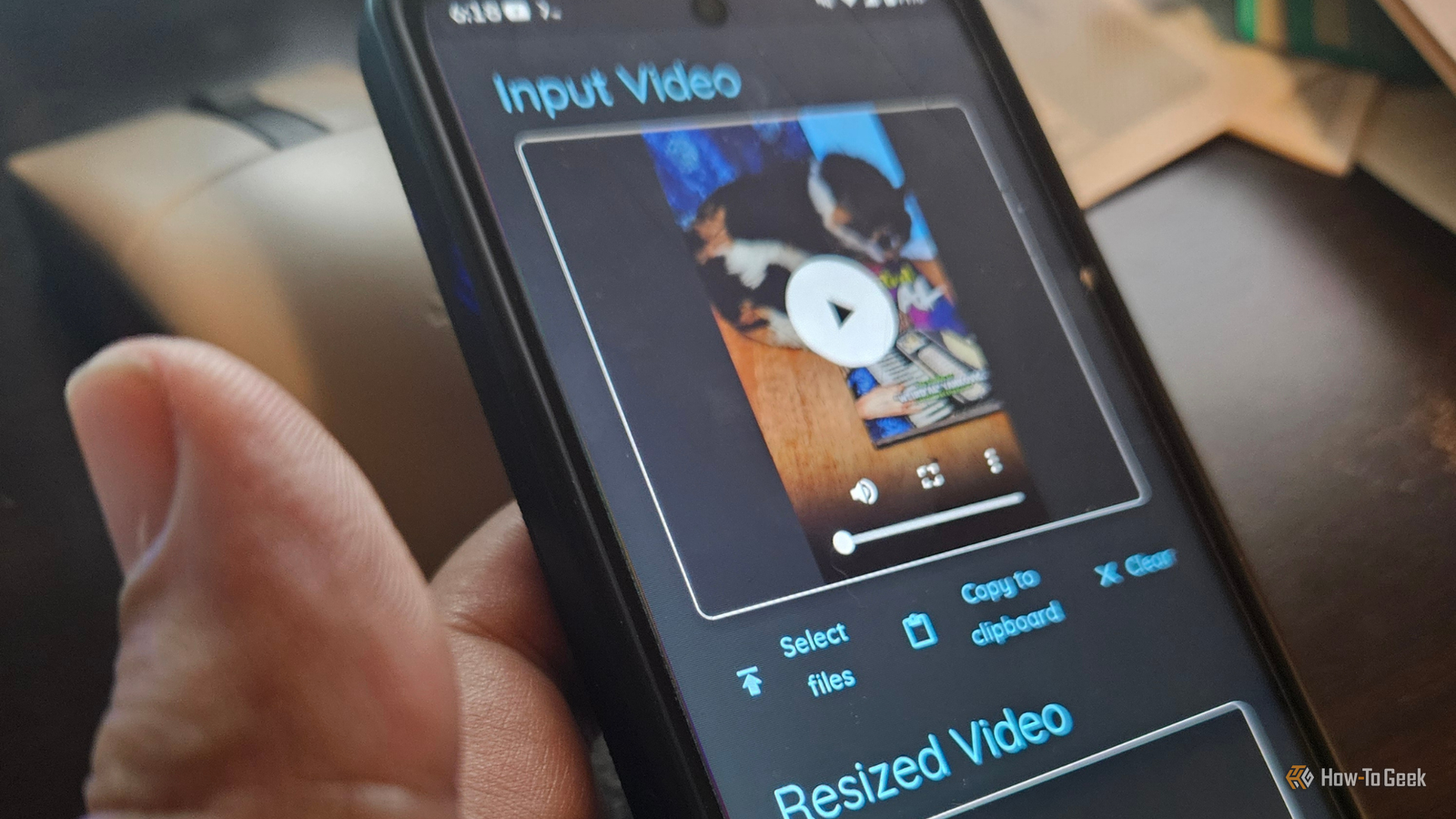
Published Oct 15, 2026, 7:00 PM EDT Former radio and TV guy (I Heart Radio and PBS). Now a writer, researcher, and musician who writes about the absurdity of our modern world and other offbeat topics. Specializes in weird music, the old web, retro video games and tech, and researching strange, yet interesting things. His work has appeared in Vice, Tedium, Star Trek.com, Today I Found Out, Typebar, SyFy Wire, and How To Geek. Currently working on a variety of music, web, and writing projects. Visit him on the web at https://djbuckfreelance.neocities.org/. I feel like I'm stuck in perpetual productivity mode. I seem to have some trouble not working on something almost constantly. I always turn to Docker to handle work, budgeting, freelancing, personal projects, and even tracking my books/comics collection. I use it on my computers every single day, with some apps running 24/7 in my home lab. So the wheels started turning, and I finally did something nearly impossible: setting up and using Docker on Android. If you're new to Docker, I use the term “container” as shorthand for “containerized application for use with Docker.” Docker on Android can be complicated But it isn't impossible Getting Docker to work on Android isn't straightforward. It certainly hasn't been supported in the past. But you can do it. Some methods that require you to root your device and replace the Android kernel with a custom kernel. Unrooted Android devices have some issues where virtualization can't access the kernel stack directly. But there is a no-root method that uses virtual environments to help you get up and running. I used my Motorola Moto G running Android 16. I also needed a terminal emulator, like Termux (get it through F-Droid), and Proot-distro (install it through Termux) to install Alpine Linux. I later learned I could use a different app to make it easier. Docker madness, Android edition Setting up the whole crazy thing Before ever installing Docker, you need to install Linux on your phone. I originally went through a thorough process involving manually installing QEMU, grabbing an Alpine ISO, setting up Alpine, enabling the community repository to download images, and then trying to pull containers. Yeah. That didn't really work. It was a massive pain. Getting Alpine running was the easy part. QEMU works great. But I spent a few hours trying to pull those infernal containers. Eventually, I just said, “Wow, trying to do this on Termux kind of sucks.” So I downloaded Podroid from GitHub and used it instead. Not going that route first was kind of silly. Whoops. On the bright side, I learned how to configure QEMU on Termux, so it wasn't a total loss. Podroid runs Alpine, and it uses the format apk add app-name to install applications. I installed Docker CLI and Docker Compose. After that, I pulled a few apps I thought would work well on Android. To get my containers to load, I used a port forwarding command in Podroid. It was still a bit picky, and I had to troubleshoot using the Podroid manual, so keep that in mind. I used Podroid’s built-in port forwarding and didn't use the default port settings in the containers. FreshRSS is my favorite RSS reader, and I use it to stay on top of current events, tech news, comic strips, and interesting stuff. It runs constantly, so it'll automatically notify me when new stories hit the feed while I'm working. Then I can either check out something important or give my brain a break in real time. I like having it on Android because I can just check it on the go. The only downside is that you do have to put it in Desktop mode to see the sidebar. Otherwise, it’s just as good as running it on Desktop. If you like RSS and Docker as much as I do, I recommend giving it a try. Calibre-web Finally bringing my library to mobile I've been using Calibre for what seems like forever, so adding Calibre-web to Android seemed like a no-brainer. I already had a pretty extensive Calibre library on PC. So I grabbed a few selected works, copied them over to my phone via a personal cloud, and used the metadata.db file to set up my library. It has a few kinks, but it works. Using Calibre on Android is pretty nice, and I can definitely see keeping this one on my system. That said, I did notice a few limitations while using Calibre-web on the device. There were a few noticeable resource and performance issues, especially if I let it idle too long while I read an e-book. At one point, my phone went into optimization mode and killed the background process. I should have set a wake lock on Podroid to get around that. Because we all need a multipurpose toolkit I like to use different desktop tools, like Paperless-ngx, Stirling-PDF, and Trilium, for different tasks. They each have powerful features that cater to my needs. For Android, it made a lot of sense to use Omni-tools. The main reason I went with it is that it's one of those multi-tool suites that can come in handy when you’re away from your primary machine. It can create transparent images, which I find useful for my work. You can quickly trim a video you shot on your phone with the app as well. I’ve used it a few times since installing it and have found it more convenient than loading up Shotcut for simple work. There are so many video options; it’ll make video creation a bit easier for me in the future. A version of Docker right in your pocket Having some of my favorite Docker apps available on my phone is pretty handy. While getting through the installation was a bit stressful and time-consuming (those images take a long time to pull), the result is pretty neat. Now that I know how to do it, I’ll be exploring more Docker apps. At least until I get sick of the limitations and root my device.
3 Docker containers worth running on your Android phone
Full Article
Original Source
Read the full article at Howtogeek →KhanList aggregates and links to publicly available news content. We do not host full articles from third-party sources. Always verify important information with original sources.