
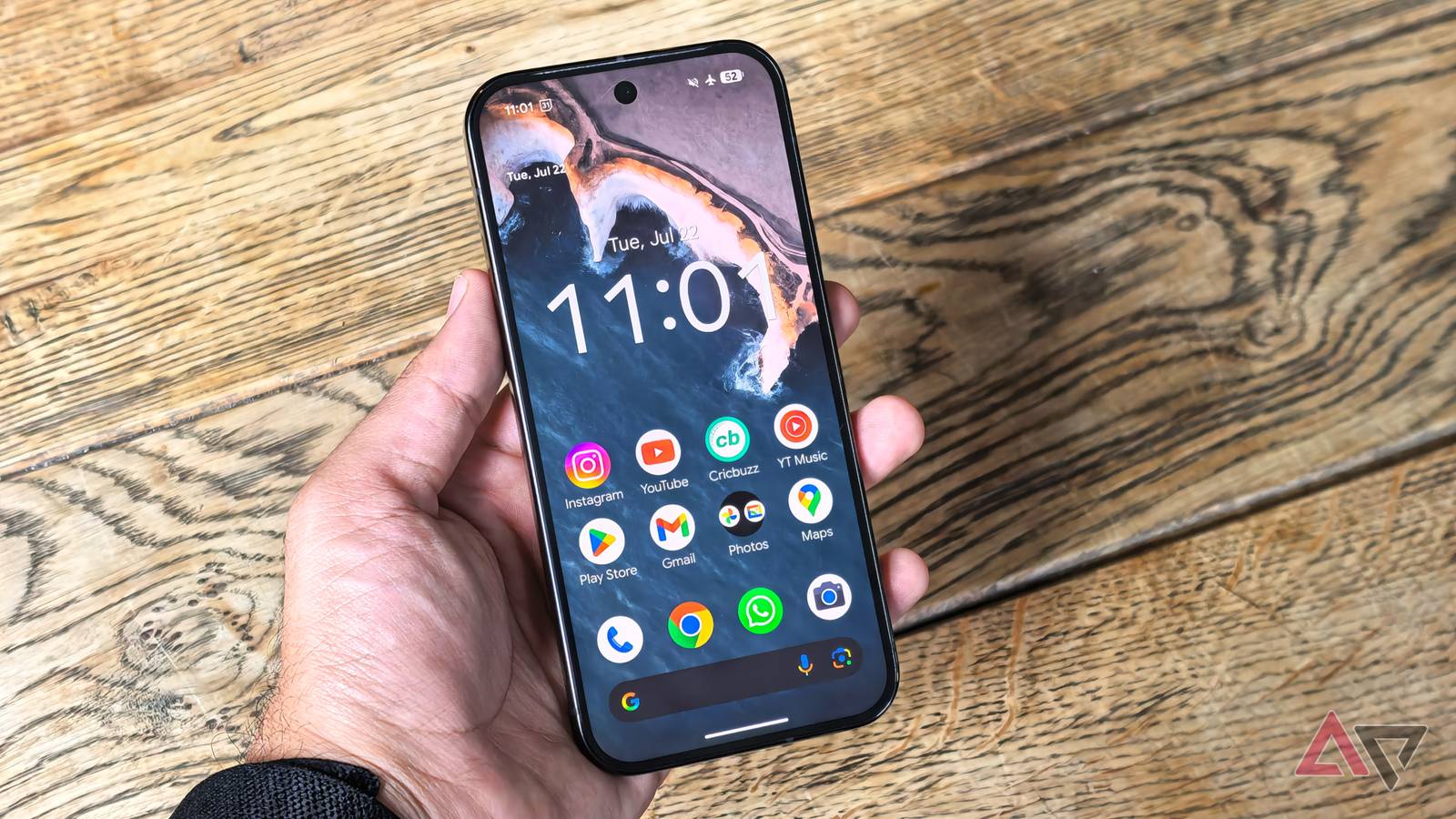
Published Nov 13, 2026, 7:00 PM EST Jon Gilbert is a technology journalist with five years of experience covering mobile technology. He's covered smartwatches, tablets, smartphones, and Android accessories. He's attended CES to explore unique hardware like the Pebble Round 2 or Mudita Kompakt. His daily mobile tech life revolves around Pixel devices, which he has used since the Pixel 2 XL. Jon loves exploring the latest Android features, but is highly sceptical of anything related AI. The Pixel Launcher is a brilliant Android launcher. While I am taken by some excellent launcher alternatives, it remains as straightforward and reliable as it's always been. Sure, there are some issues, but overall it's an excellent experience. However, I never use the Pixel Launcher as is. I always pair it with these third-party apps that turn the Pixel Launcher from a good launcher into a great one. Backdrops offers the wallpaper styles Pixel Launcher misses A welcome variety of images I've never been satisfied with the Pixel Launcher's wallpaper selection. While there are some interesting artworks and photographs to choose from, they're universally forgettable. If you want a carefully curated set of wallpapers that won't excite, the Pixel Launcher's selection is for you. However, after years of staring at the same muted designs, I had enough. The Play Store has more wallpaper apps than you could ever count. But the most reliable option, the option I return to every week, is Backdrops. Backdrops is a free wallpaper app that is regularly updated with original designs. From minimalist designs to real-world photography, it has every theme you can imagine. I like scrolling through the Community and Explore tabs for new wallpapers, since they offer a huge variety of options. I can usually find something I like within seconds of searching, but if I want a more coherent set of wallpapers, I turn to its collections. Backdrops offers free and paid collections with coherent sets of wallpapers. Unlike the Pixel Launcher's selection, you can't automatically rotate through a single collection. But with the Pro level (available as a one-time purchase or through Play Pass), you can rotate through all your favorite wallpapers. That's what I do to make sure I always have a new, interesting wallpaper every day. Panels perfects the Pixel Launcher's gesture support The best shortcut app I've used One of Samsung's One UI launcher's best features is Edge Panels. A handy way to reach shortcuts, it's unavailable on other Android devices. However, plenty of third-party options do the same job. One of those, appropriately named Panels, fits perfectly alongside the Pixel Launcher's Material You visuals. I've enjoyed other apps that do the same trick, but I like Panels because of how straightforward it is. I've set it up with a two-by-five grid of apps, shortcuts, and app pairs. The best part of Panels is its versatility. For example, I can add an app as a shortcut, or I can add an app pair. So when I'm planning a trip, I can tap the shortcut to open Calendar and Maps simultaneously. I can also map accessibility shortcuts, change the icons, and add gestures. So instead of swiping to open the panel, then tapping to open the shortcut, I can swipe in a particular way to instantly open the linked app. The result is a set of shortcuts that I can open with gestures. After a few days of using it, I no longer needed to open the panel. Panels is free to use, and while there are premium features, I've never felt the need to upgrade. Muviz Edge fixes the Pixel Launcher's Always-On Display Thankfully, battery drain is minimal Something the Pixel Launcher does badly is provide a useful Always-On Display (AOD). It shows the date, time, and notification icons, but that's it. Muviz Edge not only offers a set of interesting AOD options, but it also adds edge lights that sync to music. It's highly customizable, so you can choose anything from subtle lighting to bold waveform effects. My biggest concern with Muviz Edge was battery drain, but after experimenting with all its settings, I've found the perfect balance. Using Muviz Edge does use up more battery life; that's true. However, the impact varies extensively depending on which effects you choose. With the brightest colors and flashiest effects, Muviz Edge used up 5% to 10% battery life over the course of a day. With the more subtle effects, it never used more than 5%. I prefer the latter option regardless. All I wanted was to make my AOD display a touch more interesting, and Muviz Edge does exactly that. The only catch is that the free version severely limits its features. However, to unlock everything, Muviz Edge requires a one-time payment, not a subscription. The Pixel Launcher needs a couple of tweaks to be perfect By expanding my wallpaper options, adding more gesture shortcuts, and improving the AOD, I've turned my Pixel Launcher from good to great. All these apps fit neatly with Pixel Launcher's UI and existing shortcuts. They're powerful, yet subtle apps that I use when I'm running Pixel Launcher.
3 apps that turn my Pixel's launcher from good into great
Full Article
Original Source
Read the full article at Androidpolice →KhanList aggregates and links to publicly available news content. We do not host full articles from third-party sources. Always verify important information with original sources.